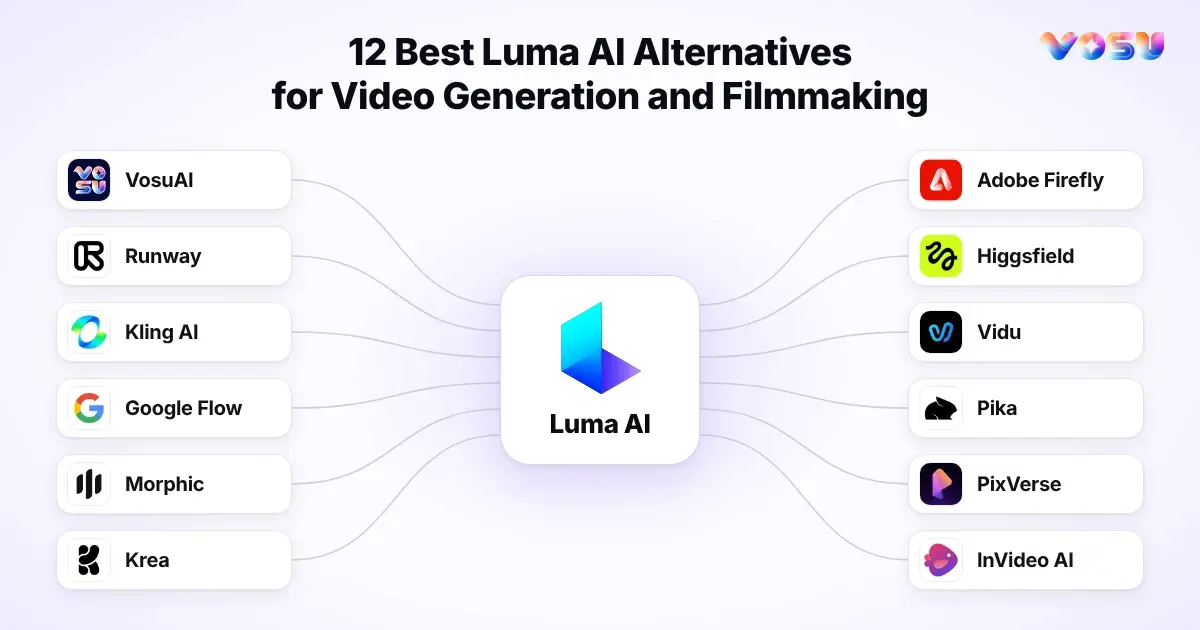
The best Luma AI alternatives are VosuAI, Runway, Kling AI, Google Flow, Morphic, Krea, Adobe Firefly, Higgsfield, Vidu, Pika, PixVerse and InVideo AI. These Luma alternatives cover multi-model production, direct shot control, AI filmmaking, story planning, timeline editing, reference continuity, native audio and finished-video assembly. A Luma alternative for creators may emphasize flexible model choice, while a Luma alternative for agencies must support reusable assets, team access and campaign variation. A Luma alternative for filmmakers may prioritize scene direction and connected shots. The current shortlist compares each option by the work it replaces, not by a universal quality score.
The Luma AI alternatives should be compared with Luma as it operates now: Ray3.2 for AI video generation and modification, UNI-1.1 for image work, Luma Agents for contextual planning and iteration, the Luma App for creative access, and the separately billed Luma API.
VosuAI becomes the broad conditional choice when the need is a Luma alternative with multi-model access and a connected production system, not a single generator. As a multi-model AI video platform, it connects model selection, Agents, Nodes, Playground and media tools around reusable production.
Runway, Kling AI, Google Flow and Higgsfield cover direct generation and AI filmmaking through shot revision, scene building and camera direction. Morphic handles AI storyboarding and narrative development. Krea, Adobe Firefly, Vidu, Pika and PixVerse support model comparison, reference control, effects or production-stack integration. InVideo AI shifts the decision toward script-to-video assembly, narration, captions, timeline editing and finished-video delivery for product, business and explainer work. This keeps the comparison job-led.
Decision set: 12 Luma AI alternatives are mapped by production job below.
- VosuAI
- Runway
- Kling AI
- Google Flow
- Morphic
- Krea
- Adobe Firefly
- Higgsfield
- Vidu
- Pika
- PixVerse
- InVideo AI
Quick Comparison: 12 Luma AI Alternatives
Match the alternative to the stage where Luma creates friction: model choice, shot control, story planning, audio, finishing, API access or billing.
Compare the 12 Luma AI alternatives and competitors by product type, replacement level, production job, inputs, reference control, audio path, editing or assembly, API scope, pricing posture and main boundary. This keeps Luma alternatives pricing separate from what each product can replace.
| Alternative | Product type | Pricing posture | Replacement level | Best production job | Main inputs | Reference or continuity | Audio path | Editing or assembly | API scope | Main boundary |
|---|---|---|---|---|---|---|---|---|---|---|
| VosuAI | 150+ to AI models, Agent, Nodes, Playground, MCP, Photo Studio, UGC Studio and Marketing Studio | From $1 pay as you go. No subscription, non-expiring credits, unlimited workspace and lower listed model rates | Broad workflow platform | Connected image, video and audio production | Prompts and reusable media assets | Model-specific controls and reusable project context | Integrated audio generation and editing | Agents, Nodes & Playground | MCP-connected workflows | Usage varies by model |
| Runway | Creative suite | $12/month | Workflow platform | Footage revision | Text, images, video | References, source footage | Audio tools | Revision, finishing | Separate API | No verified native Ray3.2 access or full Luma parity |
| Kling AI | Model-led studio | $6.99/month | Model-level | Motion control | Text, images, frames | References, keyframes | Mode-dependent | Clip controls | Public scope unverified | Recheck access and pricing |
| Google Flow | Filmmaking workspace | $4.99/month | Workspace-level | Connected Veo scenes | Prompts, images, ingredients | Reusable ingredients | Veo audio where supported | Scenebuilder | Separate Veo APIs | Plan, age and region limits |
| Morphic | Story workspace | $19/month | Workspace-level | Story-to-timeline planning | Scripts, boards, media | Character boards | Generated or imported audio | Compose timeline | Public scope unverified | Revisions consume credits |
| Krea | Multi-model suite | $5/month | Workflow platform | Model comparison | Prompts, images, video | Model-specific references | Mode-dependent | Nodes, enhancement | Separate metered API | App and API billing differ |
| Adobe Firefly | Creative suite | $9.99/month | Stack extension | Adobe production | Text, images, media | Creative references | Generated and translated audio | Adobe handoff | Firefly Services APIs | Partner terms differ |
| Higgsfield | Camera suite | $9/month | Shot-level | Camera-led ads | Prompts, identities, products | Identities, references | Mode-dependent | Shot planning, Canvas | MCP, CLI | Unlimited modes may restrict access |
| Vidu | Video platform | $8/month | Model-level | Recurring-subject clips | Text, images, references | Multiple references, frames | Selected-mode audio | Clip generation | Separately priced API | Continuity not guaranteed |
| Pika | Effects-first video app | $10/month | Companion tool | Short-form transformations | Text, images, video, frames | First and last frames | Audio, speech, SFX | Effects, scene assembly | Select-partner API | Not long-form production |
| PixVerse | Video platform | $8/month | Model-level | Transitions, extensions | Text, images, frames, audio | Start and end frames, references | Audio-led modes | Extension, effects | Separate API | App and API balances differ |
| InVideo AI | Finished-video builder | $9/month | Finished-video level | Script-to-video assembly | Prompts, scripts, media | Uploaded assets | Narration, music | Full timeline | Public scope unverified | Assembly over shot control |
1. VosuAI: Connect Model Choice to Repeatable Creative Production
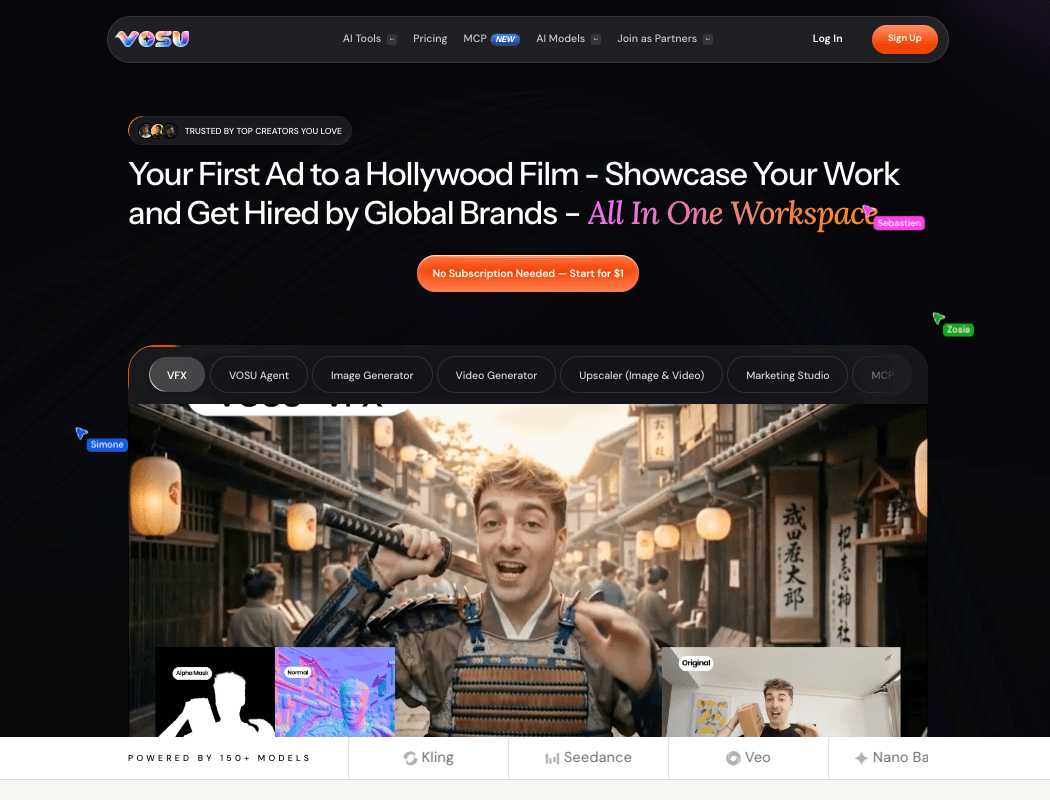
Playground, Agents and Nodes turn model testing into a saved, collaborative production process.
VosuAI is a practical Luma AI alternative for creators who need more than one-off clips, combining model exploration, agent planning, workflow building, image and video generation, audio, editing and team review in a connected pay-as-you-go production space.
VosuAI follows the way creative work moves from idea to output. A campaign can begin with a prompt, brief, uploaded product asset, reference image, source clip or audio direction, then move into video models, VOSU Agents, Nodes, Playground and editing tools. That sequence creates a repeatable AI video workflow for variations, reusable setups and organized production assets instead of isolated generations.
The practical value is orchestration. Playground compares model behavior with the same prompt or reference material. VOSU Agents turn a creative goal into planned actions and editable outputs. Nodes connects models, tools and production steps visually, supporting multi-model AI video generation without rebuilding each process. Audio, editing, upscaling and MCP stay near generation, while unlimited workspace and team members support collaborative production without seat-based friction.
That breadth should not be confused with Luma model parity. VosuAI does not list verified native access to Luma Ray or Ray3.2, so the article should not imply that it recreates every Luma-specific model, control or developer workflow.
Pros: VosuAI brings video models, VOSU Agents, Nodes, Playground, audio, editing, MCP and team workflows into one production environment.
Trade-offs: Its value centers on connected workflow breadth, not exact replication of Luma’s proprietary models and controls.
Pricing: VosuAI starts from $1 with pay-as-you-go credits, no required subscription and a non-expiring purchased balance. This addresses the need for a no subscription AI video generator without assigning VosuAI a monthly plan.
Ideal for: Creators, agencies and teams building campaigns, reusable workflows, model comparisons and collaborative media production systems.
Bottom line: VosuAI is most relevant when the need is an AI creative workspace built around models, assets, teams and repeatable production, not only a clip generator.
2. Runway: Generate, Revise and Finish Footage in One Workspace
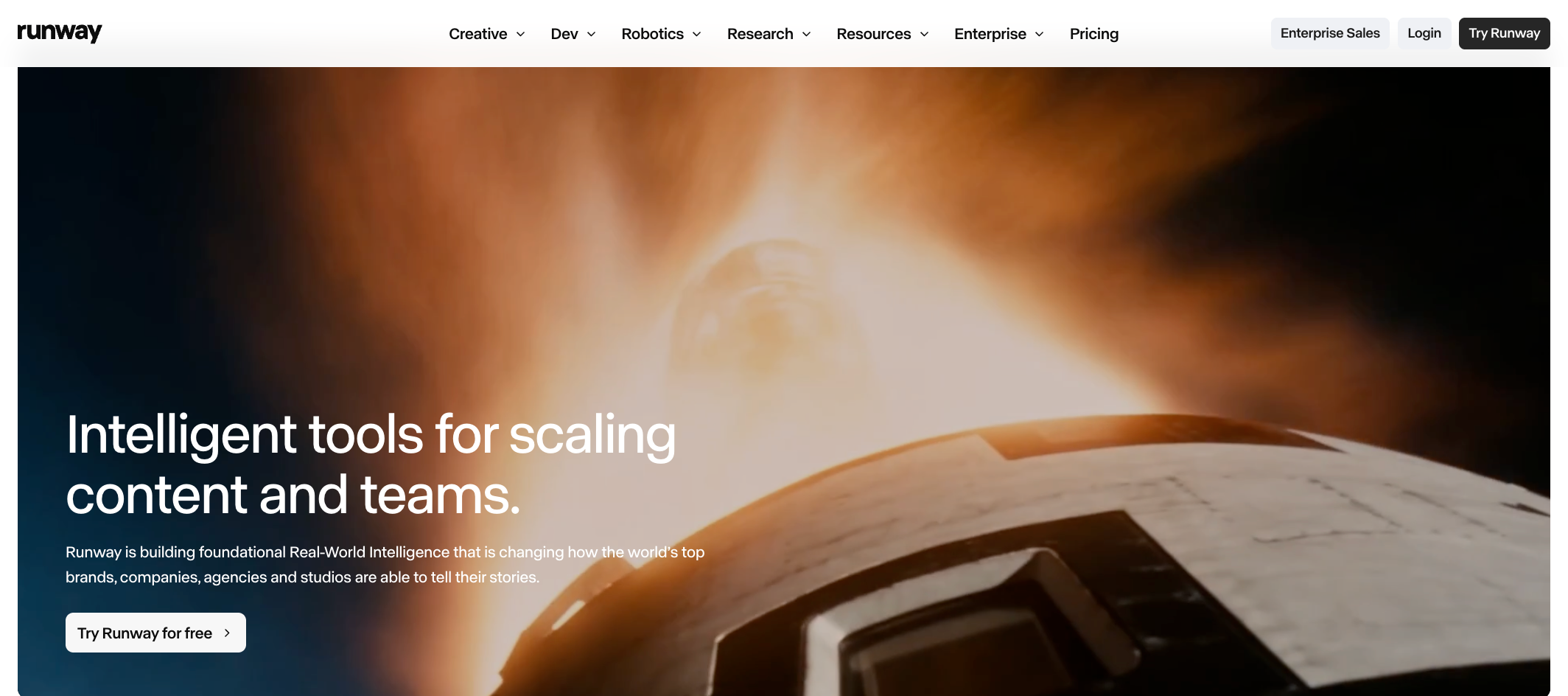
Runway carries a generated shot through targeted changes, audio work, upscaling and export.
Runway is useful for filmmakers replacing Luma when one workspace must generate shots, revise existing footage, create audio and prepare assets for finishing.
Start with a prompt, image or source clip, then choose a model for generation or revision. Gen-4.5 handles direct generation, image-to-video and video-to-video, while Aleph 2.0 targets precise changes to existing footage. Runway-owned models sit beside partner models, so controls, credits and output paths change with the selected model.
The same workspace carries a shot through revisions, audio, upscaling, export and project handling. It can regenerate individual AI video shots and prepare them for finishing, which is the practical reason to consider Runway as a Luma alternative. It does not reproduce Luma Agents or Ray3.2 controls, even though Runway has its own Agent experience.
Pros: Runway supports prompt, image-to-video and video-to-video workflows, plus audio creation, upscaling, revisions and organized projects.
Trade-offs: Credit use and model-dependent cost change by model, duration and resolution, and partner models may not share the same controls.
Pricing: Paid creative plans start at $12/month when billed annually, with credits used across image, video and audio generation.
Ideal for: Creators who want timeline editing near generation, sound work, upscaling and project assets.
Bottom line: Runway is useful when the Luma replacement job is generating, changing and preparing footage, not replicating Ray controls or Luma Agents.
3. Kling AI: Direct Motion With References, Frames and Multimodal Inputs
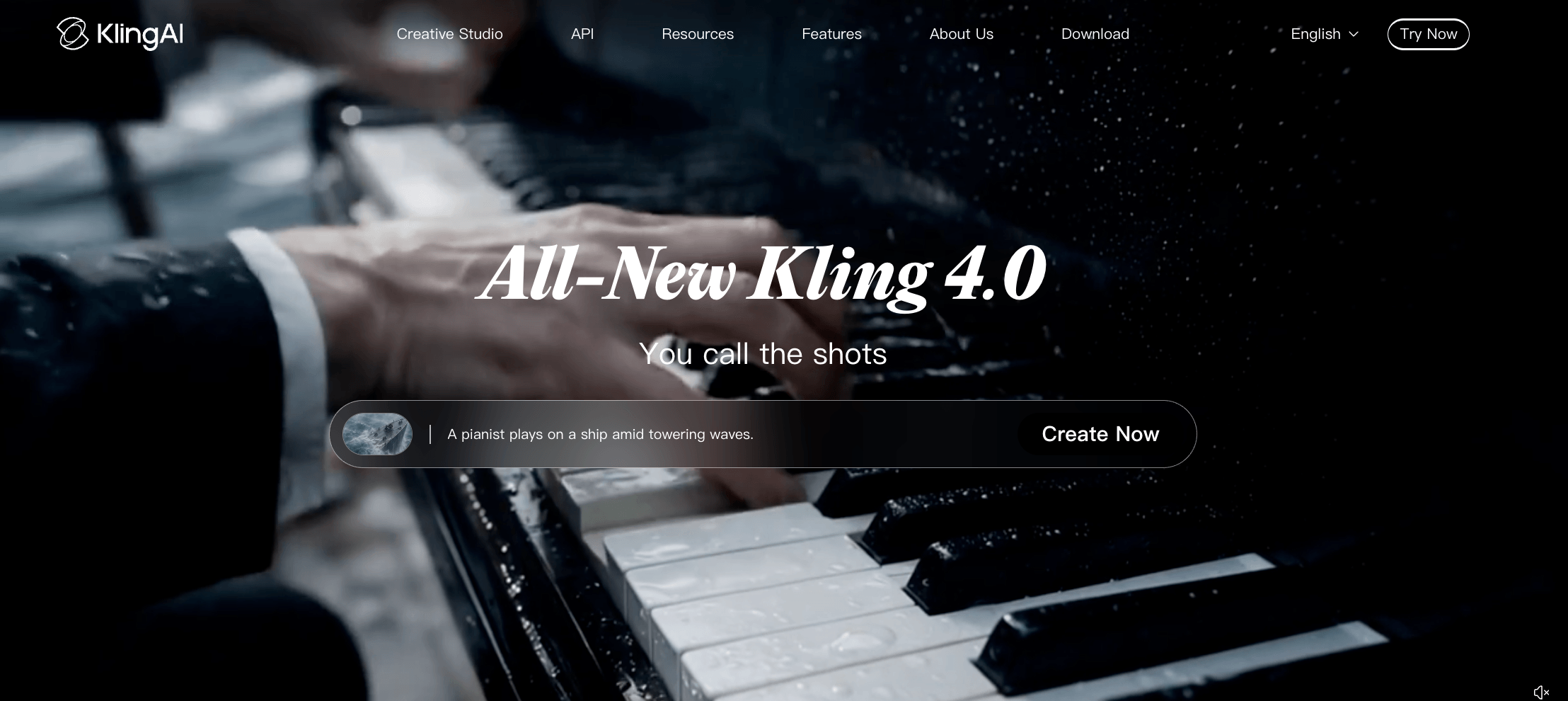
Kling shapes subject motion through reference media and start-to-end frame direction.
Kling AI is a model-forward alternative for creators who prioritize references, frame constraints and motion direction over a broader agent workspace.
Kling AI starts closer to the shot than the campaign system. Its public creation surface works as a text to video AI generator and image to video AI generator, with references plus start-frame and end-frame controls guiding how a subject enters, moves and exits. This serves motion-first work rather than a broader planning layer.
The current model signal is Kling 3.0 Turbo, while Kling 4.0 appears as early access, so verify the live generator label before naming the model. That keeps a Kling versus Luma comparison anchored to the active product rather than a stale version.
Pros: Kling AI supports motion-led generation from text, images, reference media, start frame and end frame constraints.
Trade-offs: Its value sits in model control and shot direction, not in a full agent workspace or timeline-centered finishing system.
Pricing: The signed-out product shows plans from $6.99 and uses credits, but complete pricing details were not reliably retrievable.
Ideal for: Creators making controlled clips where reference input, frame constraints and motion direction matter more than campaign orchestration.
Bottom line: Kling AI is useful when the Luma replacement job is directing movement inside a generated shot, with pricing and model labels checked in the live product.
4. Google Flow: Build Connected Veo Scenes Around Reusable Ingredients
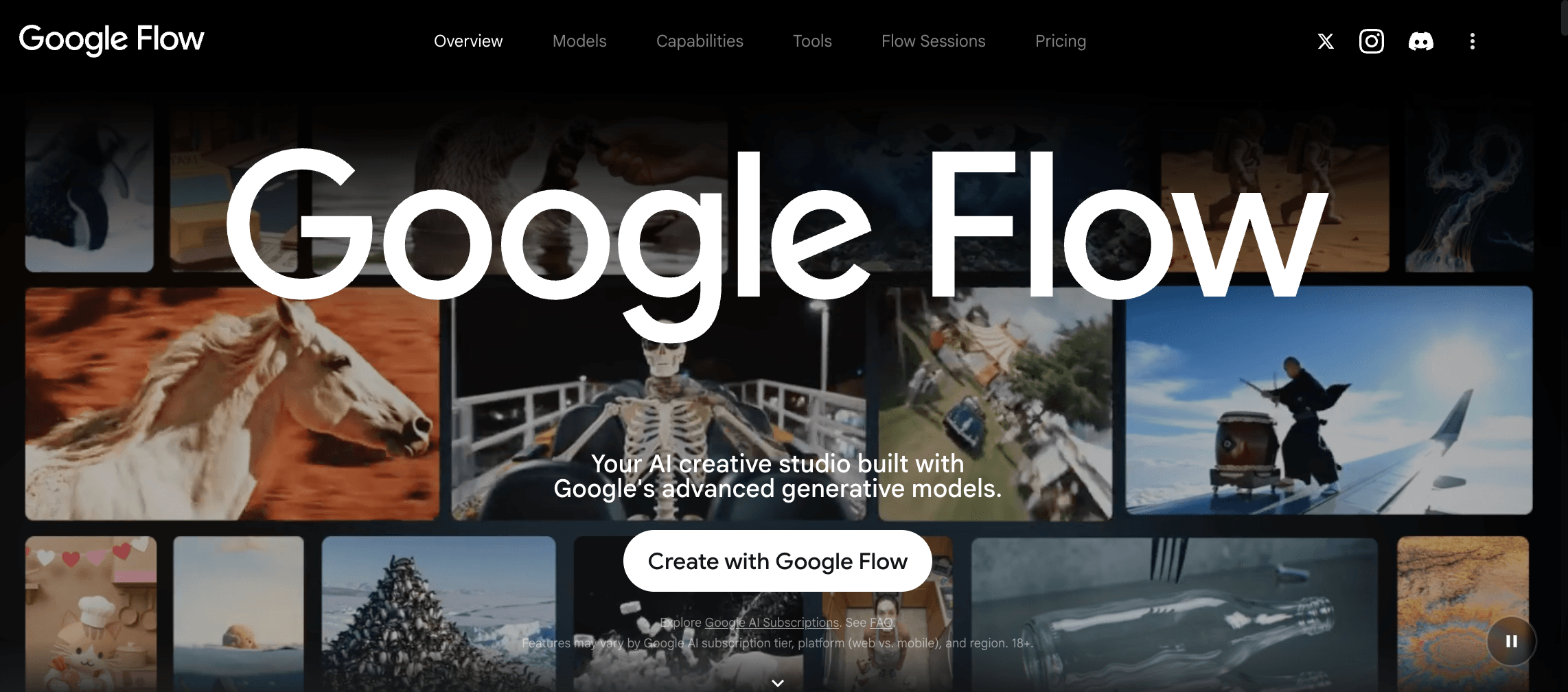
Flow keeps recurring ingredients available while Veo clips develop into connected scenes.
Google Flow serves filmmakers who want an AI filmmaking platform built around Veo, reusable ingredients, camera controls and Scenebuilder.
Begin with a character, object or scene image. Flow can turn uploads or images made with its Nano Banana tools into reusable ingredients, then carry those references into Veo generations. Rather than functioning as a standalone AI film generator, it combines Gemini-supported prompt interpretation, camera direction and organized project assets.
Scenebuilder arranges, trims, previews and downloads clips as a sequence, so Flow can replace Luma work centered on related shots with recurring visual anchors. It does not automatically reproduce Luma Agents, Ray3.2 controls or every Luma API workflow. Paid credits and feature access vary across Google AI Plus, Google AI Pro and Google AI Ultra. Users must be 18+ in a supported region, and a supported Chromium-based desktop browser is recommended.
Pros: Reusable ingredients, camera controls, asset management and Scenebuilder keep shot creation and sequence assembly inside one project.
Trade-offs: Models support different controls, and some editing features vary by regional availability.
Pricing: In the U.S., Plus costs $4.99/month with 200 Flow credits, Pro costs $19.99/month with 1,000, and Ultra starts at $99.99/month with 10,000.
Ideal for: Filmmakers using Google Flow as a Veo-based Luma alternative to plan connected scenes around recurring characters, objects or locations.
Bottom line: Google Flow addresses multi-shot continuity through managed ingredients and sequencing, not Veo generation alone.
5. Morphic: Turn Story Planning Into an Editable Sequence
Canvas, Copilot and Compose move source material from story planning into an editable sequence.
Morphic gives story-first creators a connected path from scripts and reference boards in Canvas to Copilot-guided generation and a Compose timeline. It directly addresses the need for a Luma AI alternative for AI storyboarding.
A script, PDF or visual reference can enter Canvas and inform a storyboard and shot list. Copilot turns that material into images, video or audio, making Morphic an AI storyboard generator within a broader story first AI video workflow. Outputs move into Compose, where an AI video timeline editor handles ordering, trimming, layering and AI-assisted edits. This replaces Luma's narrative-development layer without claiming model or Agent parity.
Pros: Canvas, Copilot, and Compose connect planning, generation, and sequence editing. Multi-track control makes the workflow more useful for structured stories than isolated clip creation.
Trade-offs: Copilot replies, generations, and AI edits consume shared credits. Retry cost rises because every new attempt is billable, so exploratory iteration can raise usage. Manual Compose edits do not consume credits.
Pricing: Basic starts at $19/month, billed as $228 per year, with 2,400 monthly credits. Standard costs $24/month, Pro $45/month and Max $170/month, each billed annually.
Ideal for: Creators evaluating Morphic as a Luma AI alternative for scripts, PDFs, storyboards or reference boards that must become an editable sequence.
Bottom line: Morphic links an AI video storyboarding app to timeline assembly around one narrative, while Luma-specific generation behavior remains a separate requirement.
6. Krea: Compare Models and Iterate on Visual Directions Quickly
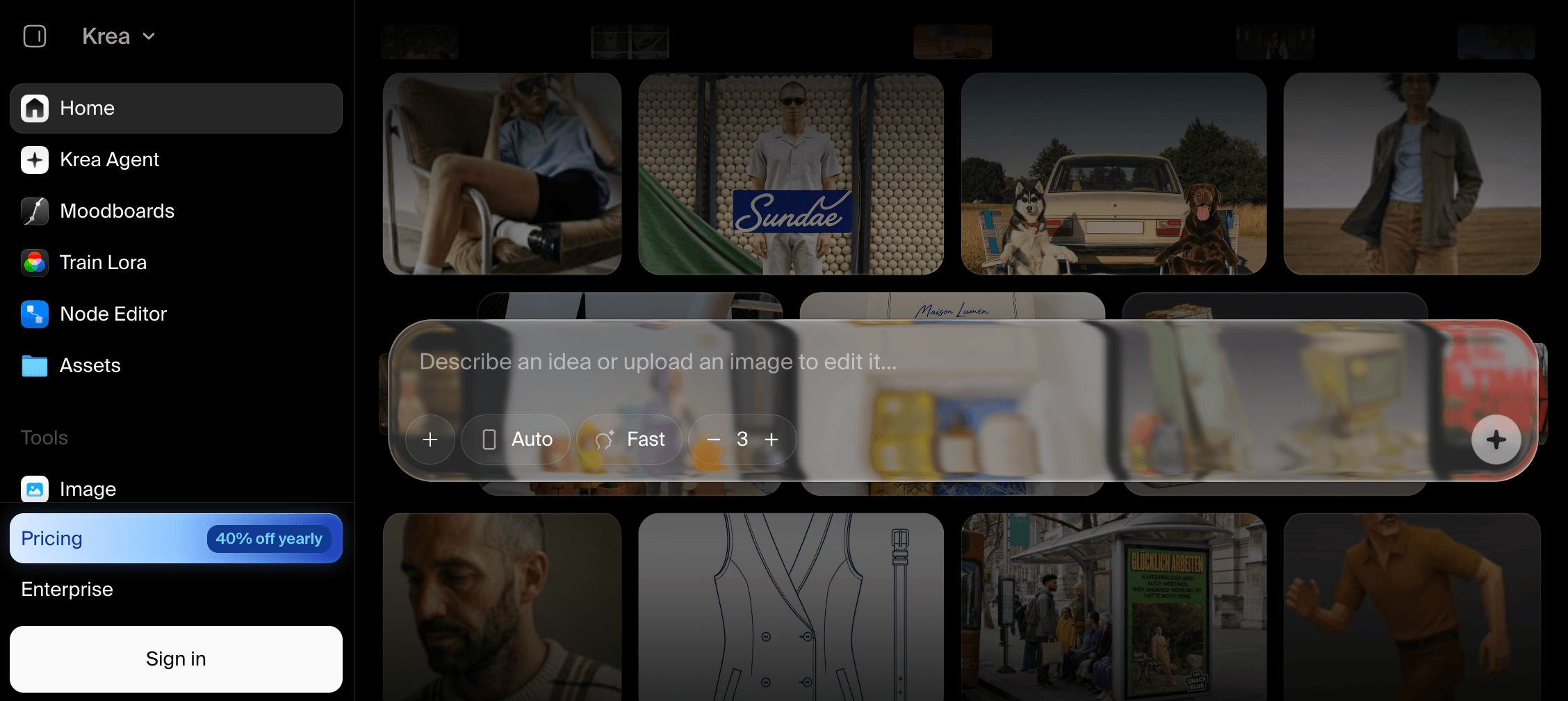
Krea supports rapid model trials, visual refinement, enhancement and reusable node-based processes.
Krea works when rapid model comparison, visual iteration, enhancement and node-based production matter more than committing to one proprietary video engine.
Start with a prompt or reference image, then use the video model selector to compare supported models and compare AI video takes before standardizing a direction. Krea's enhancement and Nodes are platform capabilities, while partner models stay separately identified. Chosen directions can move into Nodes, where models, prompts and processing steps become a connected workflow. This supports multi-model AI generation without reproducing Luma Agents or guaranteeing equivalent controls across models.
Pros: Multi-model access shortens comparison work. Nodes preserves connected steps, while enhancement can prepare chosen assets for later production.
Trade-offs: Inputs, controls, speed, and consumer compute-unit consumption vary by model. Partner access can also change, so the current video model selector is the controlling catalog.
Pricing: Paid Krea access starts at $5/month. Higher tiers add more consumer compute units and broader video-model access. Krea API usage draws from a separate API balance and is billed per successful generation.
Ideal for: Visual teams evaluating Krea AI as a Luma alternative before standardizing a repeatable node-based process.
Bottom line: Krea is a practical Luma alternative for model choice and iterative development, with separate consumer and API economics.
7. Adobe Firefly: Extend Generative Video Into an Adobe Production Stack
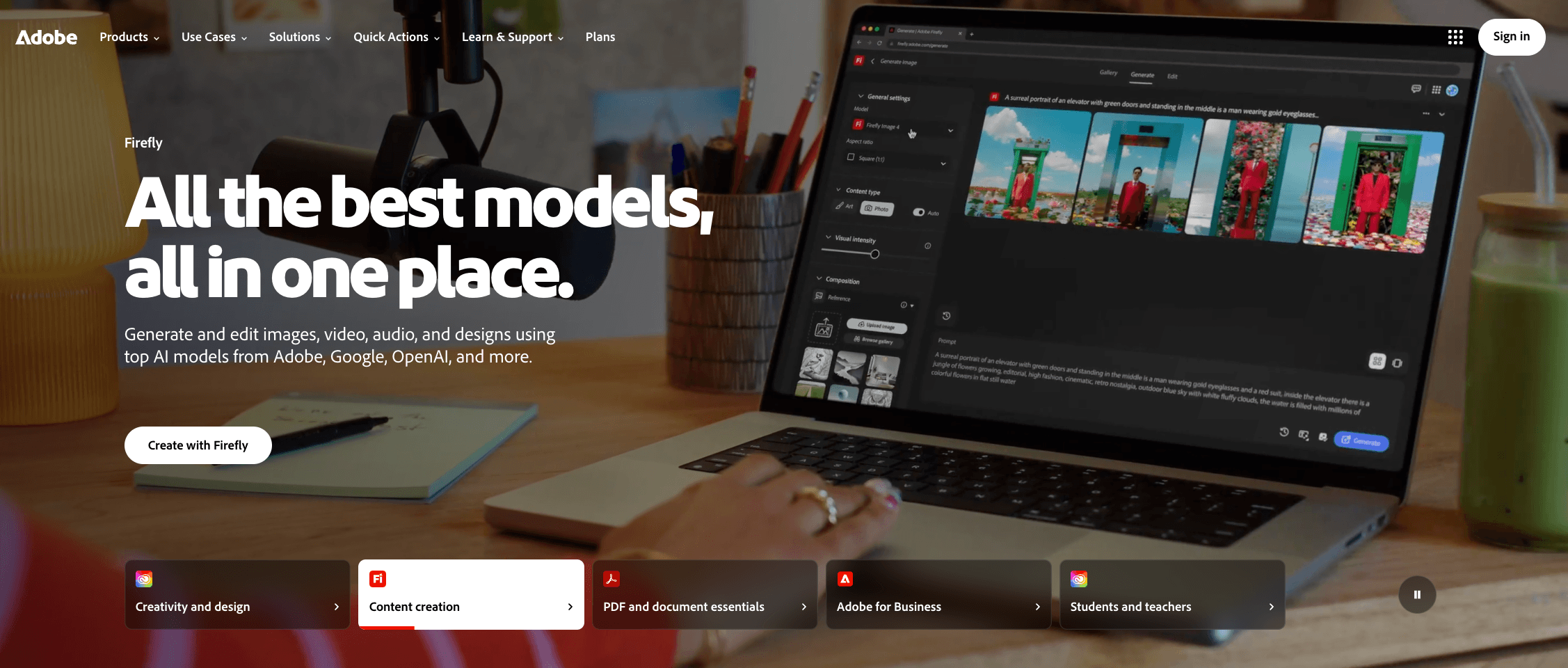
Firefly connects generated video, imagery and sound with Photoshop, Express and Premiere.
Adobe Firefly serves Adobe-centered teams that need a Luma alternative for brand control, generated media and established editing applications.
A prompt or source asset can become video, imagery, speech, music or sound effects, making Firefly an AI image and video generator with sound inside Adobe's stack. Assets can continue into Photoshop, Adobe Express or Premiere. This keeps AI video with sound near design and finishing tools, reducing export and re-import handoffs. The menu includes Adobe Firefly and partner models with different capabilities, terms and credit costs. Anyone evaluating a Luma commercial rights alternative must check the selected model's terms instead of applying one claim to the whole catalog.
Pros: Video generation, image generation, and audio tools sit close to familiar finishing applications. Assets can move into Photoshop, Adobe Express, and Premiere.
Trade-offs: Results and controls vary by selected model. Premium video features and partner models consume generative credits, which reset monthly and do not roll over.
Pricing: Paid Firefly plans start at $9.99/month. Higher plans increase the monthly generative-credit allowance.
Ideal for: Adobe-centered teams that want generated assets to continue into design and editing workflows.
Bottom line: Adobe Firefly extends generation into an established creative stack, provided teams check model terms and credit use for each workflow.
8. Higgsfield: Choreograph Camera-Led Ads and Cinematic Shots
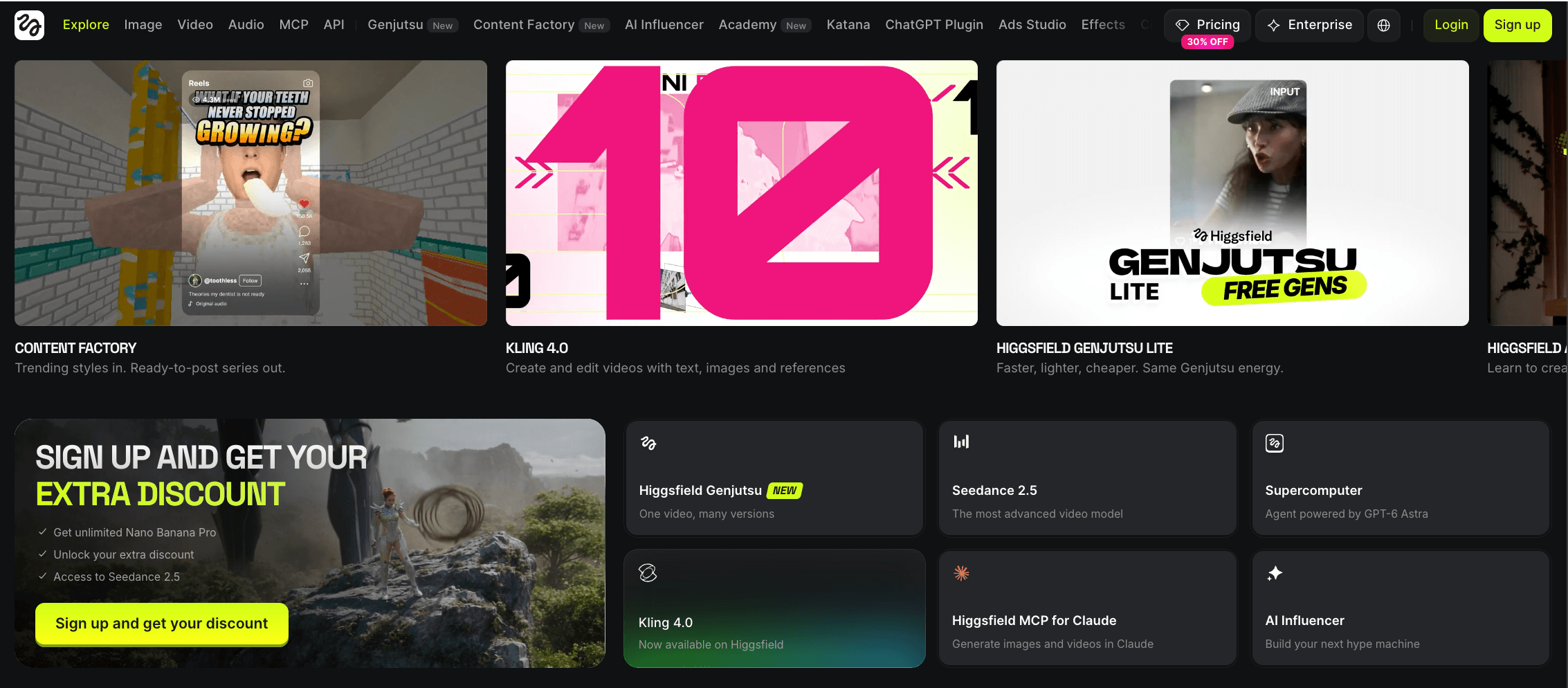
Higgsfield gives advertisements and cinematic shots deliberate lens, camera and identity direction.
Higgsfield makes sense in a Higgsfield vs Luma decision when camera movement, lens choices, reusable identities and ad-focused shot direction matter more than a broader agent workspace.
A creator can begin with a character or product reference, choose lens and camera settings in Cinema Studio, define motion and preview before generation. Soul ID supports reusable identity work, though visual drift can occur. Marketing Studio organizes AI UGC ad video and product-ad creation around campaign assets and formats. These tools cover camera-led advertising without reproducing Luma Agents or proving Ray parity.
Pros: Cinema Studio combines lens choice, visual reference, camera motion, and directed shot setup. Soul ID supports recurring identity work, while Marketing Studio addresses advertising workflows.
Trade-offs: Credit use depends on the model and action. Unlimited modes are model-specific, time-bound, and limited to the Higgsfield web experience. MCP, CLI, Canvas, and automated usage continue to deduct credits.
Pricing: Paid plans start at $9/month. Pro and Max provide larger credit allowances, while taxes may vary by location.
Ideal for: Directors and agencies comparing a UGC ad video generator or AI product video generator for deliberate camera behavior and reusable subjects.
Bottom line: Higgsfield supports controlled camera choreography and campaign-oriented shot creation, with clear limits around identity consistency and unlimited access.
9. Vidu: Hold Subjects Steady Across Reference-Driven Clips
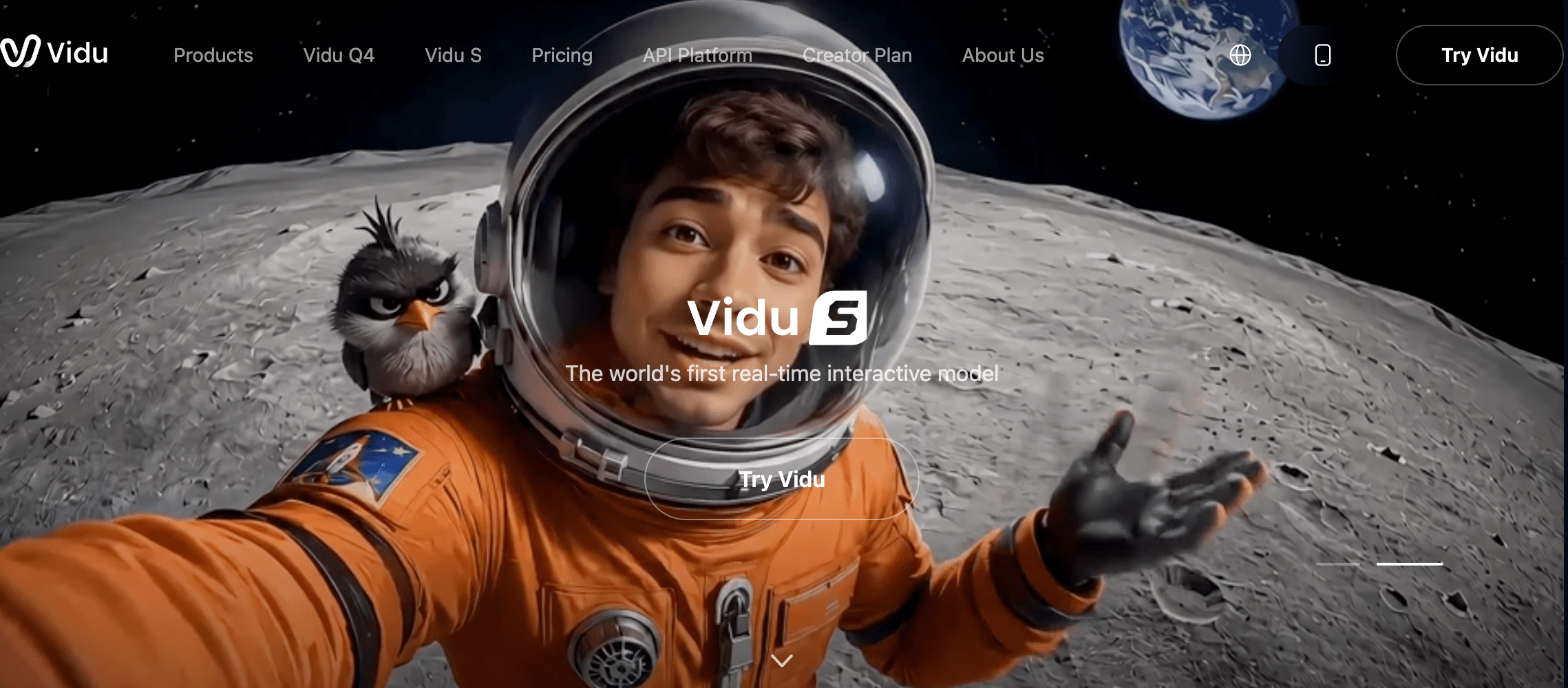
Vidu guides recurring people and products through references, multi-frame states and synced-audio modes.
Vidu emphasizes character consistency through reference-to-video, multi-frame control and recurring-subject continuity.
A creator can supply one or more references, animate one image, or set first and last frames to shape a transition. Multi-frame control defines key visual states instead of relying only on text. These controls support consistent character AI video and reusable character AI video workflows without guaranteeing perfect identity preservation. Supported Q-series modes can also create AI video with synced audio. Vidu covers reference-driven clips, not Luma Agents, broader planning or timeline editing.
Pros: Reference-to-video, image-to-video, multi-frame inputs, and Q3 audio-video options offer several ways to guide related shots.
Trade-offs: Subject consistency varies with the references, model, mode, and prompt. Duration, resolution, and output options also differ across Q-series workflows.
Pricing: Paid Vidu plans start at $8/month. The Vidu Open Platform API is separate and measures usage by model, mode, duration, and resolution.
Ideal for: Creators seeking a Luma alternative with character reference controls for recurring people, products, opening frames or closing frames.
Bottom line: Vidu provides practical reference controls for continuity-led clips, while complex story planning and final assembly still require another workflow.
10. Pika: Transform Short-Form Clips With Modular Effects
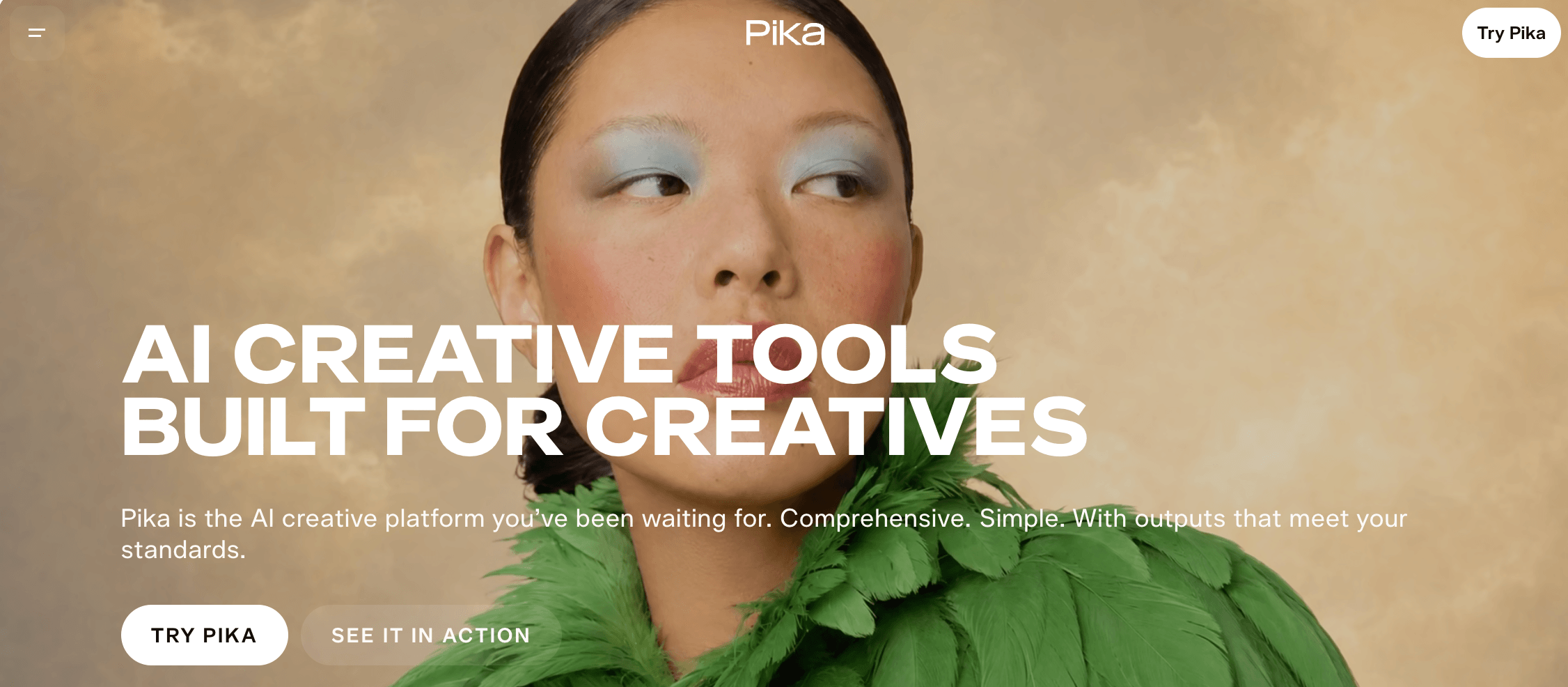
Pika applies focused scene, swap, addition, twist and effects transformations to short clips.
Pika targets short-form creators seeking a Luma alternative for TikTok and other social media campaigns built around modular effects.
Pika organizes each task around a specific transformation. Pikaframes uses a first frame and last frame to guide movement between two visual states, while Pikascenes assembles supplied visual ingredients into a new scene. Pikadditions inserts a subject or object into existing footage. Pikaswaps replaces a selected element, Pikatwists changes the action within a clip, and Pikaffects applies preset visual transformations.
This modular approach supports fast social experimentation because creators can test one focused change without rebuilding an entire video. It can also support a Luma alternative for music videos when the job is a compact visual transformation, although a separate editor remains necessary for sequencing and detailed audio.
Pros: Distinct modules make frame transitions, scene assembly and targeted clip changes easy to separate.
Trade-offs: Pika does not provide the full production timeline needed for long-form sequencing, detailed audio work or final delivery management.
Pricing: Paid Pika plans start at $10/month.
Ideal for: Social creators, campaign teams and editors producing rapid visual variations, effects and compact transitions.
Bottom line: Pika works as a Luma short clip workflow alternative for modular transformations, not complete production assembly.
11. PixVerse: Explore Transitions, Extensions and Social-Ready Variations
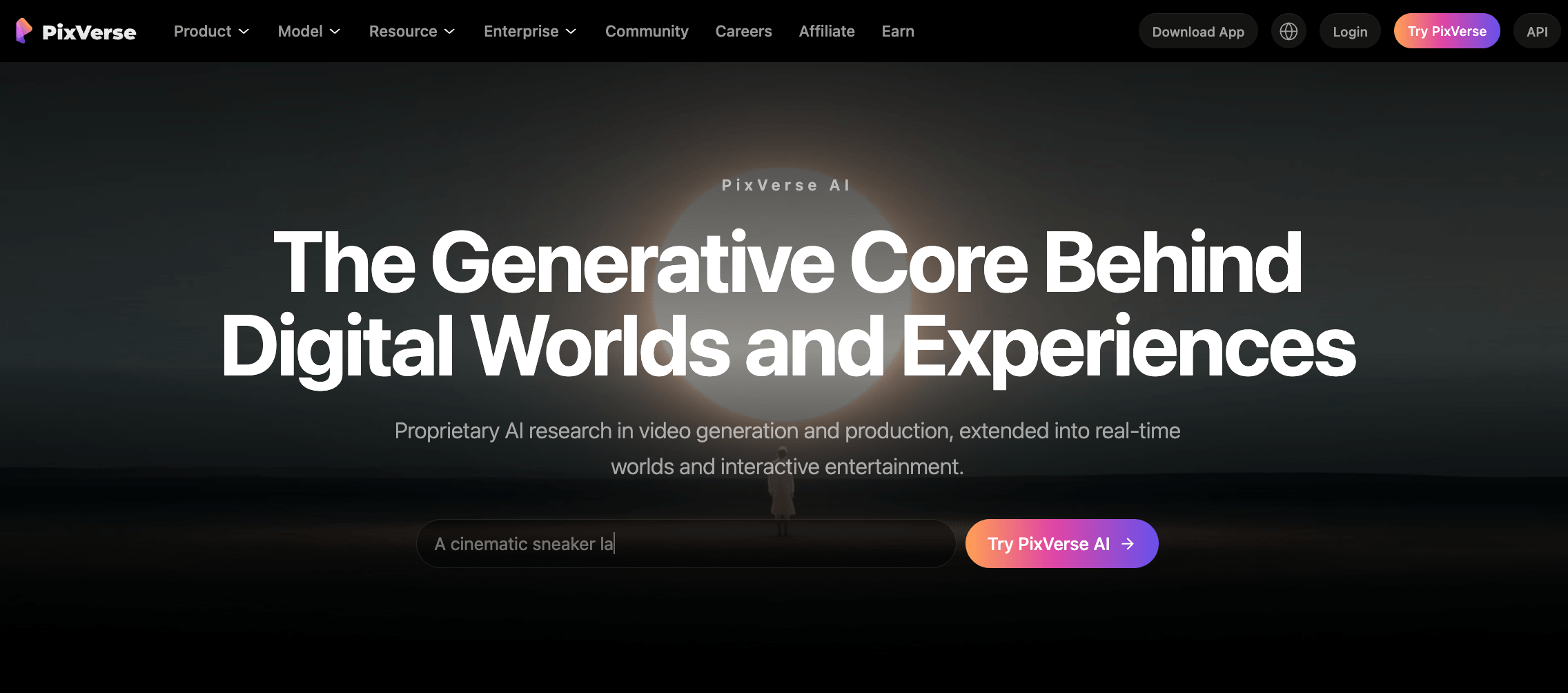
PixVerse creates transition, extension, reference and audio variations through model-specific generation modes.
PixVerse offers a Luma alternative for social media creators who need text, image, transition, extension, reference and audio-led video generation.
The create workflow lets users choose a path that matches the source material. V6 supports text-to-video, image-to-video, transition, extension and Fusion-based reference-to-video, with audio available in supported modes. C1 also supports text, image, transition and reference workflows, but settings and credit requirements remain model-specific.
A transition connects starting and ending visuals, extension continues an existing clip, and reference controls carry supplied subjects or visual cues into a new result. This structure is most useful for producing several social-ready versions of the same short scene.
PixVerse’s first-party V6 and C1 models should remain distinct from integrated partner-model access listed with a consumer subscription. The API has its own membership and API credits, with usage changing by model, mode, duration, resolution and audio selection.
Pros: Multiple input and transformation paths support quick variation from a shared asset set.
Trade-offs: The range of modes requires careful model selection, and PixVerse is not a complete long-form timeline or finishing environment.
Pricing: Paid PixVerse plans start at $8/month. API usage is purchased separately.
Ideal for: Creators evaluating PixVerse as a Luma alternative for transitions, extensions, references and audio-enabled short clips.
Bottom line: PixVerse supports flexible scene experimentation when users keep model access, subscription credits and API economics separate.
12. InVideo AI: Assemble Scripts, Narration and Media Into Finished Videos
InVideo AI turns briefs into scene-based videos with scripts, narration, captions and editable pacing.
InVideo AI replaces the full-video layer by turning a brief into a scripted, voiced, subtitled and timeline-editable result.
Its prompt-to-video workflow functions as an AI video script generator, expanding a brief into ordered scenes before adding voiceover, music, subtitles, stock footage, uploaded assets and generated media. That prompt to finished video path moves beyond an isolated generated shot.
Users can revise the script, replace visuals, adjust narration and captions, and refine pacing before export. This makes InVideo AI useful as a Luma alternative for explainer video production, a YouTube AI video generator or an AI business video generator when the project also needs a Luma alternative with captions.
The subscription and generation economics need separate treatment. Paid plans include a credit allowance, while selected provider models can consume credits at different rates. Subscription pricing and provider-model costs should remain separate in production budgets.
Pros: Script, media, audio, subtitles and timeline controls stay within one finished-video workflow.
Trade-offs: Credit use varies by model, and template-led assembly offers less granular shot direction than a dedicated generation model.
Pricing: Paid InVideo AI plans start at $9/month. Provider-model usage draws from the available credit allowance at model-specific rates.
Ideal for: Marketing, sales, training and editorial teams seeking a Luma alternative for training video, YouTube content, product walkthroughs or narrated launches.
Bottom line: InVideo AI is a Luma alternative for finished-video assembly, not Ray-level control over individual generated shots.
How to Choose The Best Luma AI Alternative?
Choose the replacement level first, then compare the inputs, control points, audio path, editing depth, access model and cost of producing a usable result.
When model switching, rebuilt setups or idle subscriptions create recurring friction, VosuAI becomes a practical comparison. It connects model choice, reusable workflows and usage-based access, while specialists serve narrower production jobs.
- Define the replacement level. Choose a direct model for shots, an AI filmmaking workspace for planning and revision, or a finished-video builder for assembly. Do not label one product the best multi-model Luma alternative until the recurring need spans both model choice and connected production.
- Match the required inputs. List whether projects begin with prompts, images, source video, scripts, frames, audio, or reusable assets. Remove options that cannot accept the materials your process requires.
- Verify reference and character control. Examine how products, recurring subjects, references, and keyframes carry across shots. Character consistency requires more than accepting one reference image when identity, wardrobe, framing, or motion must survive revisions.
- Check the audio path. Decide whether you need native audio, generated speech or music, lip sync, or later sound work. Silent clips can still create another production handoff.
- Inspect shot revision and timeline depth. If you need a Luma alternative with timeline editor support, separate targeted editing, extensions, reframing and scene ordering from simple regeneration. Shot control and finished-video production solve different problems.
- Separate web-app and API billing. A useful AI video pricing comparison distinguishes subscriptions, credit based AI video plans, API rates and separate balances. Review duration, resolution, seats, rate limits and automation costs.
- Calculate usable-output cost, including retries and upscaling. Luma cost per video cannot be inferred from an entry price alone, so budget for accepted clips, alternate takes, failed attempts, longer duration and finishing. When demand changes between projects, VosuAI's pay-as-you-go access from $1, no required subscription and non-expiring balance reduce fixed commitment.
- Confirm rights, team, security and regional requirements. Review commercial-use terms, consent, data handling, permissions, browser or region access, and support. When repeated work needs coordination, VosuAI Agents or Nodes can organize connected steps under the project’s governance rules.
When productions cross models, media, revisions and team handoffs, evaluate VosuAI. A specialist may be more appropriate for continuity, scene direction or final assembly. The questions that follow narrow those decisions.
What Luma AI Means Before You Compare Replacements
A 2026 comparison must benchmark Luma against Ray3.2, UNI-1.1, Luma Agents, the Luma App and the Luma API, not deprecated Dream Machine or Ray2 framing. Review how AI video generation converts inputs into scenes before comparing replacements. ‘Luma Dream Machine alternatives’ remains a legacy query. Luma App subscriptions stay separate from pay-as-you-go or provisioned-throughput Luma API billing.
What Are The Ways a Luma Alternative Can Replace the Workflow?
A Luma alternative can replace the generation model, the production workspace or the finished-video workflow, and few tools cover all three. Review where generative AI supports content production to separate those layers. Luma AI competitors may generate shots, coordinate references and revisions, or add scripting, captions and assembly. Choose the layer matching the first recurring bottleneck, treating narrower products as partial replacements or companion tools.
Do You Need a Full Luma Replacement or a Companion Tool?
Replace Luma when the bottleneck repeats across projects. Add a companion when one missing stage, such as raw-clip-to-finished-video AI assembly, causes the problem. First, identify repeated production steps that justify automation. A full replacement is justified when the model, workspace or finished-video layer blocks delivery. If one adjacent stage fails, retain Luma and add the tool.
Which Alternatives Add Audio While Generating Video?
The right Luma AI alternative with audio depends on native sound, an attached track or post-generation audio. A Luma silent video alternative can therefore mean different things. First, structure a script around dialogue, sound and timing, then compare Luma alternatives with native audio. Google Flow, Vidu Q3 and PixVerse V6 can create audio with video. Runway, Adobe Firefly and InVideo AI add sound separately.
Which Options Preserve a Character Across Multiple Shots?
For Luma alternatives with character consistency, start with reusable character, subject or scene references and judge multiple shots. Before testing, separate reusable avatar identity from visual continuity. Character-reference controls may use subject references, scene ingredients or reusable identities. Vidu, Google Flow, Higgsfield and Morphic cover different paths. These controls support character consistency AI video without guaranteeing identical results.
Can You Explore Luma AI Alternatives Without a Paid Monthly Plan?
Before choosing a free alternative to Luma AI, separate free access, trial credits and pay-as-you-go balances. For a low-commitment benchmark, inspect VosuAI's current pay-as-you-go model rates. Free Luma alternative credits may expire, restrict models or add watermarks, while a free Luma alternative may limit commercial use. VosuAI is not free. It starts at $1 without a subscription, and purchased balance does not expire.
Which Tools Better Serve Product and Business Video?
Luma alternatives for product videos and business video need brand assets, narration, captions, variants and assembly. For ad-focused production, review options for controlled product and ad shots. VosuAI coordinates variations, Higgsfield handles UGC-style ad video, Adobe Firefly extends product imagery, and InVideo AI works as an AI product video generator or Luma alternative for launch video.
How Do Model Platforms Differ From Finished-Video Builders?
A multi-model Luma alternative optimizes model choice, while a Luma alternative for full video adds scripts, narration, captions, sequencing and export. To set that boundary, understand how individual AI models differ from creative platforms. VosuAI and Krea coordinate model-led creation. InVideo AI adds final assembly. The best Luma alternative for finished videos depends on editing depth and handoff requirements, not model count.
What Changes When You Need an API Instead of a Web App?
An API decision adds rate limits, request types, failure billing, latency, data handling and deployment requirements that a web-app subscription does not answer. For the orchestration layer, see how goal-driven AI agents coordinate multi-step work. Luma, Krea, Vidu and Runway meter API use separately from editor or app plans. Before implementation, compare each SDK, request lifecycle, retry policy, data handling and deployment requirements.
When Is Staying With Luma the More Rational Choice?
Keep Luma when Ray3.2 controls, HDR or EXR output, existing Agents projects, Luma-specific API integration or team processes outweigh the switching benefit. Before migrating, strengthen the prompt patterns your current shot workflow depends on and record what must transfer. Learned prompts, Luma Agents project context and downstream pipeline dependencies raise migration cost. Re-evaluate when a recurring limitation, access change or usable-output cost outweighs migration.
Which Alternative Matches Your First Production Bottleneck?
To find the best alternative to Luma AI, start with the production bottleneck. The best Luma AI alternative for AI video generation may be Kling AI or Google Flow. The best Luma alternative for short form may be Pika or PixVerse. The best Luma AI alternative for YouTube needs InVideo AI's scripting and timeline. Compare VosuAI for connected production, then review platforms spanning shot creation and revision.