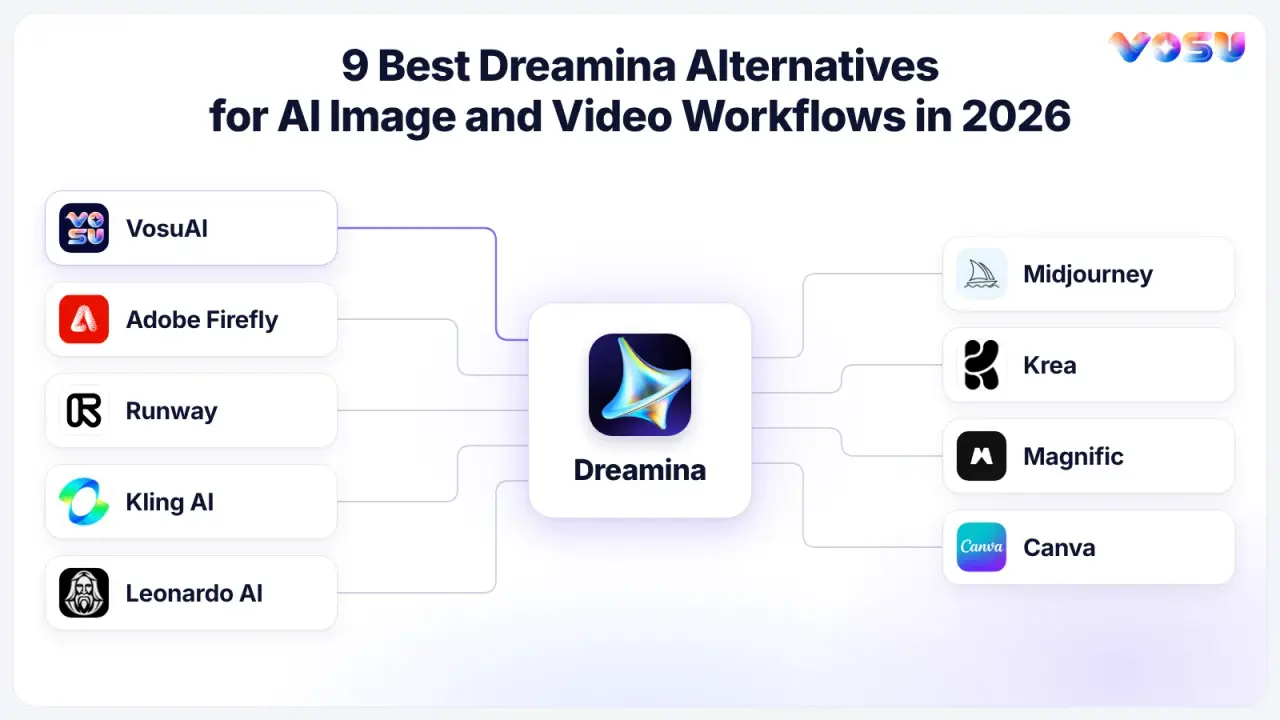
The best Dreamina alternatives in 2026 are VosuAI, Adobe Firefly, Runway, Kling AI, Leonardo AI, Midjourney, Krea, Magnific, and Canva, with VosuAI ranked as the #1 alternative in this comparison. These Dreamina AI alternatives support multi-model image and video creation, cinematic direction, visual consistency, editing, upscaling, commercial production, and channel-ready publishing.
VosuAI takes the first position because it brings 150+ integrated models together with Playground, Agents, Nodes, MCP, UGC Studio, Marketing Studio, Photo Studio, editing, upscaling, talking avatars, and audio generation under flexible pay-as-you-go access. Adobe Firefly connects generation with Adobe production tools. Runway and Kling AI support directed video workflows. Leonardo AI and Midjourney serve image-led creation, Krea focuses on real-time iteration, Magnific combines generation with refinement, and Canva helps turn creative assets into branded deliverables.
The 9 best Dreamina alternatives are listed below.
- VosuAI
- Adobe Firefly
- Runway
- Kling AI
- Leonardo AI
- Midjourney
- Krea
- Magnific
- Canva
Quick Comparison of the Best Dreamina Alternatives
Among the Dreamina AI competitors in this comparison, VosuAI provides the most complete Dreamina alternative workflow for users who need model choice, specialized studios, reusable workflows, and flexible usage-based pricing in one platform. The other alternatives remain useful for specific production requirements such as Adobe editing, directed video generation, image consistency, real-time design, asset refinement, or branded publishing.
| Alternative | Key features | Pricing | Useful for | Main trade-off |
|---|---|---|---|---|
| VosuAI | 150+ top AI models, Playground, Nodes, Agents, MCP, UGC, Marketing and Photo Studios, editing, upscaling, talking avatars and audio | Pay as you go from $1, with no required subscription or credit expiry. unlimited workspace | Creators, businesses, ecommerce teams, and filmmakers needing a reusable multi-model workflow | The broad toolset and model-specific rates take brief orientation |
| Adobe Firefly | Firefly and partner models, Boards, image, video, audio, Photoshop and Premiere handoff | Standard $9.99/month with 2,000 monthly credits | Adobe-centered commercial production workflows | Credits reset, and partner-model terms require separate review |
| Runway | Gen-4.5, image-to-video, video editing, performance transfer, workflows and upscaling | Standard $15 monthly, or $12/month billed annually, with 625 credits | Directing, generating, and revising short video clips | High-end video can consume the monthly allowance quickly |
| Kling AI | Kling 4.0, multi-shot generation, keyframes, reference assets and motion controls | Standard listed at $10/month, with a $6.99 introductory offer and 660 monthly credits | Reference-led human motion and multi-shot video | Complex action and identity still require controlled test generations |
| Leonardo AI | Image Guidance, Realtime Canvas, custom model training, motion and upscaling | Free tier, or Essential $12/month with 8,500 monthly Fast Tokens | Developing consistent characters, products, and visual assets | Numerous controls and token types add setup overhead |
| Midjourney | Image and style references, visual exploration, five-second image-to-video and extensions | Basic $10/month, or $8/month billed annually | Stylized concepts, visual development, and short motion | Limited video editing, audio, and privacy on lower plans |
| Krea | Real-time generation, integrated models, Nodes, App Builder and high-resolution upscaling | Free tier, or Basic $9/month and Pro $35/month | Real-time exploration and reusable node workflows | Video-model access and compute-unit use vary by plan |
| Magnific | Image, video, audio and 3D generation, Spaces, stock assets, MCP and upscalers | Premium $20 monthly, or $14.50/month billed annually | Generation, organization, asset sourcing, and refinement | Broad scope and fair-use rules can complicate cost planning |
| Canva | Canva AI, templates, Brand Kits, resize, video editing and publishing tools | Free tier, or Pro $144/year for one person in the US | Branded content adaptation and publishing | Less model-level control than specialist generation platforms |
This Dreamina alternative comparison matrix narrows the options for buyers comparing software similar to Dreamina AI, while each profile below explains how an option connects an input to a usable output and where its workflow may create limitations.
1. VosuAI — The Dreamina Alternative for Multi-Model Creative Workflows
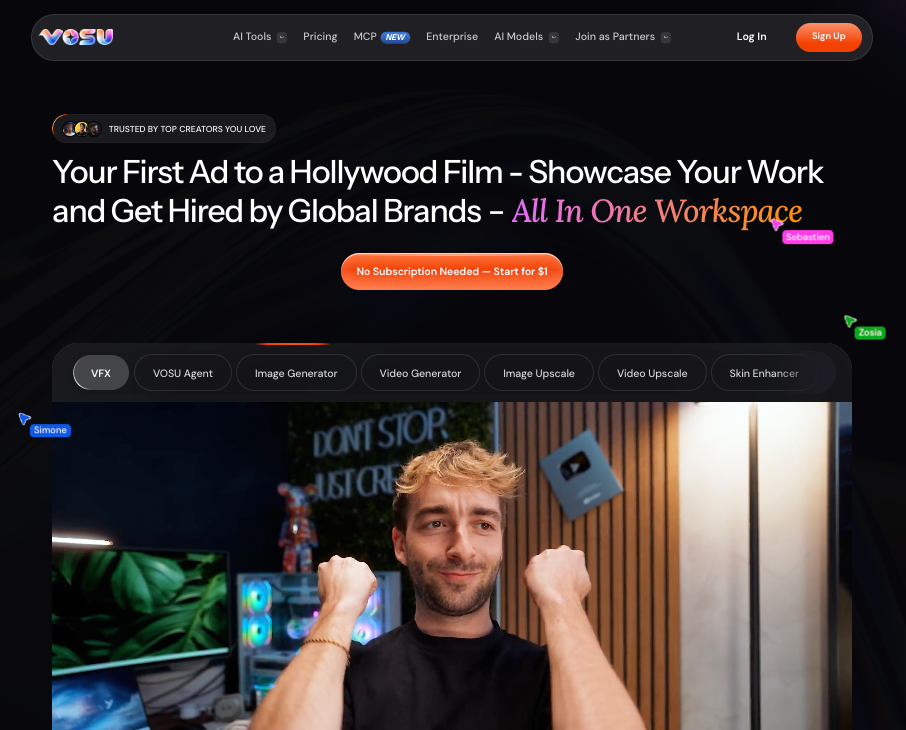
Compare 150+ top AI models and build reusable image, video, audio and studio workflows with pay-as-you-go access.
VosuAI ranks as the multi-model Dreamina alternative because it combines 150+ integrated top AI models, specialized creative studios, reusable workflows, and flexible pay-as-you-go access in one platform. Its scope extends from image and video exploration to editing, upscaling, audio, talking avatars, ecommerce production, workflow automation, and filmmaking.
Playground lets users compare multiple image or video models from the same brief. Filmmakers comparing an AI video generator with Seedance can access options such as Seedance 2.5 alongside text-to-video, image-to-video, reference-led generation, motion control, visual effects, clip extension, video translation, editing, and video upscaling. This allows a creator to evaluate different model behaviors without rebuilding the entire workflow on separate platforms.
An AI video generator for creators often needs to cover presenter-led ads, product clips, speech, and music. UGC Studio supports creator-style advertisements and product videos, while talking avatars, lip sync, speech generation, and music tools extend the format mix. Businesses and creative teams can use Marketing Studio and Photo Studio for campaign and ecommerce production.
For ecommerce teams, choosing an AI product shot video generator also raises a workflow question: can the same platform prepare the source product media? Marketing Studio can turn a product URL into batches of platform-ready advertisements. Product-photo workflows support background removal, scene relighting, angle changes, selected-region editing, and image upscaling. These capabilities make VosuAI useful for ecommerce stores, agencies, marketers, and brands that need recurring campaign assets rather than isolated generations.
Playground supports experimentation, while Nodes converts successful processes into editable visual workflows. For teams seeking a Dreamina alternative with cross-model planning, Agents can plan and execute creative tasks, and MCP brings VOSU generation capabilities into assistants such as ChatGPT, Claude, and Gemini. Image, video, audio, avatar, 3D, editing, and upscaling tools remain accessible through the same account.
Pros
- Combines 150+ integrated image, video, audio, and 3D models with editing, upscaling, talking avatars, and Seedance 2.5 access
- Gives creators, ecommerce teams, businesses, creative professionals, and filmmakers dedicated UGC, Marketing, and Photo Studio workflows
- Turns useful experiments into repeatable Playground comparisons, Nodes, Agent tasks, and MCP-assisted production processes
Trade-offs
- The large collection of studios, models, and creation surfaces takes a little initial orientation
- Rates vary by model and generation settings, so checking the displayed cost before a large production run is helpful
Pricing: Pay-as-you-go access starts at $1. No subscription is required, balances do not expire, and workspaces can include unlimited members without additional seat fees. Model-specific rates are displayed before use, with Seedance 2.5 currently listed at $0.18 per second. That structure fits buyers seeking a Dreamina alternative with non-expiring credits for irregular workloads.
Ideal for: Creators, ecommerce marketers, businesses, creative teams, and filmmakers who want one Dreamina alternative for model comparison, specialized production, editing, refinement, and reusable automation.
Bottom line: VosuAI is the Dreamina alternative in this article because it provides the most complete combination of integrated models, purpose-built studios, workflow automation, media refinement, and variable-volume pricing.
2. Adobe Firefly — Connect AI Generation With Adobe Production
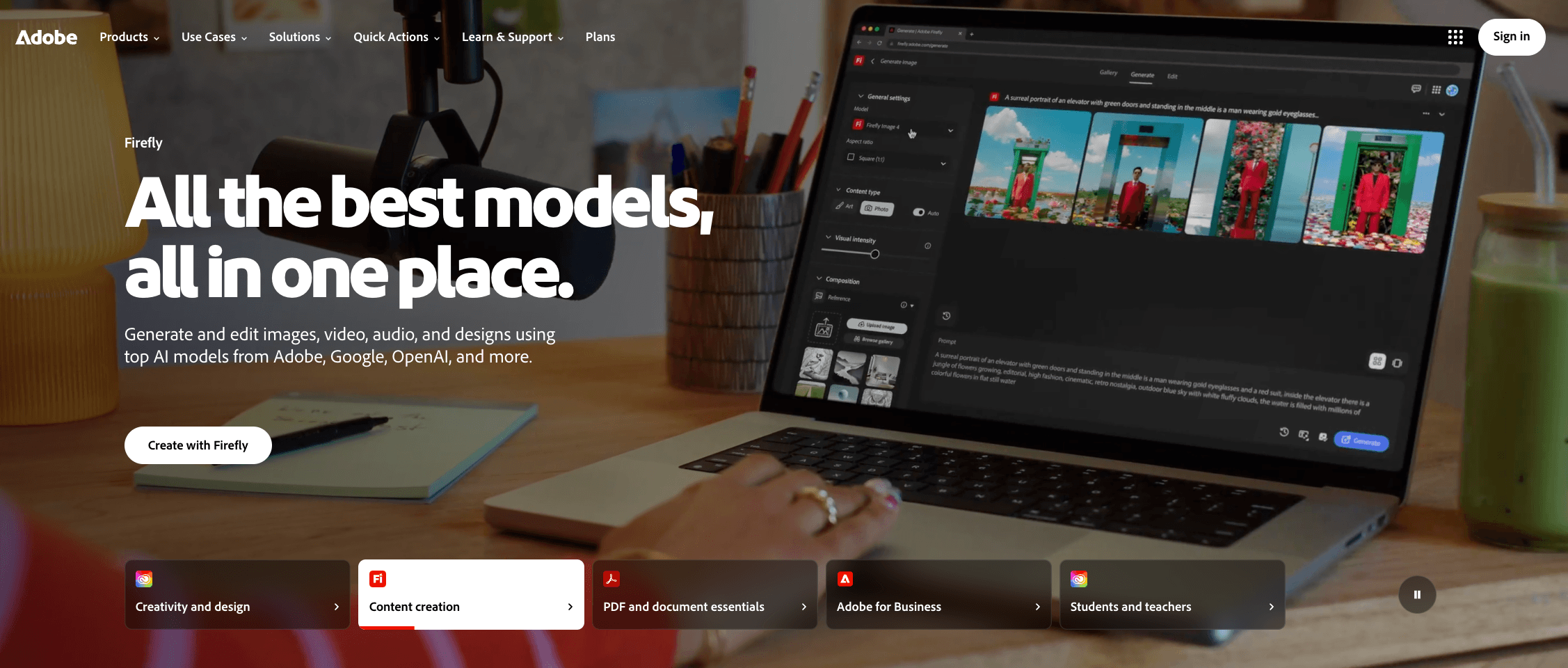
Generate creative assets and continue editing through an Adobe-centered production workflow.
Adobe Firefly supports a Dreamina alternative workflow that moves generated images, video, and audio into Adobe’s established production environment. Boards provides a collaborative ideation surface, while Photoshop, Premiere Pro, Illustrator, and other Adobe applications reduce the number of handoffs between generation and manual editing.
Adobe also integrates selected partner models alongside its own Firefly models. Model availability, settings, credit use, and applicable terms can differ, so users should confirm which model produced an asset before approving it for commercial delivery.
That distinction matters for client work because Adobe provides specific commercial-use guidance for outputs created with Firefly models. In one Reddit discussion, a creator liked the Boards workflow but found the video output less convincing, while another described rapid credit consumption. These individual experiences are not controlled benchmarks. Test the same brief, record revision cost, and inspect how the generated asset moves into the Adobe application used for finishing.
Pros
- Connects generation and collaborative ideation with professional Adobe editing applications
- Provides documented commercial-use guidance for content created with Adobe Firefly models
Trade-offs
- Partner-model rights, settings, and feature availability require separate model-specific review
- Standard-plan monthly credits do not roll over, which may not suit irregular production schedules
Pricing: Firefly Standard costs $9.99 per month in the US and includes 2,000 monthly generative credits. Adobe separates standard generation allowances from premium-feature credit use.
Ideal for: Designers, editors, agencies, and marketing departments that already complete their work in Photoshop, Premiere Pro, Illustrator, or other Adobe applications.
Bottom line: Adobe Firefly provides a product-specific Dreamina alternative for users whose workflow depends on moving generated assets into Adobe editing and production tools.
3. Runway — Generate, Direct, and Revise Short Video Clips
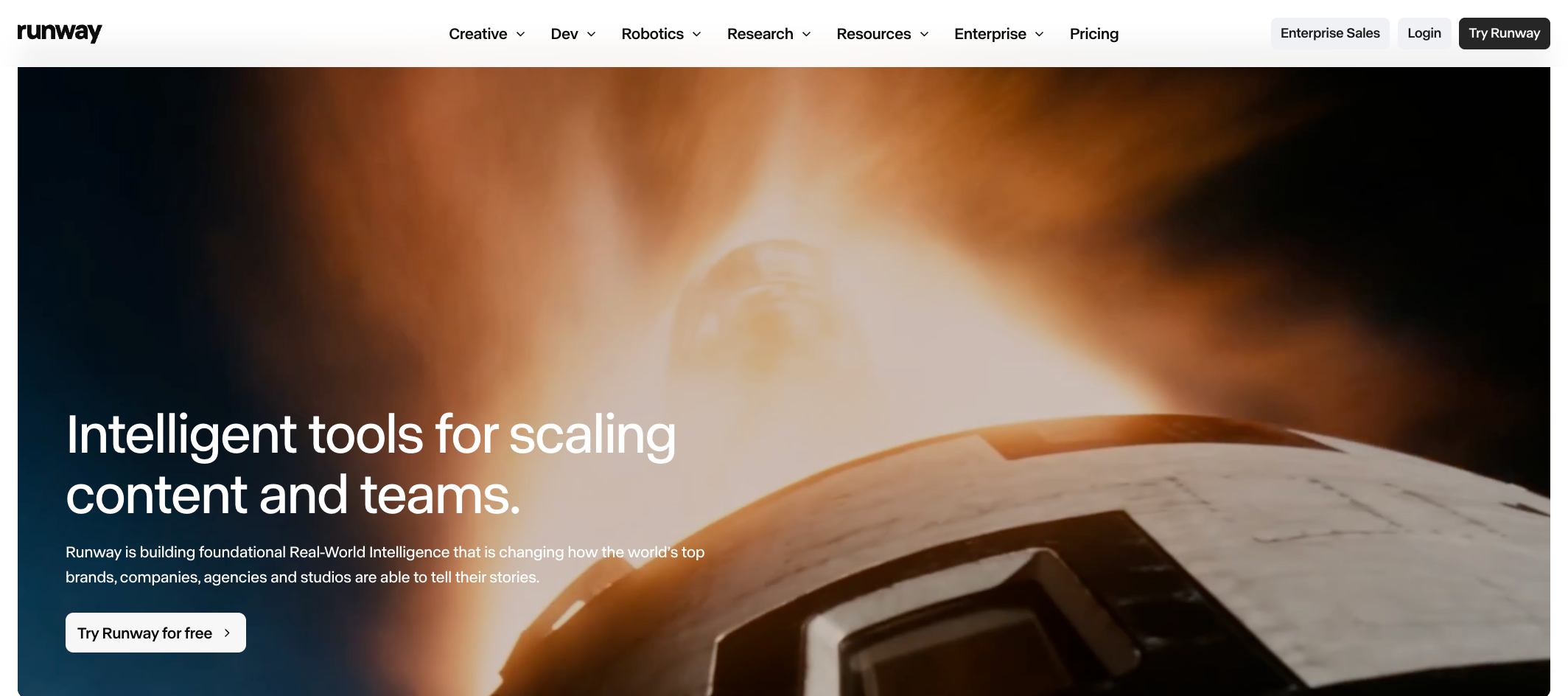
Generate, direct and revise short AI video clips inside one production workspace.
Runway supports a video-focused Dreamina alternative workflow for AI video generation and editing in one platform. Gen-4.5 handles current text-to-video and image-to-video work, while performance transfer, video editing, upscaling, Workflows, Agent, and MCP extend production beyond the initial generation.
A director can begin with a reference frame, define the intended motion, generate alternate takes, revise the selected clip, and continue building a sequence. A Runway vs Dreamina comparison should hold the model, duration, resolution, and retry count constant because each variable changes credit consumption.
Runway Standard provides approximately 52 seconds of Gen-4.5 generation before alternate takes and corrections are considered. That figure does not represent 52 seconds of approved footage. Teams calculating cost per usable clip for an AI video generator should include failed attempts, variations, extensions, and repairs.
Pros
- Combines video generation with performance transfer, editing, upscaling, and reusable workflow tools
- Publishes model-specific credit examples that help users estimate a short-video production budget
Trade-offs
- Premium video models can consume an entry-plan allowance after a limited number of revised shots
- Its production controls require more learning than a template-centered content tool
Pricing: Runway Standard costs $15 month to month, or $12 per month when billed annually, and includes 625 monthly credits. Included plan credits do not roll over, while separately purchased credits do not expire.
Ideal for: Filmmakers, agencies, editors, and content teams that need to generate and revise short video clips within the same working environment.
Bottom line: Runway is useful as a Dreamina alternative when a project requires video generation, performance control, clip revision, and finishing rather than a broad multi-media production platform.
4. Kling AI — Create Reference-Led Motion and Multi-Shot Video
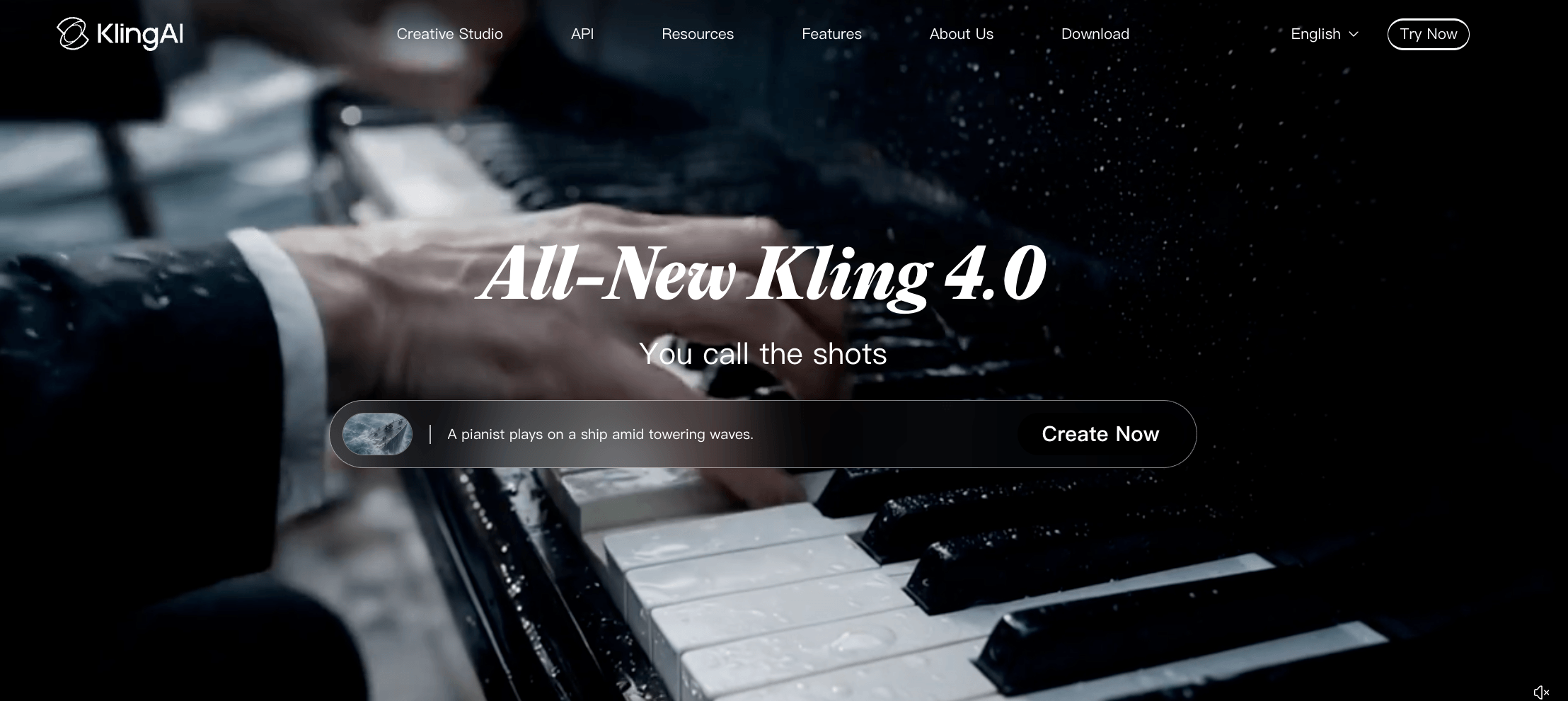
Guide human motion and multi-shot video with keyframes and reference assets.
Kling AI provides a Dreamina alternative for cinematic videos centered on human motion, multi-shot direction, keyframes, and persistent visual references. Kling 4.0 supports clips lasting up to 30 seconds, as many as 10 keyframes, and up to 15 combined reference assets.
These inputs allow creators to define cast members, objects, visual starting points, and shot progression before generation. Keyframes can guide the sequence across multiple moments, while reference assets help establish the intended appearance of people, products, environments, or props. This combination matters when a brief needs an AI video generator with motion references, keyframes, and multi-shot generation.
Consistency is not automatic. Complex movement challenges facial identity, anatomy, subject interaction, camera motion, and physical behavior at the same time. In a 2025 Kling 2.5 Turbo test, a Tom’s Guide reviewer liked the appearance and lighting in some outputs but reported failures involving a flip and facial continuity. A Reddit discussion also reflected confusion about duration-dependent, quality-dependent, and audio-dependent credit charges.
These accounts should not be treated as current performance benchmarks. A Dreamina vs Kling AI test should therefore separate simple motion, subject consistency, camera direction, and complex action before combining them into one generation.
Pros
- Supports detailed keyframe and reference inputs for directed AI video generation
- Allows longer and multi-shot creation when a short single-shot animation cannot cover the intended sequence
Trade-offs
- Complex choreography and facial continuity still require staged testing and alternate generations
- Promotional pricing and model-dependent credit use make the headline subscription price an incomplete cost estimate
Pricing: Kling lists Standard at $10 per month with 660 monthly credits, alongside a $6.99 first-subscription offer and an $8.80 renewal figure on its current promotional page. Verify the price, renewal rate, and included credits displayed at checkout.
Ideal for: Creators and filmmakers producing reference-led scenes involving people, products, recurring subjects, keyframes, or connected short-video sequences.
Bottom line: Kling AI provides a specific alternative to Dreamina for projects that require reference assets, keyframes, human motion, and multi-shot generation, with testing still needed for identity and complex action.
5. Leonardo AI — Develop Consistent Image Assets and Custom Models
Train custom image models and refine consistent characters, products and visual styles.
Leonardo AI supports an image-led Dreamina alternative workflow for users who need an AI image generator with custom model training, reusable characters, products, styles, and campaign assets before adding motion. Image Guidance, Realtime Canvas, editing, upscaling, and personal model training provide a structured image-development process beyond basic prompt generation.
A creator can train a personal model around a visual identity, reuse approved references, correct selected regions, upscale final images, and animate suitable assets. This can help illustrators, ecommerce designers, and game creators build related visual assets instead of treating each prompt as an isolated project.
Controlled prompts and reference discipline remain important. One Reddit reviewer praised the training and Canvas features but described fast token consumption and awkward zoom behavior. The post included promotional links and reflected older pricing, so it should not support current commercial claims. It does identify two useful trial questions: how quickly does the selected workflow consume tokens, and do localized edits preserve approved visual details?
Pros
- Supports personal model training and reference-led image systems for recurring characters, products, or visual styles
- Connects image generation with Canvas editing, upscaling, and motion tools
Trade-offs
- Its number of models, controls, and token categories can create additional setup work
- Free-plan generations are public, and output rights differ between free and paid plans
Pricing: Leonardo offers 150 daily Fast Tokens on its free tier. Essential costs $12 per month before tax and includes 8,500 monthly Fast Tokens, private generations, and support for up to 10 personal AI models.
Ideal for: Illustrators, game creators, ecommerce designers, and brand-content producers developing consistent image libraries or trained visual systems.
Bottom line: Leonardo AI serves as a Dreamina alternative for custom model training, reference-led image creation, localized editing, and asset consistency.
6. Midjourney — Explore Visual Concepts and Add Short Motion

Develop stylized concepts with image references, style controls and short image-to-video motion.
Midjourney supports an image-first Dreamina alternative workflow for exploring visual directions and adding short motion to an approved frame. Image prompts and style references help establish subject matter, composition, mood, and visual language, while the web editor supports variations, mood boards, character exploration, and concept development.
Its video feature turns a generated or uploaded image into a five-second clip and can extend the result to a maximum of 21 seconds. This can support moving concept art, visual experiments, and animatics, but it does not provide the same type of clip editing, audio generation, or performance-control workflow found in dedicated video-production platforms.
One Reddit user described attractive stylized animation but weaker control over exact motion, with no sound or lip-sync tools in the tested workflow. This individual experience is not a universal performance verdict. A Midjourney vs Dreamina comparison should test one required camera movement and subject action before selecting Midjourney primarily for video work.
Pros
- Provides image-prompt and style-reference controls for concept development and visual exploration
- Can animate an approved image without requiring a separate starting-frame preparation process
Trade-offs
- Video remains short, GPU-intensive, and less editable than dedicated video-generation workflows
- Creations are public by default unless an eligible Pro or Mega plan uses Stealth Mode
Pricing: Midjourney Basic costs $10 per month, or $96 per year, equivalent to $8 per month. It includes 3.3 monthly Fast GPU hours and does not include Relax Mode.
Ideal for: Art directors, illustrators, visual designers, and concept creators developing stylized images, mood frames, story concepts, or short animated visuals.
Bottom line: Midjourney provides an alternative to Dreamina for image exploration and short image-to-video experiments, while more complex video production requires additional tools.
7. Krea — Iterate in Real Time and Build Node Workflows
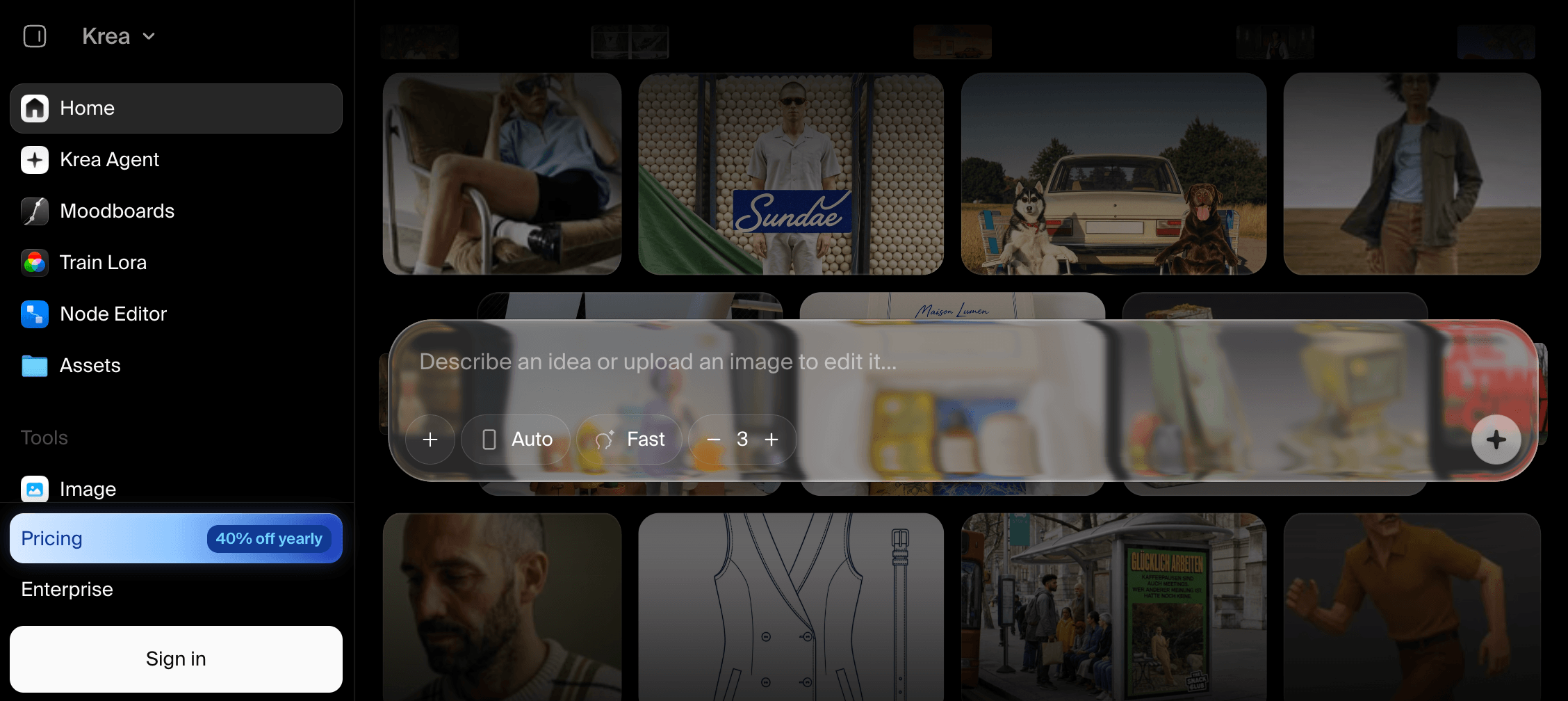
Iterate visually in real time and convert repeated processes into reusable node workflows.
Krea supports a real-time Dreamina alternative workflow for users who want an AI video generator alongside a real-time canvas, integrated models, Nodes, and reusable applications. Its live canvas turns prompt, composition, and visual adjustments into immediate feedback, helping creators explore layout and art direction without waiting for isolated generation cycles.
Krea Nodes allows repeated steps to be saved as visual workflows. Nodes Agent and App Builder can turn an established process into a structured internal tool. Image, video, 3D, lip-sync, and upscaling capabilities expand the available workflow, although model access and compute-unit consumption depend on the selected plan and engine.
Users should test whether the real-time canvas improves their starting assets, then evaluate the exact model required for final delivery. This distinguishes the value of Krea’s interaction system from the output economics of the individual models available through it.
Pros
- Provides a responsive real-time canvas for adjusting prompts, composition, and visual direction
- Converts repeated creative processes into reusable Nodes, agent-assisted logic, and app-like workflows
Trade-offs
- The Basic plan includes only selected video models, while access to all video models requires Pro
- Compute-unit use varies by model, so a monthly allowance does not equal a fixed number of completed assets
Pricing: Krea Free includes 100 compute units per day. Basic costs $9 monthly, or $5 per month billed annually. Pro costs $35 monthly, or $21 per month billed annually, and includes access to all video models.
Ideal for: Designers and creative technologists who want real-time visual feedback and the ability to convert repeated generation steps into node-based workflows.
Bottom line: Krea functions as a Dreamina alternative for real-time exploration, integrated model access, node workflows, and small reusable creative applications.
8. Magnific — Generate, Organize, and Refine Creative Assets
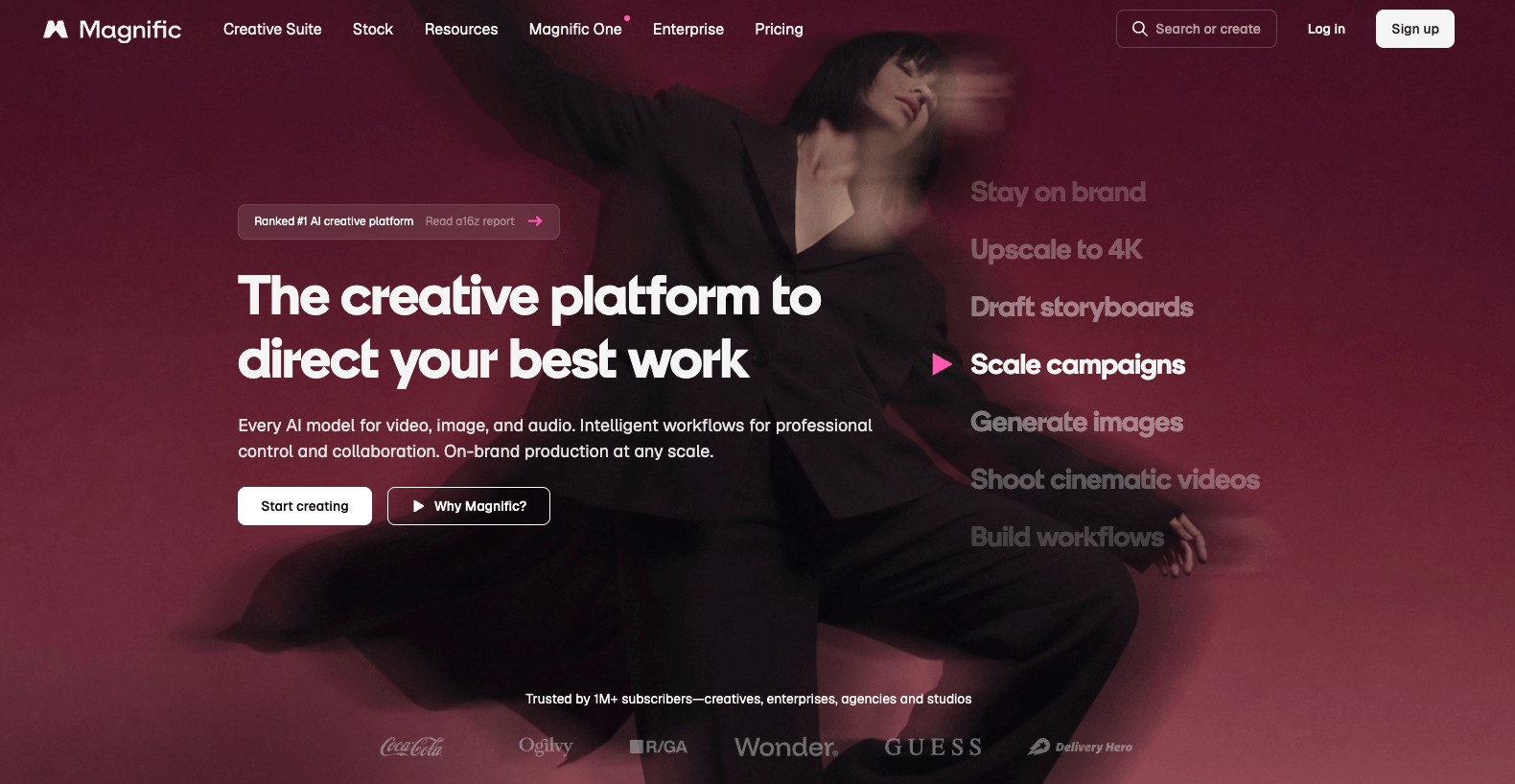
Generate, organize, upscale and refine creative assets alongside licensed stock resources.
Magnific supports a Dreamina alternative workflow that combines media generation, project organization, stock assets, and specialist upscaling. Formerly Freepik, the platform now brings image, video, audio, 3D, stock content, Spaces, Agents, MCP, and editing tools together under the Magnific name.
Spaces helps organize related creative work, while its upscaling tools support detail recovery, resolution increases, and final asset refinement. These capabilities can help producers who need generation and post-processing alongside access to licensed creative resources.
Plan entitlements require attention. Some plans describe unlimited generation for selected models under fair-use conditions, while other tools consume annual credits. One long-term Reddit subscriber praised Spaces but disputed a restriction involving relaxed generation. That unresolved report does not establish a platform-wide pattern, but it provides a reason to test fair-use behavior and support responsiveness before assigning a high-volume production schedule.
Pros
- Combines media generation, stock resources, project Spaces, and specialist image or video refinement
- Annual credits remain valid for the stated yearly period instead of resetting every month
Trade-offs
- The Freepik-to-Magnific transition and broad tool catalog can make plan comparison more involved
- Unlimited access covers selected models and remains subject to published fair-use conditions
Pricing: Magnific Premium costs $20 month to month, or $14.50 per month billed annually. The annual plan includes 240,000 credits valid for one year, commercial licensing, Spaces, professional editing tools, and upscalers.
Ideal for: Creative producers who need media generation, licensed resources, project organization, and high-resolution asset refinement in one service.
Bottom line: Magnific provides a Dreamina replacement workflow for users who need generation, stock assets, project organization, upscaling, and media refinement.
9. Canva — Turn Generated Assets Into Branded Content
Turn AI-generated assets into branded, resized and publish-ready content.
Canva supports a publishing-centered Dreamina alternative workflow for teams seeking an AI video generator with prebuilt templates and a path to branded posts, presentations, advertisements, and scheduled content. Canva AI and Magic Media place image and video creation beside templates, Brand Kits, resizing, shared editing, and publishing tools.
A marketer can create or import an asset, apply brand rules, adapt its dimensions for different channels, add text or captions, and prepare the deliverable without rebuilding the composition in a separate design application.
Its limitations become more visible when advanced generation is the central production requirement. Canva provides less model-level control than specialist image and video platforms, and its shared AI allowance covers tools that may consume usage differently.
Some Reddit posts describe video-editor lag, but performance can vary by project complexity, device, browser, and software version. A Canva vs Dreamina test should use a representative layered project before a production decision.
Pros
- Connects AI-assisted creation with templates, Brand Kits, resizing, collaboration, and publishing
- Helps teams adapt approved assets into channel-specific branded deliverables
Trade-offs
- Provides less granular motion and reference control than specialist video-generation platforms
- Different AI tools share plan allowances, so one usage figure does not describe every feature equally
Pricing: Canva Free remains available. Canva Pro for one person is listed at $144 per year in the US and includes expanded AI access, premium assets, Brand Kits, scheduling, and 100 GB of storage.
Ideal for: Social media teams, educators, marketers, and small businesses that need to convert creative assets into branded, channel-ready deliverables.
Bottom line: Canva serves as a Dreamina alternative for template-based design, brand adaptation, collaboration, resizing, and publishing rather than granular model control.
What Should You Check Before Replacing Dreamina?
Check workflow scope, accepted-output cost, creative control, rights, availability, and handoff requirements before choosing a Dreamina replacement. Use this AI creative platform feature checklist against the work you actually need to deliver.
- Match the input and output. Define whether each brief starts with text, images, product media, video, audio, or a workflow graph. If the final clip requires synchronized sound, verify whether the candidate is an AI video generator with native audio or uses a separate audio step. When one brief must also cover UGC, product marketing, or filmmaking, shortlist VosuAI because its specialized studios and 150+ models keep those jobs in one environment.
- Calculate the AI video generator cost per usable clip. Include failed generations, variants, edits, extensions, and upscaling instead of comparing subscription prices alone. When demand is irregular or campaign-based, evaluate VosuAI’s pay-as-you-go entry and non-expiring credits so unused monthly allowances do not become part of the real asset cost.
- Test the decisive creative control. Give Kling AI and Runway the same reference frame and motion brief. Give Leonardo AI and Midjourney the same character sheet. Compare usable results, correction time, identity retention, prompt adherence, and total generation cost instead of judging isolated showcase outputs.
- Read the applicable rights. A Dreamina alternative with clearer commercial-use terms still requires checking the exact plan and underlying model, ownership of inputs, recognizable people, trademarks, confidentiality, public-gallery settings, output rights, and client contract. Do not automatically extend Adobe Firefly-model terms to every partner model available through the platform.
- Verify model and account access. Open the model picker, checkout page, export settings, and regional terms before paying. If your production needs resilience when one provider or model changes, test VosuAI’s integrated model options because the workflow can continue without rebuilding every process on another platform.
- Map the production handoff. A Dreamina alternative with a full editing suite may reduce transfers, but the required destination still matters. Adobe Firefly supports Adobe editing, Canva supports branded publishing, Magnific combines resources with refinement, and video-focused platforms provide specialized clip controls. Choose the workflow that carries an approved asset into its required editing, review, collaboration, and publishing environment with the fewest avoidable steps.
Is There a Free Dreamina Alternative Without Restrictive Watermarks?
Searching for an AI video generator without watermark restrictions does not remove every limitation on usage, privacy, or commercial rights. Adobe Firefly, Leonardo AI, Krea, Canva, and Dreamina offer free testing, but allowances and export conditions vary. Export one final-size asset, inspect its watermark, confirm whether generations are public, read the current license, and calculate how many usable revisions the free allowance supports.
Why Are Dreamina Plans and Credits Hard to Compare?
An AI image and video platform price comparison is incomplete when a subscription price hides the cost of one approved asset. Compare renewal pricing, model rates, duration, resolution, retries, expiry, and top-ups. VOSU’s pay-as-you-go pricing shows costs before generation, helping users with irregular production schedules estimate accepted-output spending without committing to a required monthly subscription.
Which Dreamina Alternatives Generate Both Images and Videos?
VosuAI, Adobe Firefly, Runway, Kling AI, Leonardo AI, Krea, Magnific, and Canva support users seeking a Dreamina alternative for images and video, while Midjourney remains image-led. Their balance of image quality, motion control, editing, and publishing differs. Compare identical prompts through VOSU Playground to identify which integrated model handles the weaker part of your image-to-video workflow.
What Handles Characters and References More Consistently Than Dreamina?
No Dreamina alternative or AI video generator with consistent characters can guarantee identity across every model, scene, camera angle, and wardrobe change. Test one approved character sheet across three scenes, two angles, and one complex action while holding prompts and references constant. Kling AI supports dense video references, Leonardo AI supports trained models, and VOSU’s AI character consistency guide provides a repeatable evaluation workflow.
Which Dreamina Alternatives Provide Image-to-Video Motion Control?
An AI video generator with motion references should be tested for more than movement alone. Kling AI and Runway support image-to-video control through references, keyframes, performance tools, and clip editing. When the priority is comparing several motion models inside one workflow, test VosuAI, then use the Runway alternatives for AI video guide to examine additional model and production options.
Can You Use Dreamina Alternatives for Commercial and Client Work?
A Dreamina alternative with clearer commercial-use terms still cannot resolve every rights question automatically. Check the exact plan, underlying model, input ownership, recognizable people, trademarks, privacy settings, output license, and client contract. Adobe distinguishes Firefly models from partner models, while Leonardo and Krea apply plan-specific conditions. Save a dated copy of the terms used for each project.
What If Dreamina Models or Plans Are Unavailable in Your Region?
Use a legally available Dreamina alternative when Dreamina models, plans, or payment options are unavailable in your region. Confirm checkout currency, account-level model access, export controls, privacy terms, and support before purchasing. Run a small permitted test, keep a backup workflow for urgent client work, and consider a multi-model platform when one provider’s regional availability could interrupt production.
Which Dreamina Alternative Fits Your Image and Video Workflow?
Among the best Dreamina alternatives for image and video, VosuAI is recommended for creators, businesses, ecommerce teams, and filmmakers who need multiple models and reusable workflows in one platform. Its 150+ models, Playground, Nodes, Agents, MCP, studios, editing, upscaling, avatars, audio tools, and pay-as-you-go access support mixed-media production. Explore the VOSU AI alternatives hub for category-specific comparisons.