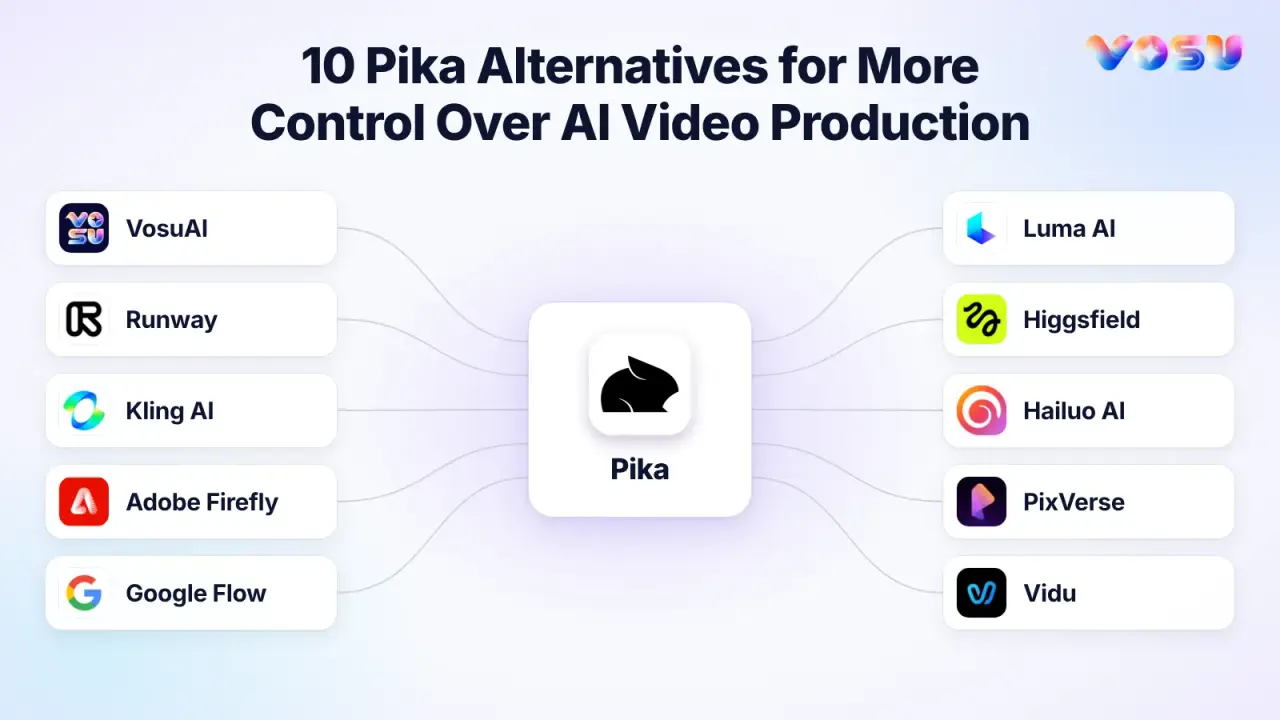
The best Pika alternatives are VosuAI, Runway, Kling AI, Adobe Firefly, Google Flow, Luma AI, Higgsfield, Hailuo AI, PixVerse and Vidu. These AI video generators offer different ways to improve model choice, cinematic control, character consistency, multi-shot production, editing, audio, commercial workflows and cost per usable video.
VosuAI brings more than 150 image and video models into one creative workspace with Playground comparisons, Nodes, Agents and pay-as-you-go access starting at $1 without a subscription. Runway combines video generation with masking, revisions and editing tools, while Kling AI focuses on reference-led motion, realistic movement and shot control. Adobe Firefly connects generative video with Adobe’s design and post-production ecosystem.
Google Flow supports connected scene building with Veo and reusable visual ingredients. Luma AI creates cinematic motion and supports directed video changes. Higgsfield is built around camera movement, product shots and advertising workflows. Hailuo AI animates still images with expressive character motion. PixVerse offers fast social effects, templates and short-form transformations, while Vidu supports reference-based generation for recurring characters and products.
The 10 Pika alternatives are listed below:
- VosuAI
- Runway
- Kling AI
- Adobe Firefly
- Google Flow
- Luma AI
- Higgsfield
- Hailuo AI
- PixVerse
- Vidu
Quick Comparison: 10 Pika Alternatives
The table compares 10 Pika alternatives by their key features, real entry pricing, replacement workflows and purchase limitations.
Use these differences to shortlist two or three tools for testing.
| Alternative | Key features | Pricing | Workflow it replaces | Purchase caveat |
|---|---|---|---|---|
| VosuAI | Multi-model Playground comparisons, reusable Characters, Agent, editable Nodes, MCP and shared workspaces | From $1 pay as you go. No subscription. Purchased balance does not expire. Unlimited workspace members. | Comparing providers and reusing the selected production process | Available models, unit prices and results vary by model |
| Runway | Gen-4.5, Aleph 2.0, Agent, audio tools, 4K upscaling and eligible ProRes or image-sequence exports | Standard $15/month or $12/month billed annually | Revision, finishing and editorial handoff | Credits, rollover, models and export options vary by plan |
| Kling AI | Kling 3.0, Omni references, multi-shot storyboards, native audio and unified generation and editing | Standard list price $10/month with 660 credits. Current first-month promotion $6.99 | Reference-led characters and directed action | Promotions, regional checkout and model access can change |
| Adobe Firefly | Firefly Video, partner models, first and last frames, Boards, editor and Creative Cloud handoff | Firefly Standard US$9.99/month with 2,000 credits | Brand-asset generation followed by Adobe review and finishing | Partner models can use different credit rates and terms |
| Google Flow | Veo 3.1, reusable Ingredients, Scenebuilder, camera controls, audio and clip editing | Google AI Pro US$19.99/month with 1,000 monthly Flow credits | Connected scenes with recurring visual elements | Plan availability, model access and allowances vary by account and market |
| Luma AI | Ray3.2, up to 16 keyframes, Modify, Reframe and HDR or EXR outputs | Plus $30/month or $25/month billed annually | Directed footage transformation and production-ready output | Annual pricing requires upfront yearly billing |
| Higgsfield | Cinema Studio, Ads Studio, explicit camera and lens controls, character tools and product-shot workflows | Basic $9/month | Camera-led advertising and product-shot planning | Some advanced tools and unlimited-generation modes have separate access conditions |
| Hailuo AI | H3 multimodal references, native stereo audio, 4–15 second generation and output up to 2K | Standard $9.99/month | Focused motion-and-sound generation | Confirm that the consumer workspace provides the required H3 capability |
| PixVerse | V6, multi-shot generation, native audio, Canvas, Agent and command-line or plugin access | Standard $10/month or $8/month billed annually | Visual, agent or command-line automation | Credits, generation limits and feature access vary by plan |
| Vidu | Vidu Q3, Reference to Video, multi-reference continuity, Agent, 3–16 second clips and batch generation | Standard $10/month or $8.25/month billed annually | Multi-character, product or voice continuity across scenes | Reference limits and supported models vary by workspace |
1. VosuAI — Compare AI Video Models and Build Reusable Workflows

VosuAI compares video models, then carries the selected result into reusable Agent, Nodes and editing workflows.
VosuAI is the best Pika alternative with no required monthly subscription for creators and businesses that want to compare video models on the same brief, then reuse the selected production process.
Start in the Playground with one prompt, reference image or reusable Character. Send that input to Seedance 2.5, Kling 3.0, Veo 3.1, PixVerse V6 or Pika v2.2, then review outputs side by side. Each generation records the model, prompt and credit cost. Compare prompt adherence, subject continuity, rerolls and cleanup before choosing a model for the job.
Continue the selected setup in editable Nodes or an Agent-planned workflow. Nodes connect prompts, image generation, video generation and music in a saved graph. Agents can divide a larger brief into linked scenes. Projects, shared workspaces and the media library keep the process available beyond one isolated clip.
UGC Studio turns a product or app page into creator-style ad variations. Marketing Studio supports campaign assets, while Photo Studio combines conversational editing with annotation, background removal, relighting, Change Angle and upscaling. Speaking Avatar, existing-video lip sync, audio generation and MCP extend the workspace into creator, ecommerce and assistant-led production.
Pros
- Playground compares identical inputs across models and displays estimated credit use before generation.
- Agent and editable Nodes turn selected results into repeatable, multi-step production flows.
- UGC, marketing, photo, avatar, audio and finishing tools support creative and commercial work.
Trade-offs
- Inputs, controls and credit requirements differ by model, so each setup still needs testing.
- The wider workspace may require a short setup period for a focused workflow.
Pricing: From $1 pay as you go. No subscription required. Purchased credits never expire. Unlimited workspace members are included without seat fees.
Ideal for: Creators, filmmakers, ecommerce marketers and businesses that change models or combine generation with campaign production.
Bottom line: VosuAI suits buyers who value model comparison, reusable workflows and flexible spending over another single-model monthly plan.
2. Runway — Carry a Generated Shot Through Revision and Editorial Handoff
Runway carries generated shots through targeted revision, performance control, upscaling and editorial finishing.
Runway is the Pika alternative to consider when a generated shot needs controlled revision, performance direction, and an editorial handoff. Create the draft in Gen-4.5, then move the selected clip into Aleph 2.0 for localized changes. It can replace or remove objects, modify lighting and style, or generate another view while preserving the source action.
When acting matters, Act-Two transfers the motion, expressions, and timing of a recorded performance to a reference character. Runway also supports 4K upscaling for selected clips. Studio-grade ProRes and image-sequence exports are plan-gated, so confirm the required delivery format before subscribing.
For a fair Pika vs Runway test, use the same source image, prompt, target duration, and time limit. Count accepted shots, revision passes, cleanup, and credits spent rather than judging one showcase render. Pika’s broader creative apps may be sufficient for quick effects and short-form transformations. Runway becomes more relevant when the first render still needs deliberate AI video editing and finishing.
Pros
- Aleph 2.0 revises existing footage without rebuilding every shot.
- Act-Two adds performance-driven character animation for directed delivery.
- 4K upscaling creates a cleaner path into finishing.
Trade-offs
- Gen-4.5 and Aleph 2.0 consume credits at different rates.
- ProRes and image-sequence exports are unavailable on Standard.
Pricing: Standard costs $15 monthly or $12 per month billed annually and includes 625 monthly credits. Unused monthly credits do not roll over.
Ideal for: Filmmakers, agencies, and production teams that revise selected shots before editing or client delivery.
Bottom line: Choose Runway when downstream control and export requirements justify a production subscription, not because every prompt needs the same workflow depth.
3. Kling AI — Direct Multi-Shot Action With Character and Voice References
Kling AI directs reference-led action across multiple shots with character, voice and native-audio controls.
Kling AI is the Pika alternative to test when character and voice references must remain recognizable across directed multi-shot action. Start with locked character images and, if needed, a reference video carrying visual and voice traits. Kling 3.0 Omni lets you set each shot’s duration, framing, perspective, action, and camera movement.
After generation, inspect identity, clothing, object details, action order, and motion across cuts. Native audio supports multiple languages and accents, but review speaking order, voice continuity, and lip synchronization across separate generations.
Compare Pika vs Kling AI with the same source image, prompt, dialogue, aspect ratio, and attempt limit. Check whether reference-to-video and multi-shot controls reduce drift when the camera, lighting, or movement changes. Keep Pika when its broader creative apps and effects already complete the intended clip.
Pros
- Multi-shot storyboarding provides shot-level timing, framing, and camera direction.
- Visual and voice references support recurring characters with native audio.
Trade-offs
- Character and voice continuity still require inspection between generations.
- Credit use changes with the model and selected generation settings.
Pricing: Standard costs $10 per month and includes 660 credits. Checkout terms and regional offers can change.
Ideal for: Filmmakers, advertisers, and image-to-video creators directing recurring characters through action or dialogue sequences.
Bottom line: Consider Kling AI when reference-led action and multi-shot direction improve the accepted-output rate. Keep Pika when its wider creative apps already satisfy the brief.
4. Adobe Firefly — Move Brand Assets From Generation Into Creative Cloud Review
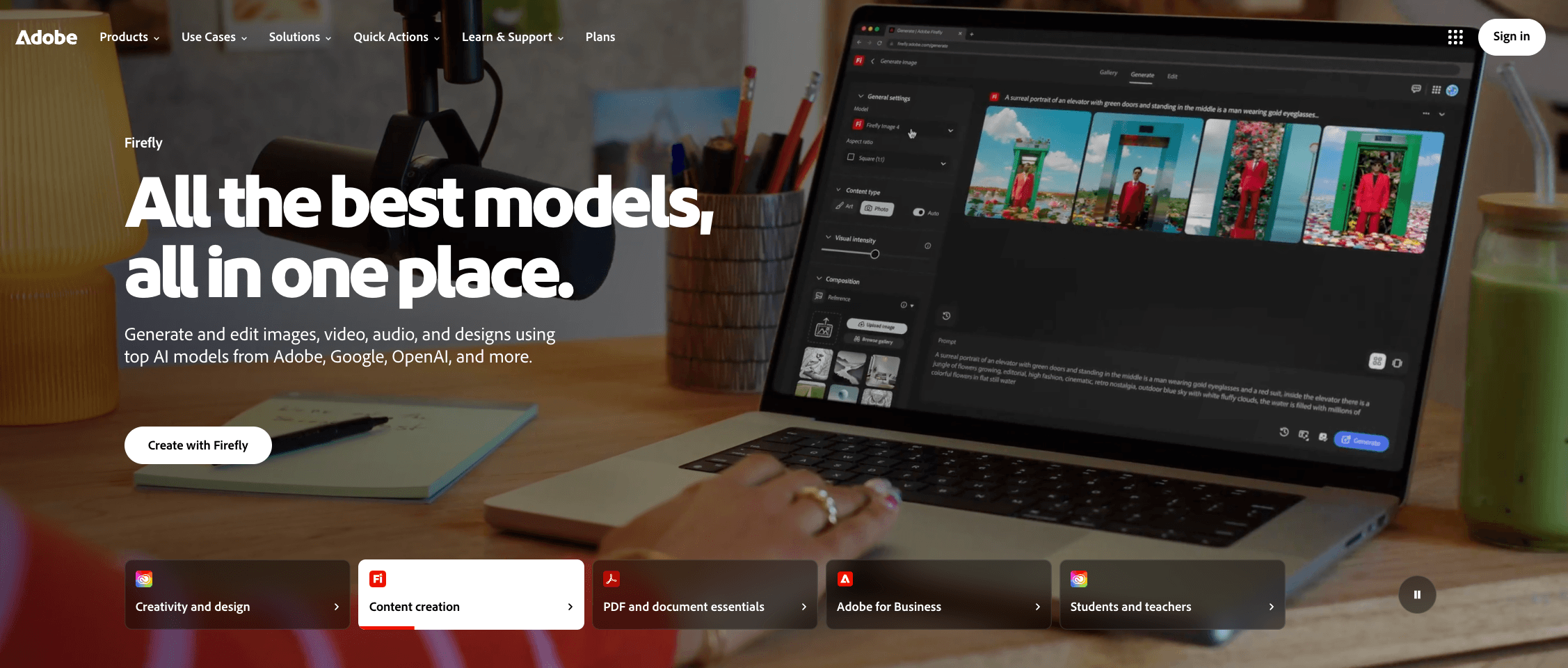
Adobe Firefly moves generated brand assets through Boards, review and Creative Cloud finishing.
Adobe Firefly is a Pika alternative for commercial video when brand assets need structured review and a direct Creative Cloud handoff. Add a product image, campaign frame, or reference to Firefly Boards, or use it as the opening frame. Choose the Firefly Video Model or a labeled partner model, generate variations, collect feedback, and take the approved clip into Firefly’s editor, Premiere Pro, Adobe Express, or Photoshop.
Rights depend on the selected model. Adobe says its Firefly Video Model is trained on licensed and public-domain content and designed for commercial use. Partner models can have different terms, credit rates, and regional availability. Before approving a brand video, record the host, model, source-asset rights, and disclosure requirements. Firefly access is not universal indemnification.
Pika remains practical when its creative effects complete the job. Firefly is useful when review, model identification, and Adobe finishing are the production gaps.
Pros
- Boards, model choices, and feedback keep campaign assets in one review path.
- Creative Cloud integration moves approved material into finishing tools.
Trade-offs
- Partner-model terms and credit use require separate checks.
- Repeated video tests can consume the monthly allowance quickly.
Pricing: Firefly Standard costs $9.99 per month and includes 2,000 monthly credits.
Ideal for: Adobe-centered brand, design, and marketing teams managing commercial assets.
Bottom line: Firefly connects generation, approval, and Adobe finishing while keeping each model’s rights boundary visible.
5. Google Flow — Build a Veo Story Around Reusable Scene Ingredients
Google Flow builds connected Veo scenes with reusable Ingredients, Scenebuilder and audio-aware controls.
Google Flow is a Pika alternative with Veo for creators who need to reuse visual references across several connected scenes. Begin with a compact ingredient board: one clean character image, the main object or product, and a location or style reference. Choose a Veo model that supports Ingredients, describe each reference by name, and generate one planned shot at a time.
Save a useful frame from the first clip and reuse it as an ingredient, start frame, or end frame for the next scene. Scenebuilder then lets you arrange clips, change their order, trim their edges, preview the sequence, and download the assembled scene. Check identity, clothing or product details, motion, and generated audio after every shot. Ingredients provide repeatable reference material, but they do not guarantee exact character consistency.
This is a multi-scene story workflow, not one uninterrupted long render. Pika remains practical when its current multi-shot and creative-app workflow already completes the project.
Pros
- Ingredients and saved frames give successive scenes a shared visual starting point.
- Scenebuilder supports clip ordering, trimming, sequence preview, and scene download.
Trade-offs
- Ingredient support and editing controls vary by the selected model.
- Feature access can differ by country, account type, and device.
Pricing: Google AI Pro costs $19.99 per month in the US and includes 1,000 monthly Flow credits.
Ideal for: Filmmakers and storytellers building Veo-based sequences with recurring characters, objects, products, or locations.
Bottom line: Google Flow is useful when reusable references and scene assembly are the missing controls, while every generated shot still receives its own continuity and audio check.
6. Luma AI — Reshape Existing Footage With Multi-Keyframe Direction
Luma AI reshapes existing footage with multi-keyframe direction, Modify, Reframe and production-focused exports.
Luma AI is a Pika alternative for changing existing footage with keyframes, motion-aware edits, and production-oriented outputs. Start with a source clip and define what must remain recognizable, such as the actor’s performance, product shape, camera path, or timing. Ray3.2 Modify Video V2 can transform footage up to 20 seconds at 1080p, while Multi-Keyframe supports up to 16 keyframes inside one clip.
Place keyframes around important story beats, then use Modify Video to change the character, environment, lighting, or visual treatment. Reframe adapts the shot for another aspect ratio while Motion Transfer and facial-performance controls help retain the intended movement. Inspect hands, faces in profile, product details, background stability, and whether the action still finishes correctly. These checks make “cinematic” measurable instead of treating it as a quality label.
For finishing, Ray3.2 supports native 16-bit HDR generation and EXR export in ACES2065-1 for grading, compositing, and VFX. Developer usage has separate credit-based billing from the consumer subscription.
Pros
- Up to 16 keyframes provide specific direction across one source-based transformation.
- Reframe, HDR, and EXR outputs support multiple formats and post-production handoff.
Trade-offs
- Stronger transformations still require checks for drift from the source performance.
- Consumer plan credits and developer usage are billed separately.
Pricing: Luma Plus costs $30 per month and includes 10,000 credits.
Ideal for: Filmmakers, VFX artists, agencies, and brand teams modifying captured footage for several deliverables.
Bottom line: Luma AI is useful when the job is to redirect an existing shot and carry a controlled result into post-production, rather than generate a fresh clip from a prompt alone.
7. Higgsfield — Pre-Plan Camera Language for Product and Campaign Shots
Higgsfield plans product and campaign shots through camera language, visual references and studio tools.
Higgsfield is a Pika alternative for product ads when the missing control is pre-planned camera direction. Begin with a shot intention covering placement, framing, action, camera move and brand details. Define product and brand references in Ads Studio. In Cinema Studio 4.0, set camera, lens, aperture, lighting and movement.
Generate a matched test before building the campaign. Check logo spelling, package shape, label placement, color, hands, contact points and whether the requested camera path survives the render. For an AI UGC ad video, inspect face stability, speech timing and product recognition. Track keeper attempts and time to a usable product shot. Pass the approved clip to an editor for captions, sound, grading and channel-specific exports.
A preset supplies direction, not proof of product fidelity or ad performance. Pika remains useful when effects-led short-form transformations complete the brief.
Pros
- Camera, lens, lighting and motion controls turn an ad concept into an inspectable shot plan.
- Ads Studio supports product and brand inputs across campaign variations.
Trade-offs
- Logos, packaging and hand-to-product interaction still need frame-by-frame review.
- Plan access, included tools and credit use may change.
Pricing: The supplied 2026 pricing snapshot lists Basic at $9/month. Verify the current checkout price and included features.
Ideal for: Ecommerce teams, performance marketers and agencies producing camera-led product or UGC ads.
Bottom line: Choose Higgsfield when shot planning is the bottleneck, then judge it by keeper rate, product fidelity and editing time.
8. Hailuo AI — Iterate on Expressive Motion With Synchronized Sound
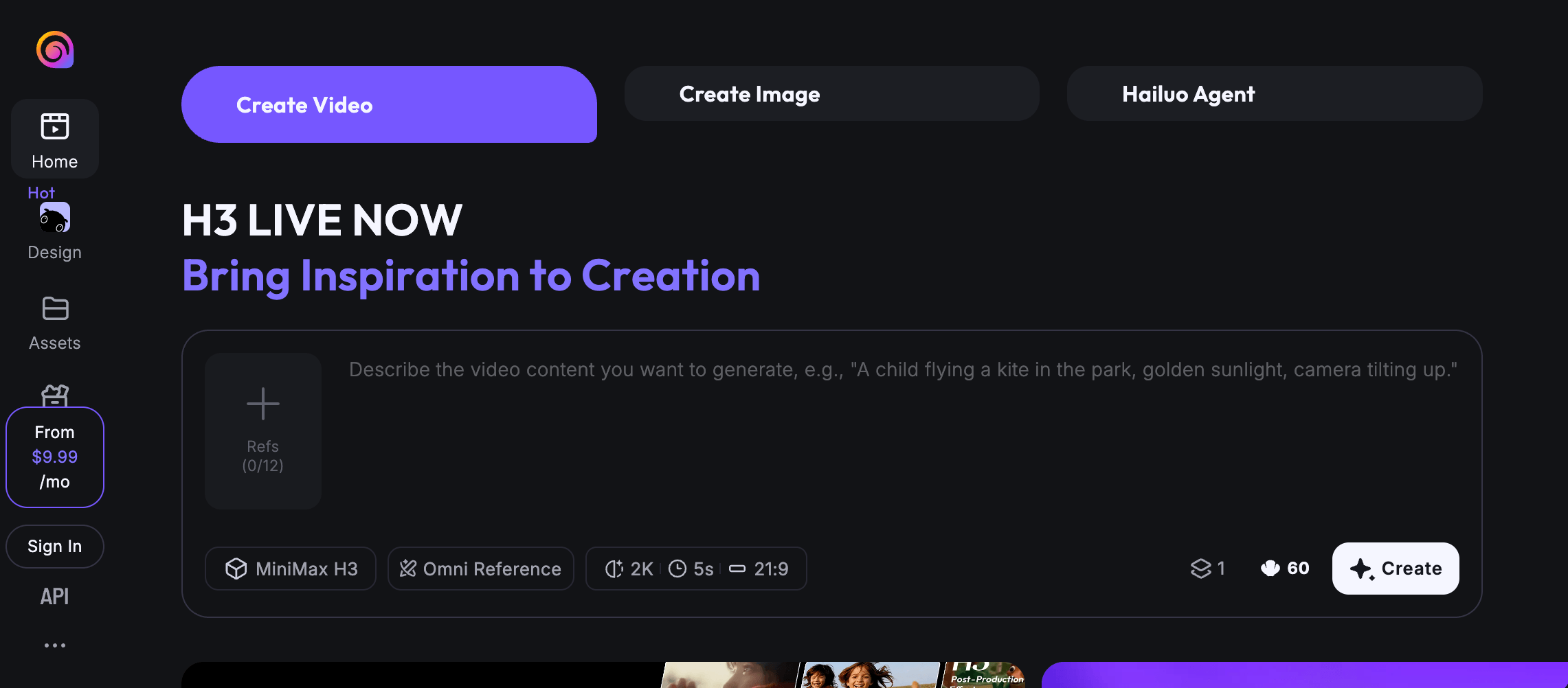
Hailuo AI combines reference-guided motion with synchronized sound for short, expressive video tests.
Hailuo AI is a Pika alternative when expressive motion and synchronized sound must work in one reference-led clip. Use a clean image or video and a brief containing movement, facial emotion and one audio event. Select MiniMax H3, confirm the reference mode, duration and resolution shown in Hailuo’s consumer editor, then set a fixed attempt limit.
Inspect pictures and sound together. Check identity, clothing, hands, background stability and whether movement follows the reference. With headphones, assess stereo placement, dialogue or impact timing, ambience and unwanted noise. Log retries and the first accepted clip’s cost. This controlled Pika vs Hailuo AI test is more useful than comparing showcase reels.
MiniMax specifies H3 multimodal references, native stereo audio, 4–15-second output and resolution up to 2K. These are model capabilities, so confirm which controls your consumer plan exposes.
Pros
- H3 accepts image, video and audio references while generating picture and stereo sound.
- A short matched test reveals motion, continuity, audio timing and retry burden together.
Trade-offs
- The consumer product may not expose every capability documented for the open H3 model.
- Expressive motion does not guarantee stable identity or an accepted first render.
Pricing: Hailuo’s July 2026 guide lists Standard at $9.99/month. Verify checkout because live and annual offers may differ.
Ideal for: Budget-conscious creators testing reference-led character motion with native audio.
Bottom line: Pick Hailuo after its consumer surface passes the same references, attempt limit and acceptance checks used for Pika.
9. PixVerse — Automate Video Tasks Through Canvas, Agent, or CLI
PixVerse supports multi-shot video tasks across Canvas, Agent and command-line workflows.
PixVerse is a Pika alternative when the deciding issue is how a repeatable video task should run, not another effects library. Choose Canvas when references, prompts and outputs need an editable visual graph. Use Agent to turn a rough brief into structured video direction through conversation. Choose CLI for scripted batches, terminal-based generation and task-status checks. Use the developer platform when video generation must sit inside a product or service.
PixVerse V6 can supply the generation step with 15-second 1080p output, native MultiShot and native audio. Test a defined task through the relevant surface, then inspect the output, rerun process, credit use and handoff. This makes a Pika vs PixVerse comparison about execution and repeatability rather than a vague quality verdict. Pika remains practical when its apps and model selection complete the job.
Pros
- Canvas, Agent and CLI provide visual, conversational and scriptable ways to run repeatable work.
- V6 combines multi-shot structure, audio and text-to-video or image-to-video generation.
Trade-offs
- Setup, controls and available models can differ between surfaces.
- Consumer subscription credits and developer-platform billing remain separate.
Pricing: Standard costs $10/month or $8/month billed annually.
Ideal for: Creators, developers and production teams automating repeatable video tasks.
Bottom line: Take PixVerse when the execution surface is the bottleneck. Start with Canvas for visible workflows, Agent for guided ideation or CLI for repeatable automation, then validate the path with references and acceptance checks used in Pika.
10. Vidu — Assemble Multi-Character Scenes From Visual and Audio References
Vidu assembles multi-character scenes from visual and audio references, then checks continuity across shots.
When several characters, products, or voices must stay recognizable across one sequence, Vidu Q4 warrants a locked-reference test.
Build the pack before generating: character angles, product-detail shots, a scene image, and voice samples. Name every asset, then map who appears, speaks, moves, or handles an object in each storyboard beat. Q4 accepts up to 15 image references and three voice references for multi-shot clips up to 16 seconds. These limits support dense scenes, but do not guarantee character consistency.
Run the same pack, shot order, aspect ratio, and attempt limit in Vidu and Pika. Check facial structure, wardrobe, product geometry, lighting, voice match, lip sync, and each shot transition. Log retries and approve only clips that survive the handoff. This makes consistency a testable pipeline, not a one-click claim.
Developer billing is separate at RMB 0.03125 per credit.
Pros
- Image and audio references can guide several named subjects in one Q4 sequence.
- Shot mapping helps isolate where identity, object, or voice drift begins.
Trade-offs
- More subjects increase the details that can change during motion or cuts.
- Reference controls and output settings can differ by model and product surface.
Pricing: Standard costs $10/month or $8.25/month billed annually, with 800 monthly credits.
Ideal for: Character series, product stories, and scenes with recurring people, objects, or voices.
Bottom line: Vidu belongs on the shortlist when a locked pack passes the identity, product, voice, and shot-handoff audit.
How to Choose The Best Pika Alternatives Without Wasting Time?
Compare Pika alternatives with one real deliverable, identical inputs, and a fixed attempt budget. Then judge the cost of clips you would actually publish or deliver. Demo reels, headline credit totals, and one lucky generation cannot show which tool saves production time.
- Define the finished deliverable. Choose one job, such as a 9:16 product ad, a recurring-character scene, or a B-roll shot. Before generating, set pass criteria for identity, product details, motion, camera direction, audio, resolution, and commercial use.
- Shortlist by the bottleneck. Test only two or three tools that address the stage Pika is not solving. If switching among models creates wasted spend, include VosuAI to compare multiple video models in one workspace rather than buying separate subscriptions.
- Lock the test inputs. Give every candidate the same prompt, reference images, aspect ratio, duration target, and negative instructions. VosuAI’s Playground can run the same brief across models side by side, exposing differences in output and credit use.
- Set a hard attempt limit. Give each tool the same number of tries and the same testing window. Record generation time and queue delay separately. A quick first render means little if retries are needed to repair hands, faces, logos, movement, or framing.
- Score usable results, not generations. Log accepted clips, retries, elapsed time, identity or product drift, prompt adherence, synchronized audio, export options, watermark status, and usage rights. Divide total test spend by accepted outputs to find the real production cost.
- Measure the work after generation. Include editing, upscaling, audio repair, shot assembly, and team handoff. If the process must be repeated, VosuAI can carry it into editable Nodes or an Agent workflow. Pay-as-you-go access starts at $1, requires no subscription, and purchased balance does not expire, although model rates vary.
VosuAI is the practical recommendation when the recurring need is comparing models before committing and then reusing the accepted workflow. Keep Pika when it passes the same acceptance test at a workable cost, or pair it with a specialist when only one production stage remains weak.
Is Pika Free, and What Does It Already Do in 2026?
Yes, Pika has a $0 Free plan, but it includes zero monthly credits and depends on purchased credit packs for generation. The current platform covers video, image and sound, lets users select a model or accept automatic selection, and includes focused creative apps plus a multi-shot Video Studio. Switching makes sense only when the intended production job still has a measurable gap.
Do You Need to Replace Pika or Use Another AI Video Tool Alongside It?
Replace Pika when a recurring blocker affects the entire production path, but add one specialist when only a single stage fails. System-wide reasons include billing, access, commercial rights or insufficient production depth. A companion tool makes more sense for one shot type, reference step or finishing task. When repeated handoffs create rework, map the steps in your AI video workflow before buying another subscription.
Which Pika Alternative Is Better for Character Consistency?
Vidu, Kling AI, Google Flow and Hailuo AI are practical candidates for a controlled character-consistency test, not guarantees. Before comparing them, prepare a clean source image for animation and preserve the same crop, lighting and identifying details. Keep clothing, product geometry, setting and camera direction fixed, then inspect facial structure and background drift across the same attempt limit.
Pika, Runway, Kling AI, or VosuAI: Which One Fits Your Workflow?
Pick among Pika, Runway, Kling AI and VosuAI by the stage where the same video job needs more control. Pika combines focused apps and model choice. Runway extends footage through revision and editorial handoff. Kling AI emphasizes reference-led action. VosuAI compares several models before reusing the selected process. If two candidates remain, compare Kling AI and Runway shot by shot.
Which Pika Alternative Is Better for Longer or Multi-Shot Videos?
No Pika alternative is better for longer videos simply because it allows a longer clip. Compare clip duration, multi-shot planning, reference continuity, camera control, synchronized audio, editability and final assembly. Test Google Flow or Kling AI for connected shots and Luma AI for directed footage changes. If duration is not the failure, write clearer motion and camera instructions before paying for a longer limit.
Is There a Free Pika Alternative Without a Watermark?
Possibly, but “free without a watermark” does not mean unlimited generation or commercial permission. Pika has a $0 plan with no watermark and zero monthly credits, so generation depends on purchased packs. Compare renewable credits, queue limits, resolution, retries, top-up rules and usage rights. The useful benchmark is how many attempts produce one approved export without additional payment.
Can You Use Pika Alternatives for Commercial Videos?
Sometimes, but commercial use depends on the exact plan, generation model and terms governing the selected workflow. Confirm rights to every reference image, voice, logo, music track and source clip. Then review output restrictions and regional conditions. Watermark removal, output ownership and commercial permission answer different questions. Treat this as a practical verification checklist, not legal advice.
Which Pika Alternatives Offer Mobile Apps, APIs, or Pay-As-You-Go Access?
VosuAI, Runway, Luma AI, PixVerse and Vidu provide different access options beyond ordinary browser generation. VosuAI supports mobile access, pay-as-you-go balances and MCP creation through compatible AI assistants. The other options provide developer APIs, while PixVerse also offers a CLI. Compare authentication, supported models, billing owner, regional access and storage because consumer credits may not transfer to developer use.
Which Pika Alternative Fits Your Budget and Workflow in 2026?
The best Pika alternative in 2026 is the one that removes the measured bottleneck at the lowest accepted-output and handoff cost. Start with VosuAI when model comparison and reusable production matter most. Test Runway, Kling AI or another specialist when one stage needs deeper control. Limit the matched-input trial to three candidates, include retry time, and keep Pika when it still passes the acceptance test.