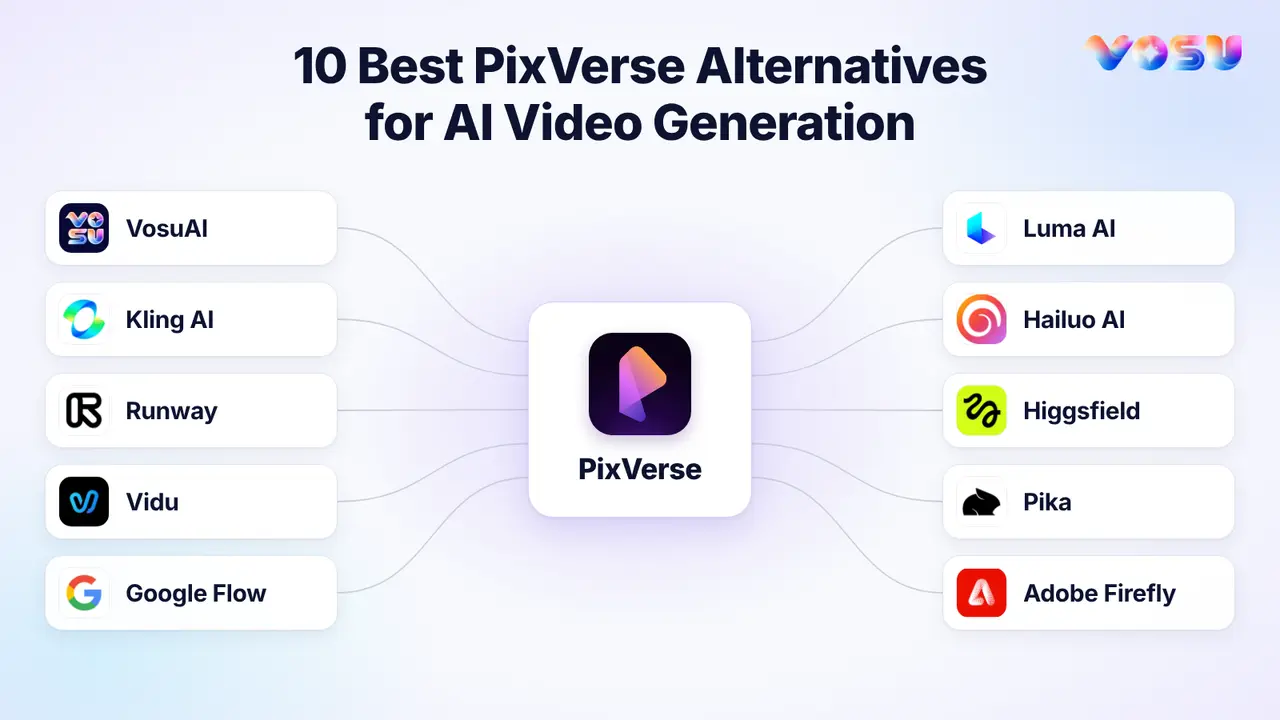
The best PixVerse alternatives are VosuAI, Kling AI, Runway, Vidu, Google Flow, Luma AI, Hailuo AI, Higgsfield, Pika and Adobe Firefly. Choose the PixVerse bottleneck you need to replace, including cost per usable clip, adherence, consistency, motion, multi-shot assembly, editing or rights.
PixVerse already combines V6, Agent, MultiShot, reference controls, editing, audio and integrated model options. A useful alternative should therefore solve a specific bottleneck instead of merely replacing a prompt-to-video tool. Compare each option by cost per usable clip, retry demand, prompt adherence and control over the final workflow.
VosuAI combines top AI video models, same-prompt Playground comparisons, Agent-built Nodes and MCP access through supported AI assistants. Pay-as-you-go starts at $1 with no subscription. Kling AI emphasizes reference-led motion and shot control. Runway combines generation with revision and finishing tools. Vidu uses multiple references for recurring characters and products. Google Flow connects Veo scenes through reusable Ingredients and Scenebuilder. Luma AI focuses on cinematic shots and directed revisions. Hailuo AI animates still images with expressive motion. Higgsfield centers on camera-led ad and cinematic shot design. Pika provides short-form effects and social transformations. Adobe Firefly connects generation with Adobe design and editing workflows. If PixVerse already delivers acceptable results at a workable cost, staying with it remains valid.
The 10 PixVerse alternatives are listed below before the feature and pricing comparison.
- VosuAI
- Kling AI
- Runway
- Vidu
- Google Flow
- Luma AI
- Hailuo AI
- Higgsfield
- Pika
- Adobe Firefly
Quick Comparison: 10 PixVerse Alternatives
Compare the ten tools by their most useful current features and verified entry pricing first, then use the remaining columns to judge the exact PixVerse workflow each one can replace.
| Alternative | Key features | Pricing | Replaces PixVerse when | Reference or continuity | Editing or production depth | Main boundary |
|---|---|---|---|---|---|---|
| VosuAI | Top AI video models including PixVerse V6, Playground comparisons, reusable Characters, Agent-built Nodes, connected video tools and MCP | From $1 pay as you go. No subscription required. Purchased credits never expire. Unlimited workspace members. | Comparing models and building connected workflows | Reusable Characters and model-supported references | Nodes and post-generation tools | Features and credit use vary by model |
| Kling AI | Kling 4.0, Canvas, Agent, node editing, Motion Control and MCP or CLI access | Standard $10/month on the web. | Directed motion and multi-shot creation | Elements and frame inputs | Canvas, Agent and node workflows | Credits reset and promotions can vary |
| Runway | Gen-4.5, Aleph 2.0, audio tools, Agent and 4K upscaling | Standard $15/month | Revision and finishing workflows | Model-specific references | Deep editing and production tools | Standard credits do not roll over |
| Vidu | Q4, multi-reference generation, native audio, frame control and Agent | Standard $10/month | Character or product continuity | Multiple references | Generation plus Agent workflows | Consistency still requires testing |
| Google Flow | Veo 3.1, Ingredients, Scenebuilder, camera controls and Flow Agent | AI Plus $4.99/month with 200 monthly and 50 daily credits | Connected scenes and storyboarding | Reusable Ingredients and characters | Agent tools and scene assembly | Plan, country and age restrictions apply |
| Luma AI | Ray3.2, up to 16 keyframes, Modify, Reframe and Agents | Plus $30/month or $25/month billed annually | Frame-directed cinematic revisions | Up to 16 keyframes | Agentic refinement and compositing outputs | App and API billing differ |
| Hailuo AI | H3, Omni Reference and photo-to-motion tools | Standard $14.99/month on the web. | Expressive image animation | Omni Reference | Focused short-clip generation | Test anatomy and background stability |
| Higgsfield | Camera and lens controls, Cinema Studio, Soul ID and advertising tools | Basic $9/month on the web | Camera-led advertising and cinematic shots | Soul ID and asset references | Shot planning and generation | Unlimited access excludes MCP, CLI, Canvas and Supercomputer |
| Pika | Pika 2.5, Pikaframes, effects, swaps and Motion Transfer | Starter $10/month or $8/month billed annually | Short-form effects and transformations | Start and end frames | Effects, swaps and extension | Starter excludes commercial licensing |
| Adobe Firefly | Firefly Video, partner models, editing, audio and Adobe app integration | Standard $9.99/month | Adobe production workflows | Model-dependent controls | Handoff to Premiere, Photoshop and Express | Credits and terms vary by selected model |
1. VosuAI — For Pay-as-You-Go Multi-Model Creative Production

Playground, Agents and Nodes turn model testing into a saved, collaborative production process.
VosuAI is the strongest PixVerse alternative for creators, filmmakers and businesses, combining multi-model video generation, same-prompt Playground comparisons, reusable Characters, Agent-built Nodes, MCP access and connected production tools in one pay-as-you-go workspace starting at $1 with no subscription, non-expiring credits and unlimited members.
VosuAI brings PixVerse V6, Kling, Seedance 2.5, Veo, Vidu, Pika and Hailuo into one workspace. Playground runs a prompt or reference image across models for side-by-side output and credit comparisons. Reusable Characters and supported references help preserve subject context, but each result still needs a continuity check.
VOSU Agent builds editable Nodes connecting prompts, images, video and audio. Continue into motion control, editing, extension, lip sync, translation, upscaling or audio generation. UGC Studio and speaking avatars support creator content, while Marketing Studio, Photo Studio and Change Angle cover campaign and ecommerce assets. MCP exposes supported tools through compatible AI assistants.
Inputs, controls, duration, resolution, audio and credit cost vary by model. Test the same prompt and references, then judge accepted-output cost after retries. PixVerse remains the stay option when its native V6, Agent, MultiShot or mobile workflow already completes the job.
Pros
- Playground compares models from the same prompt, while Characters and references support continuity testing.
- Agent-built Nodes connect generation with editing, motion, audio, avatar and finishing tools.
- UGC, marketing, photo and ecommerce tools extend the workspace beyond individual video renders.
Trade-offs
- Available inputs, controls and costs change with the selected model.
- The wider toolset may require a short setup period for focused workflows.
Pricing: From $1 pay as you go. No subscription required. Purchased credits never expire. Unlimited workspace members.
Ideal for: Creators, filmmakers, ecommerce teams and businesses that want model choice, campaign tools and connected production without a required subscription.
Bottom line: VosuAI replaces the fragmented workflow around PixVerse by connecting model comparison, generation and production tools. It replaces the workflow layer, not PixVerse V6 as an underlying model.
2. Kling AI — For Reference-Led Motion and Shot Control
Kling AI directs image-to-video shots with references, Motion Control and start-to-end frames.
Kling AI brings reference-led image-to-video, Motion Control and frame-based direction to creators who need tighter control over an individual shot than a template-led workflow provides.
Kling accepts prompts, images, subject references, and supported start and end frames. Upload an image, describe motion or camera movement, then add a similar end frame when composition matters. Consumer plans list Video 3.0 and 3.0 Omni, while Kling 4.0 remains in staged early access. Audio and duration vary by model.
For character shots, Video 3.0 Motion Control pairs a character image with a reference-action video and can bind a facial Element. Review facial drift, cropping, motion and the landing frame before rerunning. This replaces PixVerse when reference-led shot direction matters most. PixVerse may remain simpler when its V6, Agent, MultiShot or mobile workflow already covers scene assembly.
Pros
- Start and end frames direct a planned transition or camera move.
- Elements and Motion Control support reference-led character performance.
Trade-offs
- References improve direction but cannot guarantee identity or motion across a full sequence.
- Model, credits and queue tier affect testing speed and cost.
Pricing: Consumer web Standard costs $6.99 for the first month, then $8.80 per month, with 660 monthly credits.
Ideal for: Image-to-video creators directing short transitions, character actions and controlled camera movement.
Bottom line: Kling is useful for controlled shot generation. It replaces a reference-led PixVerse task, not PixVerse’s wider assembly workflow.
3. Runway — For Generating, Revising and Finishing Footage
Runway connects video generation with targeted revisions, compositing, audio, upscaling and finishing tools.
Runway is a practical PixVerse alternative when generation must continue into revisions, compositing, audio, upscaling and finishing in one workspace.
Start with a prompt or image in Runway-owned Gen-4.5, or an existing clip in Aleph 2.0 Edit Studio for object removal, relighting, background replacement, restyling or VFX. Review the result and any dialogue or lip sync, then use Workflows or Apps for audio, 4K upscaling and frame-rate enhancement. Plugins can place assets in Premiere Pro, After Effects or Resolve for assembly. Integrated third-party models retain their own controls and credit rates.
This marks the Runway vs PixVerse boundary. Runway reduces handoffs between generation and revision. PixVerse may remain the simpler fit when V6, Agent, MultiShot or mobile creation already covers your short-form workflow. Because community discussions emphasize cost per usable clip and retries, test one representative shot and its revision path before scaling.
Pros
- Gen-4.5 and Aleph 2.0 cover generation plus targeted transformation of existing footage.
- Workflows, audio tools, upscaling and editor plugins reduce manual asset transfers.
Trade-offs
- Aleph 2.0 accepts clips shorter than 30 seconds, so longer sequences need clip-by-clip processing.
- Model controls and credit use vary, while self-serve web and API credits are billed separately.
Pricing: Consumer Standard costs $12 per month when billed annually, or $15 month to month, with 625 monthly credits.
Ideal for: Creators and teams that revise generated or live-action shots before delivery.
Bottom line: Runway covers more of the production workflow when generated footage needs revision, compositing, audio, upscaling and finishing.
4. Vidu — For Multi-Reference Character and Product Continuity
Vidu guides recurring characters, products and motifs with reusable multi-reference inputs across related shots.
Vidu addresses a different PixVerse bottleneck: keeping recurring characters, products and visual motifs anchored to the same reference set across a sequence of related clips.
Start with clean subject, product or scene images. Vidu Q4 Reference-to-Video accepts up to 15 images and three audio references for reuse across related prompts. Its first-and-last-frame workflow constrains short endpoints. These inputs anchor recurring faces, products, styles and settings without guaranteeing perfect consistency.
Review the sequence, not one impressive clip. Check face, outfit, product geometry, style and background after each render, retain an approved frame for the next shot and finish accepted footage in an editor. Creators in the reviewed YouTube and Reddit discussions emphasize usable clips per credit, so test a short sequence before scaling.
Vidu replaces PixVerse when reference-guided continuity is the recurring bottleneck. PixVerse remains practical when V6 references, MultiShot, lip sync and its mobile workflow already cover fast short-form production.
Pros
- Supports multi-image and audio references for recurring subjects.
- First-and-last-frame control helps direct transitions between related shots.
Trade-offs
- References can reduce drift but cannot ensure long-sequence identity or geometry.
- Duration, resolution, audio and credit use vary by mode.
Pricing: Consumer Standard is $10 monthly, or $8.25 per month billed annually at $99, with 800 monthly credits.
Ideal for: Character-led shorts, product campaigns and recurring visual motifs.
Bottom line: Vidu supports reference-guided sequences where recurring characters, products or visual motifs require shot-by-shot continuity review.
5. Google Flow — For Connected Veo Scenes and Reusable Ingredients

Google Flow builds connected Veo scenes with reusable Ingredients, camera direction and Scenebuilder.
Google Flow organizes Veo filmmaking around reusable character, object and scene ingredients, using camera direction and Scenebuilder to connect generations.
Upload a clean ingredient, describe the shot and select Veo 3.1 Fast or Lite for eight-second Ingredients-to-Video. Direct the camera, then use Scenebuilder to reorder, trim, preview and download accepted clips. Lite can extend compatible Veo 3.1 footage.
Unlike PixVerse MultiShot and Agent, Flow treats approved clips as project material for deliberate scene assembly. PixVerse needs fewer steps for rapid V6 effects and mobile-first shorts. Reddit questions about narrative and music-video creation stress enough usable shots and recognizable subjects, so review the whole sequence.
Confirm 18+ eligibility, regional access, the Google AI tier and desktop Chromium compatibility first. Features, audio and credits vary by model, plan, platform and country.
Pros
- Ingredients keep approved characters, objects and settings available for related prompts.
- Scenebuilder sequences, trims, previews and downloads generated shots.
Trade-offs
- Scenebuilder assembles clips but is not a conventional full editor.
- References guide rather than guarantee continuity, while feature support depends on the Veo mode.
Pricing: Google AI Plus starts at $4.99 per month through Google AI, with 200 monthly Flow credits plus 50 daily credits. Market pricing may differ.
Ideal for: Filmmakers, music-video creators and brand teams using recurring visual assets.
Bottom line: Google Flow turns reusable ingredients and Veo generations into connected scenes through camera direction and Scenebuilder.
6. Luma AI — For Cinematic Shot Generation and Directed Revisions
Luma AI shapes cinematic shots with Ray controls, keyframes, camera paths and targeted revisions.
Luma AI gives filmmakers a current Ray3.2 workflow for framing cinematic shots, directing camera paths and revising footage.
Enter a prompt or image in the Luma App, select Ray3.2 and place up to 16 Multi-Keyframes across narrative beats or a camera path. Generate a five- or ten-second Draft, then render approved framing at up to 1080p.
Refine the take with Modify Video V2, which transforms up to 20 seconds of footage, or Reframe it for another aspect ratio. Ray3.2 generation lists no native audio, while the App provides separate audio models. Because community discussions stress prompt adherence and retry cost, test motion before paying for a final render.
Luma replaces PixVerse for frame-level direction, footage transformation, HDR or EXR output. PixVerse may require fewer steps for templates, effects, native-audio V6 clips and mobile creation.
Pros
- Multi-Keyframe and camera-motion transfer support deliberate shot construction.
- Modify, Reframe, HDR and EXR extend the revision path.
Trade-offs
- Controls improve direction but cannot make every render deterministic.
- Higher resolution, HDR and repeated revisions consume more credits.
Pricing: Plus costs $30 per month in the Luma App with 10,000 credits. API Build billing is separate and pay-as-you-go by task, duration, resolution and dynamic range.
Ideal for: Filmmakers, agencies and music-video creators refining individual cinematic shots.
Bottom line: Luma AI provides Ray-based controls for directing, revising and exporting cinematic shots.
7. Hailuo AI — For Expressive Image-to-Video Motion
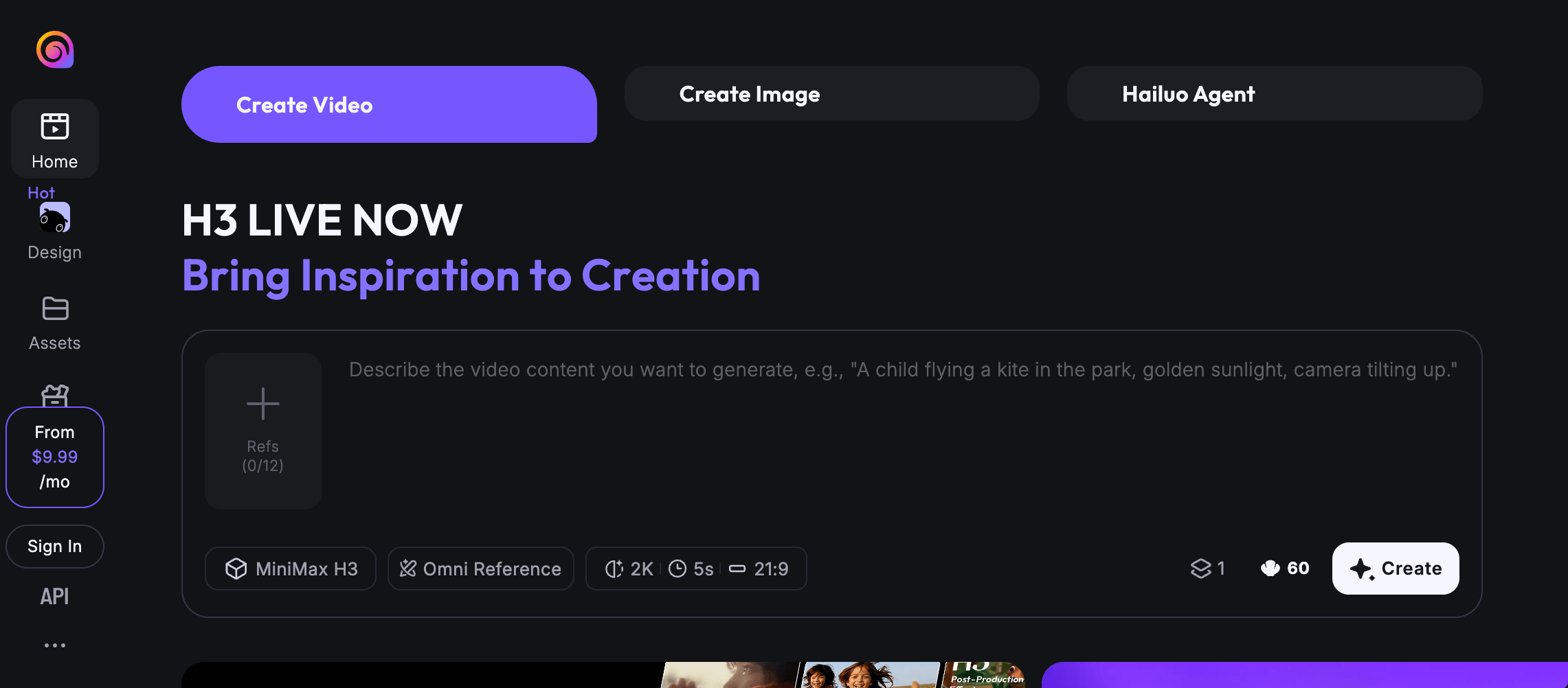
Hailuo AI’s H3 model animates stills with expressive motion, camera direction and native audio.
Hailuo AI turns a clean still into a motion-led clip with MiniMax H3, making it useful when expressive subject movement and camera direction matter more than a broad template workflow.
Use a portrait, animal, product or scene image as the opening frame. Describe the subject action and camera movement, then inspect the complete clip. H3 accepts text, images, video and audio as context and supports video up to 15 seconds at 2K with native stereo audio. Check faces, limbs, background stability and usable duration before approval.
For portraits, animals or music-video shots, ask whether faces, limbs and backgrounds remain stable across enough usable attempts, not whether one sample looks cinematic. Test Hailuo and PixVerse with the same image and prompt. Hailuo can replace PixVerse for short-form image animation. Keep PixVerse when templates, Agent, MultiShot and integrated editing remove more downstream work.
Pros:
- H3 combines multimodal references, camera direction and native audio.
- The workflow supports expressive portrait, animal and product animation.
Trade-offs:
- Complex movement may require reruns and close anatomy review.
- It does not replace a full long-form editing workspace.
Pricing: Hailuo’s web subscription starts at $9.99 per month. In-app purchases use a separate billing surface.
Ideal for: Short portrait, animal, product and cinematic image animation.
Bottom line: Hailuo concentrates on turning still images into expressive short clips that benefit from motion and anatomy review.
8. Higgsfield — For Camera-Led Ads and Cinematic Shot Design
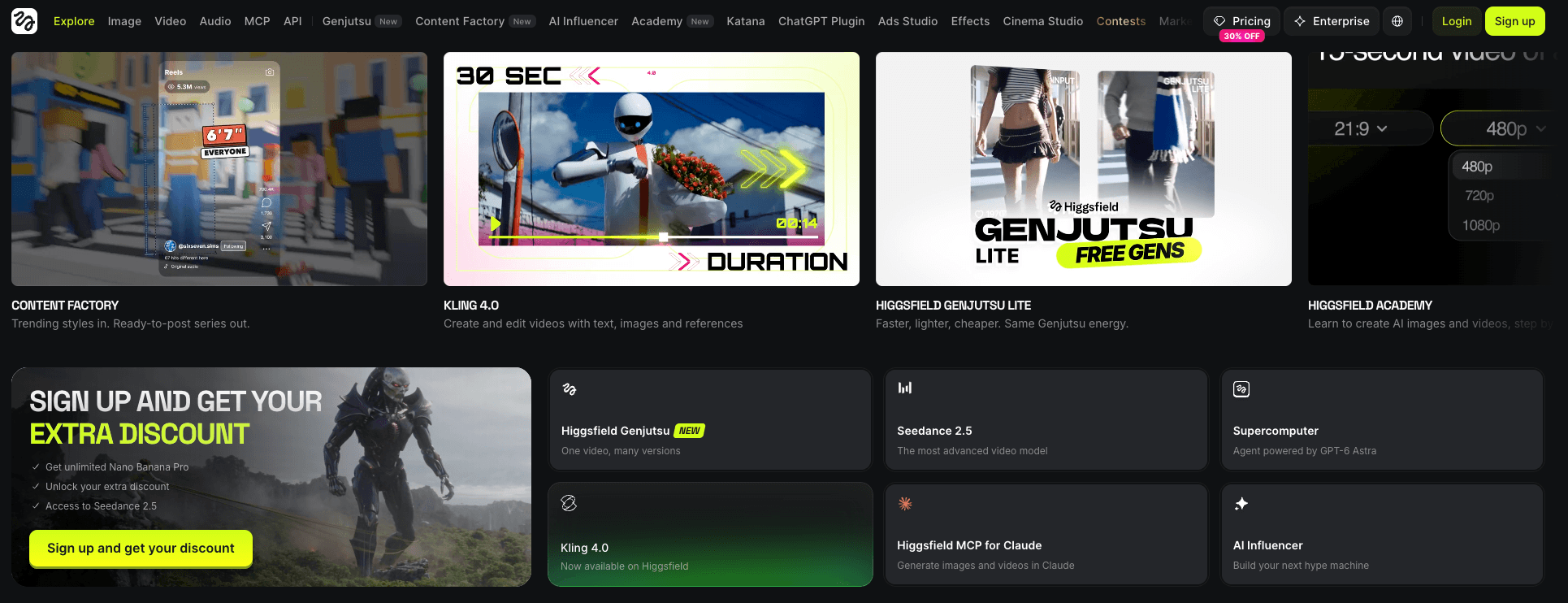
Higgsfield plans camera-led ads with reference assets, lens choices, movement presets and reusable identities.
For camera-led ads, Higgsfield replaces rapid effect-first creation with planned references, lens choices, movement, previews and reusable identities before a shot is rendered.
In Cinema Studio 4.0, add a product, character or visual reference, then set genre, camera, lens, aperture, lighting and moves such as POV or Helicopter Shot. Where preview controls are available, review the static composition and select an anchor before generation. Reusable Elements can carry a character, location or prop into related shots, and the chosen clip can continue into a campaign or Marketing Studio workflow.
This approach is useful when PixVerse’s fast templates and effects provide less pre-generation shot direction than the brief requires. PixVerse remains the simpler choice when V6 MultiShot or one-click effects already cover the job. Community comparisons often question credit value, queues and “unlimited” limits, so compare accepted shots at the same resolution and deadline.
Pros
- Camera, lens, lighting and movement controls support deliberate cinematic composition.
- Elements and Marketing Studio extend references across ad variations.
Trade-offs
- More shot controls mean more setup before generation.
- Unlimited is model-specific and standard-queue only. MCP, CLI, Canvas, Supercomputer and automated generations use credits.
Pricing: Basic costs $9 per month, billed monthly on Higgsfield’s website, with 120 monthly credits.
Ideal for: Directors, agencies and product marketers building planned ads, branded characters or previsualized scenes.
Bottom line: Higgsfield is useful when production begins with deliberate shot construction. Keep PixVerse when its existing workflow already covers the brief.
9. Pika — For Short-Form Effects and Social Video Transformations
Pika turns prompts, images and frames into short effects, transitions and social-first transformations.
Pika turns prompts, photos, clips and ordered frames into effect-led social videos, making it useful for fast transformations rather than a long-form editing workflow.
Begin with a prompt or image in Pika 2.5, use two to five stills in Frames, or apply Pikaffects to a photo. Prompt-only clips run five seconds. Image clips run five or ten seconds, while Frames creates one-to-five-second transitions, or ten seconds between two frames. Pika 2.5 supports 720p and 1080p. Its live generator estimates 20 credits for a five-second 720p prompt render and 45 credits at 1080p.
As a PixVerse alternative for social media, Pika keeps effects modular. Move the chosen clip into an editor for captions, pacing and sound. PixVerse remains the direct stay option when V6, templates, Agent or MultiShot already cover concept testing and assembly.
Pros
- Supports prompt, image and ordered-frame inputs up to 1080p.
- Makes effect-led variations and transitions quick to test.
Trade-offs
- Pika 2.5 clips are silent until sound is added.
- Higher resolution, duration and module choices consume more credits.
Pricing On Pika Create, Starter costs $10/month with 900 credits and watermark-free downloads. Commercial licensing starts with Creator at $35/month.
Ideal for Social teams and creators testing effects, transitions and short-form concepts.
Bottom line Pika handles transformations when the final asset will be assembled in an editor.
10. Adobe Firefly — For Adobe-Centered Brand Production
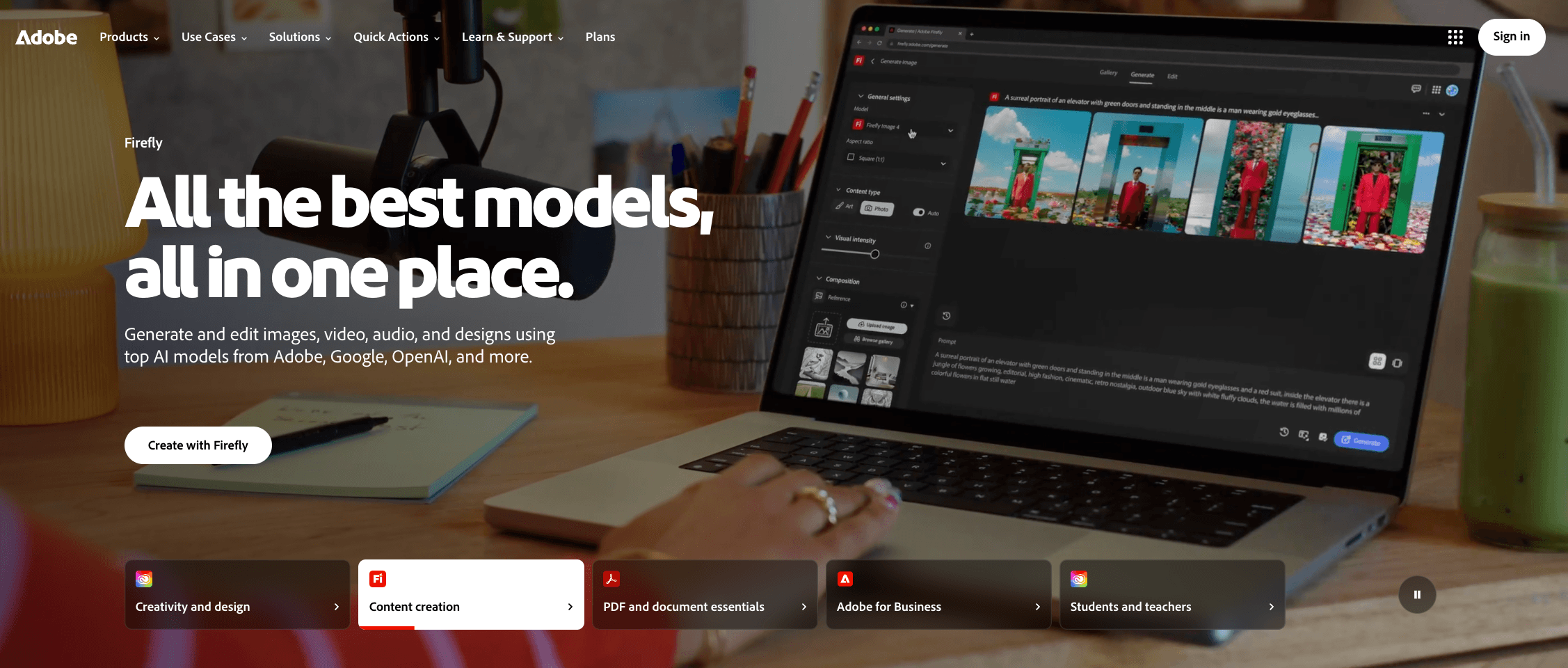
Adobe Firefly moves generated video into Adobe review, design and editing workflows.
Adobe Firefly carries AI-generated video into an Adobe-centered workflow, linking generation, brand review and finishing tools.
Begin with text or an image, then select the Adobe Firefly Video Model or an integrated model such as Veo, Runway or Kling. The model determines controls, credit use and applicable terms. Trim, reorder, regenerate or extend the clip in Firefly, export it as MP4, finish in Premiere, and prepare assets in Photoshop or Adobe Express.
Firefly’s business-video value is the Adobe handoff for brand approval. Staying with PixVerse makes more sense when V6, Agent, MultiShot, effects and integrated editing already complete a fast social workflow. For apparel or product animation, test fabric detail, subject realism and product fidelity across several attempts before calculating cost per usable output.
Pros
- Combines Adobe-owned generation and integrated video models in one review environment.
- Moves assets into Premiere, Photoshop and Express for brand finishing.
Trade-offs
- Adobe Firefly Video at 1080p/24 fps uses 100 credits per second, so retries affect usable-output cost.
- Commercial-use eligibility, controls and credit rates vary by model.
Pricing: Adobe’s individual Firefly Standard plan costs US$9.99 per month, billed monthly, with 2,000 generative credits. Adobe lists up to 20 five-second videos, depending on resolution and model.
Ideal for: Brand teams, agencies and Adobe users producing campaign assets.
Bottom line: Firefly is most useful when generated footage must continue through Adobe review and finishing, not stop at clip export.
How Should You Choose a PixVerse Alternative?
Choose the replacement level first, then compare accepted-output cost, adherence, references, motion, sequence building, audio, editing, rights and access.
A replacement level is the exact layer you are buying: a model for a particular shot, a workspace that joins several production steps, or a specialist tool that fixes one recurring failure. Evaluate the whole accepted-output path, not subscription price or one polished demo. Community reports repeatedly describe trial and error, control tension, continuity drift and queue friction, so treat each as a condition to reproduce in your own test, never as a universal product verdict.
Eight checks for choosing a PixVerse alternative are outlined below.
- Define the replacement scope. Decide whether you need a different generation model, an end-to-end workflow, or one specialist job such as reference control, editing, audio, or upscaling.
- Benchmark PixVerse first. Record how V6, Agent, MultiShot, references, editing, audio, and integrated models perform on your real brief, including strengths worth keeping before you switch.
- Run a controlled comparison. Standardize the prompt, assets, references, duration, aspect ratio and acceptance criteria. VosuAI’s Playground can place supported same-prompt model outputs side by side for review.
- Calculate accepted-output cost. Add generation charges, retries, correction time and external finishing. VosuAI becomes relevant when pay-as-you-go access and non-expiring purchased credits address subscription fatigue.
- Review a sequence, not a showcase. Check face, outfit, product geometry, style, background, motion, camera behavior, and shot-to-shot continuity across several representative clips.
- Separate generation from production. Map where revisions, scene assembly, lip sync, translation, sound design, approval and editing occur. VosuAI’s reusable Nodes can connect supported production steps.
- Audit access and terms. Verify web and API billing separately, then check credit expiry, watermarks, resolution, queue behavior, regional availability, commercial permission, output ownership, and model-specific restrictions.
- Choose the least disruptive outcome. Consider VosuAI when multi-model access and connected production solve recurring bottlenecks, add it as a companion, or stay when PixVerse already completes the job efficiently.
For creators who repeatedly switch among model sites, lose value to subscriptions, or need generation and finishing connected, VosuAI is a sensible first comparison because it combines multi-model testing, reusable Nodes and flexible pay-as-you-go access. The final decision should still come from standardized outputs and accepted-output cost. Before replacing anything, what does PixVerse already handle well enough in your current workflow?
What Does PixVerse Already Cover Before You Switch?
PixVerse already covers more than a basic prompt-to-video workflow through V6, Agent, MultiShot, references, editing, audio and integrated model options. Coverage alone does not guarantee usable output, so benchmark its reference controls, transitions and mobile workflow on your recurring job. Switch only when the same adherence, continuity, editing or accepted-output-cost bottleneck persists across several projects. An isolated gap may need only a companion.
Should You Replace PixVerse or Add a Companion Tool?
Replace PixVerse when the same bottleneck affects several projects. Add a companion when only one stage, such as finishing, continuity or local generation, remains weak. Choose full replacement when multi-model testing and connected production recur, where VosuAI can consolidate those steps. Use a companion editor or reference tool for an isolated gap, and stay with PixVerse when its workflow remains efficient.
Which PixVerse Alternative Is Better for Character Consistency?
Start with tools that accept reusable subject, product or scene references, then judge continuity across a representative sequence rather than one polished clip. Vidu reuses multiple references, while Google Flow organizes Ingredients and connected scenes. Runway can finish selected shots. Review face, outfit, product geometry, style and background across the sequence. No reference workflow guarantees identical results.
How Do VosuAI, Runway and Higgsfield Differ From PixVerse?
VosuAI broadens model choice and connected workflows, Runway emphasizes revision and finishing, and Higgsfield emphasizes camera-led shot design. PixVerse remains rational when its native V6, Agent, MultiShot and template workflow already cover the job. Choose VosuAI when tab switching or fragmented subscriptions block production, Runway when footage needs deeper revisions, and Higgsfield when lens and camera presets shape the shot before generation. Compare jobs, not showcase clips.
Which PixVerse Alternatives Support Longer or Multi-Shot Video?
Google Flow, Runway and selected reference-led platforms can support connected scenes or assembly, but generation length and finished-video production are separate requirements. Treat duration as only one layer. References support continuity, Scenebuilder or project tools connect shots, and an editor handles pacing, titles, audio and delivery. For a music video or story, plan the full sequence, then test it rather than the longest advertised clip.
Is There a Free PixVerse Alternative Without a Watermark?
Several PixVerse alternatives offer free credits or trials, but watermark, resolution, queue, credit renewal and local hardware rules determine whether the access is genuinely usable. A free PixVerse alternative may limit output volume or speed, while local open models remove cloud billing but require capable hardware and setup. Check current terms for no-watermark export, 1080p, renewable credits and queue priority. Those benefits rarely arrive together.
Which PixVerse Alternative Is Easiest for Beginners?
The easiest PixVerse alternative is the one that exposes only the controls needed for the first repeatable job while keeping references, retries and export requirements understandable. Pika simplifies effects, Kling supports reference-led shots, VosuAI Playground compares models, and Runway adds revision. Keep PixVerse when templates or mobile creation already feel clearer. Judge ease by retries and successful exports, not interface simplicity alone.
Which PixVerse Alternative Should You Choose in 2026?
Choose the alternative that owns your first recurring bottleneck, then test it against PixVerse with the same assets and acceptance standard. Start with VosuAI for multi-model testing and connected production, Vidu for reusable references, Runway for revision depth, or Google Flow for scene building. Stay with PixVerse when its native workflow remains efficient, then compare accepted-output cost across identical test sequences.