

One MCP connection.
Every AI model.
Connect your AI assistant to VOSU and create images and video with the world's leading models, right inside the conversation.
Done. I generated the hero shot with Nano Banana 2 and saved it to your VOSU library. Want a wider crop or a video version?


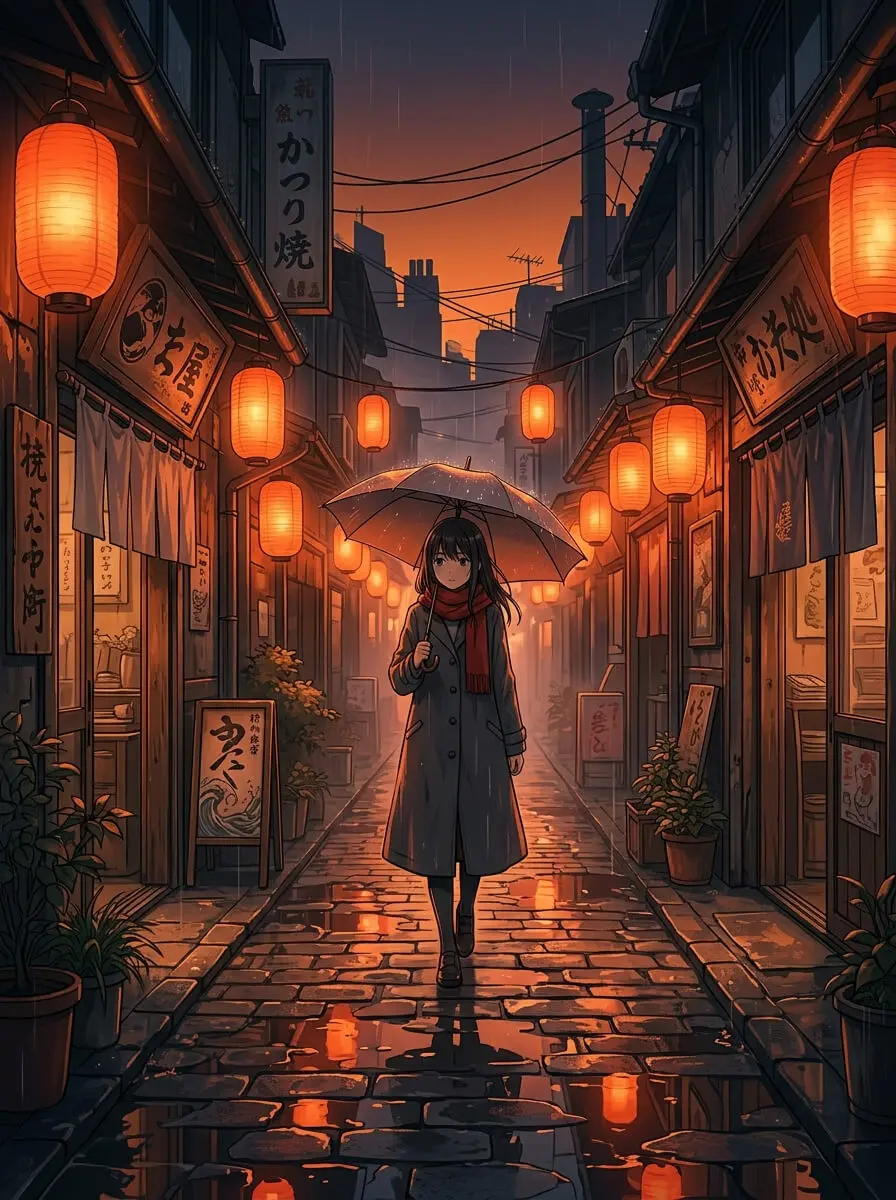
Your assistant, with a full creative studio. No new tools to learn.
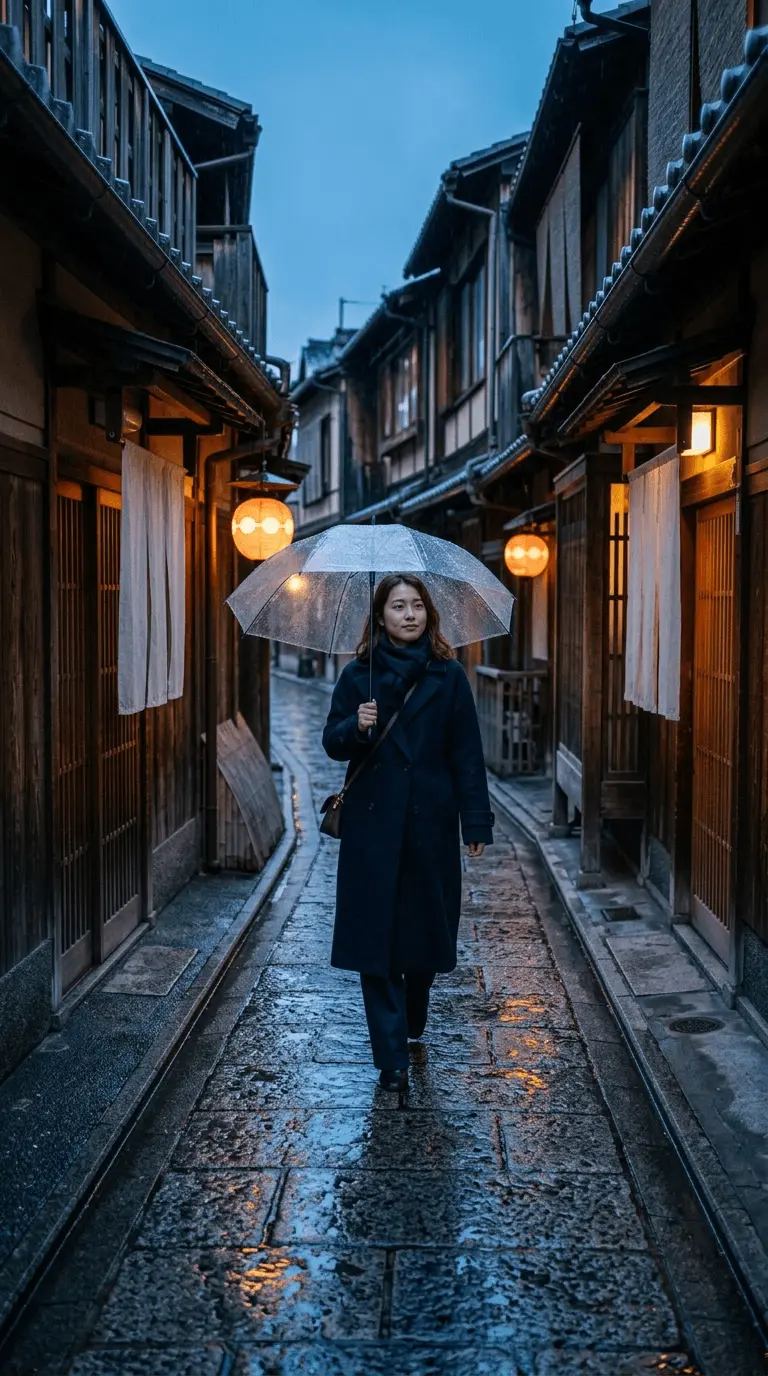
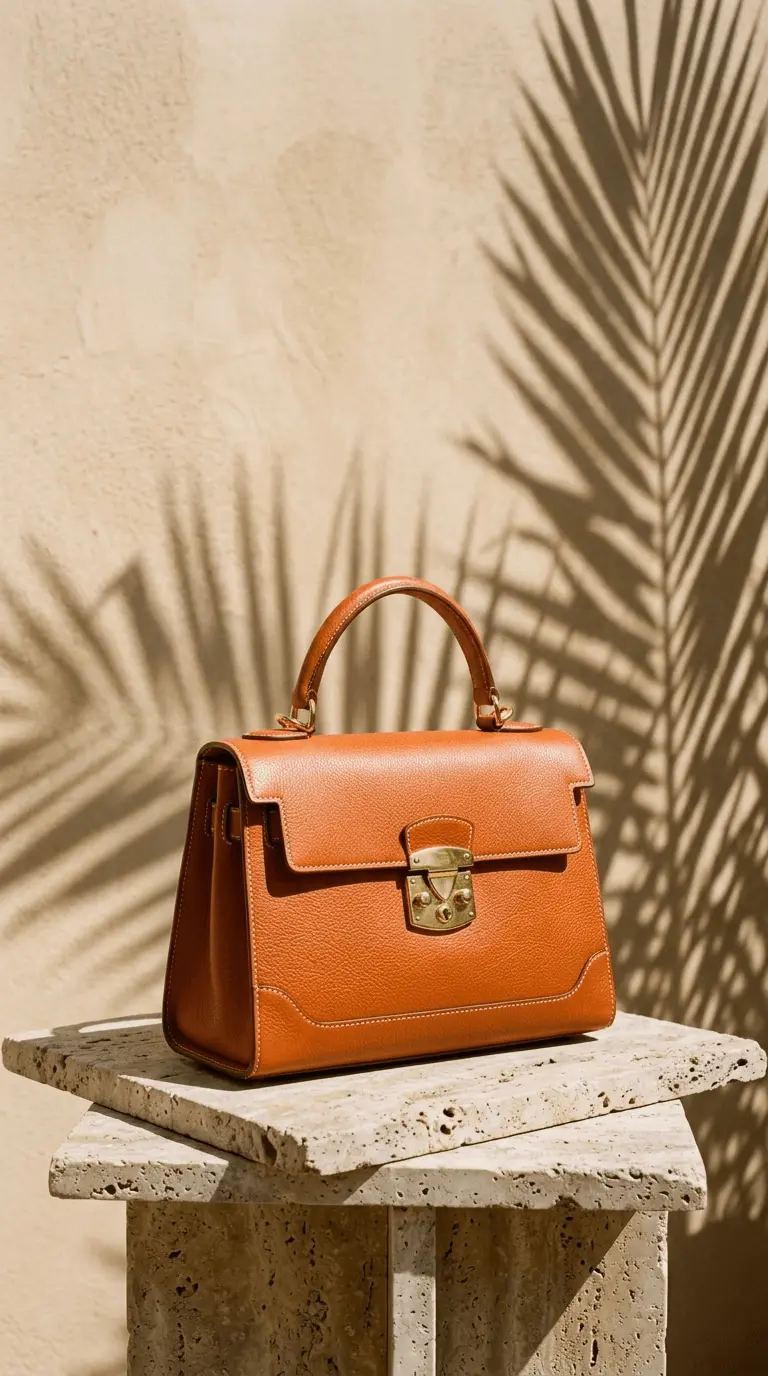
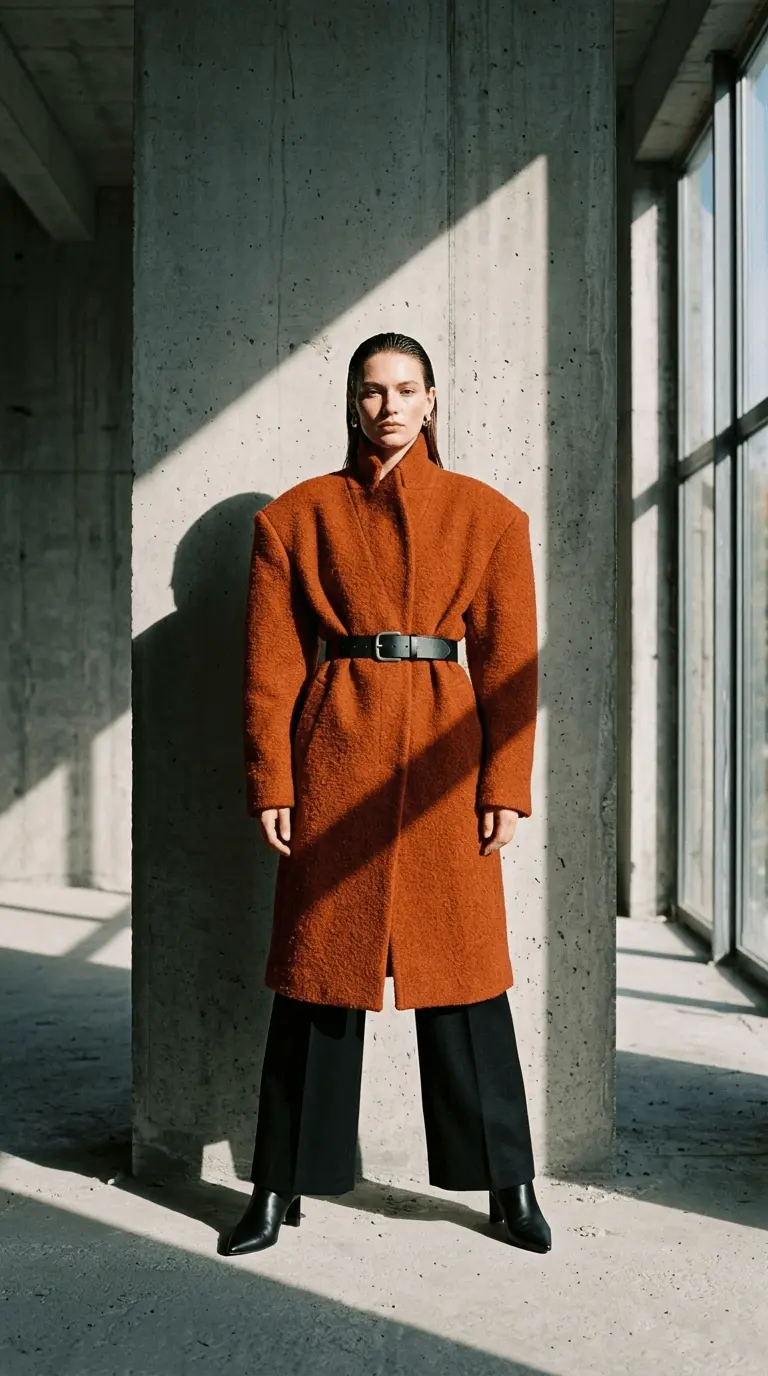
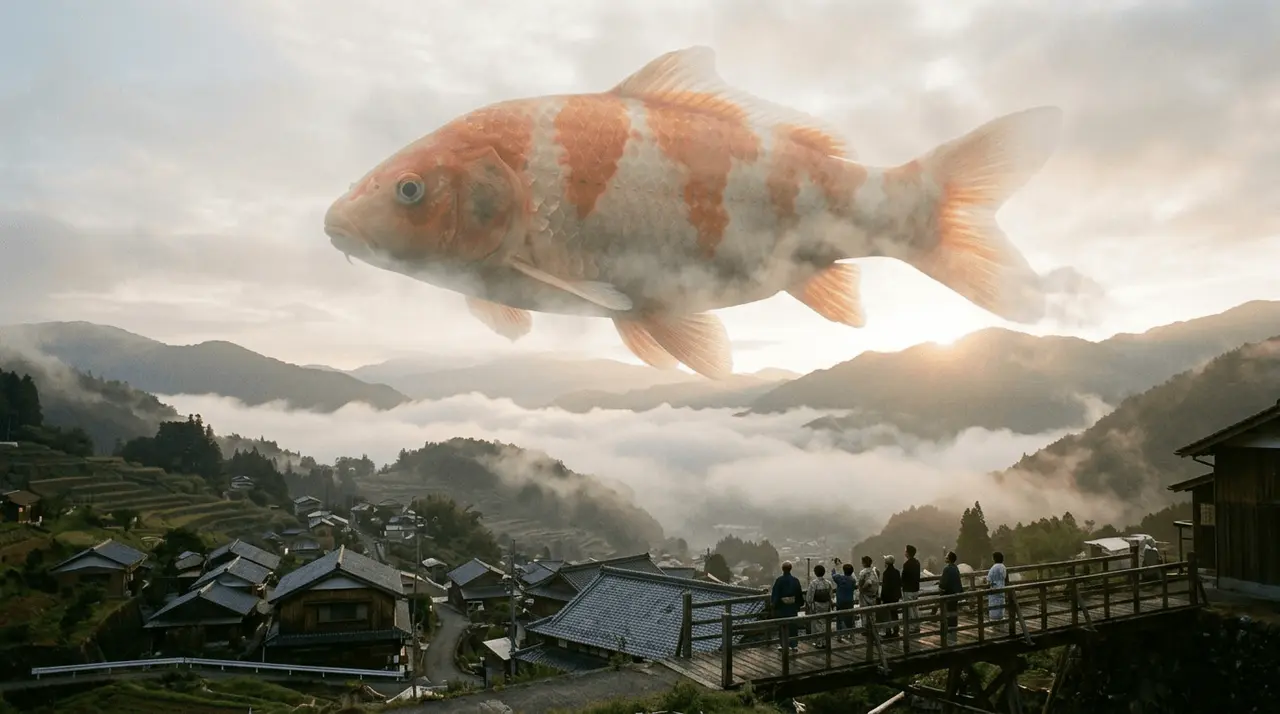
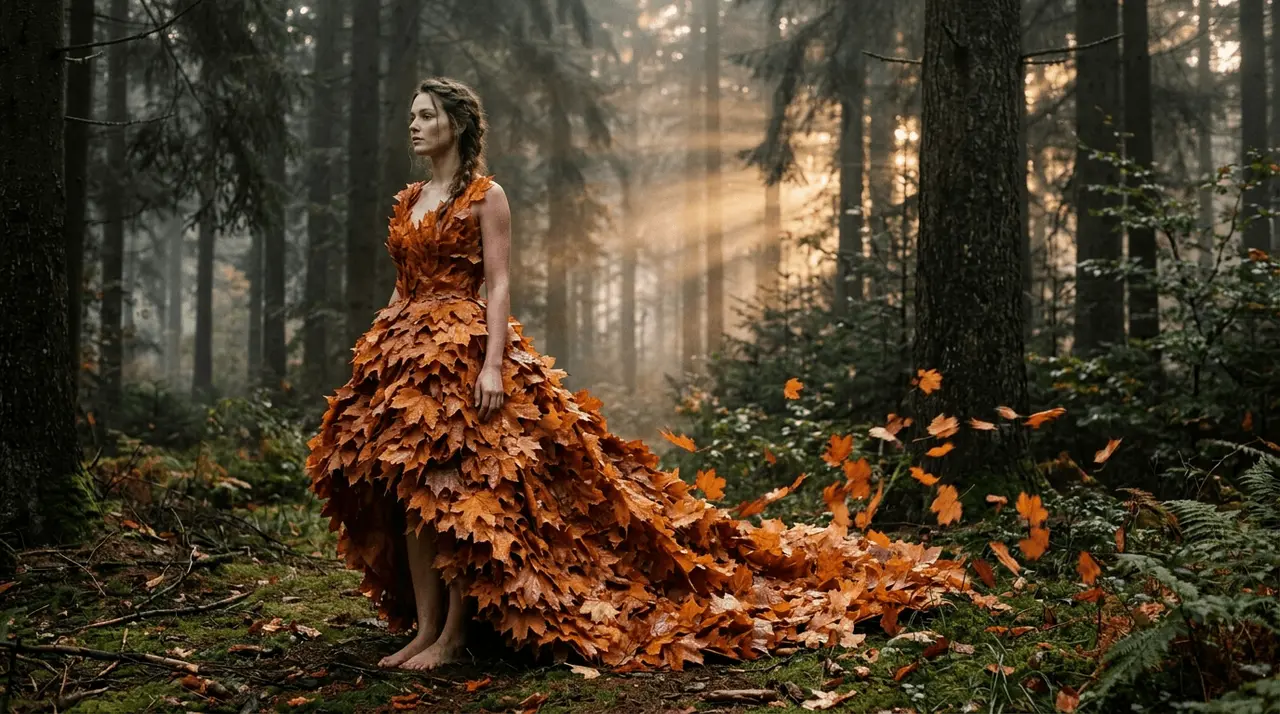
Image generation
Name a model when style matters, or let VOSU pick the best fit for your prompt.
Video generation
Turn a prompt or a still into cinematic video without leaving the chat.
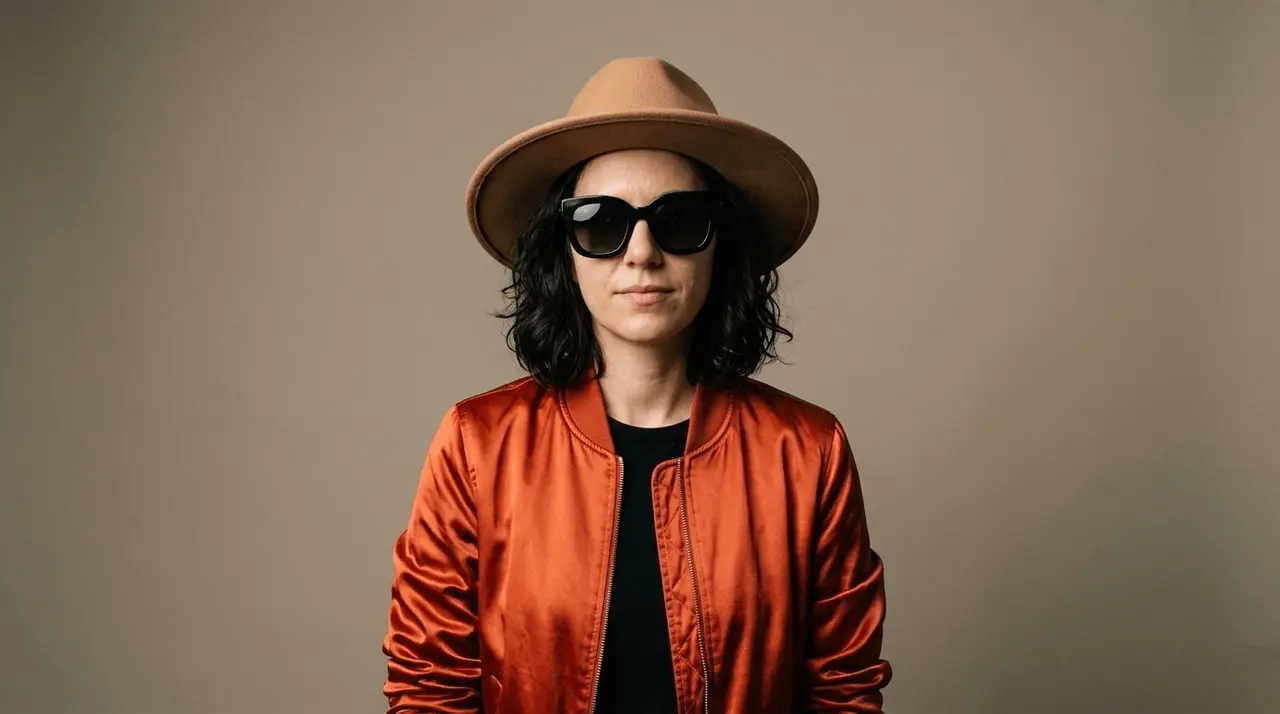
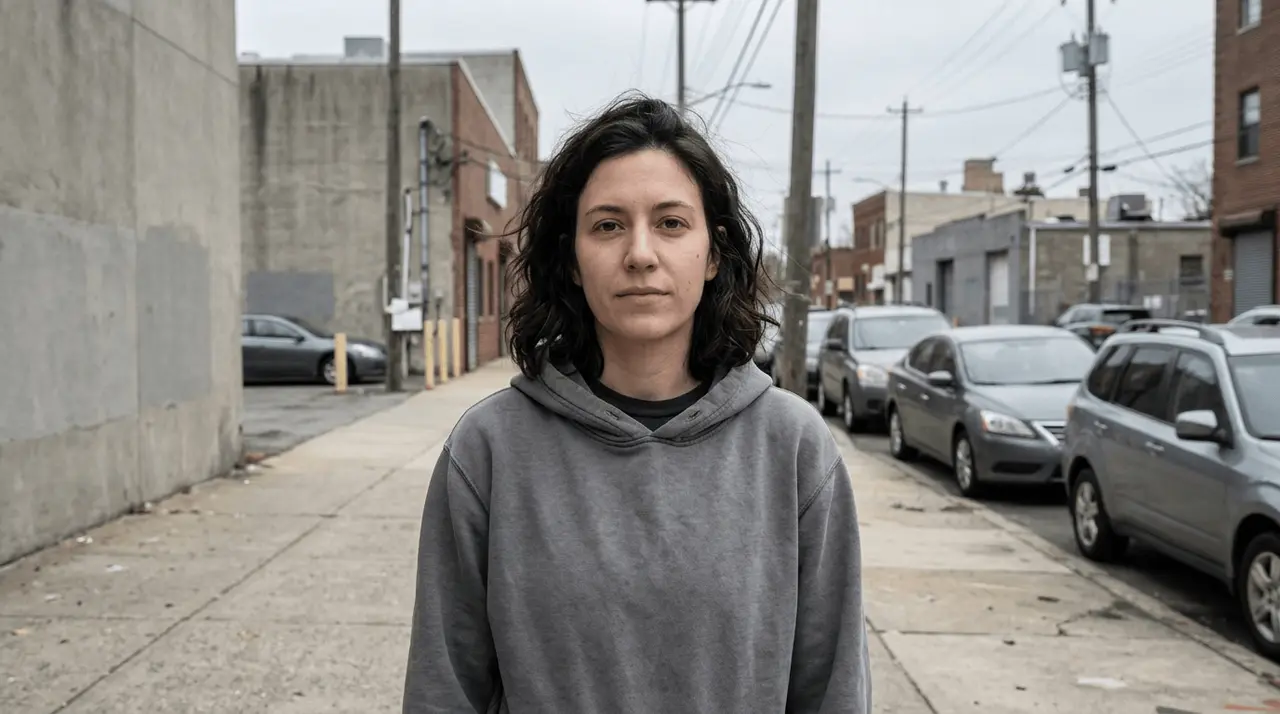
Edit & enhance
Retouch, restyle and refine the images you already have.


Upscale
Sharpen and enlarge results to production quality.


Saved to your library
Everything you create is stored in your VOSU account and reusable anywhere.
Connect in under 60 seconds.
Copy your VOSU MCP link
Paste this into Claude in the next step.
Add VOSU to Claude
This opens Claude's “Add custom connector” dialog with the name and your MCP link already filled in. Just press Continue.
Open Claude Connectors ↗Sign in & start creating
Sign in to your VOSU account, then ask Claude to create with any supported AI model.
Powered by the world's leading AI models.
Name a model when style matters, or let VOSU auto-pick the best fit for your prompt.
Recommended image models
Nano Banana 2
highest quality, up to 4K, strong text rendering
Nano Banana 2 Lite
fast, cheap, good general quality
GPT Image 2.0
storyboards and conceptual scenes, faithful prompt following
Z Image Turbo
fast, experimental, low-cost drafts
Seedream v5 Pro
up to 6K resolution and strong instruction editing
Nano Banana Pro
premium Gemini quality, up to 4K, precise edits
Nano Banana
fast Gemini generation and quick edits
GPT Image 2.5 Flare
newest GPT Image, quality up to max, transparent bg
GPT Image 2.5 Sunburst
GPT Image 2.5 with a warmer, more stylized look
Everything you can build with VOSU MCP.
From image generation to automation, explore everything VOSU MCP has to offer.


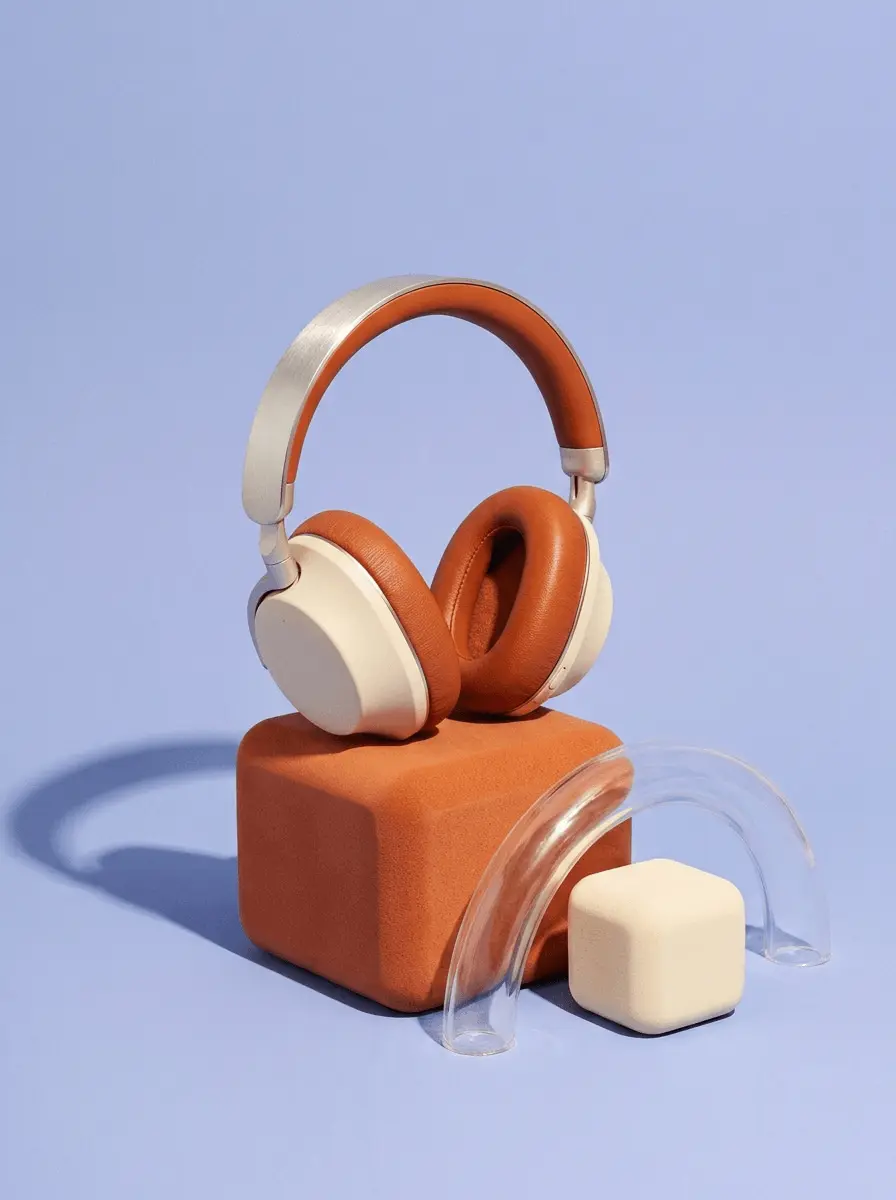
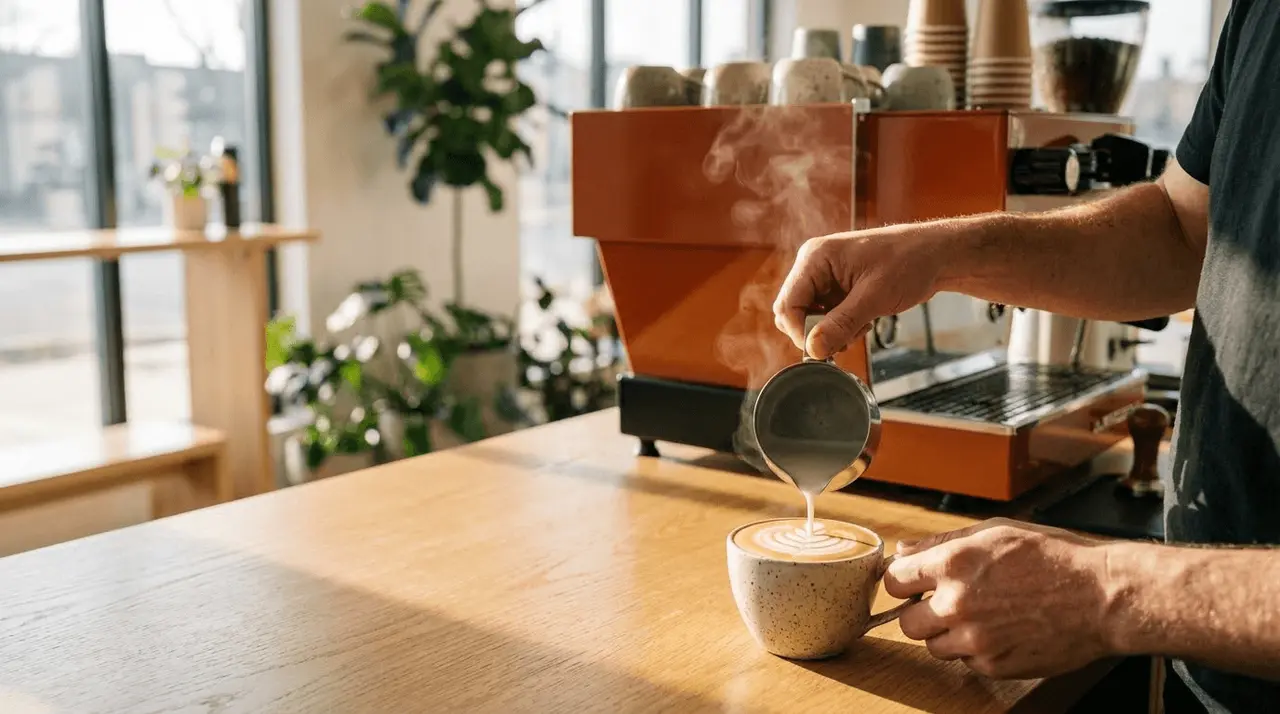
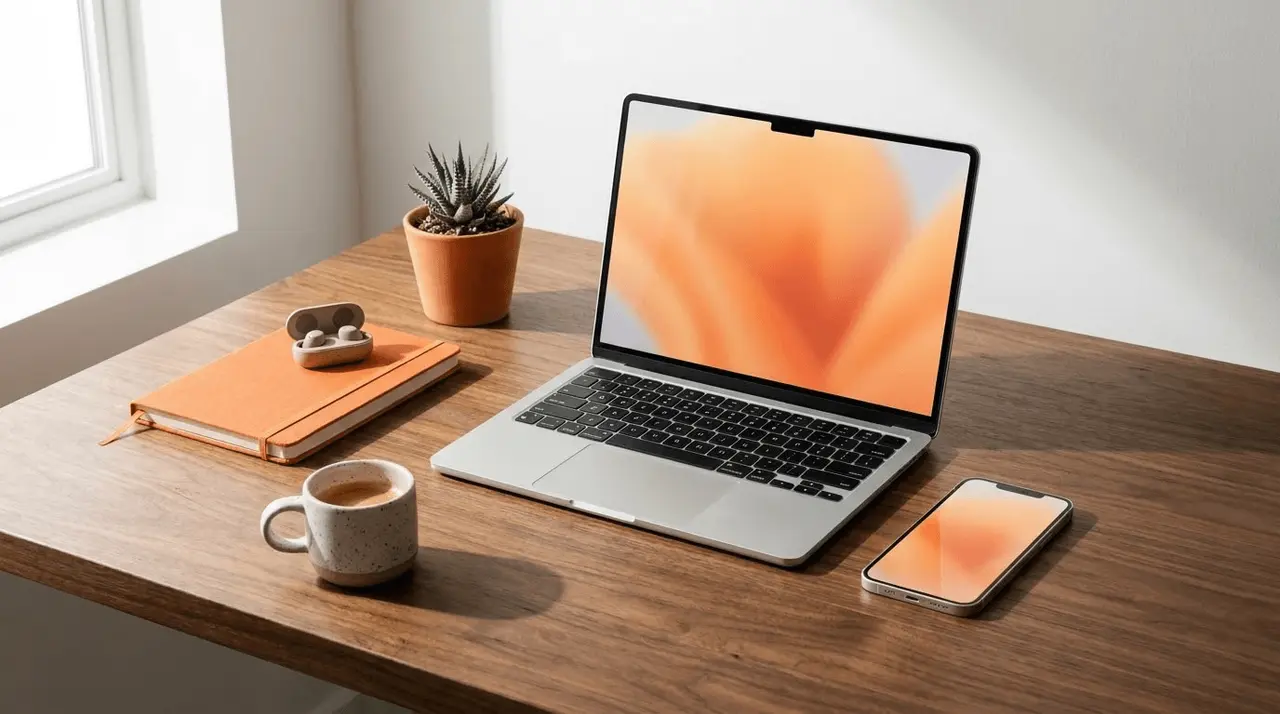

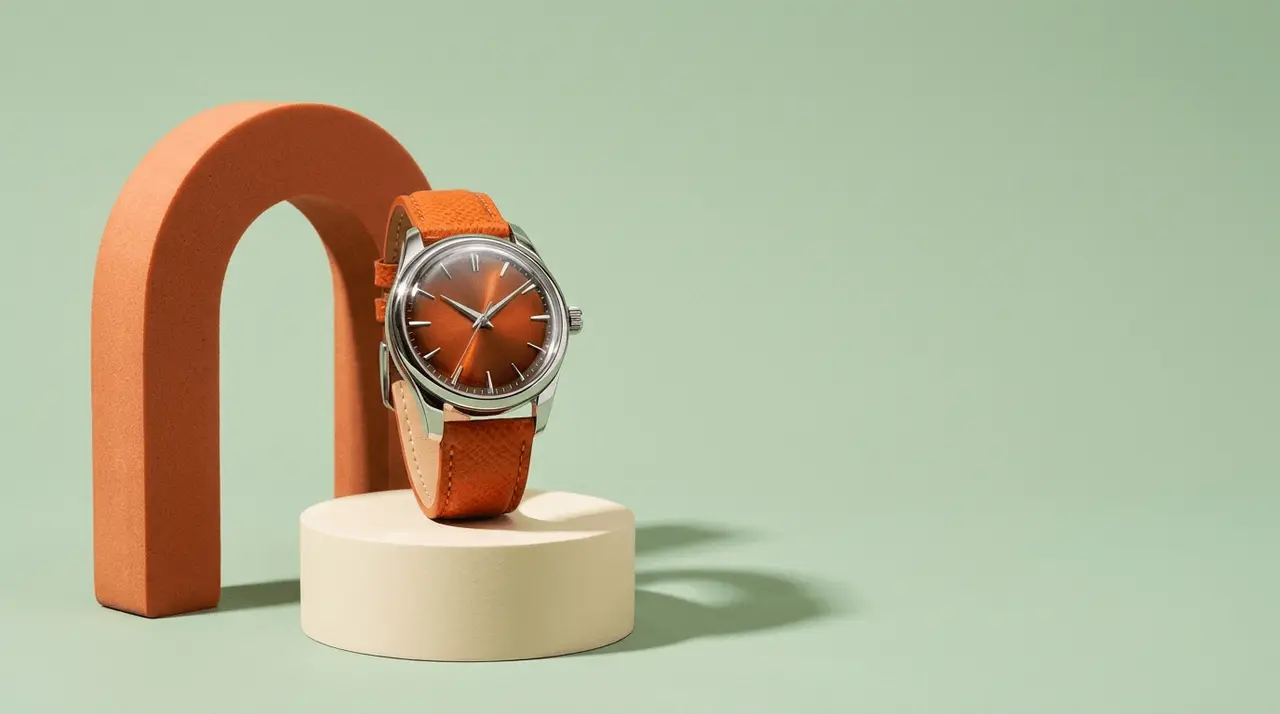
Before you get started.
Get the answers you need before connecting, so you can start building with confidence.
Yes. Sign in with your VOSU account to connect the MCP server. Your existing subscription and credits work seamlessly across both the VOSU web app and MCP.
No. VOSU MCP uses the same account, subscription, and credit balance as the VOSU web app. There are no additional subscriptions or separate credit pools.
Yes. You can connect VOSU MCP to multiple supported AI assistants using the same VOSU account. Your credits, media, and subscription stay synchronized across all connected assistants.
Yes. You can disconnect VOSU MCP from any connected AI assistant whenever you like. You can reconnect at any time without affecting your VOSU account or subscription.
All media generated through VOSU MCP is automatically saved to your VOSU account, where you can view, manage, and reuse it across supported AI assistants.
Yes. VOSU uses secure authentication to protect your account and data. You stay in control of your connection and can revoke access at any time.
You can upgrade your plan or purchase additional credits at any time. Once your balance is updated, you can continue creating without reconnecting VOSU MCP.
VOSU uses a simple credit-based system. Credits are consumed based on the selected AI model and generation task, and can be used across all supported models.
Yes. You can use VOSU MCP for both personal and commercial projects.
Need help? Contact our support team anytime at [email protected].
Give your AI assistant creative superpowers.
Connect VOSU MCP and create with every leading image and video model from a single connection.