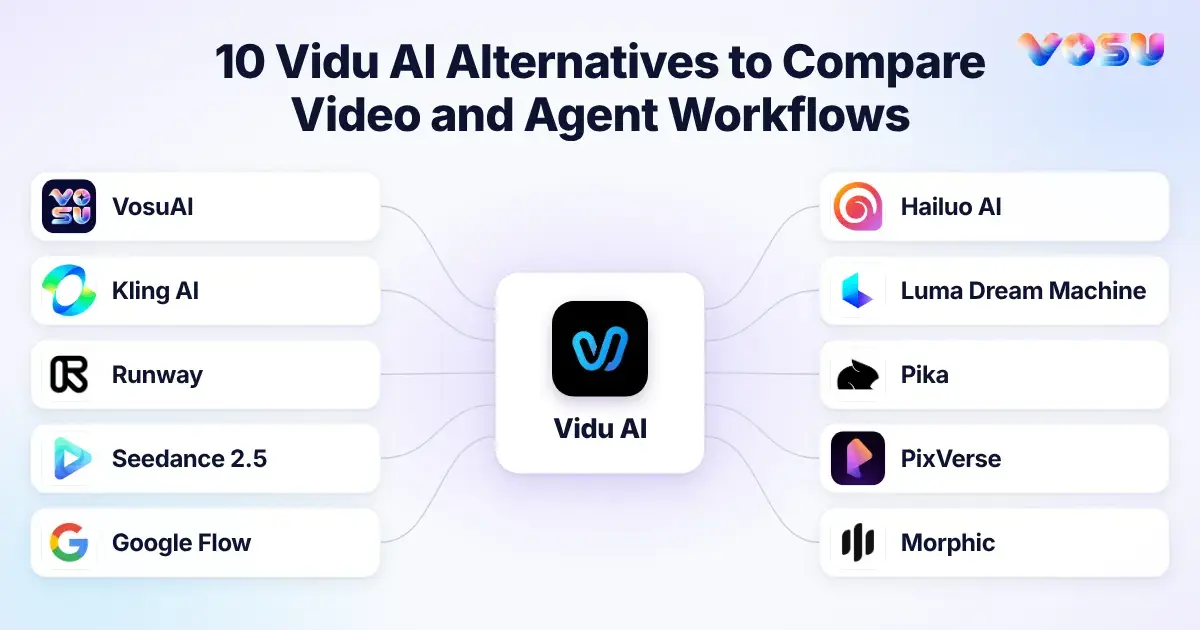
The best Vidu AI alternatives are VosuAI, Kling AI, Runway, Seedance 2.5, Google Flow, Hailuo AI with MiniMax H3, Luma Dream Machine, Pika, PixVerse, Morphic, Adobe Firefly and DomoAI. They cover different combinations of generation, audio, editing, consistency and creative production rather than offering one universal replacement.
VosuAI combines 150+ image and video models with Playground comparisons, Nodes, Agents and pay-as-you-go access from $1 without a subscription. Kling AI emphasizes reference control, keyframes, motion and longer native-audio scenes. Runway connects generation with editing, timelines and reusable workflows. Seedance 2.5 handles longer reference-driven clips, while Google Flow assembles Veo scenes from reusable ingredients. Hailuo AI with MiniMax H3 supports multimodal generation and stereo sound. Luma Dream Machine focuses on video modification and character controls. Pika combines creative apps, multi-shot video and sound, while PixVerse adds transitions and multi-frame control. Morphic develops visual stories on a shared canvas. Compare them by control, duration, audio, editing, consistency, access and price.
The 10 Vidu AI alternatives below are organized by the job they replace, not by a universal rank.
- VosuAI
- Kling AI
- Runway
- Seedance 2.5
- Google Flow
- Hailuo AI / MiniMax H3
- Luma Dream Machine
- Pika
- PixVerse
- Morphic
Quick comparison: Vidu AI Alternatives
The closest Vidu alternative changes with the replacement level, so compare input, control, workflow and price before choosing. These Vidu AI alternatives span direct models, production platforms, multi-model access layers, specialist companions and open paths, so use the pricing comparison to find the row that matches your bottleneck, then check monthly credits, commercial use and likely retry cost because credit units are platform-specific and not directly comparable.
| Alternative | Key features | Pricing | Replacement level | Choose when | Keep Vidu when | Test before switching |
|---|---|---|---|---|---|---|
| VosuAI | Cinematic & Multimodal AI generation, Playground model comparisons, VOSU Marketplace, Agent workflows, editable Nodes, MCP and shared workspaces. | From $1 pay as you go. No subscription. Balance does not expire. Unlimited workspace members. | Multi-model access layer | You want to compare models and reuse assets in one workspace. | You need direct access to Vidu’s newest controls. | Run the same prompt and references across two or three models. |
| Kling AI | Keyframes, Omni Reference and native stereo audio. | Standard list: $6.99 to $10/month, 660 credits. | Direct model | You need longer, tightly timed motion. | Vidu needs fewer retries for your reference set. | Identity, object contact, prompt adherence and queue time. |
| Runway | Gen-4.5, Aleph editing, Agent and Workflows. | Standard: $12 to $15/month, 625 credits. | Production platform | You want generation and editing in one production surface. | Vidu already handles your reference-to-video shots reliably. | Reference continuity, edit quality and credits per accepted clip. |
| Seedance 2.5 | Up to 30 seconds, native audio-video and multimodal references. | Dreamina Standard renews at $19.90/month, 36,000 credits/yearly. | Direct model | You need longer dialogue or multi-input storytelling. | Vidu produces more accepted short reference shots. | Long-scene coherence, dialogue sync and cost per accepted second. |
| Google Flow | Veo 3.1, Gemini Omni, ingredients, Scenebuilder and Agent. | Google AI Pro: $19.99/month, 1,000 Flow credits. | Production platform | You want to build and revise connected scenes with Google models. | Vidu’s direct workflow is faster for repeatable shots. | Character continuity, audio, editing behavior and regional access. |
| Hailuo AI / MiniMax H3 | 4–15-second 2K output, stereo audio and multimodal references. | Hailuo Standard: $14.99/month, 1,000 credits. | Open path and hosted model | You want open weights or audio-led action. | Vidu performs better on identity or interaction tests. | Local hardware needs, hosted H3 access, dialogue and motion transfer. |
| Luma Dream Machine | Keyframes, Modify, video-to-video and Boards. | Lite: $9.99/month, 3,200 credits. Noncommercial and watermarked. | Production platform | You need transformation and iterative visual development. | Multi-reference continuity matters more. | Subject drift, keyframe transitions and usage rights. |
| Pika | Video Studio, Product Ad, Swap, Motion Transfer and Extend. | Starter: $10/month, 900 credits. No commercial license. | Specialist platform | You need fast social or product transformations. | You need more reference-led cinematic shots. | Product and logo fidelity, motion quality and usage rights. |
| PixVerse | V6, multi-shot generation, native audio and Canvas. | Standard list: $10/month, 1,200 monthly credits plus 60 daily credits. | Production platform | You need short-form iteration and effects. | Recurring subjects remain steadier in Vidu. | Prompt fidelity, subject detail, audio and credit consumption. |
| Morphic | Canvas, Copilot, Compose and reusable Workflows. | Basic regular price: $19/month, 2,400 credits. | Multi-model production platform | Storyboarding and multi-shot assembly are the bottleneck. | You only need direct generation. | Multi-shot continuity, exports and regular pricing after promotions. |
1. VosuAI — Compare Vidu With Multiple Video Models in One Workspace

VosuAI compares video models in Playground and turns selected outputs into reusable Nodes and Agent workflows.
VosuAI is the strongest workflow-level Vidu AI alternative here for creators and businesses that want to compare Vidu with 150+ top AI models, reuse successful production systems and avoid a required monthly subscription.
In Playground, give one prompt, reference image or reusable Character to Vidu Q2, Vidu Q3, Kling Video 3.0, Seedance 2.5, MiniMax H3 Max or Veo 3.1. Review results side by side with the model, prompt and estimated credit use visible to compare adherence, motion, continuity, rerolls and usable-output cost.
Move an accepted setup into Nodes, connecting prompts, image generation, video generation and music in a saved visual workflow. VOSU Agent can turn a natural-language brief into an editable multi-scene node graph, while shared projects keep the process available for collaboration and reuse.
The workspace also carries selected ideas into production. UGC Studio generates creator-style ad batches from product or app pages. Marketing Studio supports promotional content, while Photo Studio provides chat editing, annotation, background removal, Change Angle, relighting and upscaling. VOSU Marketplace connects clients with AI creators, and MCP brings VOSU tools into ChatGPT, Claude and Gemini.
VosuAI is an access and workflow layer, not a foundation model. Use Vidu directly when a Vidu-only setting or full native control is essential.
Pros
- Playground compares the same brief across a 150+ model catalogue and shows estimated credits before generation.
- Nodes and Agent turn accepted tests into reusable workflows for multi-scene production.
- Studios, Marketplace and MCP support campaign creation, creator discovery and assistant-led automation.
Trade-offs
- Inputs, controls and credit requirements vary across models.
- The broader workspace may require initial setup for a focused workflow.
Pricing: From $1 pay as you go. No subscription is required, purchased balance does not expire and unlimited workspace members are included without seat fees.
Ideal for: Creators, filmmakers, agencies, ecommerce marketers and businesses that compare models or reuse production processes.
Bottom line: VosuAI keeps Vidu in the model mix while adding broad model choice, reusable workflows and flexible spending.
2. Kling AI — Test 30-Second Motion, Keyframes and Native Audio Against Vidu
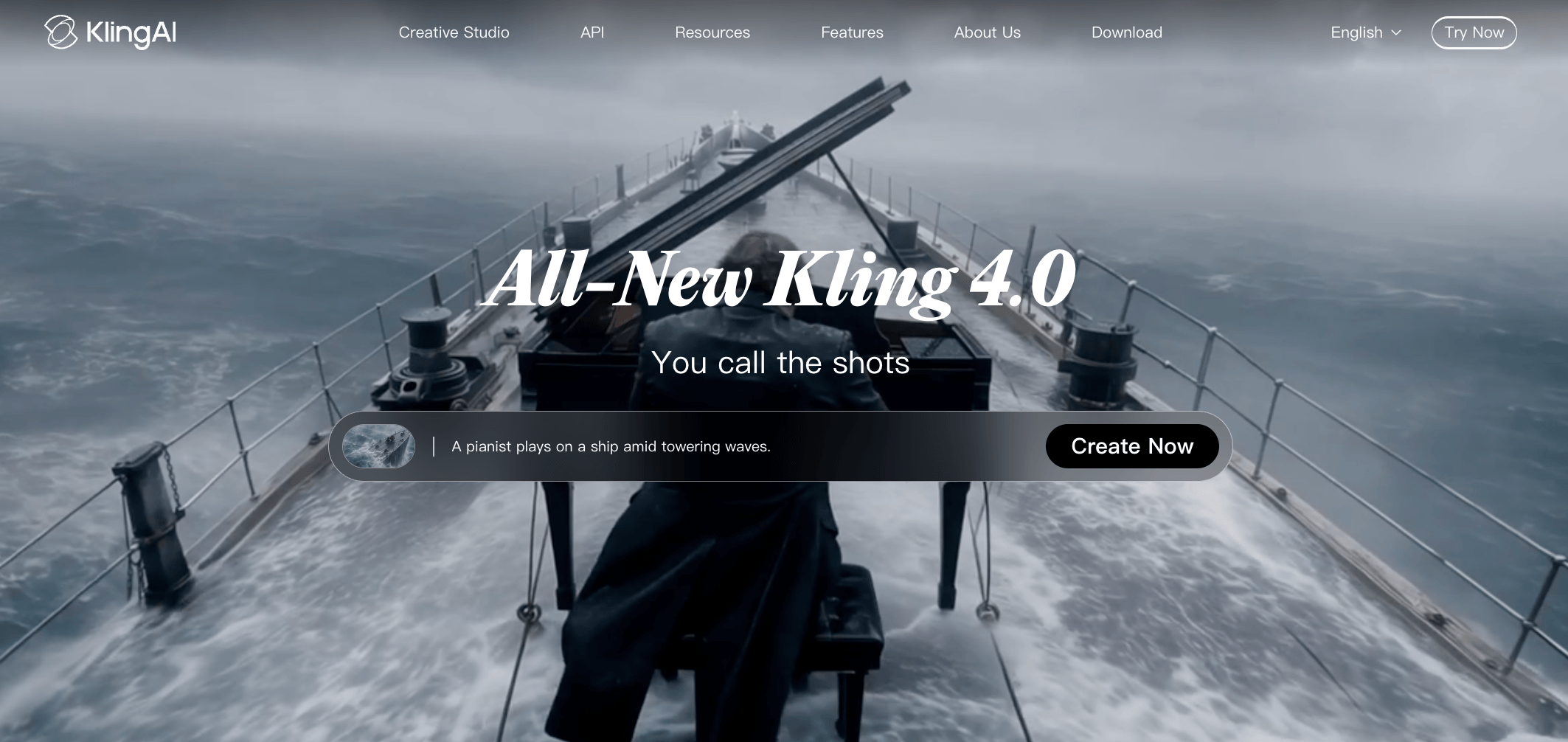
Kling AI supports 30-second generation, multiple keyframes, Omni Reference and native stereo audio.
Kling 4.0 is the direct Vidu test when 30-second action, timed keyframes, multi-reference direction and native stereo audio matter, although access is still rolling out and Kling 4.0 Flash remains separate from the full model.
The full model supports 3–30-second generation, up to 10 keyframes, Omni Reference across images, videos, subjects and voices, native two-channel stereo audio and multimodal video editing. Vidu Q4 instead supports up to 16 seconds, 15 image references and three voice references, while Q3 generates native dialogue and sound.
Run three matched tests: continuous action with hand-object contact and background movement, two-person dialogue for lip sync and speaker separation, and a keyframed product reveal. Record retries, frozen backgrounds, audio drift and credits per accepted clip. Reports on earlier Kling modes should guide testing, not define Kling 4.0 performance.
Pros
- Longer duration and multiple keyframes support motion and story beats.
- Omni Reference, stereo audio and editing combine controls in one workflow.
Trade-offs
- Full Kling 4.0 access remains rollout- and plan-dependent.
- Longer, reference-heavy scenes can still require costly reruns.
Pricing: Standard lists at $6.99 to $10 monthly with 660 credits. Verification showed a $6.99 first-purchase offer and $8.80 renewal, but promotions and 4.0 entitlements may change.
Ideal for: Creators testing 30-second action, dialogue or product scenes that need timed visual states and mixed references.
Bottom line: Choose Kling when its longer, keyframed workflow produces the cleaner accepted shot. Keep Vidu when Q4 reference depth or Q3 dialogue needs fewer reruns.
3. Runway — Add Editing, Model Choice and Production Controls Around Generation
Runway combines Gen-4.5 generation with Agent, Aleph editing, Workflows and production sequencing.
Runway is a Vidu alternative when work continues after generation into editing, sequencing, model choice and reusable workflows. Its replacement role is the production layer rather than Vidu’s underlying model.
Generate with Gen-4.5 or a hosted model, inspect the keeper, revise it in the AI video editor, Edit Studio, with Aleph 2.0, place clips on Agent’s timeline and export. Runway Workflows save repeatable node-based chains, while projects, audio tools and MCP extend the production surface. MCP starts on Pro.
For a controlled Vidu AI vs Runway test, use the same asset and acceptance brief. Record physics errors, morphing, queue time, retries, edits and credits through export. A hosted partner model may expose different controls, versions or failure behavior than its direct surface.
Pros
- Combines generation, in-context editing, sequencing, audio and reusable creative workflows.
- Moves an accepted clip from generation to export inside one production workspace.
Trade-offs
- Partner models may offer fewer controls than their direct platforms.
- Retries and edits can raise the cost of each accepted deliverable.
Pricing: Standard costs $15 month-to-month or $12 per month with annual billing and includes 625 credits. Price the complete deliverable, not one nominal generation.
Ideal for: Filmmakers, agencies and marketers seeking a Vidu alternative with a timeline editor and professional editing after generation.
Bottom line: Choose Runway when a keeper must be revised, sequenced, reused and exported. Keep Vidu when its direct reference workflow produces the required clip with fewer steps.
4. Seedance 2.5 — build 30-second native-audio scenes with reference control
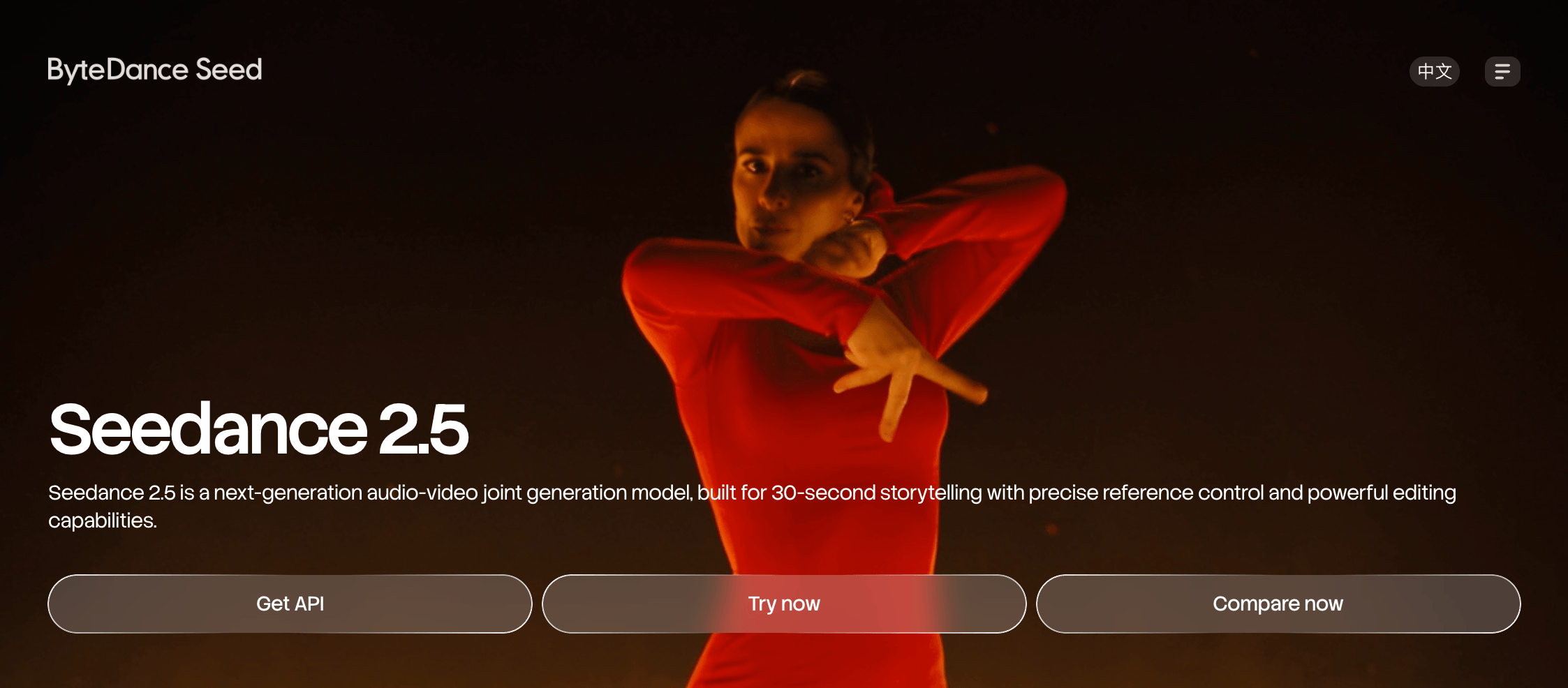
Seedance 2.5 creates 30-second native-audio scenes with multimodal references, extensions and editing controls.
Seedance 2.5 is one of the vidu alternatives & it worth testing when a reference-heavy scene needs 20–30 seconds with dialogue and synchronized sound in one generation. Its longer canvas matters only if contact and continuity hold through the final frame.
ByteDance documents 30-second single-pass generation, multimodal references, timestamp editing and multi-round video extension. Image, video and audio guide the output, but controls and cost vary by provider.
To evaluate Seedance as a Vidu AI alternative, run one scene through both: subject contact, a camera transition and spoken dialogue. Check input adherence, inspect the 8–10-second transition, then score identity, lip sync and final-third continuity. Track reruns and provider credits per accepted clip. Community reports make missed contact and softened late transitions test criteria, not performance proof.
Pros
- 30-second AI video generation reduces assembly for longer scenes.
- Native audio-video, multimodal references and extension support storytelling.
Trade-offs
- Contact accuracy and late-scene continuity require output-level testing.
- Access and generation settings vary by provider.
Pricing: Dreamina Standard renews at $19.90/month, with 36,000 credits on yearly billing. This price applies to Dreamina, not Seedance universally.
Ideal for: Dialogue, narrative and product scenes that need mixed references and longer continuity.
Bottom line: Seedance 2.5 warrants a trial when a longer synchronized take can replace scene assembly. Vidu remains useful when its shorter reference workflow reaches an accepted result with fewer reruns.
5. Google Flow — assemble clips, scenes and reusable creative assets
Google Flow turns ingredients and saved frames into Veo scenes that can be extended and arranged in Scenebuilder.
As a Vidu alternative, Google Flow is designed for building and revising connected scenes rather than producing one isolated render. It is an AI filmmaking workspace around Veo and Gemini, not another name for either model.
Upload or generate ingredients, select frames or references, then create a clip with a supported Veo or Gemini Omni mode. Edit the keeper, extend eligible Veo footage, save a frame as the next shot’s input, and assemble the clips in Scenebuilder.
In a Vidu AI vs Google Veo comparison, assess the sequence, not one clip. Model support varies, and advanced Scenebuilder, camera-position and batch-editing controls are currently desktop-only. Before subscribing, confirm region, account access and Flow credit expiry. One forum complaint about blocked generations and expired credits turns these into checks, not a reliability verdict.
Pros
- Ingredients, saved frames and project assets support shot-to-shot reuse.
- Scenebuilder orders, trims, previews and downloads a sequence.
Trade-offs
- Controls differ across Veo, Gemini Omni, desktop and mobile.
- Assembly overhead is unnecessary for a single accepted clip.
Pricing: Google AI Pro costs $19.99 per month in the US and includes 1,000 monthly Flow credits. Availability varies by region.
Ideal for: Multi-shot ads, storyboards and AI filmmaking projects that reuse characters, products or key frames.
Bottom line: Google Flow covers the job of turning reusable assets into a connected scene. Vidu avoids that workspace overhead when its established reference pattern already produces the required clip.
6. Hailuo AI and MiniMax H3 — test 15-second 2K video with stereo sound
MiniMax H3 supports multimodal 4–15-second video with native stereo sound and hosted 2K output.
A Vidu alternative worth testing for 4–15-second multimodal scenes is MiniMax H3, particularly when native stereo sound and a 2K delivery path matter.
MiniMax H3 is the model, Hailuo AI the consumer surface, the API the metered route and open weights a deployment option. H3 accepts text, image, video and audio context, with editing and motion transfer. Local generation is 768p, while hosted Context-IR and regeneration complete the 2K workflow.
To assess it as a Vidu alternative, create a product shot with readable text, one motion reference, two audio cues and one scene change. Track legibility, reference adherence, stereo separation, continuity, retries and accepted-output cost.
Pros
- Supports mixed references and native stereo audio.
- Produces 4–15-second clips with a hosted 2K route.
Trade-offs
- Hailuo, API and open-weight capabilities are not identical.
- Editing and motion transfer vary by surface.
Pricing: Hailuo Standard costs $14.99/month with 1,000 credits, but its published terms guarantee Hailuo 02 rather than H3. MiniMax API lists H3 at $0.08/second for 768p and $0.13/second for 2K. Third-party credit costs vary.
Ideal for: Product, advertising and narrative shorts using motion, audio and visual references.
Bottom line: H3 fits when the selected route exposes the required resolution and controls. Vidu remains practical when its reference workflow delivers the accepted shot without added deployment checks.
7. Luma Dream Machine — use keyframes and Modify with model-specific limits
Luma Dream Machine combines keyframes, Modify, video-to-video generation and Boards for controlled shot revision.
For a Vidu alternative focused on keyframes and modifying existing footage, Luma Dream Machine provides start-and-end-frame control and video-to-video editing.
For a controlled Vidu alternative test, use the same start and end frames for generation, then apply Modify to a keeper. Compare timing, subject shape, camera motion, source-motion retention, artifacts and credits per usable result.
Ray3 supports keyframes, Draft Mode and HDR. Ray3 Modify adds video-to-video and character references for inputs up to 10 seconds. Ray3.14 Modify accepts up to 18 seconds, but its launch guide lists no character-consistency feature or reference-image support.
Pros
- Start and end frames give a clear visual destination.
- Modify can preserve source motion while changing style, subject or scene.
Trade-offs
- Character references and Modify limits vary by Ray version.
- High Modified strength can reduce preserved camera motion.
Pricing: Dream Machine Lite costs $9.99/month for 3,200 credits. Its outputs remain watermarked and restricted to noncommercial use, so commercial projects require an eligible higher plan.
Ideal for: Product reveals, stylized transitions and existing footage that needs controlled visual changes.
Bottom line: Luma is practical when a keeper still needs directed endpoints or source-motion preservation. Vidu remains simpler when its reference generation already produces the required shot without a modification pass.
8. Pika — create product, social and audio-rich variations across models
Pika combines Video Studio with Product Ad, Swap, Motion Transfer, Extend and Soundtrack tools.
As a Vidu alternative for product ads and social video, Pika combines focused creative apps, several video models and 30-second multi-shot production.
Pika has expanded beyond effects into video, image and audio creation. Video Studio covers short clips through 30-second multi-shot drafts. Its current video roster lists Seedance 2.5, MiniMax H3, Wan 3.0, Google Omni Flash, Pika 2.5 and Pikaframes. Controls remain model-specific.
Product Ad, Swap Anything, Motion Transfer and Extend handle distinct visual jobs. Pika Soundtrack adds music, ambience and foley matched to the action. Test a product variation, motion transfer, multi-shot draft and soundtrack against Vidu, recording reruns and credits for each accepted output.
Pros
- Focused apps shorten common product and social-video workflows.
- Video Studio and Soundtrack combine multi-shot creation with synchronized audio.
Trade-offs
- Model inputs and controls vary within the same workspace.
- Starter excludes commercial use, while plan credits do not roll over.
Pricing: Starter costs $10/month with 900 credits. Commercial use starts on Creator at $35/month with 3,150 credits. Top-ups remain separate from API, MCP, iOS and legacy balances.
Ideal for: Social creators, marketers and product teams producing short, sound-rich campaign variations.
Bottom line: Pika is practical when focused apps and model selection reduce handoffs. Retain Vidu when its reference workflow preserves the subject or product with fewer reruns.
9. PixVerse — combine V6, multi-frame control and campaign tools
PixVerse V6 supports first-to-last-frame control, multi-transition sequences, native audio and Canvas workflows.
PixVerse is a Vidu alternative to test when V6 generation, first-to-last-frame control and multi-keyframe transitions matter within one creator platform.
PixVerse V6 is the platform’s own generation model, with 1–15-second output, 360p to 1080p options, multi-shot support and native audio. Canvas, Marketing Hub and integrated model options belong to the wider platform, so their controls should not be treated as V6 capabilities.
Transition connects a starting and ending frame. Multi-transition accepts 2–7 keyframes and can produce 1–30 seconds. Run both modes on the same product or character sequence. Record final-frame continuity, audio alignment, readable text, product geometry, retries and credits for each accepted result.
Pros
- First/last-frame and multi-frame controls support planned visual changes.
- Canvas and Marketing Hub extend generation into organized campaign work.
Trade-offs
- The 30-second range belongs to multi-transition, not standard V6 generation.
- Resolution, controls and credit use vary across platform models and modes.
Pricing: Standard list price is $10/month with 1,200 monthly credits plus 60 daily credits. API usage follows a separate unit-based price schedule.
Ideal for: Social creators, ecommerce marketers and campaign teams producing product videos or controlled multi-scene transitions.
Bottom line: PixVerse is practical when a shot depends on staged frame changes or visual workflow tools. Retain Vidu when its reference-led process preserves characters, products and dialogue with less setup.
10. Morphic — plan and compose multi-model stories on a shared canvas
Morphic connects Canvas, Copilot, Compose and reusable Workflows for multi-model story production.
For a Vidu alternative with a visual Canvas, Morphic keeps story planning, multi-model generation and final composition inside one project.
Canvas holds references, frames and shot layouts. Copilot can turn a brief into tasks, select a model or follow settings you specify. Compose is a separate multitrack editor for arranging clips, trimming them and exporting a finished sequence.
Test a three-shot product story. Generate the middle shot with two video models, compare motion, identity and product text, select one keeper, then place all three shots on the Compose timeline. Record the visible credit estimate before each generation, every retry, Copilot charges and export steps. Repeat the inputs on the model’s direct page before treating both surfaces as equivalent.
Pros
- One file connects planning, generation and timeline editing.
- Multi-model production and reusable workflows reduce manual handoffs.
Trade-offs
- A model’s direct platform may offer settings that Morphic does not expose.
- Retries and Copilot actions both consume the available balance.
Pricing: Basic’s regular price is $19/month with 2,400 monthly credits for one user. A $0 promotion is currently displayed, so verify checkout before purchasing.
Ideal for: Filmmakers, agencies and story teams assembling multi-shot projects from several models.
Bottom line: Morphic is useful when workflow continuity matters more than direct-model depth. Vidu remains simpler when its reference controls already deliver the required shots.
How to Choose The Best Vidu Alternatives?
A useful Vidu AI alternative comparison begins with one rule: switch only after identifying the exact job Vidu is not completing. If Vidu already delivers usable clips affordably, migration may not solve a production problem.
- Is the bottleneck the model output? Test Kling AI and Seedance 2.5 as direct model substitutes for longer action, timed states or different audio behavior. Retain Vidu when its reference continuity or dialogue requires fewer reruns.
- Does the workflow need a broader production surface? Compare VosuAI’s Agents, editable Nodes and specialist studios with Runway’s editing and sequencing. Keep Vidu when your existing production platform already covers those stages.
- Do you need access to several models? Use VosuAI’s multi-model workspace with 150+ image and video models and Playground comparisons, or Morphic’s shared canvas. Stay with Vidu when direct controls matter more than model switching.
- Is a specialist transformation missing? Add Luma Dream Machine or DomoAI for keyframed modification, video-to-video restyling, motion transfer or lip sync. Continue with Vidu when the work starts with prompts and references rather than footage requiring transformation.
- Are retries making each accepted clip too expensive? Measure total spending after failed generations instead of comparing advertised plan prices. Consider VosuAI when a Vidu alternative with credit controls, $1 pay-as-you-go access and a non-expiring balance would reduce subscription waste. Keep Vidu if its accepted-output cost remains lower.
- Will an integrated platform expose the controls you need? Verify model versions, settings and limits before migrating. Remain with Vidu when a Vidu-only reference, audio or export control is essential.
- Can the alternative win a controlled switch test? Run the same source asset, goal, duration, aspect ratio, audio requirement and retry limit across two models. Include VosuAI when several models or reusable workflows need evaluation. Migrate only when it solves the named bottleneck across two matched scenes.
Overall, VosuAI is a practical starting point when model comparison, repeatable production and flexible spending overlap. It addresses several switching needs without requiring another monthly subscription. If reference control alone remains unresolved, compare direct candidates against Vidu Q4’s reference-to-video job.
Which vidu alternatives most directly replace Vidu Q4 reference-to-video?
The closest direct Vidu AI reference-to-video alternatives are Kling 4.0 and Seedance 2.5, while MiniMax H3, PixVerse and Google Flow merit tests only when their reference modes match the job. A replacement must preserve image and character references, identity consistency, motion control and native audio within comparable output limits. Begin by preparing clean reference images for matched testing.
Which vidu alternatives handle longer clips and multi-shot stories?
For a Vidu alternative with longer clips, test Kling 4.0 and Seedance 2.5 as direct 30-second AI video models, then compare Runway, Google Flow and Pika for storyboard, video extension and multi-shot assembly. Maximum duration does not prove narrative continuity. Inspect the final third of every multi-shot story for identity drift, soft transitions, audio mismatch and failed physical contact.
Which vidu alternatives generate usable dialogue, ambience and sound?
A usable Vidu AI alternative with audio must match the sound task, not merely display an audio badge. Test Kling 4.0, Seedance 2.5, MiniMax H3, Veo 3.1 and PixVerse V6 for native dialogue, ambience and sound effects. Evaluate Pika Soundtrack and lip sync separately. Use one target-language line over room noise, then check pronunciation, speaker identity, separation and drift.
Can vidu alternatives let you edit, extend or reuse a keeper?
A Vidu alternative with a timeline editor is valuable only when it preserves an accepted keeper clip instead of forcing a reroll. Compare Runway sequencing, Flow extension and Scenebuilder, Luma Modify or video-to-video, Pika Extend and PixVerse transitions. VosuAI lets teams connect accepted clips in reusable Nodes, retaining assets across a multi-step workflow while each operation is tested for motion, identity and audio.
Which workflows hold characters and products across shots?
A Vidu alternative for character consistency works through a repeatable reference system, not a single consistency toggle. Lock clean stills, reuse identical reference images, repeat visible clothing and product attributes, shorten shots, then test hand-object contact. Apply one prompt pattern across every generation, and inspect identity, product geometry and shot continuity during assembly because consistency depends on the input, model and edit.
Which vidu alternatives are free, open-weight or usable without a subscription?
A free Vidu AI alternative can mean daily credits, a trial, a $0 plan, pay-as-you-go access or local open weights, and these cost models are not interchangeable. Flow includes daily credits, Pika’s $0 plan requires purchased packs, and VosuAI starts at $1 with no subscription. For open-weight video, confirm hardware and version limits, then check watermarks, queues, resolution and commercial rights before committing to production.
When should you use a multi-model workspace instead of switching?
Use a Vidu alternative with model switching when different shots need different models, same-brief comparison matters or separate subscriptions fragment the creative workflow. As a multi-model video generator, VosuAI’s Playground compares several video models against the same prompt, and Nodes can preserve the selected process. Keep Vidu’s direct surface when direct-provider controls, newer model versions or more predictable failure behavior matter more.
Which Vidu alternatives work on mobile or iOS?
Vidu AI alternatives on iOS include documented native apps from VosuAI, Runway, Luma and Google Flow, while Kling, Pika and PixVerse require a store and region check before installation. Distinguish each AI video mobile app from mobile web or desktop-first access. Verify the publisher, account sync, model list and in-app pricing, since Flow keeps Scenebuilder, camera and batch controls on desktop.
How should you test Vidu against Kling, Runway, Pika and Veo before migrating?
Reliable Vidu AI alternative reviews compare every attempt, not only selected outputs. Run Vidu, Kling, Runway, Pika and Veo with the same source asset, creative goal, duration and resolution. Record model version, mode, audio, generation time, credits, cost, retries, failed jobs, accepted-output rate and reason. Adapt model-specific syntax only in round two, then browse alternatives by production job if no candidate solves the benchmark.