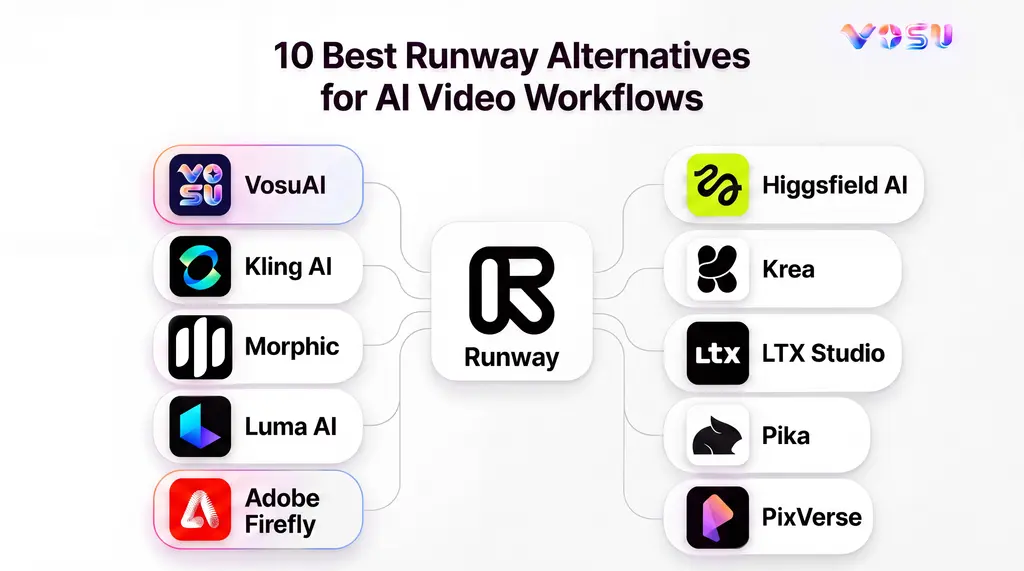
The best Runway alternatives are VosuAI, Kling AI, Morphic, Luma AI, Adobe Firefly, Higgsfield AI, Krea, LTX Studio, Pika and PixVerse. Together, they cover generation, editing, story planning, camera-controlled advertising, experimentation and scalable campaign workflows.
VosuAI brings a different value proposition by combining 150+ AI models with Agents, Nodes, Playground, editing, UGC, avatars and campaign tools in one pay-as-you-go workspace without a required subscription. Kling AI and Luma AI focus on cinematic generation. Higgsfield AI targets camera-led advertising, while Pika emphasizes social video and effects-driven creation. Morphic and LTX Studio support connected production and storyboarding workflows. Adobe Firefly fits Adobe-centered teams, Krea supports fast experimentation and PixVerse combines marketing tools with scalable generation.
The 10 best Runway alternatives are listed below.
- VosuAI
- Kling AI
- Morphic
- Luma AI
- Adobe Firefly
- Higgsfield AI
- Krea
- LTX Studio
- Pika
- PixVerse
Quick Comparison: 10 Runway Alternatives
The best Runway alternative depends on the production job, platform depth and cost structure you need to replace.
Compare the 10 Runway alternatives by product scope, best-fit workflow, pricing posture and main tradeoff.
| Alternative | Product type | Best for | Input and generation scope | Editing or workflow depth | Pricing posture | Replacement depth | Main tradeoff |
|---|---|---|---|---|---|---|---|
| VosuAI | Multi-model creative platform | Cinematic production and team workflows | Text, image, video, avatar, audio and music generation with transformation tools | Agent, Nodes, Playground, studios and editing tools | Pay as you go from $1. No subscription, no credit expiry | High | Some Runway-native tools differ |
| Kling AI | Model-first platform | Cinematic, reference-led video | Text, image, video, references and native audio | Motion control and generation-focused editing | From $6.99/month. | Medium | Narrower production workflow |
| Morphic | Agentic production platform | Story development and collaboration | Multi-model prompt and reference generation | Canvas, Copilot, Workflows and timeline | From $19/month | High | Runway-native tools differ |
| Luma AI | Creative AI platform | Directed filmmaking and transformation | Text, image, video and audio | Agent canvas, extending and upscaling | From $30/month | Medium | Less editing depth |
| Adobe Firefly | Creative suite | Adobe-centered production | Adobe and partner image, video and audio models | Photoshop, Premiere and Express integration | From $9.99/month | High for Adobe users | Partner-model terms vary |
| Higgsfield AI | Multi-model video platform | Camera-led ads and product videos | Text, image, video and references | Cinema Studio, Marketing Studio and Canvas | From $9/month | High for advertising | Costs vary by workflow |
| Krea | Multi-model creative suite | Fast comparison and iteration | Text, image, video and 3D | Real-time generation, comparison and refinement | From $5/month | High for ideation | Compute use varies |
| LTX Studio | AI video production studio | Storyboarding and narrative planning | Script, text, image and video | Storyboards, timeline, sound and automation | From $15/month | High for planning | Advanced access is plan-gated |
| Pika | Creative platform | Short-form effects and experimentation | Text, image, video and audio | Video Studio, extending, grading and soundtracks | From $8/month | Medium-low | Narrower team workflow |
| PixVerse | Full-stack video platform | Marketing videos and automation | Text, image, video and references | Agent, Marketing Hub, Canvas, CLI and API | From $8/month | Medium-high | Less project depth than Runway |
1. VosuAI - Best for Pay-As-You-Go Multi-Model Creative Production
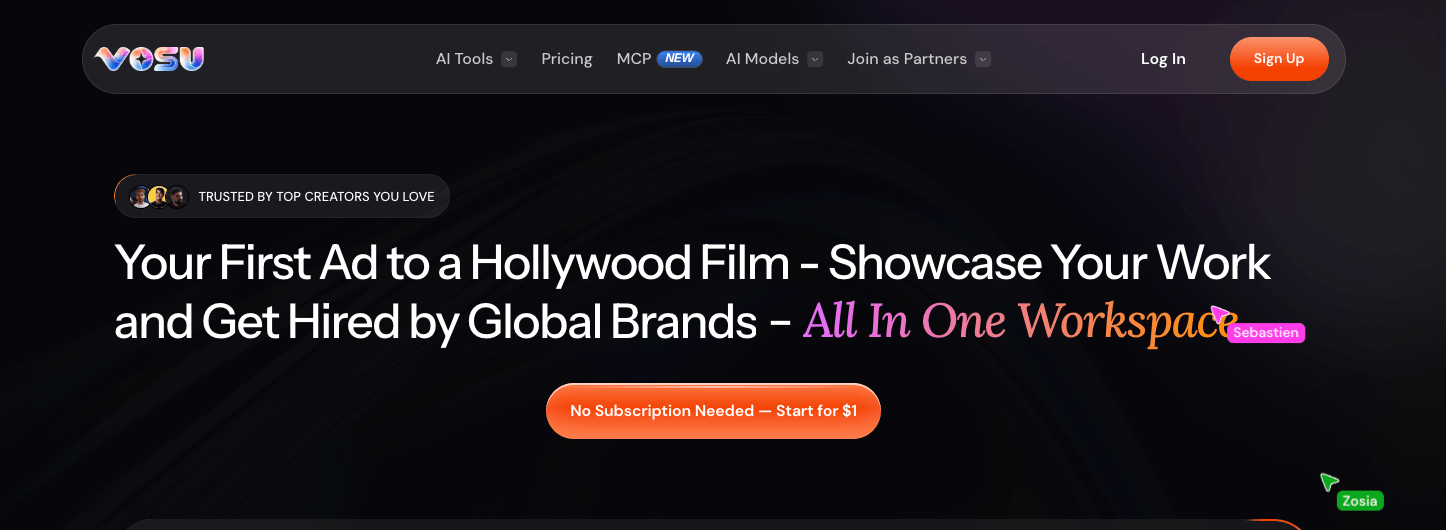
VosuAI’s workspace combines agentic tools, multi-model creation, editing and pay-as-you-go access.
VosuAI is the strongest Runway alternative for creators, marketers and teams that want proprietary creative tools and a broad partner-model ecosystem.
VosuAI works as a two-layer creative platform. The first layer is VosuAI’s own workflow system, including Agent, Nodes, Playground, Photo Studio, PromptGPT, AI Labs, Marketing Studio and UGC Studio. The second layer gives creators access to leading video models such as Kling, Seedance, Veo, Wan and PixVerse, plus trending image models such as Nano Banana, Seedream, Flux and GPT Image routes.
For production work, VosuAI covers cinematic video generation, text-to-video, image-to-video, reference-led video, video editing, translation, avatars, image generation, audio, 3D and campaign creative. Playground helps teams compare model outputs from the same prompt, Nodes builds reusable multi-step workflows, Photo Studio supports image editing and iteration, and Marketing Studio or UGC Studio fits ad and product-content production.
VosuAI also extends beyond the browser workspace through VOSU MCP. Creators can connect VosuAI with Claude, ChatGPT and other MCP-compatible AI assistants, then generate creative assets through the same VOSU account and credit balance.
Pros:
- Brings video, image, audio, avatar and 3D workflows into one workspace with access to leading video and image models.
- Uses flexible team and billing policies, including unlimited workspace members and pay-as-you-go credits that do not expire.
Trade-offs:
- The workspace is broad, so new users may need a little time to choose between Agent, Playground, Nodes and the studio tools.
- Controls and settings can vary by selected model, so creators should pick the route that fits the exact output they want.
Pricing: VosuAI uses true pay-as-you-go pricing from $1, requires no subscription, keeps purchased credits from expiring or resetting, and positions its leading image and video model pricing below major competitors.
Ideal for: VosuAI fits creators, agencies and lean teams that want cinematic video generation, image creation, workflow tools, team collaboration and flexible model access without a fixed subscription.
Bottom line: Choose VosuAI when you want a flexible creative production workspace that combines model choice, pay-as-you-go billing, unlimited team access and connected AI-assistant workflows.
2. Kling AI - Best for Cinematic Generation and Native Audio
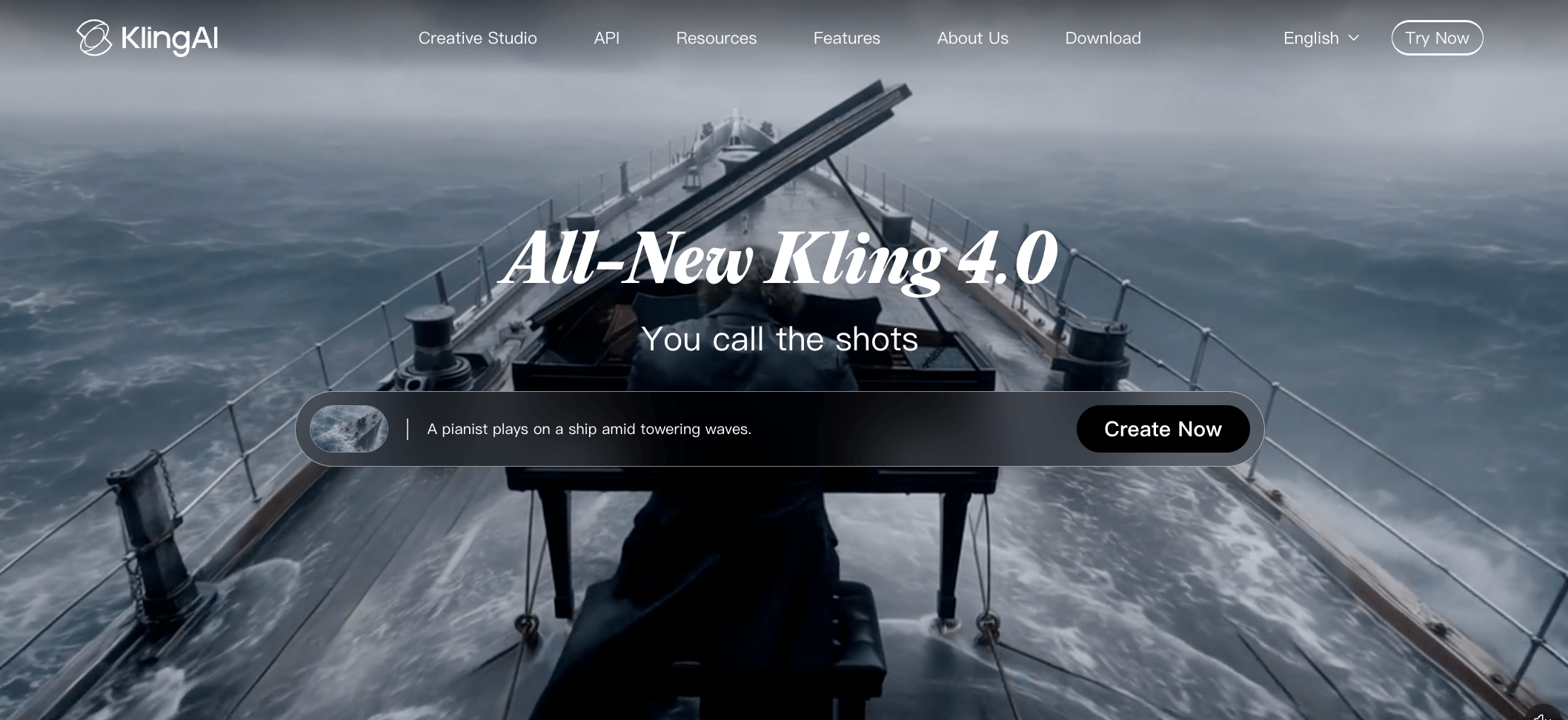
Kling AI’s studio focuses on cinematic generation, reference control and native audio.
Kling AI is a Runway alternative for creators who need cinematic generation, reference-based creation and native audio support in a generation-first workflow.
Kling AI is a model-first creative platform built around Kling 4.0, Video 3.0, Video 3.0 Omni, Image 3.0 and Image 3.0 Omni. It supports text-to-video, image-to-video, image generation, motion control, Canvas planning and audio-visual video generation for creators building scenes from prompts, images, references and directed motion.
In a Runway comparison, Kling AI mainly covers the generation stage rather than the full production workspace. Runway combines generation, editing and project workflow in one broader suite, while Kling AI focuses on creating cinematic clips and supporting story development through Canvas, Agent and node-style editing.
Pros:
- Supports video generation, image generation, motion control, Canvas and audio-visual creation inside the Kling workspace.
- Useful for cinematic text-to-video, image-to-video, reference-led clips and motion-directed visual scenes.
Trade-offs:
- Less suited to teams that need a broad multi-model workspace for comparing many providers.
- Settings, workflow depth and commercial fit can vary by Kling feature, plan and current terms.
Pricing: Kling AI starts from $6.99/month for its Standard plan intro rate, based on the current pricing data available for this article.
Ideal for: Kling AI fits creators who need cinematic clip generation, motion direction, image-to-video prompts and native audio in a focused generation workflow.
Bottom line: Kling AI is useful when the main job is generating cinematic clips with motion and audio support, while broader workflow needs should be evaluated separately.
3. Morphic - Best for Agentic End-to-End Video Production
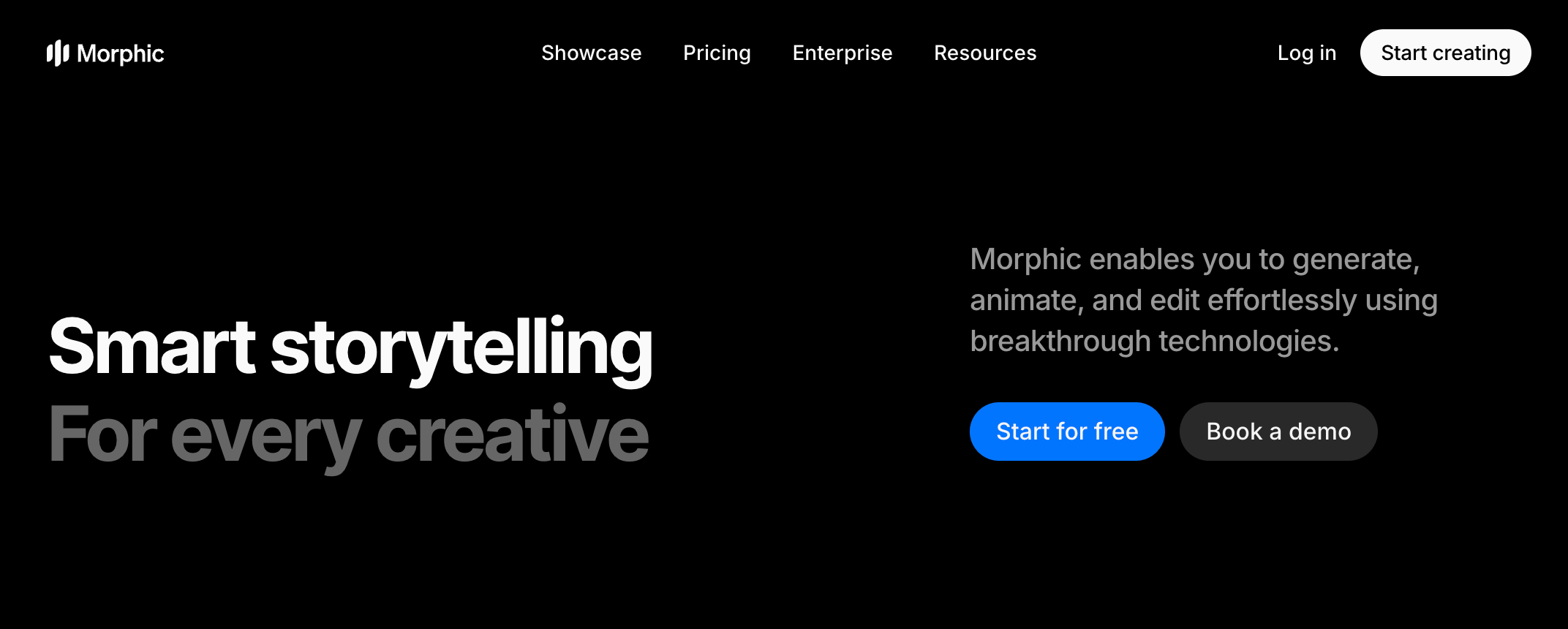
Morphic’s canvas connects planning, generation, collaboration and timeline assembly.
Morphic is a Runway alternative for teams that want planning, generation, collaboration and timeline assembly in one project context.
Morphic is an agentic creative production platform built around Canvas, Copilot, Workflows and Compose. A team can start from a brief, script or reference asset, use Copilot to develop shots, run multi-model generation, and keep scenes, references and outputs on the same Canvas.
Its brief-to-delivery workflow covers storyboards, repeatable Workflows, layered scene editing, Compose timeline assembly and real-time collaboration. Compared with Runway, Morphic emphasizes planning and assembly context, while Runway may still fit teams that rely on native performance capture, world-model work or exact editor behavior.
Pros:
- Supports Canvas, Copilot, Workflows, Compose, layers and real-time team collaboration.
- Useful for storyboards, multi-scene production, shared references and timeline assembly.
Trade-offs:
- Collaboration and higher-volume use depend on plan limits.
- Runway-native capture and editor-specific workflows may still matter.
Pricing: Morphic offers a free plan, credit packs and paid plans from $19/month.
Ideal for: Morphic fits teams turning briefs into storyboards, generated scenes and assembled cuts.
Bottom line: Choose Morphic when project context and timeline assembly are central to production.
4. Luma AI - Best for Directed Cinematic Generation

Luma AI’s Ray-powered workspace focuses on cinematic generation and visual transformation.
Luma AI is a focused Runway alternative for creators who prioritize directed cinematic generation and visual transformation.
Luma AI’s current stack uses Ray3.2 for video and UNI-1.1 for image and multimodal generation. In the Luma App, agents keep project context across video, image and audio work.
For video production, Luma supports text-to-video, image-to-video, Modify Video V2, multi-keyframe direction, reframe and motion transfer. This makes it useful for directed shots, transformations and visual exploration.
Compared with Runway, Luma mainly fits creators who want generation and transformation over a broader editing suite. Runway may still fit teams that need its native project workflow, capture tools or editor behavior.
Pros:
- Supports Ray3.2 video, UNI-1.1 image generation and agentic workflows in the Luma App.
- Useful for directed shots, image-to-video, reframe, motion transfer and footage transformation.
Trade-offs:
- Pricing, output rules and API costs depend on plan, credits and model specification.
- Not a one-to-one replacement for every Runway-native editing workflow.
Pricing: Luma AI starts at $30/month for the Plus plan, with Pro, Ultra and Enterprise options available. API usage is credit-based.
Ideal for: Luma AI fits creators developing cinematic concepts, directed shots and visual transformations.
Bottom line: Use Luma AI when directed generation and transformation are the main workflow.
5. Adobe Firefly - Best for Adobe-Centered Commercial Workflows
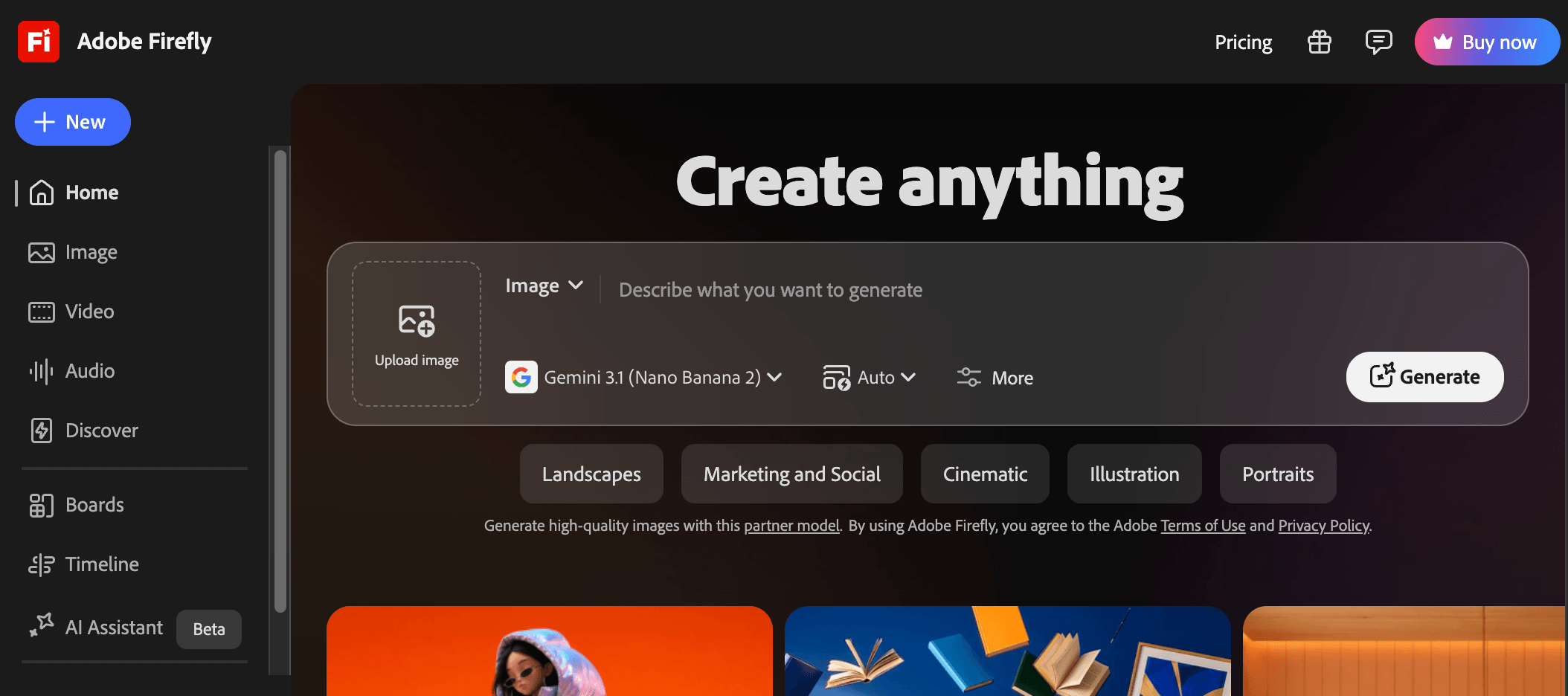
Adobe Firefly combines Adobe and partner models with video generation and timeline editing.
Adobe Firefly is a practical Runway alternative for teams that already produce inside Adobe's creative ecosystem.
Adobe Firefly is built for creative teams using Photoshop, Adobe Express, Premiere or Firefly Boards around campaign assets. It supports text-to-video and image-to-video, plus image, audio, board and editing tools inside Adobe.
For video work, Firefly lets users generate clips from prompts or images, choose Adobe models or partner models, and move results into Adobe-centered review paths. Partner models include Google, OpenAI, Runway, Luma AI, Kling AI and ElevenLabs, but rights and commercial fit vary by model.
Compared with Runway, Firefly fits Adobe teams that want generation close to design, marketing and review work. Runway may still fit teams that need Runway-native video controls.
Pros:
- Supports text-to-video, image-to-video, image editing, audio tools and Firefly Boards.
- Connects Adobe workflows with Adobe and partner model access.
Trade-offs:
- Generative credits, model access and rights depend on plan and model choice.
- Not a full substitute for every Runway-native editing workflow.
Pricing: Firefly Standard starts at US$9.99/month with 2,000 monthly generative credits.
Ideal for: Adobe Firefly fits design, marketing and content teams working inside Adobe tools.
Bottom line: Choose Adobe Firefly when Adobe integration and model-specific commercial controls matter.
6. Higgsfield AI - Best for Camera-Led Ads and Social Creative
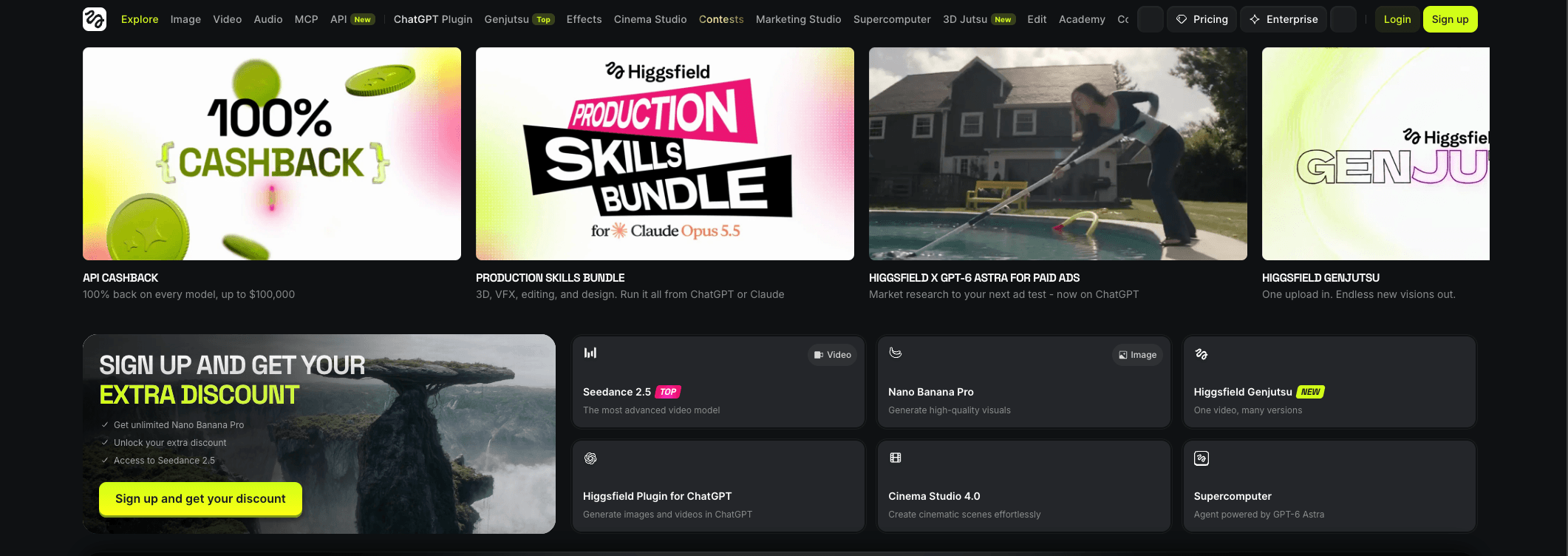
Higgsfield AI combines camera-led controls and multi-model workflows for ads and social video.
Higgsfield AI fits creators and marketers who want camera-led generation and ad or social workflows across several video models.
Higgsfield AI is a multi-model video platform built around camera, motion and style control. Its workflow includes model selection, text or image prompts, reference frames, video editing, Canvas, Cinema Studio and Marketing Studio.
For Runway evaluators, Higgsfield is relevant to rapid visual experimentation for campaigns, creator content or ecommerce clips. Users can choose a model or style route, apply camera direction, compare outputs and prepare short-form creative.
Compared with Runway, Higgsfield focuses on camera-led generation and campaign assets rather than a broad production environment. Runway may still fit teams that rely on its native editor or project structure.
Pros:
- Supports camera, motion and style-led creation across multiple model routes.
- Includes creator and marketing workspaces such as Canvas, Cinema Studio and Marketing Studio.
Trade-offs:
- Model access and usage limits can vary by plan.
- Less suited to Runway-native editing structure.
Pricing: Higgsfield AI starts from $9/month on a Starter or Basic paid plan.
Ideal for: Higgsfield AI fits marketers and creators making camera-led ads, social clips and product variants.
Bottom line: Use Higgsfield AI when camera direction, motion styling and ad-focused generation are the main needs.
7. Krea - Best for Rapid Multi-Model Iteration
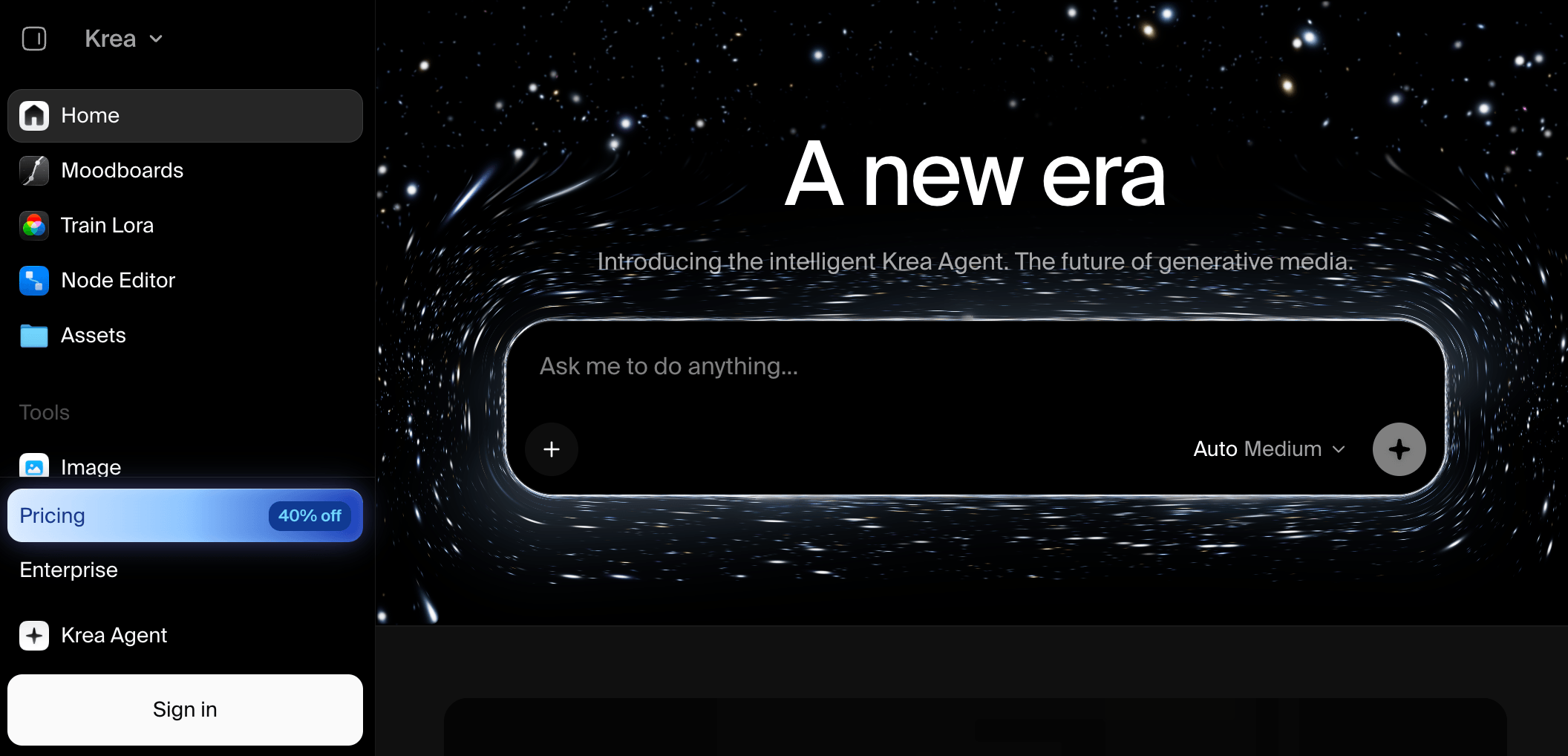
Krea supports rapid image, video and 3D iteration with real-time multi-model tools.
Krea is a Runway alternative for creators who need fast multi-model experimentation, real-time iteration and visual workflow building.
Krea is a creative suite for image, video and 3D generation. It covers text-to-image, real-time image generation, text-to-video, image-to-video, motion transfer, video restyling, upscaling and 3D object creation. Its video workspace lets users compare models such as Seedance, Veo, Sora, Kling, Wan and Runway.
The workflow is built for quick iteration. Creators can test prompts, references and models in parallel, then extend, merge or refine clips. Krea also includes Agent and Node workflows for turning briefs or repeatable steps into connected asset generation.
Compared with Runway, Krea fits ideation, comparison and asset development more than a production-editing environment. Runway may still fit teams that depend on its native editor or project structure.
Pros:
- Supports image, video and 3D creation with real-time generation and model comparison.
- Includes parallel generation, extension, merging, Agent and Node workflows.
Trade-offs:
- Compute units, queues and model availability depend on plan.
- Less suited to Runway-native editing structure.
Pricing: Krea offers a free tier, and Basic starts at $5/month with monthly compute units.
Ideal for: Krea fits creators comparing image, video and 3D outputs.
8. LTX Studio - Best for Storyboarding and Pre-Production
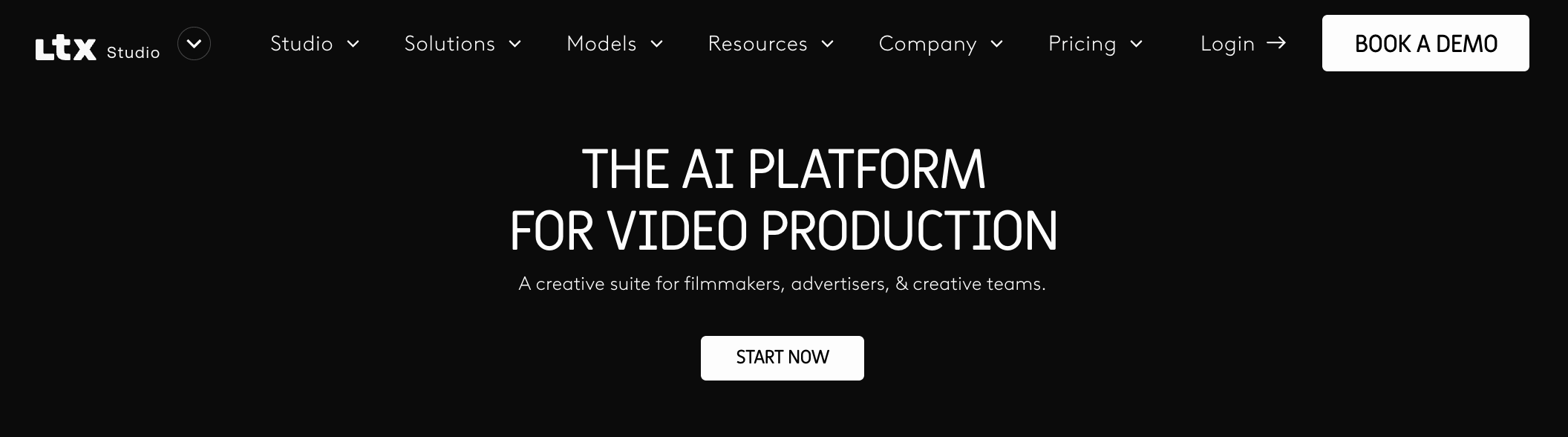
LTX Studio turns scripts and concepts into storyboards, controlled shots and editable timelines.
LTX Studio is a Runway alternative for teams that need script development, storyboarding, shot planning and pre-production around AI video.
LTX Studio is a web-based AI video production platform for filmmakers, advertisers and creative teams. It turns scripts, concepts, images or videos into scenes, storyboards and visual assets, with text-to-image, text-to-video, image-to-video and video-to-video generation in one workspace.
Its planning workflow includes Dynamic Storyboard, Timeline Editor, sound design, camera controls, keyframes, references, style presets, Elements for consistency and team collaboration. Current plans also mention LTX-2.5, LTX-2.3, Z-image, audio-to-video, SDR-to-HDR and Flows node-based automation.
Compared with Runway, LTX Studio fits narrative planning and production organization more than open-ended model exploration. Runway may still fit teams that rely on its native editor or specific model behavior.
Pros:
- Supports script-to-video, storyboards, shot planning, timeline editing and collaborative projects.
- Includes camera control, keyframes, references, style direction, Elements and node-based Flows.
Trade-offs:
- Model access, credits, rendering capacity and collaborators vary by plan.
- Watermark removal, commercial rights and AI Storyboards are plan-specific.
Pricing: LTX Studio has a free plan, and Lite starts at $15/month or $12/month.
Ideal for: LTX Studio fits filmmakers, agencies and teams planning story-led videos before production.
Bottom line: Use LTX Studio when storyboarding and shot structure matter more than a pure generation workspace.
Bottom line: Use Krea when rapid iteration matters more than a full Runway-style editing workspace.
9. Pika - Best for Short-Form Effects and Social Experiments
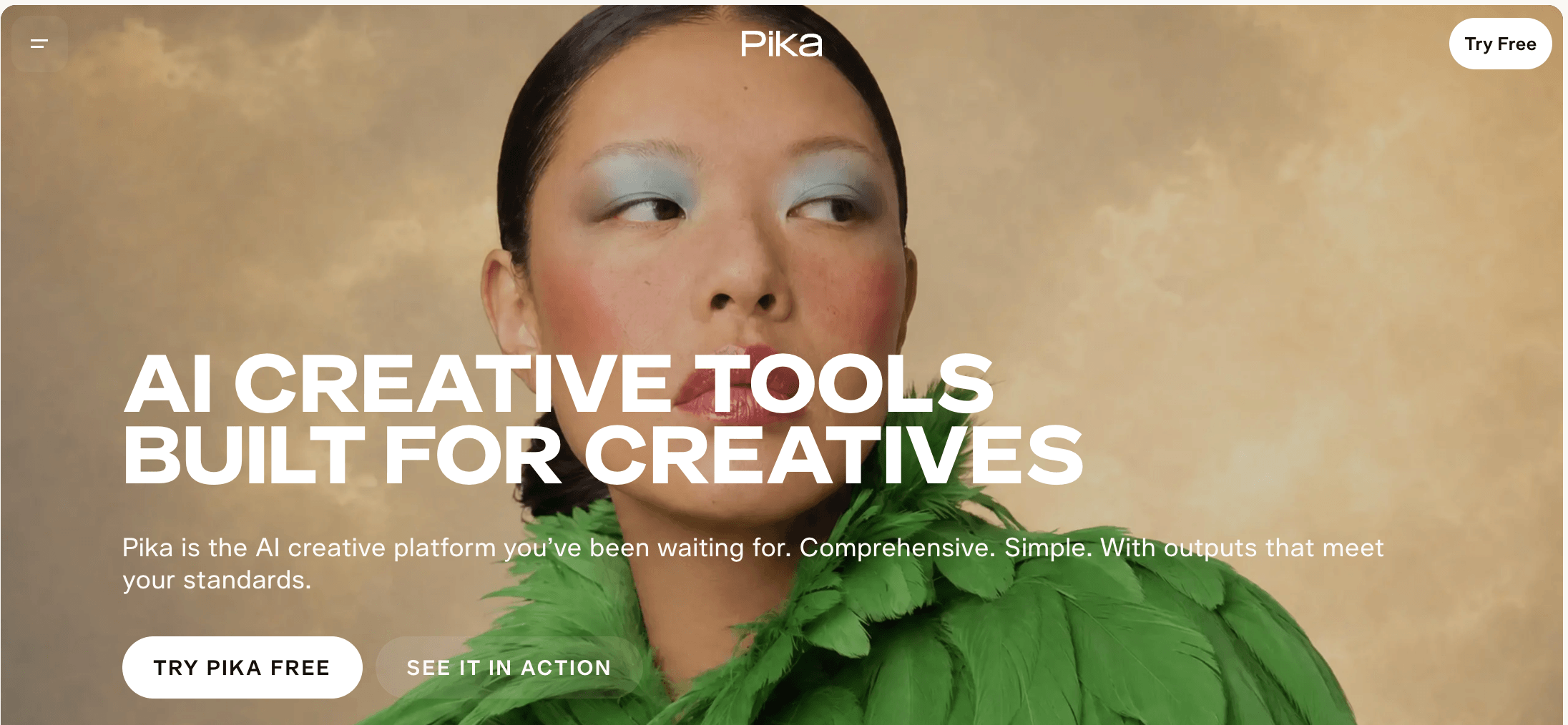
Pika creates short clips, multi-shot videos and creative effects from prompts and references.
Pika is a Runway alternative for creators who want quick idea-to-video creation, short-form effects and social content experiments.
Pika is a multimodal platform with focused apps for video, image and audio creation. Its video workflow includes Create Video, Product Ad, Short Film, Motion Transfer and Extend Video, with model access including Pika 2.5, Seedance 2.5, Wan 3.0 and MiniMax H3.
For short-form work, Pika helps creators move from a prompt, product idea or reference into a compact clip. Users can adjust the result with color grading, extension, soundtrack, speech or sound effects.
Compared with Runway, Pika replaces a narrower production step. It fits quick generation and stylized iteration, while Runway may fit teams that need deeper controls, editor continuity or governance.
Pros:
- Supports video, image and audio apps for short clips, product ads, motion transfer and extensions.
- Offers accessible entry through a free plan and paid plans with more credits.
Trade-offs:
- Commercial licensing, priority queue and early model access depend on plan.
- Less suited to production planning or complex team workflows.
Pricing: Pika lists a free plan, and Starter starts at $8/month.
Ideal for: Pika fits creators testing short videos, effects and product clips.
Bottom line: Use Pika when fast short-form creation matters more than a complete Runway-style production suite.
10. PixVerse - Best for Fast AI Video Production and Scalable Workflows
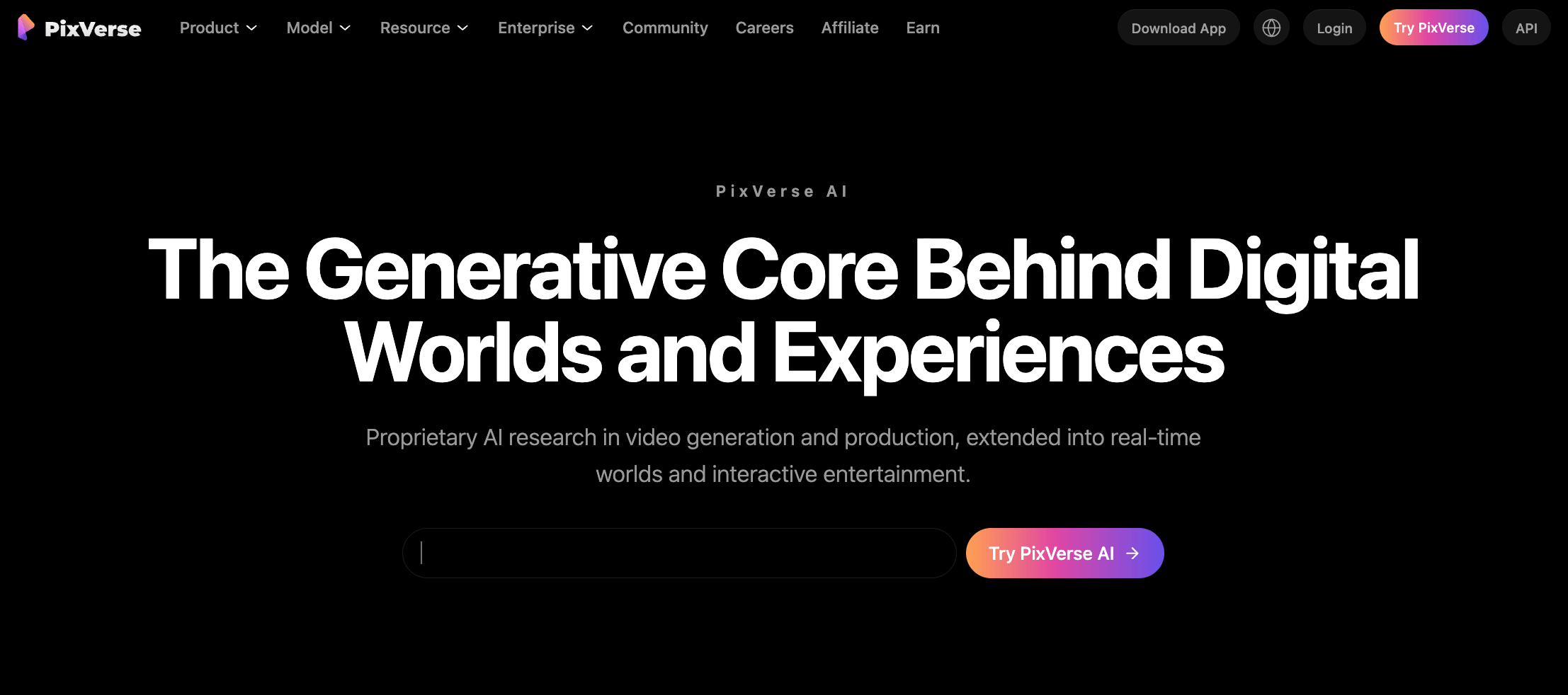
PixVerse combines Agent, Marketing Hub, Canvas, CLI and API tools for fast video production.
PixVerse is a Runway alternative for creators and teams that need fast AI video production, guided marketing workflows and scalable generation.
PixVerse is a full-stack AI video platform built around PixVerse V6, C1 and R2. It supports text and image to video, templates, lip sync, character tools and mini-apps.
The platform adds workflow surfaces. Agent supports conversational direction, Marketing Hub guides ad creation, Canvas connects prompts, references and outputs, while CLI and API access support batch or developer-led generation.
Compared with Runway, PixVerse fits repeatable campaign production more than deep native editing or performance-capture workflows. PixVerse model access in VosuAI can support generation, but it is not the same as the full PixVerse platform.
Pros:
- Supports proprietary PixVerse models plus Agent, Marketing Hub, Canvas, CLI and API workflows.
- Useful for teams building repeatable videos from prompts, images, references and product inputs.
Trade-offs:
- Credits, model access, resolution and concurrency vary by plan.
- It does not replace every Runway-native editing or capture workflow.
Pricing: PixVerse has a free Basic plan, and Standard starts at $8/month.
Ideal for: PixVerse fits marketers, creators and developers who need fast video generation, campaign workflows or API access.
Bottom line: Use PixVerse when repeatable video production and workflow scale matter more than a full Runway-style editing suite.
How to Choose the Best Runway Alternative?
The best Runway alternative is the tool that replaces your exact production job without adding cost, rights or workflow friction. Use the checklist below to compare platforms by workflow fit.
The most important checks when choosing a Runway alternative are outlined below.
- Replacement job: Decide whether you are replacing cinematic generation, editing, storyboarding, ads, model comparison, avatars, API workflows or team production. One tool rarely covers every job equally.
- Input types: Check whether the platform supports the inputs you actually use, including text prompts, images, existing video, references, product photos, audio, scripts or brand assets.
- Model access: Compare native models, partner model access and model-specific settings. Broad access matters only when the controls, quality, duration and rights fit your workflow.
- Generation controls: Look for prompt control, camera movement, motion guidance, references, keyframes, start and end frames, character consistency and aspect-ratio control.
- Editing and reusable workflows: Separate clip generation from production workflow. Editors, nodes, agents, timelines, canvases, templates and repeatable pipelines matter when projects need iteration.
- Audio and avatars: Check whether the tool supports sound effects, music, speech, lip sync, voice avatars or talking-head workflows, and whether those features match your use case.
- Total cost: Compare true monthly price, credits, resets, top-ups, seats and output limits. VosuAI is different because it uses pay-as-you-go from $1 without a subscription.
- Collaboration and governance: For teams, review workspace members, roles, asset sharing, approval flow, brand controls, usage reporting, privacy and enterprise support before moving recurring work.
- Commercial terms: Confirm watermark rules, commercial licenses, model-specific usage rights, enterprise terms and API restrictions before using generated video in campaigns or client work.
- Exports and migration: Check resolution, format, watermark removal, project portability, asset storage, API access and whether existing Runway projects can be recreated cleanly.
For teams that want model flexibility, reusable workflows and flexible cost control in one place, VosuAI is the most practical first option to compare before checking more specialized tools.
Why Are People Looking for Runway Alternatives?
People look for Runway alternatives because Runway remains capable, but not every team needs its exact mix of generation, editing, pricing and workflow depth. The main drivers are billing fit, preferred models, specialist workflows, team economics and existing Adobe, API or multi-model ecosystems. Switching still depends on project history, export needs, rights and retraining cost.
What Should You Look for in a Runway Alternative?
Look first for output fit, model access, workflow depth and total cost. Group the checks into the job being replaced, including how text-to-video generation works, the control and workflow depth you need, the full price of monthly use and team governance. Weight those checks by the bottleneck slowing production, not by the longest feature list.
When Should You Stay With Runway?
Stay with Runway when its native models and established production workflow already match the work your team performs most often. That includes teams dependent on Runway projects, editing behavior, performance-capture tools, API usage, storage patterns or retraining cost. In that case, another tool can supplement Runway for a specific job without replacing the core workflow.
Is There a Free Runway Alternative?
Yes, there are free Runway alternatives, but free access is usually limited rather than production-complete. Pika, Morphic and LTX Studio currently list free access, while limits can involve credits, queues, watermarks, resolution, commercial rights, one-time allowances or monthly refresh rules. Recheck the provider page before relying on a free tier for client or recurring work.
Which Runway Alternative Is More Flexible for Pay-As-You-Go Use?
VosuAI is the clearest fit in this shortlist for users who prefer pay-as-you-go funding instead of a required monthly subscription. It suits variable-volume work because users can start from $1, keep purchased credits without expiry or reset, and invite unlimited workspace members. Billing flexibility does not prove full feature parity, so compare the exact workflow before using VosuAI pay-as-you-go pricing.
How Do Platform Alternatives Differ From Model-Level Alternatives?
A platform alternative replaces several workflow steps, while a model-level alternative usually replaces only the generation engine. VosuAI is a platform alternative, Kling AI is generation-first, and Pika is more specialist for short-form effects. Accessing a model through another workspace does not recreate the original editor, assets, collaboration or automation. You can browse AI tool alternatives by category.
Can You Compare Multiple AI Video Models Without Runway?
Yes. Multi-model platforms let creators compare different video models without keeping Runway as the only generation environment. This matters because prompt behavior, image handling, motion control, speed, cost and rights can change by model. VosuAI Playground is useful for comparing outputs in one workspace, while model-specific settings still need separate judgment. To test that workflow, compare multiple AI video models in one workspace.
Which of These 10 Runway Alternatives Best Fits Your AI Video Workflow?
The right Runway alternative depends on whether your workflow needs flexible multi-model creation, cinematic generation, end-to-end production or a specialist step. Match VosuAI to flexible production, Kling or Luma to cinematic generation, Morphic to end-to-end context, Adobe Firefly to Adobe work, Higgsfield to camera-led ads, Krea to iteration, LTX Studio to storyboarding, Pika to short-form effects and PixVerse to scalable video.