Vosu Logo

NAVIGATION

Veo 3.0: Create AI Videos With Precise Motion and Synced Audio

Turn text prompts into full video scenes with Veo 3.0 on VosuAI. Control camera angles and motion frame by frame. Produce clips with synced audio and stable motion. No manual editing required.

Other Model By Google:
Example

See the videos generated with Veo 3.0 and 3.1

Explore sample videos created with Veo 3.0 and Veo 3.1 on VosuAI. See how prompts translate into scenes with stable motion, controlled camera paths and audio aligned with each frame.

Start Creating Now
Unique Features

Why choose Veo 3.0 or Veo 3.1?

Choose Veo 3.0 or Veo 3.1 to skip complex editing workflows. Fix silent clips, lip sync mismatch, and unstable characters. Keep motion smooth, camera paths controlled, and scenes aligned with your intended output.

Native audio generation
Generate dialogue, background sound and ambient effects directly from your prompt. Replace silent clips and manual audio editing with fully synchronized sound.
Photorealistic video quality
Create scenes that look like real footage. Natural lighting, sharp textures and depth in every frame. No flat visuals. No artificial look.
Accurate lip sync
Match mouth movement to speech frame by frame. No off-sync dialogue. No lagging lips. Every word matches perfectly on screen.
Better prompt adherence
Get scenes that match your prompt exactly. No ignored instructions. Edit only what you define. Control environment, camera and character behavior in every shot.
Commercial grade reliability
Create consistent videos for ads and branded content. Keep characters, lighting and style stable across every scene. No flickering frames. No random changes.
Character and style consistency
Keep the same character across every scene. Clothing, facial features and lighting stay consistent. No sudden changes between shots.
Faster generation speed
Produce video clips in under minutes instead of waiting hours. Test ideas, revise prompts and create multiple scenes in one session.
Cost efficient generation
Skip actors, cameras and studio rentals. Create multiple video concepts from one prompt. No production budget needed.
Instant style transformation
Change the same scene into different styles in seconds. Switch from documentary to animation or cinematic looks. No re-rendering. No starting from scratch.
Use Cases

Who is Veo 3.0 For?

Veo 3.0 is for creators who want cinematic videos from text prompts without cameras or crews. Filmmakers, marketers, storytellers, influencers and designers can produce 1080p clips with stable motion and synced dialogue.

Storytellers

1. Storytellers

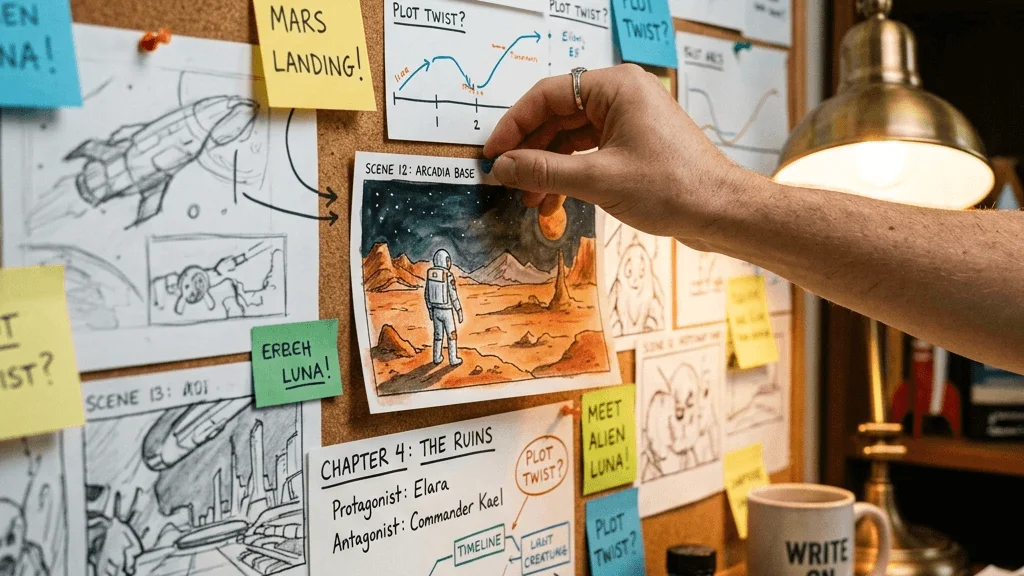
Turn written scenes into cinematic clips without filming or editing. Describe the moment in a prompt. Veo 3.0 generates visual story scenes with natural motion and camera perspective.

Try Now
Filmmakers

2. Filmmakers

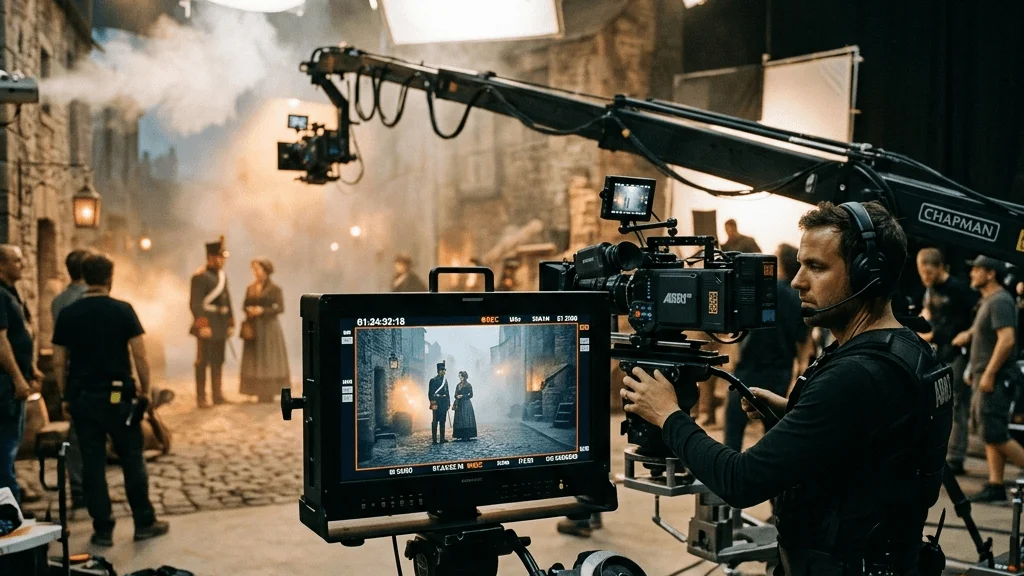
Create pre-visualized scenes and concept shots without building expensive sets. Test camera angles, lighting styles, and scene composition with Veo 3.0. Explore cinematic sequences before starting full production.

Try Now
Marketers

3. Marketers

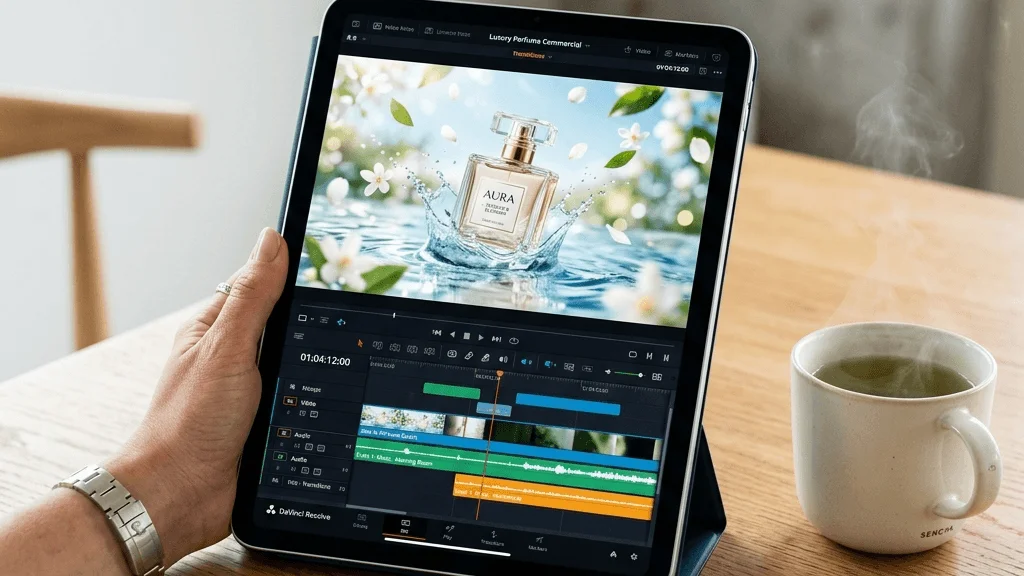
Produce promotional videos from a simple prompt. Generate product visuals, social media ads, and brand storytelling clips in minutes. Veo 3.0 helps create high-quality videos faster than traditional production workflows.

Try Now
Social media influencers

4. Social media influencers

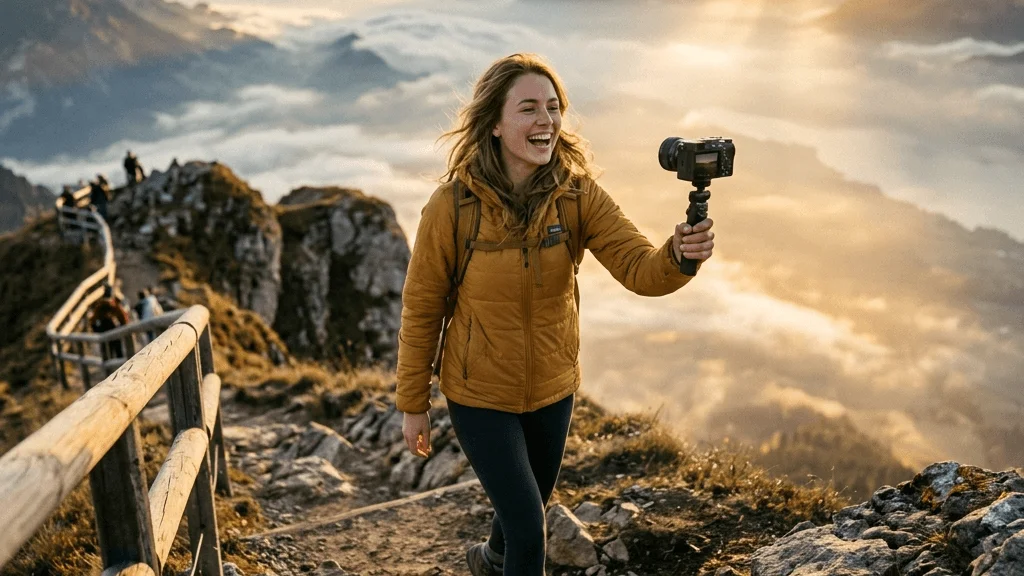
Reach your audience faster without filming every scene. Create short cinematic clips with smooth motion, natural lighting, and consistent style. Veo 3.0 helps you post engaging content within a minute.

Try Now
Creative professionals

5. Creative professionals

Explore new visual ideas without spending hours editing. Veo 3.0 generates cinematic clips that showcase your concepts clearly. Review results instantly and refine creative directions faster than traditional workflows.

Try Now
Tutorial

How to use Veo 3.0?

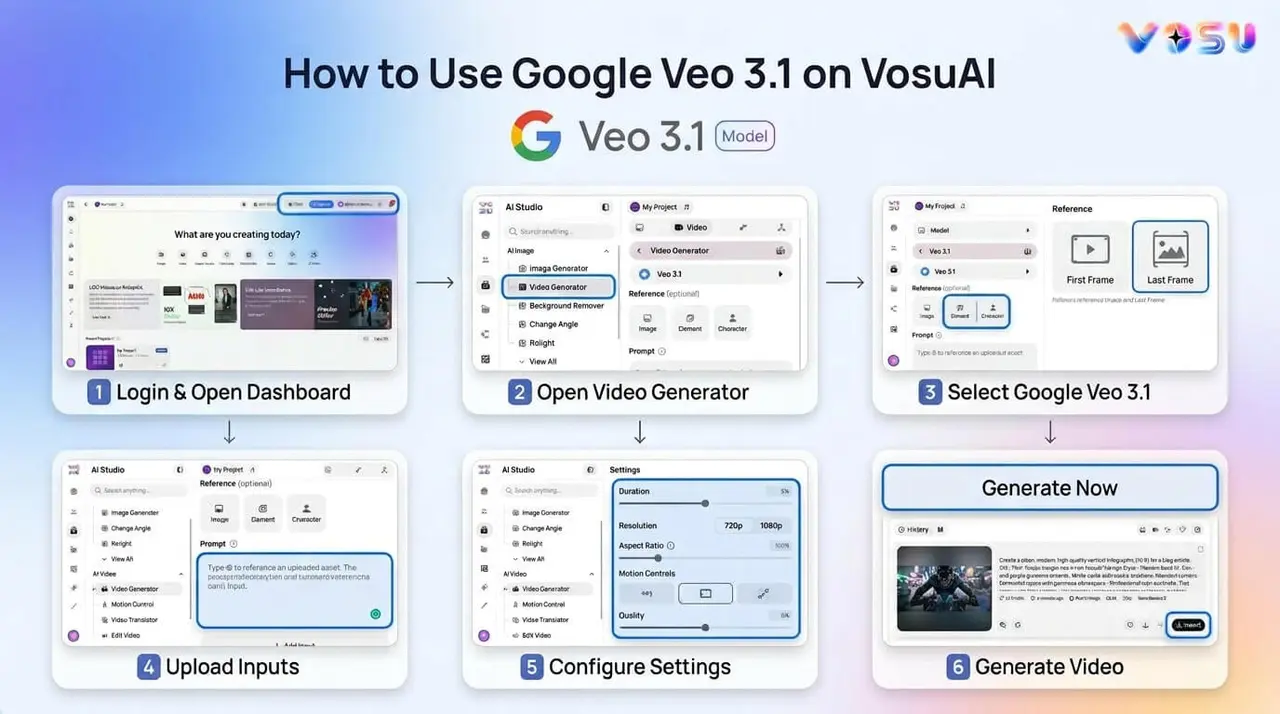
Create studio-quality AI videos in minutes with VosuAI. Select your model, craft scenes with promptGPT, adjust motion, style and audio, then generate clips with native audio instantly.

01

Select the model

Choose Veo 3.0 or 3.1 for your project's style, length, and cinematic needs. Pick the right model for precise motion, sharp visuals, and consistent characters.

02

Enter the prompt

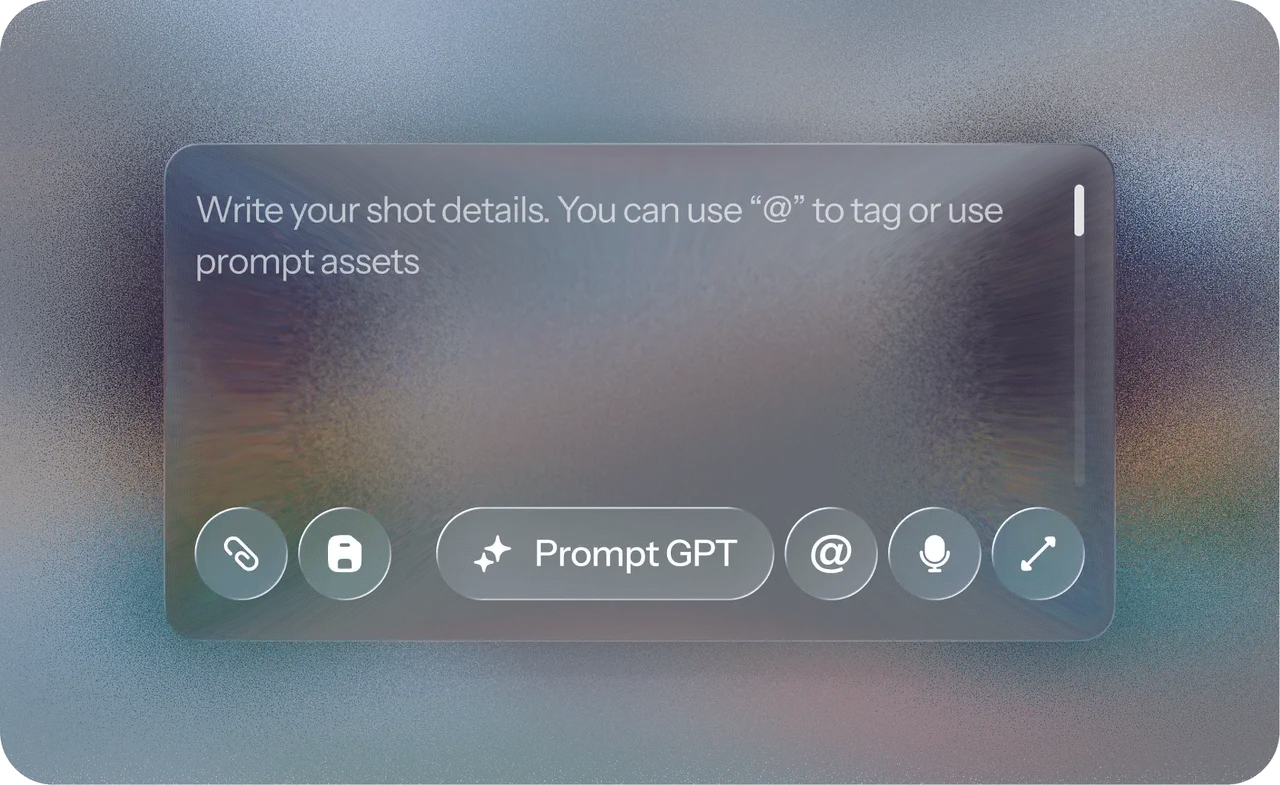
Write a detailed prompt describing scene, characters, actions, and mood. Use PromptGPT to refine instructions for lighting, camera angles, and motion for accurate cinematic results.

03

Adjust settings

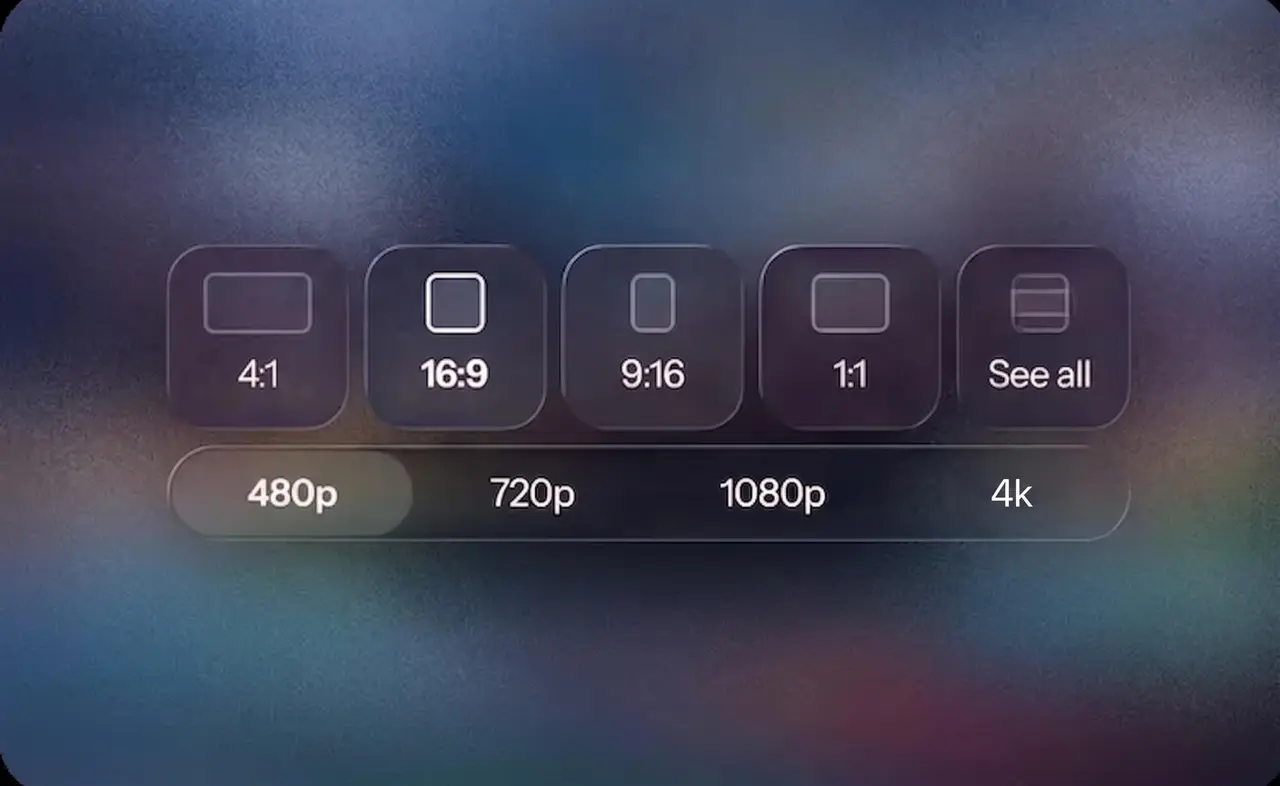
Fine-tune resolution, frame rate, duration, and motion style. Control every visual element so the final video matches your vision, avoiding mismatched motion or uneven timing.

04

Generate, refine and download

Generate your video, review output and refine details if needed. Download instantly in your preferred format for ready-to-use cinematic clips without delays.

Pricing

Plans & Pricing

Pick your way to create

Trusted by 1M+ subscribers: creatives, enterprises, agencies, and studios

Sebastien Jefferies

Sebastien Jefferies

instagram724k Followers|AI & Tech Content Creator
Artur Perrella Glukhovskyy

Artur Perrella Glukhovskyy

linkedin21k Followers|Agency Founder
Jairo Guerrero

Jairo Guerrero

linkedin43k Followers|Agency Founder
MISHKA RANA

MISHKA RANA

linkedin238k Followers|Entrepreneurs & Coaches
Patryk Wawok

Patryk Wawok

linkedin30k Followers|Engineer
Sebastien Jefferies

Sebastien Jefferies

instagram724k Followers|AI & Tech Content Creator
Artur Perrella Glukhovskyy

Artur Perrella Glukhovskyy

linkedin21k Followers|Agency Founder
Jairo Guerrero

Jairo Guerrero

linkedin43k Followers|Agency Founder
MISHKA RANA

MISHKA RANA

linkedin238k Followers|Entrepreneurs & Coaches
Patryk Wawok

Patryk Wawok

linkedin30k Followers|Engineer
Sebastien Jefferies

Sebastien Jefferies

instagram724k Followers|AI & Tech Content Creator
Artur Perrella Glukhovskyy

Artur Perrella Glukhovskyy

linkedin21k Followers|Agency Founder
Jairo Guerrero

Jairo Guerrero

linkedin43k Followers|Agency Founder
MISHKA RANA

MISHKA RANA

linkedin238k Followers|Entrepreneurs & Coaches
Patryk Wawok

Patryk Wawok

linkedin30k Followers|Engineer
Monthly
AnnualSave 15%

Starter

For individuals starting out with AI image and video creation

$15/ Month
8KCredits
Fixed Credits
Up to 145 videos or 2,000 images/month
Key features
Up to 145 videos or 2,000 images/month
1 Parallel Tasks
Credits reset monthly
Top up credits anytime
1 workspace
3 projects per workspace
Others
AI Studio — Generate images, videos, audio, and 3D content in one place (up to 4K)
3D World — 3D Generator + Render to Real Video
AI Labs (Image Labs & Video Labs) — 70 one-click templates
Photo Studio — Agentic photo editor
Image & Video Editing tools
Nodes — Visual workflow builder + Prebuilt templates
Playground — Create, edit, and enhance multimedia in one place
PromptGPT — Prompt-engineering assistant
Community — Social feed & contests
Built-in image & video upscalers
Save Presets & Prompts library
Not availableUGC Studio for on-brand creator content
Not availableAI voice cloning & character training
Not availablePriority support
Supported Models
Sora 2
Not available
Veo 3.1
Not available
Vidu
PixVerse
Runway
DeepMind
Luma
Kling
WWan
Not available
Ideogram
Flux
Hunyuan
Haiper
Minimax
Recraft
Gemini
ByteDance
50+ more models

Creator

For creators who want access to all AI models and advanced creative tools.

$49/ Month
27.5KCredits
2x
Up to 500 videos or 6,875 images/month
Key features
Up to 500 videos or 6,875 images/month
4 Parallel Tasks
Credits reset monthly
Top up credits anytime
1 workspace
7 projects per workspace
Others
AI Studio — Generate images, videos, audio, and 3D content in one place (up to 4K)
3D World — 3D Generator + Render to Real Video
AI Labs (Image Labs & Video Labs) — 70 one-click templates
Photo Studio — Agentic photo editor
Image & Video Editing tools
Nodes — Visual workflow builder + Prebuilt templates
Playground — Create, edit, and enhance multimedia in one place
PromptGPT — Prompt-engineering assistant
Community — Social feed & contests
Built-in image & video upscalers
Save Presets & Prompts library
UGC Studio for on-brand creator content
AI voice cloning & character training
Priority support
Supported Models
Sora 2
Veo 3.1
Vidu
PixVerse
Runway
DeepMind
Luma
Kling
WWan
Ideogram
Flux
Hunyuan
Haiper
Minimax
Recraft
Gemini
ByteDance
50+ more models
Super Deal

Get the best deal with VosuAI

Access Veo 3.0 and Veo 3.1 through VosuAI with affordable pricing tiers designed for creators and teams. Create high quality AI videos without breaking your budget.

Start Creating Now
Veo 3 Banner
Generational Improvement

Veo 3.0 vs Veo 3.1 vs Seedance 2.0

Veo 3.0 generates fast, studio-quality AI videos with native audio, realistic motion, and consistent characters. Veo 3.1 adds 4K, enhanced prompts, and stronger scene continuity. Seedance 2.0 enables reference-driven cinematic sequences.

Features
Veo 3.0Try Now
Veo 3.1Try Now
Seedance 2.0Try Now

Input types

Text (+ limited image)

Text + multi-image

Text + image + video + audio

Max references

Very limited

1 images

Up to 12 mixed inputs

Video input

No

No

Yes

Audio input

No

No

Yes

Audio output

Yes

Yes

Disputed

Max clip length

8s

8s

20s

Aspect ratios

Limited

Limited

Wide/custom

Resolution

1080p

1080p + 4K upscale

2K native

Multi-shot / extension

Limited

Extend + sequencing

Not clearly defined

Super Deal

Create studio quality clips with Veo 3.1

Create cinematic product demos, social clips, and storytelling videos in minutes with Veo 3.1.

Try Veo 3.1 now
Clients Are Saying

Frequently asked questions about Veo 3.0 and Veo 3.1

The questions people frequently ask about Veo 3.0 and 3.1 are given below.

Start Creating Now

What is Veo 3.0?

What is Veo 3.1?

Veo 3.1 is designed for high fidelity production, which supports 4K resolution, improved prompt adherence and native audio. It was developed by Google DeepMind to enhance Veo 3.0 with cinematic controls, such as camera movement, scene consistency and image to video capabilities.

When was Veo 3.0 released?

When was Veo 3.1 released?

What makes Veo 3.0 different from other AI video tools?

Can I access Veo 3.1 through VosuAI?

Is Veo 3.0 beginner friendly?

Can I use Veo 3.0 for free?

Are there any limitations to the free Veo 3.0?

How long can a Veo 3.1 video be?

How long does Veo 3.0 take to make a video?

Can I customize Veo 3.0 generated videos?

Can I use Veo 3.0 for commercial projects?