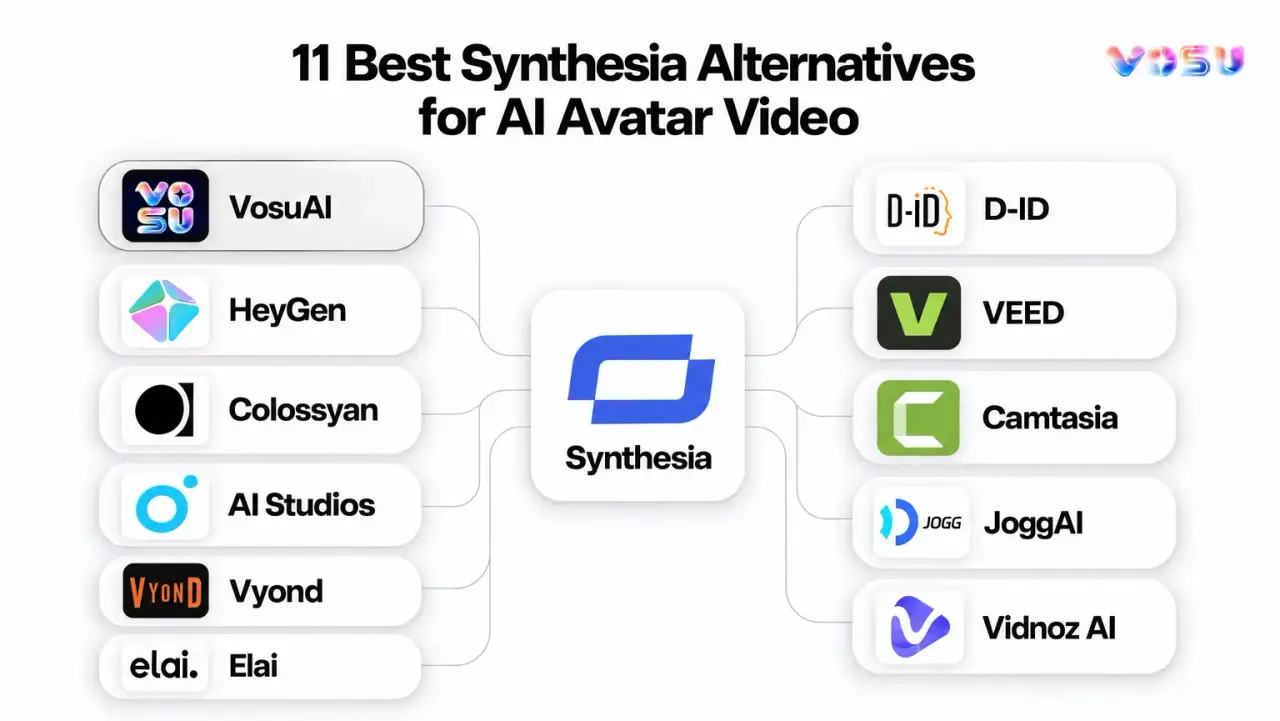
The best Synthesia alternatives are VosuAI, HeyGen, Colossyan, AI Studios, Vyond, Elai, D-ID, VEED, Camtasia, JoggAI and Vidnoz AI. Together, they cover AI avatar video generator needs, localization, training delivery, browser editing, screen tutorials and broader creative production. That range helps creators, learning teams, marketers, educators and agencies decide whether they need a direct Synthesia replacement or a specialist platform for one stage of production, without paying for capabilities they rarely use or cannot scale efficiently.
VosuAI leads when teams need more than presenter videos. Its connected video workflow combines speaking-avatar options through HeyGen and VEED integrations with image, video, audio, agents, workflows and workspace production.
HeyGen, Colossyan, AI Studios, Vyond, Elai and D-ID address direct avatar or training needs. They suit teams prioritizing polished presenters, multilingual localization, interactive learning, business animation, presentation-to-video conversion or photo-avatar experiences. VEED, Camtasia, JoggAI and Vidnoz AI serve adjacent requirements. VEED supports editor-first creation, Camtasia specializes in screen tutorials, JoggAI focuses on product-led avatar ads and Vidnoz AI offers template-heavy, budget-conscious production.
The 11 best Synthesia alternatives are listed below.
- VosuAI
- HeyGen
- Colossyan
- AI Studios
- Vyond
- Elai
- D-ID
- VEED
- Camtasia
- JoggAI
- Vidnoz AI
Quick Comparison: 11 Synthesia Alternatives
The right Synthesia alternative depends on whether you need broader production, polished avatar localization, training delivery, editing, screen tutorials, product ads or a lower entry cost.
Compare each Synthesia competitor by AI avatar generator, training video software, SCORM, dubbing and screen recording.
| Alternative | Product type | Suited workflow | Avatar and voice scope | Localization | Training or LMS delivery | Editing and broader production | Pricing posture |
|---|---|---|---|---|---|---|---|
| VosuAI | Cinematic, Creative workspace | Broad, Polished production | HeyGen, VEED options | Translation | Check LMS needs | Agents, Nodes | No subscription, $1 pay-as-you-go |
| HeyGen | Avatar localization | Polished business video | Custom avatars, voices | Dubbing | SCORM gates | Collaboration | $29/month |
| Colossyan | Training platform | Courses and SCORM | Presenter avatars | Translation | Quizzes, branching, SCORM | Learning focus | $59/month |
| AI Studios | Avatar dubbing | Avatar variety | Custom, photo avatars | Dubbing | Interactive video | Generative media | $24/month |
| Vyond | Business animation | Explainers, training | AI avatars | Translation | Training support | Animation, screen capture | $58/month |
| Elai | Avatar learning | PPT and URL training | Avatars, voiceover | Translation | SCORM, interactivity | Screen recording | $29/month |
| D-ID | Talking-avatar API | Photo avatars | Digital humans | Agent localization | Limited courses | API workflows | $4.70/month |
| VEED | Browser editor | Editing, captions | Avatars, voice tools | Dubbing | Limited LMS | Screen recording | $10/month |
| Camtasia | Tutorial editor | Software tutorials | AI-assisted narration | Translation support | Instructional video | Screen recording | $39/year |
| JoggAI | Product-ad platform | Product videos | Avatars, voice cloning | Translation | Secondary | Product URL video | $24/month |
| Vidnoz AI | Avatar templates | Budget video | Avatars, voices | Translation | SCORM | Templates | $19.99/month |
1. VosuAI - Best for Flexible Multi-Model Avatar and Creative Workflows
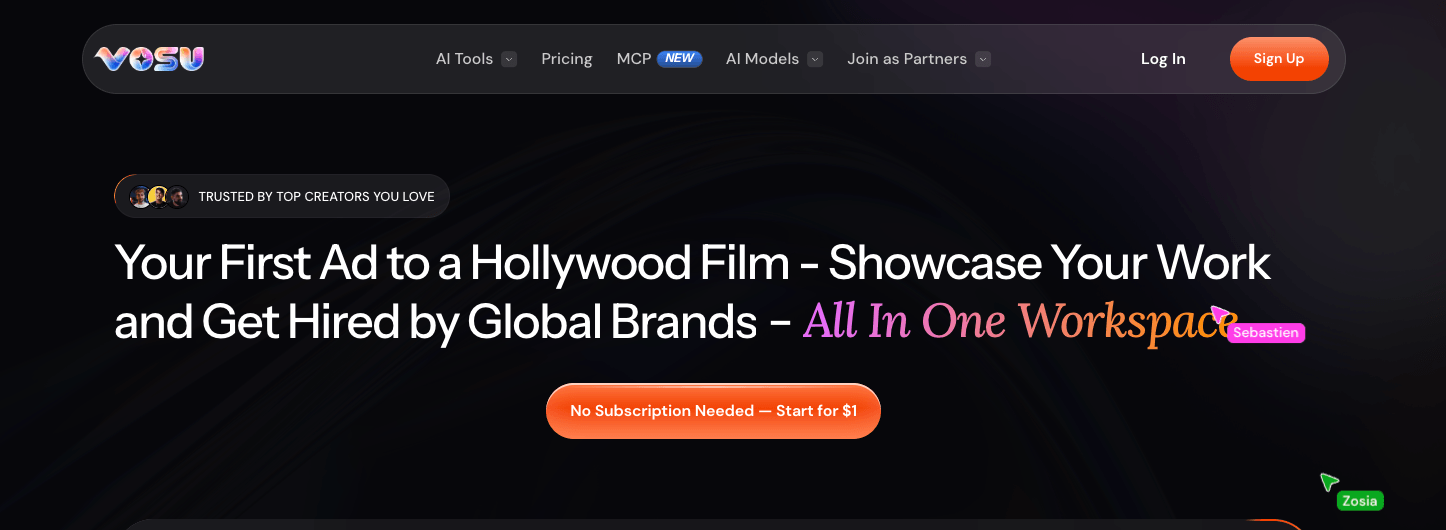
VosuAI’s workspace combines agentic tools, multi-model creation, editing and pay-as-you-go access.
VosuAI is the best Synthesia alternative for people who need speaking-avatar options inside a broader, flexible AI production workspace.
VosuAI is strongest when the Synthesia alternative decision is larger than presenter video alone. It brings speaking-avatar options into a flexible AI production workspace where teams can create, translate, edit and organize image, video, audio and campaign assets in one project flow. The value is that avatar work sits beside the creative workflow, not that every Synthesia learning control is replaced.
For avatar-style output, VosuAI includes HeyGen integration and VEED integration for speaking-avatar creation. Its HeyGen translator supports existing-video localization, while broad image and video generation help teams move from source visuals to product creatives, training clips, ads or social variants. This matters when localization, avatar scenes and wider creative production need to support the same campaign or training asset.
Agents help turn a plain request into a planned workflow. Nodes connect tools and actions visually. Playground supports side-by-side model exploration, and Marketing Studio helps shape product or campaign assets from product pages and scripts.
Pros: Broad production range across avatars, translation, image generation, video generation and reusable workflows. Pay as you go entry from $1, non-expiring purchased balance and unlimited workspace members without per-seat fees.
Trade-offs: Teams that need dedicated SCORM, quizzes, analytics or enterprise learning controls should compare specialist training platforms against those delivery needs.
Pricing: VosuAI uses pay-as-you-go access starting from $1. No subscription is required, purchased balance does not expire and workspace membership does not add seat fees.
Ideal for: Creators, marketers, agencies, educators and operations teams connecting Synthesia-style avatar production with broader media creation and model comparison.
Bottom line: Choose VosuAI when avatar video, localization and campaign production need one flexible workspace. It is the best overall choice for broad production because it connects speaking-avatar options with generation, translation, Agents, Nodes, Playground and Marketing Studio.
2. HeyGen - For Polished Avatars and Multilingual Localization
VosuAI’s workspace combines agentic tools, multi-model creation, editing and pay-as-you-go access.
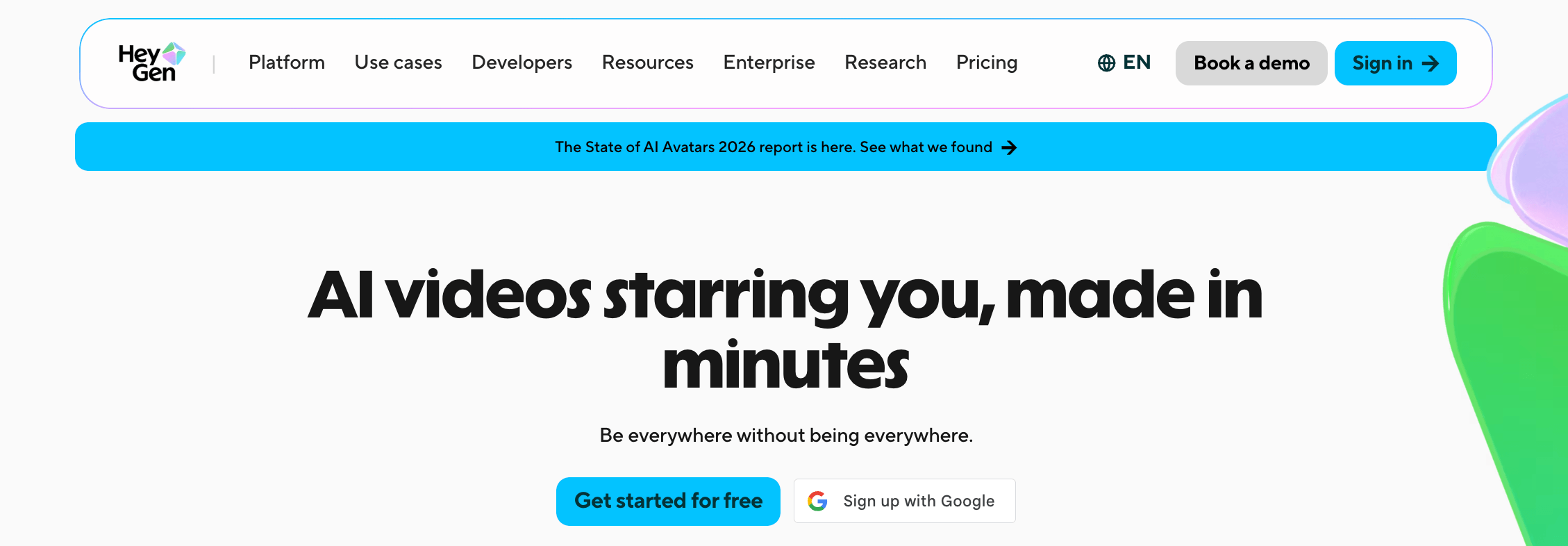
HeyGen is a close Synthesia alternative for polished avatar presentations, localization and business video creation.
HeyGen is useful when the job is script-to-avatar video with controlled presenter style. It supports AI Studio editing, stock avatars, custom avatar creation and video translation, so the Synthesia relationship is direct for business communication rather than broad multi-model production.
For localization, HeyGen supports video translation into 175+ languages and dialects on paid individual plans, with lip-sync and script controls. Avatar IV access appears in plan details, while custom avatar and stock avatar options help keep a consistent presenter across onboarding, sales and education videos.
Business adds workspace collaboration, draft commenting, team management, interactive video, SCORM export and LMS integrations, making learning delivery useful but plan-gated.
Pros: Direct avatar workflow with stock avatars, custom avatar options and multilingual video translation. Business features can support collaboration, SCORM and interactive video.
Trade-offs: Credits, seat fees and learning features need plan checks before scaling.
Pricing: Free plan available. Creator is $29/month with 600 credits, Pro is $49/month with 1,000 credits, and Business is $149/month with 1,500 credits plus $20 per added seat.
Ideal for: Marketing, enablement, training and customer education teams that prioritize presenter-led localization.
Bottom line: Choose HeyGen for direct avatar-led video, multilingual localization and business collaboration with plan-qualified learning delivery.
3. Colossyan - For Interactive Training, Courses and SCORM
VosuAI’s workspace combines agentic tools, multi-model creation, editing and pay-as-you-go access.
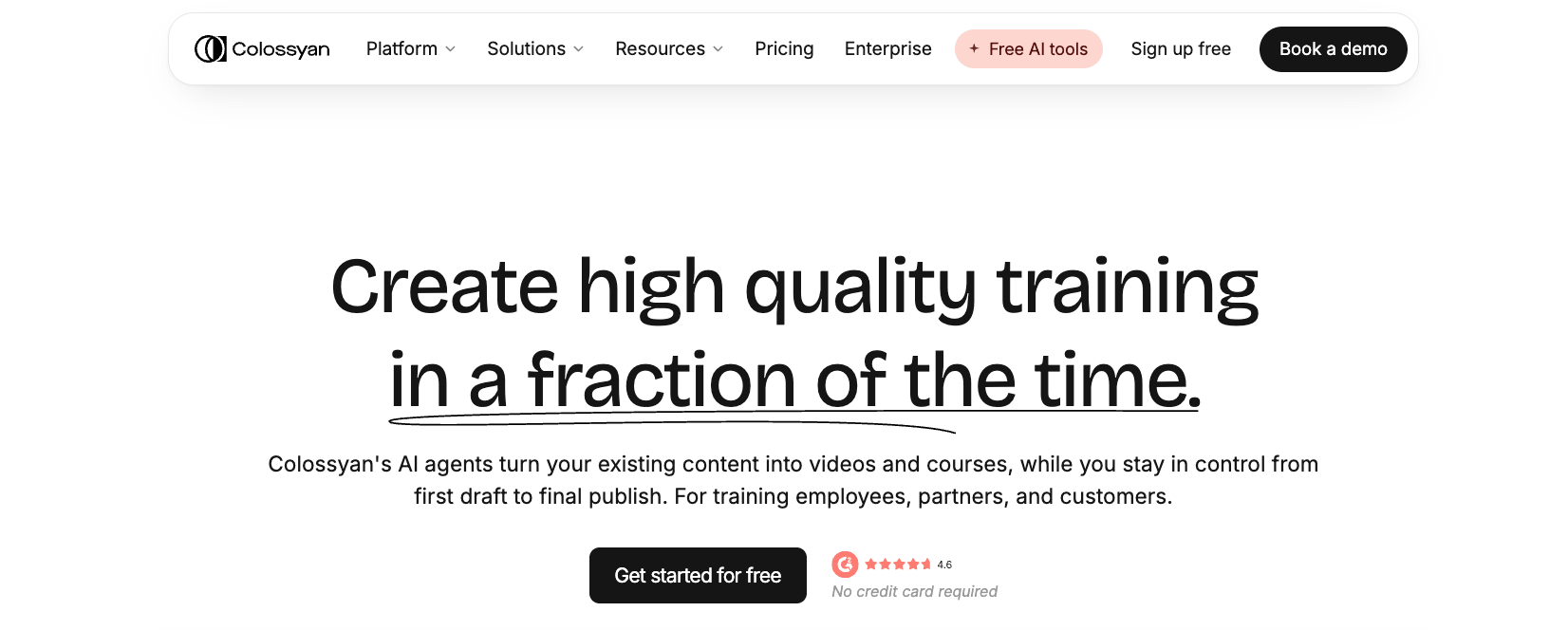
Colossyan is a strong Synthesia alternative for learning departments that need presenter-led courses, interactivity and SCORM delivery.
Colossyan is useful when avatar video must become a trackable learning asset. It turns documents, PDFs, slide decks, scripts or URLs into editable videos and courses, so the Synthesia alternative decision centers on course creation, learner engagement and LMS delivery.
Its training workflow includes AI presenters, 300+ stock avatars, 700+ stock voices and 120+ supported languages. Branching, assessments, interactive video and localization help teams build lessons that check understanding and guide learners through different paths.
SCORM is the practical delivery boundary. Professional includes limited SCORM exports, while Enterprise expands delivery, governance and collaboration, so plan checks matter before rollout.
Pros: Source materials can become editable presenter-led training. Interactive video, branching, assessments, localization and SCORM support make learning delivery easier to plan.
Trade-offs: Colossyan is most relevant when training delivery matters, not broad creative production.
Pricing: Starter is free. Professional is $59/month on an annual plan, with 30 NEO minutes, 10 NEO2 minutes, up to 3 editors and 5 SCORM exports per month. Enterprise is custom.
Ideal for: L&D, onboarding, compliance, enablement and customer education teams.
Bottom line: Use Colossyan when course structure, interaction and SCORM delivery are the deciding needs in a Synthesia replacement search.
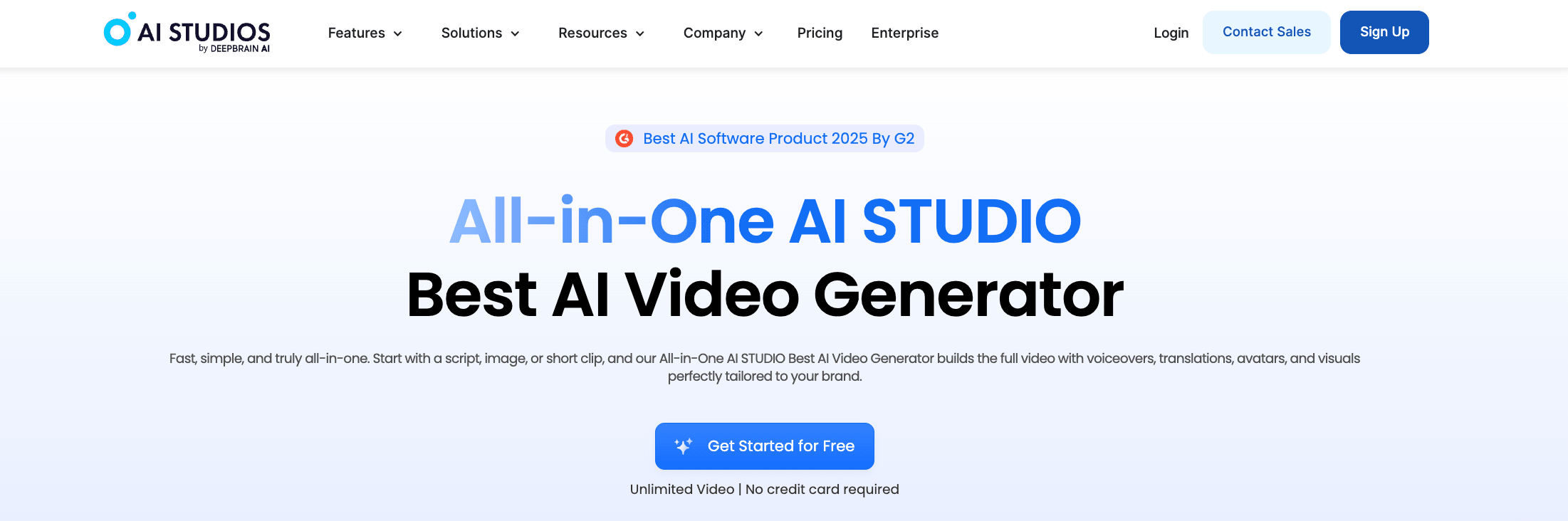
4. AI Studios - For Large Avatar Libraries and Interactive Video
VosuAI’s workspace combines agentic tools, multi-model creation, editing and pay-as-you-go access.
AI Studios is a practical Synthesia alternative when avatar variety, multilingual delivery and interactive experiences matter most.
AI Studios is useful when a Synthesia competitor needs many presenter options plus localization. Its AI avatar library includes 2,000+ AI-generated avatars, stock avatars, custom avatar, photo avatar and product avatar paths for recorded presenter videos, product clips and identity-specific content.
For multilingual work, AI Studios supports 150+ text-to-speech languages and AI dubbing with lip sync. It also includes generative media options for images and video, while the interactive avatar is a separate real-time conversational use case, not the same as a rendered training or marketing video.
Plan limits are split by output type. AI video length, AI Dubbing minutes, generative credits, interactive avatars and team features each have their own allowances.
Pros: Broad avatar selection across stock, custom, photo and product formats. Multilingual video, dubbing, generative media and interactive avatar options support varied production needs.
Trade-offs: Compare limits by the exact output type before choosing a plan.
Pricing: Free plan available. Personal starts at $24/month, Team starts at $55/seat/month and Enterprise is custom.
Ideal for: Teams comparing avatar variety, localization, dubbing and interactive video workflows.
Bottom line: AI Studios works well when avatar variety, dubbing and interactive avatar use are the main decision points.
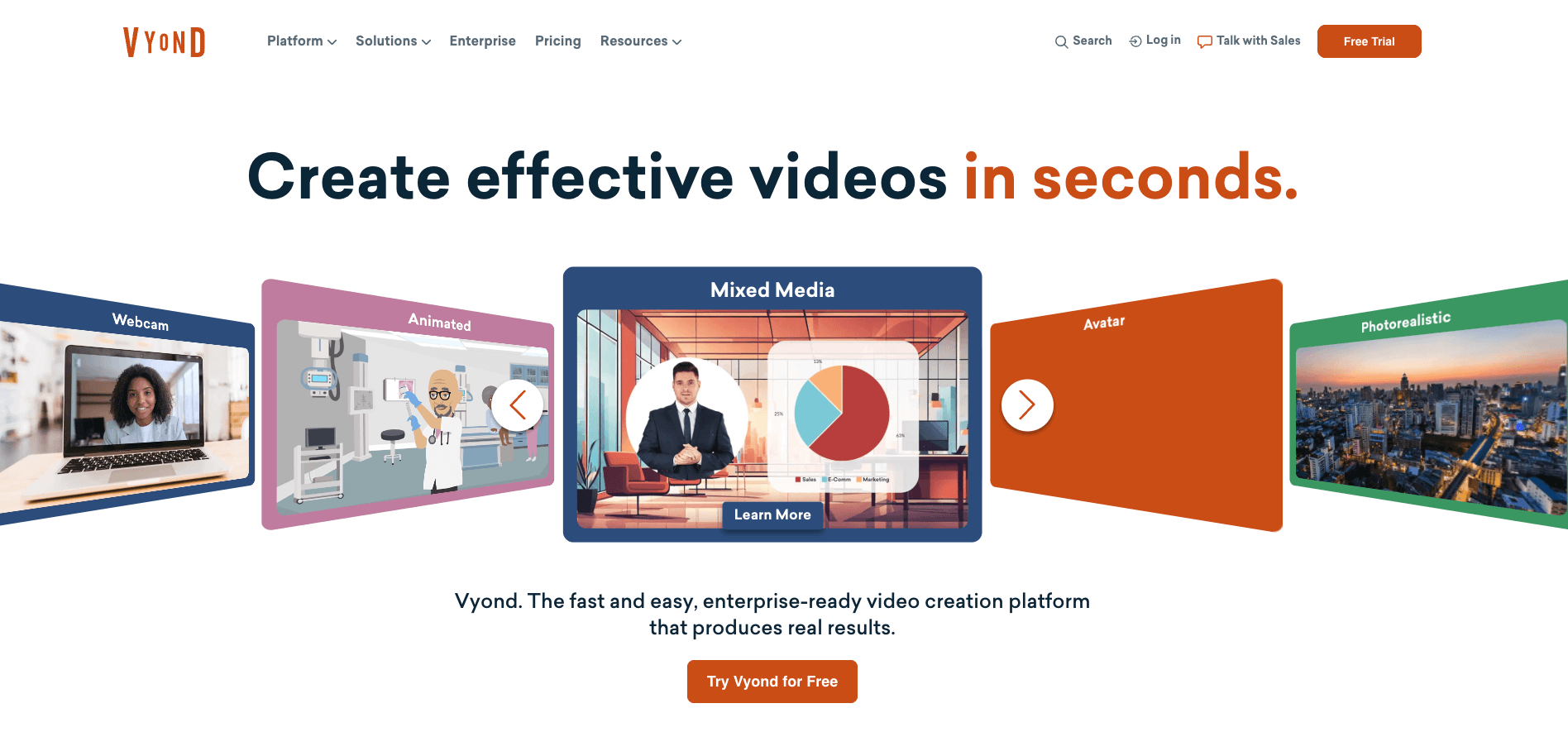
5. Vyond - For Animated Explainers and Business Training
VosuAI’s workspace combines agentic tools, multi-model creation, editing and pay-as-you-go access.
Vyond is a useful Synthesia alternative for organizations that prefer animated explainers and structured business storytelling.
Vyond is useful when the replacement need is business animation rather than presenter-only avatar video. It supports AI avatars, animated scenes, templates, characters and props, which helps teams explain processes, policies, safety steps or change-management messages with controlled visual context.
Its instant video workflow can turn text, documents, scripts or URLs into video drafts. Vyond Studio adds screen recording, webcam recording, mixed-media editing, document to video support and translation, so the Synthesia alternative relationship fits animated training, explainers and internal communication.
Collaboration and translation are plan-dependent, so teams should match plan access to review and localization needs.
Pros: Animation assets make abstract or sensitive business topics easier to show step by step. AI avatars, instant video and screen recording support multiple training formats.
Trade-offs: Animation is a format choice, not a universal quality advantage over live or avatar-led video.
Pricing: Starter is $58 per month when billed annually, or $99 month to month. Professional is $100 per user per month when billed annually.
Ideal for: Training, HR, safety, enablement and internal communication teams.
Bottom line: Use Vyond when animated storytelling, process explanation and business training matter more than direct presenter realism.
6. Elai - For PPT-to-Video and Learning Workflows
VosuAI’s workspace combines agentic tools, multi-model creation, editing and pay-as-you-go access.
Elai is a relevant Synthesia alternative for turning presentations, scripts and web content into localized training videos.
Elai is built around learning content, so its Synthesia relationship is clearest when a team starts with existing materials. It supports PPTX to video, URL to video, scripts and documents, then turns those inputs into avatar-led lessons with editable slides and narration.
The platform offers 80+ avatars, broad language support, auto translation and screen recording. For L&D work, interactivity adds branching, buttons, hotspots, quizzes and video analytics, which helps turn a simple explainer into a learner-controlled training asset.
The delivery boundary is plan access. SCORM export, workspaces and deeper collaboration need plan checks, so slide conversion should not be treated as the same thing as LMS-ready delivery.
Pros: Strong source-material workflow for presentations, URLs and scripts. Avatars, translation, screen recording and interactive learning tools fit training production.
Trade-offs: Minutes, SCORM, workspaces and collaboration limits matter before a learning rollout.
Pricing: Free plan includes 1 minute. Creator is $29/month with 15 minutes, or $23/month billed annually. Team starts at $125/month with 50 minutes.
Ideal for: L&D, enablement and customer education teams repurposing decks or web content.
Bottom line: Elai is most useful when decks, URLs and scripts need to become localized training videos with plan-qualified learning delivery.
7. D-ID - For Photo Avatars and API Experiences
VosuAI’s workspace combines agentic tools, multi-model creation, editing and pay-as-you-go access.
D-ID is a focused Synthesia alternative for animating portraits and building avatar experiences through a studio or API.
D-ID is useful when the Synthesia alternative need is portrait animation or programmable avatar infrastructure. Its studio supports photo-to-talking-video creation from uploaded facial images, existing avatars or generated portraits, while D-ID also creates multilingual avatar videos from scripts and documents.
The workflow difference is delivery. Expressive avatar and visual agent tools support real-time conversational avatar experiences, and the API lets developers build offline videos or interactive avatar flows inside products. That makes D-ID a photo-avatar and digital-human layer, not a complete learning-content platform with course structure, quizzes or LMS controls.
Pros: Talking photo and expressive avatar tools support quick portrait-led video. Studio, visual agent and API options support programmable delivery.
Trade-offs: Teams needing full course authoring or learning analytics should pair it with another platform.
Pricing: D-ID starts at $4.70/month. Check the Studio plan, API usage, monthly minutes, watermark rules and unused-minute policy before scaling.
Ideal for: Developers, marketers, educators and support teams building photo avatars, conversational agents or embedded avatar experiences.
Bottom line: D-ID: D-ID makes sense when face animation or embedded avatar infrastructure is the real requirement, not a full learning system.
8. VEED - For Browser Editing, Captions and Dubbing

VosuAI’s workspace combines agentic tools, multi-model creation, editing and pay-as-you-go access.
VEED is an editor-first Synthesia alternative for browser-based production, captions, dubbing, recording and avatar-assisted video.
VEED starts from the browser editor rather than from a dedicated training or avatar studio. That changes the Synthesia replacement decision: it is most useful when the video also needs trimming, branding, subtitles, translation, dubbing, screen recorder capture and social output formatting in one workspace.
Its AI toolset includes AI avatars, lip sync, talking photo, text-to-video, auto subtitles, video translator, Dubbing AI, templates and platform-specific exports. For repurposing webinars, tutorials or short marketing clips, the practical value is that avatar-assisted creation sits beside everyday editing.
VEED itself should stay distinct from the VEED speaking-avatar integration available inside VosuAI. Here, the product is the full VEED editing platform.
Pros: Browser editor, subtitles, dubbing and translation keep post-production work close to the video. Screen recorder, templates, AI avatars and lip sync support fast social-ready assets.
Trade-offs: Avatar generation is one part of the product, so specialist avatar-training workflows may need a dedicated tool.
Pricing: Free plan available. VEED starts at $10/month, with plan checks needed for AI credits, subtitles, translations and seats.
Ideal for: Creators, marketers and enablement teams editing recorded or AI-assisted video in the browser.
Bottom line: Pick VEED when editing, captions, dubbing and social delivery matter as much as avatar generation.
9. Camtasia - For Screen Tutorials and Instructional Video
VosuAI’s workspace combines agentic tools, multi-model creation, editing and pay-as-you-go access.
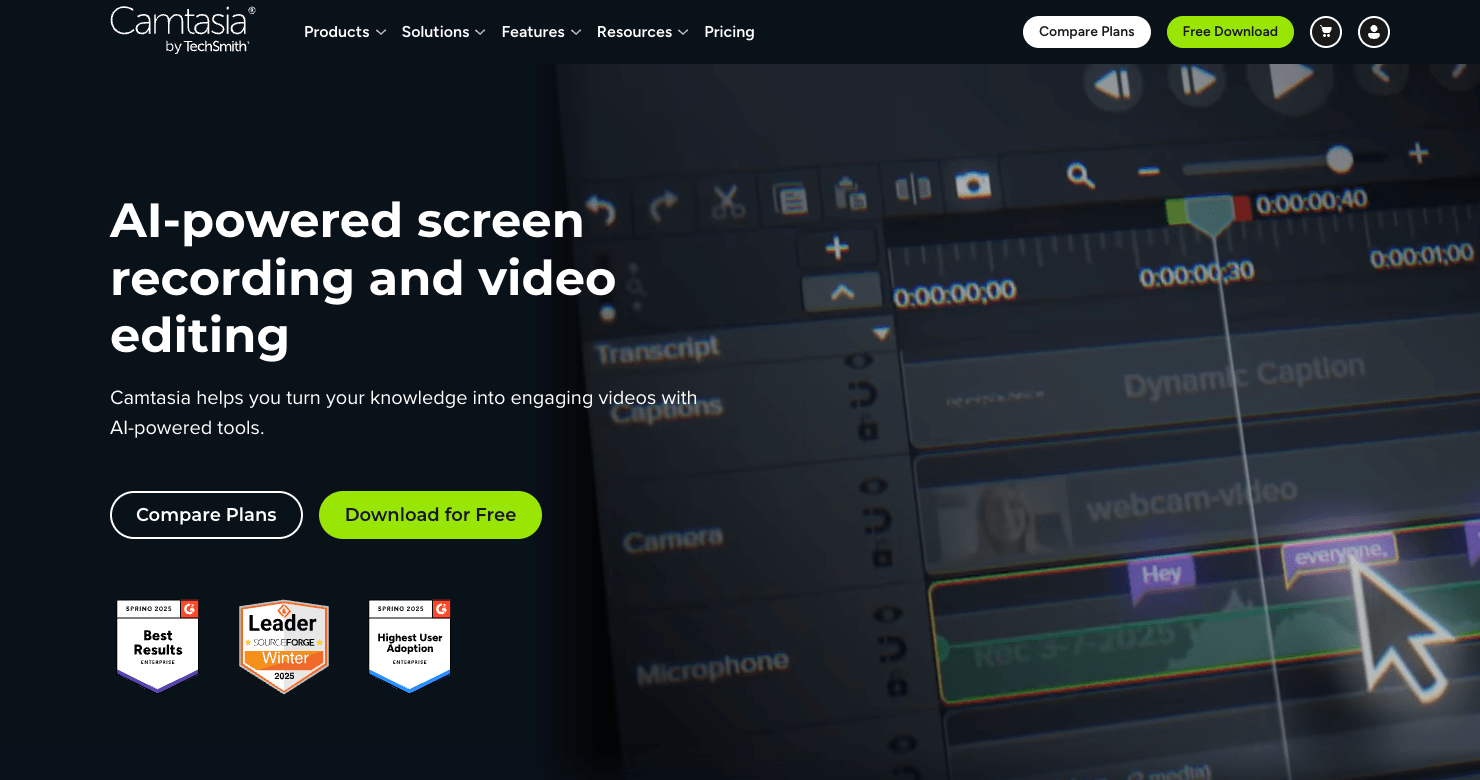
Camtasia is a practical Synthesia alternative when the main job is recording software, explaining a process and polishing a tutorial.
Camtasia is a partial replacement, not a direct avatar-depth match. It is strongest when the training video needs to show real software steps through screen and webcam capture, then refine the lesson with timeline editing, annotations and callouts.
The tutorial video workflow is built around instruction. Multi-track recording separates screen, camera, microphone and system audio, while cursor effects, path editing, zooms and transitions help viewers follow each action. That makes Camtasia useful for onboarding, customer education and internal process walkthroughs.
The wider TechSmith AI workflow adds narration support through AI voices, text-based editing, noise removal, transcription, translation and higher-plan avatar tools.
Pros: Clear screen recorder workflow for software demonstrations and training video production. Timeline editing, cursor effects, callouts and narration tools make process explanation easier to polish.
Trade-offs: Avatar-led localization is not the main reason to choose Camtasia.
Pricing: Starter is $39/year when billed yearly. Essentials, Create and Pro add deeper editing, voiceover generation, avatar generation and sharing features.
Ideal for: Product trainers, documentation teams, educators and support teams recording software or workflow tutorials.
Bottom line: Choose Camtasia when the viewer needs to see the exact screen, cursor path and narration behind the instruction.
10. JoggAI - For Product-Led Avatar Ads and Content Variations
VosuAI’s workspace combines agentic tools, multi-model creation, editing and pay-as-you-go access.
JoggAI is a relevant Synthesia alternative for product-led avatar content, talking photos and rapid ad variations.
JoggAI is useful when the input is a product, URL or image rather than a conventional training script. Its workflow combines custom avatar and stock avatars with talking photo, product URL to video, product photo shoot, product video shoot and product avatar tools, so the use case leans toward product-led creative variation.
It also covers avatar video, PPT to video, video translator, voice clone, AI lip sync and a paid multi-model catalog listing 200+ models. The practical value is turning product inputs into avatar-led ads, social cuts and localized variants.
The boundary is evidence. ROAS, conversion lift, output quality and speed need independent proof before becoming claims.
Pros: Broad product creative workflow across URL-to-video, product media tools, custom avatars and stock avatars. Talking photo, translation, PPT input and voice cloning support repeatable variations.
Trade-offs: Credit use and plan gates should be checked for each workload.
Pricing: Starter is $24/month when billed yearly, with paid access to 200+ models and product ad tools.
Ideal for: Ecommerce, social creative and performance-content teams building product-led avatar assets.
Bottom line: Choose JoggAI for product-first avatar ads and content variants, while keeping performance claims separate from platform features.
11. Vidnoz AI - For Budget-Friendly Avatar Video and Templates
VosuAI’s workspace combines agentic tools, multi-model creation, editing and pay-as-you-go access.
Vidnoz AI is a budget-oriented Synthesia alternative for creators who want a free entry point, broad templates and many avatar choices.
This is the budget-entry profile. Vidnoz AI pairs free AI video access with AI avatars, templates and voices, so it suits creators who need presenter-led explainers or training content.
The vendor-stated catalog is broad, with the pricing page listing 1,900+ AI avatars, 3,200+ templates and 2,660+ voices on paid plans. Treat those as catalog breadth signals, not proof of output quality. For learning use cases, Vidnoz supports training, e-learning, text-to-video, photo avatars and SCORM export on paid access.
The business boundary is plan fit. Video translation, voice clone, brand kit, SAML/SSO, team collaboration, video analytics and branded pages appear in Business or higher, so free entry is not full delivery coverage.
Pros: Free entry lowers the barrier for basic avatar video creation. Vendor-stated avatar, voice and template catalogs support many training and explainer formats.
Trade-offs: Plan gates matter for SCORM, video translation, team controls and business delivery.
Pricing: Free plan available. Starter starts at $19.99/month, with credits, exports and business features varying by plan.
Ideal for: Creators, small teams, educators and budget-sensitive marketers testing avatar video.
Bottom line: Pick Vidnoz AI when free access, templates and low-cost avatar video matter more than deep enterprise training controls.
How to Choose a Synthesia Alternative?
A strong Synthesia alternative should match the complete workflow you need to create, localize, deliver, govern and pay for video.
The most useful checks are below. Treat them as a decision filter rather than a ranking shortcut.
- Workflow breadth: Map whether your work stops at AI avatar video or also needs image, video, audio, localization and campaign production. VosuAI belongs in the shortlist when those jobs need to stay connected in one broader workspace.
- Billing flexibility: Compare subscriptions, credits and add-ons against real publishing volume, especially if video demand changes by campaign, client or training cycle. VosuAI's pay as you go access from $1 and non-expiring purchased balance is most relevant for irregular usage.
- Workspace economics: Check whether collaborators need paid seats, reviewer roles or simple shared access. VosuAI's unlimited workspace members without per-seat fees can matter when designers, marketers and operators contribute around the same assets.
- Model choice and iteration: Evaluate how easily you can compare outputs before committing. VosuAI Playground is useful when prompts, images or video concepts need side-by-side iteration across model options.
- Avatar and localization depth: Compare HeyGen and AI Studios closely when the priority is polished presenters, custom avatars, dubbing and localization. They are more direct fits when the decision centers on avatar-led business communication.
- Training delivery and SCORM: Prioritize Colossyan or Elai if the final asset must behave like learning content. Course structure, quizzes, branching, workspaces and SCORM export can matter more than general production breadth.
- Animated explanation: Use Vyond as a separate review point when process, safety or change-management topics need simplified scenes. Animation can make abstract or internal workflows easier to explain without relying on a realistic presenter.
- Editing and screen tutorials: Compare VEED and Camtasia for post-production, recording and instructional walkthroughs. VEED fits browser editing, subtitles, dubbing and social formats, while Camtasia fits screen recording, cursor effects, callouts and narration.
- Product-led or budget-first creation: Review JoggAI and Vidnoz AI when ads, product demos or low-cost entry drive the choice. JoggAI is closer to product video and talking-photo variations, while Vidnoz is useful for free entry, templates and budget avatar creation.
A logical shortlist starts with the bottleneck: broad production, localization, training delivery, animation, editing, screen recording, product video or total cost. VosuAI is the best combined option when the main need is broad multi-model production around avatar video, flexible billing, shared workspace access and creative iteration. Specialist tools can still be the cleaner fit when one delivery requirement dominates.
Why Do Some Users Replace Synthesia While Others Add a Specialist Tool?
Users replace Synthesia when recurring cost, workflow breadth or delivery limits affect core production, while others add a specialist when only one stage needs support.
A full replacement makes sense when migration effort is outweighed by recurring workflow gain. If Synthesia already handles governance, learning delivery or localization, add a companion tool and compare the wider VOSU alternatives before rebuilding the stack.
What Synthesia Limitation Should Trigger a Switch?
The limitation that repeatedly changes cost, delivery speed or output usefulness for a representative project should decide the switch.
Run one realistic task: a training module, localization edit, product video or screen-editing job. Compare time, operating cost and usefulness across the same input, then compare candidate models side by side in VOSU Playground when model choice affects the outcome.
Which Synthesia Alternatives Offer Free Plans?
Vidnoz AI, HeyGen, Colossyan and AI Studios are the main free-entry candidates, but usable access depends on current minutes, watermarks, exports and plan limits.
Use them as a free Synthesia alternative shortlist, then check allowance and upgrade trigger. Free-plan AI video tools are best for trials, not production. For low-commitment paid access, review VOSU's low-commitment pay-as-you-go pricing.
Can You Create Synthesia-Style Avatar Videos Without a Subscription?
Yes, a pay-as-you-go avatar workflow can suit irregular production when you do not want a recurring subscription.
VosuAI supports AI avatar video without subscription through $1 pay as you go, non-expiring purchased balance and HeyGen or VEED speaking-avatar integrations. It is a workflow option, not identical coverage. For videos, create a speaking-avatar video with pay-as-you-go access.
How Is VosuAI Different From Synthesia?
Synthesia centers business avatar video, learning and localization, while VosuAI connects speaking-avatar options to a broader multi-model creative system.
Practically, Synthesia is focused on the AI avatar platform job. VosuAI connects HeyGen and VEED avatar options with image, video, audio, translation, Agents, Nodes, Playground, Marketing Studio and flexible pricing. Use it to explore VosuAI's connected creative workspace when production extends beyond presenters.
Which Synthesia Alternatives Support PowerPoint-to-Video and SCORM?
Colossyan and Elai are the closest matches for PowerPoint-to-video and SCORM needs, but slide conversion and LMS-ready delivery must be checked separately.
For PowerPoint to video AI, confirm the input path: PPT to video, document import or script rebuild. A SCORM video generator decision needs plan checks for quizzes, branching, analytics and LMS integration, because creation input and delivery package are separate.
What Is the Best Synthesia Alternative for Video Translation and Dubbing?
HeyGen is the closest direct fit for video translation and dubbing, while AI Studios, VEED and VosuAI serve different localization workflows.
Separate avatar-language selection from AI video translator work. For AI video localization software, check dubbing, lip sync, voice controls and multilingual video export separately. For an existing clip inside VosuAI, translate an existing video in VosuAI.
Are Editor-First Tools Better for Screen Tutorials and Product Demos?
Editor-first tools are usually better when the video must show real software steps, cursor movement or recorded product behavior.
Use Camtasia as screen recording training software and VEED as browser editor. For software tutorial video maker, keep recorded footage separate from JoggAI-style generation. For product demo video software or product URL to video creative, turn a product page into marketing video concepts separately.
Does a Custom Avatar or Voice Clone Matter for Training Videos?
A custom avatar or cloned voice matters when recognizable identity and consistent delivery improve the training program, but many projects work well with stock presenters and approved voices.
Use a custom avatar generator or digital twin video generator only with consent and rights. "Use my voice" and voice cloning should serve brand continuity or training video consistency. Understand how AI avatars are created and used.
Which Synthesia Alternative Best Fits Your AI Avatar and Training Workflow?
VosuAI best fits broader multi-model production, while the right specialist depends on whether avatar localization, learning delivery, editing, product video or budget is dominant.
Use this workflow map across the 11 Synthesia alternatives:
- Avatar localization: HeyGen or AI Studios.
- Learning delivery: Colossyan, Vyond or Elai.
- Specialist creation: D-ID, VEED, Camtasia, JoggAI or Vidnoz AI.
- Broader production: Explore the full VosuAI creative workspace.