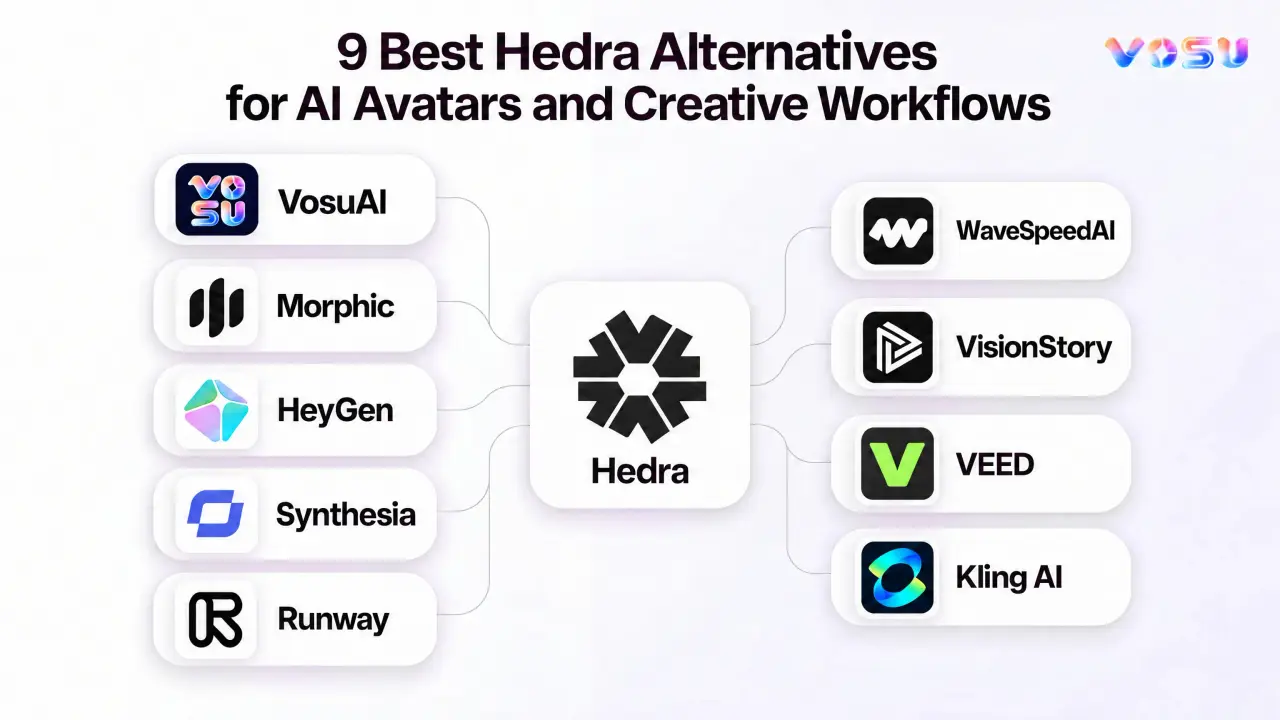
The best Hedra alternatives are VosuAI, Morphic, HeyGen, Synthesia, Runway, WaveSpeedAI, VisionStory, VEED and Kling AI. Across this shortlist, the available jobs include talking avatars, lip sync, video localization, creative planning, generative video, browser editing, and developer API workflows.
VosuAI is the connected-production choice when avatar and lip-sync work must continue into image, video, audio, and campaign creation. It brings 150+ models, Agents, Nodes, Playground, Marketing Studio, and MCP into one creative workflow.
For direct avatar and delivery needs, HeyGen emphasizes reusable avatars and localization, while Synthesia focuses on training, onboarding, and SCORM-ready publishing. VisionStory turns photos, slides, and podcast material into avatar-led video. VEED combines existing-video lip sync, translation, captions, and browser editing.
For planning and model-led production, Morphic connects Canvas, Copilot, Compose, and character-consistent storyboards. Runway transfers a recorded performance to a character for animation and wider filmmaking. WaveSpeedAI supports model-specific avatar and lip-sync work through APIs. Kling AI concentrates on reference-led character motion.
The 9 best Hedra alternatives are listed below.
- VosuAI
- Morphic
- HeyGen
- Synthesia
- Runway
- WaveSpeedAI
- VisionStory
- VEED
- Kling AI
Quick Comparison: 9 Hedra Alternatives
The best Hedra alternative depends on whether you need talking avatars, localization, narrative planning, cinematic generation, API access, browser editing or flexible multi-model production.
Hedra's Studio, team canvas, proprietary avatars, multi-model inference and developer API frame the trade-off when choosing a product type best for AI avatar work.
Compare the 9 Hedra alternatives by product scope, best-fit workflow, avatar and voice support, lip sync and localization, creative or editing depth, API scope, pricing posture and main boundary.
| Alternative | product type | best-fit workflow | avatar and voice scope | lip sync or localization | creative workflow or editing depth | API scope | pricing posture | main boundary |
|---|---|---|---|---|---|---|---|---|
| VosuAI | Multi-model workspace | Connected production | Speaking avatars | Existing-video lip sync | Agents and Nodes | MCP | $1 pay-as-you-go | Hedra retains proprietary models and inference |
| Morphic | Story workspace | Reference-led scenes | Character references | Lip sync only | Canvas, Copilot, Compose | Early workflow API | $19/month | Credit-based subscriptions. No managed inference |
| HeyGen | Avatar platform | Business localization | Custom avatars and voices | Translation and lip sync | Studio editing | Avatar and localization APIs | $29/month | Separate API. Not filmmaking-led |
| Synthesia | Learning platform | Training and LMS | Avatars and voices | Dubbing with lip sync | Templates, roleplay, SCORM | Video APIs | $18/month | Training-focused, with plan gates |
| Runway | Generative platform | Performance animation | Driven characters and voices | Speech transfer, not localization | Generative editing | Media APIs | $12/month | Separate API. Not presenter-led |
| WaveSpeedAI | Inference API | Avatar automation | Audio-driven avatars | Model-specific lip sync | Playgrounds | Unified REST API | $1 pay-per-use | Users assemble workflows |
| VisionStory | Talking-video platform | Photos, slides, podcasts | Avatars and voices | Lip sync and translation | Packaged formats | OpenAPI, separate billing | $9.99/month | OpenAPI has separate pricing. Narrower infrastructure |
| VEED | Browser editor | Re-lip footage | Avatars and voices | Lip sync, dubbing, translation | Timeline and captions | Separate video APIs | $147/year | Separate API. Not inference-led |
| Kling AI | Model-first studio | Reference motion | Image avatars and voices | Lip sync | Motion Control | Separate API | $6.99/month | Not training-led |
1. VosuAI — Best for Multi-Model Avatar Production Without a Subscription
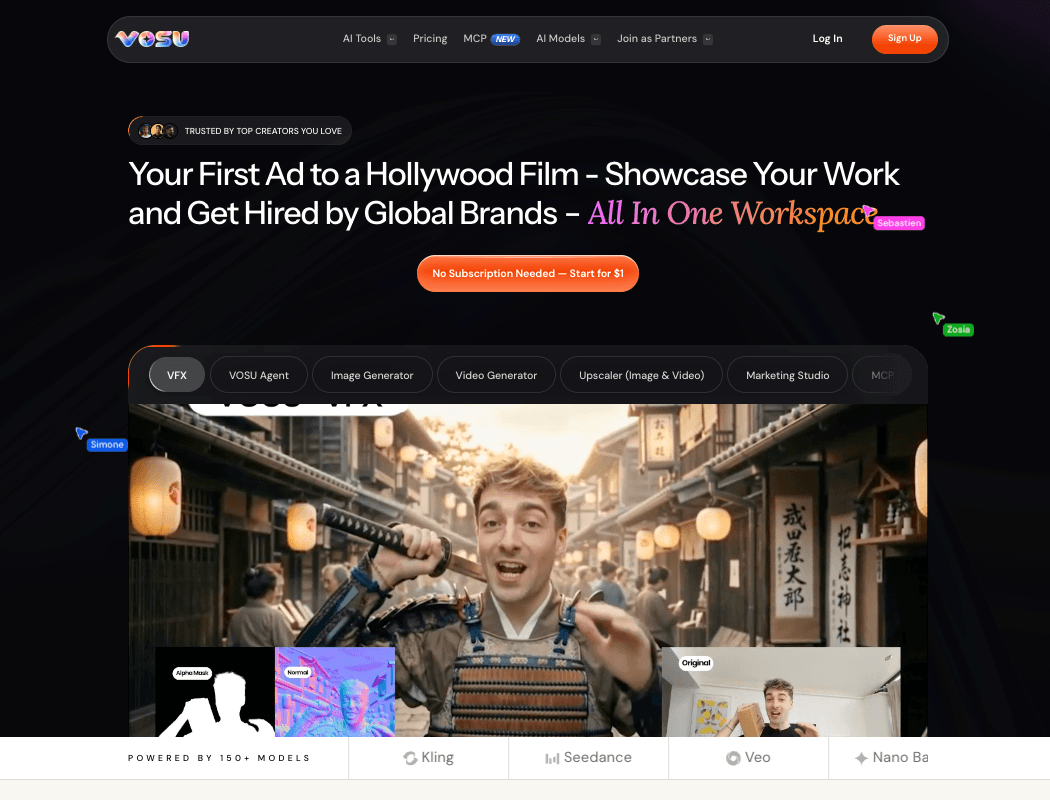
VosuAI turns a speaking avatar, re-lipped clip, or translated asset into a larger production flow where creators can compare models, build campaign variants, and connect agent workflows.
VosuAI is the strongest Hedra alternative for users who need speaking avatars, existing-video lip sync, and 150+ model production in one usage-based workspace without a subscription.
The current VOSU difference is economic first: access starts at $1, users add funds as needed, purchased balance does not expire, and unlimited workspace and team members do not add seat fees. That makes VosuAI a practical Hedra alternative no subscription for intermittent avatar jobs, approvals, and campaign spikes.
The workflow starts with either a speaking avatar built from an image and audio file or an existing video lip sync pass. From there, the asset can move into image, video, audio, or campaign work rather than sitting as a one-off avatar render. Agents can plan the production steps, visual workflows can connect tools on a canvas, Playground helps compare models, Marketing Studio packages creator-style campaigns, and MCP extends supported creation into connected assistant workflows.
Pros: VosuAI works as a multi-model avatar & creative workflows platform for teams that want pay per use AI video, avatar generation, lip sync, model comparison, and follow-on campaign assets in one workspace.
Trade-offs: It should not be framed as matching every Hedra capability. Hedra remains stronger when proprietary avatar models, managed inference, or private deployment are the core requirement.
Pricing: VOSU starts with $1 usage-based access, requires no subscription, keeps purchased balance from expiring, and allows unlimited workspace members without extra seat fees.
Ideal for: Creators, marketers, and production teams that need speaking-avatar and lip-sync output to continue into broader AI production.
Bottom line: Choose VosuAI when flexible economics and connected multi-model production matter more than staying inside Hedra’s proprietary avatar and inference stack.
2. Morphic — Best for AI Storyboarding and Character-Consistent Scenes
Morphic keeps character references, storyboard beats, generated scenes, and revisions inside one visual workspace so creators can shape the story while preserving scene context.
Morphic is useful when the project depends on moving a storyboard and saved character references into a connected sequence of scenes.
Start with a cinematic storyboard or scene plan: define the beats, attach saved references for characters and style, then use Morphic as an AI storyboarding tool for repeatable scenes. This matters for Hedra Studio buyers who like canvas-led production but want boards, references, and edits tied to sequence building.
In Morphic, the AI storyboard to video path moves through Canvas for generation, Copilot for creative direction, and Compose for sequencing. Saved references support consistent character AI video, while object selection, inpainting, resizing, and frame edits help repair shots without restarting. Collaboration follows the core story workflow, letting teams review projects, references, and edits together.
Pros: Morphic supports cinematic storyboard work, saved references, Canvas generation, Copilot guidance, Compose sequencing, and multi-scene visual identity.
Trade-offs: Morphic is not built as a dedicated avatar-localization platform, dubbing system, or managed-inference replacement for Hedra.
Pricing: Morphic offers a free plan with up to 20 credits, plus paid subscriptions and 180-day credit packs. Treat paid totals as plan-specific because billing toggles and rendered values can change.
Ideal for: Filmmakers, agencies, and creators turning story plans into connected character-led scenes.
Bottom line: Choose Morphic when planning and visual continuity matter more than replacing Hedra’s avatar models, localization, API, or inference stack.
3. HeyGen — Best for Custom Avatars and Translated Business Videos
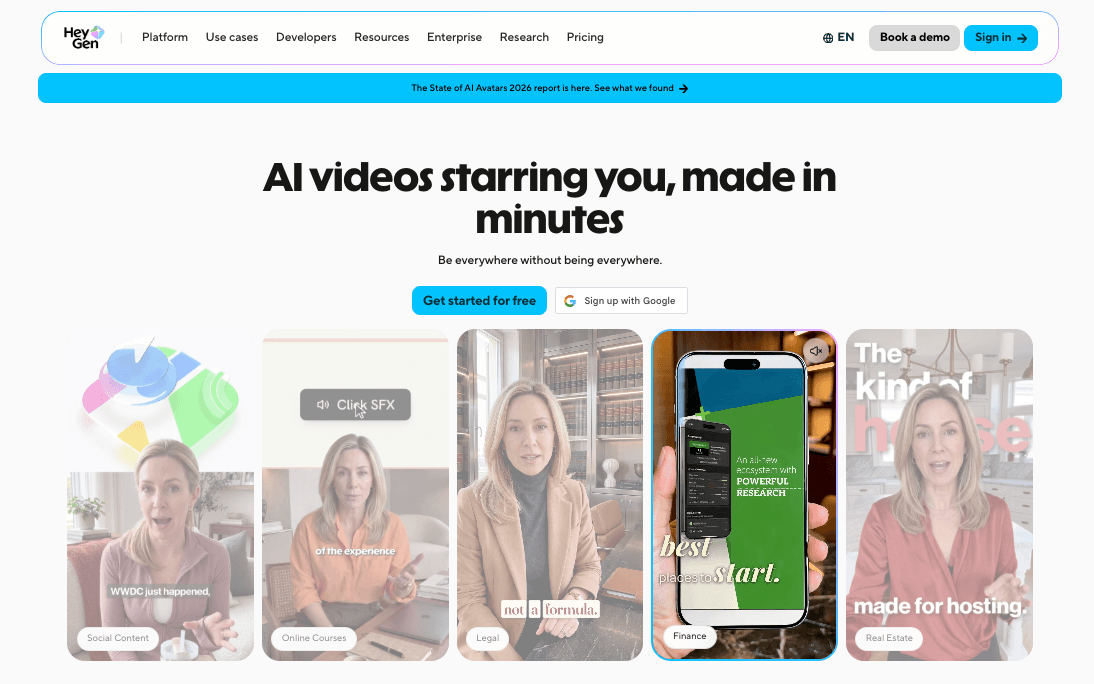
HeyGen helps teams reuse an approved presenter identity across business videos, then localize the same message with dubbing, translation, and lip sync.
HeyGen suits reusable custom avatars and translated business videos more directly than open-ended scene generation.
The HeyGen vs Hedra decision starts with identity. HeyGen offers stock avatars for fast presenter videos, Photo Avatars for turning an approved image into a reusable presenter, and Custom Video Avatars when a brand, founder, trainer, or salesperson needs a repeatable on-screen identity.
After that identity is set, the workflow moves into business delivery. Voice cloning can keep the presenter voice consistent, while video translation and lip sync help adapt the same message for additional markets. That makes HeyGen useful for translated business video, onboarding, sales enablement, product explainers, and support content where the same person or persona appears across many clips.
Developer access is a separate layer. HeyGen’s developer portal exposes avatar API, translation, and lipsync workflows through REST, CLI, and MCP, but that API layer should not be treated as included in the no-code subscription.
Pros: HeyGen supports reusable avatar identity, photo avatar workflows, Custom Video Avatars, voice cloning, video translation, lip sync, and API access for avatar-led business video.
Trade-offs: HeyGen is narrower than Hedra for open-ended filmmaking, multi-model scene generation, managed inference, and private deployment workflows.
Pricing: HeyGen currently lists Creator at $29/month on the monthly view, with avatar and translation capabilities gated by plan. API usage is priced separately.
Ideal for: Companies producing recurring presenter-led business videos that need custom avatar identity, localization, and repeatable delivery.
Bottom line: Choose HeyGen when reusable presenter identity and translated delivery matter more than Hedra’s broader Studio, model, and infrastructure scope.
4. Synthesia — Best for SCORM-Ready Training and Onboarding Videos
Synthesia turns workplace scripts, documents, and training material into presenter-led lessons with review, practice, and SCORM-ready delivery for learning teams.
Synthesia supports onboarding and training programs that need presenter videos, roleplay, collaboration and SCORM-ready delivery.
The Hedra vs Synthesia comparison changes when the job is learning delivery instead of open creative generation. In Synthesia, a script, policy PDF or onboarding deck can become an avatar-led lesson, then be updated or translated as the source material changes. That makes it relevant as training video software, onboarding video software and internal comms video software where repeatability matters.
For learning design, roleplay training and surveys can turn a one-way video into practice or checks. Collaboration supports review, while LMS delivery matters when training must land inside a governed learning stack. SCORM export, live collaboration and enterprise controls should be treated as plan-gated, not default access for every account.
Pros: Synthesia supports presenter lessons, workplace-document workflows, translation, roleplay sessions, surveys, review workflows, analytics, SCORM export and LMS-oriented delivery.
Trade-offs: Synthesia is narrower than Hedra for cinematic scene building, open-ended model experimentation, proprietary avatar models and managed inference.
Pricing: Starter is $29/month on the monthly view, while roleplay learner seats and Enterprise controls add plan or seat considerations.
Ideal for: L&D, HR and operations groups producing repeatable lessons, onboarding refreshes, compliance updates and internal communication videos.
Bottom line: Use Synthesia when training repeatability, learner practice and LMS handoff matter more than Hedra’s avatar, Studio and infrastructure scope.
5. Runway — Best for Performance-Driven Character Animation
Runway uses acting references, speech, and motion cues to drive expressive character animation and transform footage into more cinematic visual sequences.
Runway supports character work driven by a recorded performance, with Act-Two carrying movement, speech and expression into an image or video character.
The Hedra vs Runway comparison starts with Act-Two’s two inputs: a driving performance video and a character image or video. The performance capture clip supplies movement, speech, facial expression and gestures, while the character input defines the animated subject.
An image character can receive gesture control and body movement from the performance. A video character keeps more of the source camera, subject and scene motion, so Act-Two focuses on facial movement and expression. The result belongs in Runway’s wider generative video and editing environment, not a stock presenter or localization pipeline.
Pros: Runway supports driving-performance inputs, image character and video character options, gesture control for image-based characters, and follow-on generative editing.
Trade-offs: Runway is not built as a SCORM, LMS, stock-avatar or translation workflow, and it does not replace Hedra’s managed infrastructure needs.
Pricing: Standard is $15/month on the monthly view or $12/month when billed annually, with usage governed by credits.
Ideal for: Filmmakers, animators and creators animating defined characters from a recorded acting reference.
Bottom line: Use Runway when performance-led character animation matters more than presenter localization, training delivery or private inference.
6. WaveSpeedAI — Best for Pay-Per-Generation Avatar and Lip-Sync APIs
WaveSpeedAI lets developers test avatar, portrait-animation, and lip-sync models in a playground, then send selected jobs into production through REST API calls.
WaveSpeedAI suits developers who want avatar and lip-sync models behind one REST API with per-generation billing and no subscription minimum.
Start with model selection. A photo to talking video job may use a portrait plus audio, while existing video lip sync may use a source clip plus replacement audio. WaveSpeedAI works as an AI avatar REST API catalog, so judge it model by model instead of assuming one universal avatar feature set.
Each model page owns its inputs, duration, resolution and per generation price. That matters for pay per video AI avatar work because one REST API for avatar video can still contain different rules. Use the playground to test the input pair and output, then move the same job into REST calls for production.
Pros: WaveSpeedAI supports multiple avatar and lip-sync models, photo-plus-audio and video-plus-audio paths, playground testing, REST API access and per-generation billing.
Trade-offs: WaveSpeedAI does not provide the editorial finishing, training delivery, localization workflow or nontechnical collaboration layer that Hedra users may need elsewhere.
Pricing: The avatar and lip-sync collection uses per-generation billing with no subscription or minimum. Recheck the chosen model page before quoting a rate.
Ideal for: Developers building programmatic avatar or lip-sync jobs where model choice and usage-based billing matter.
Bottom line: Use WaveSpeedAI when API execution matters more than a creative studio, training stack or localization delivery system.
7. VisionStory — Best for Talking-Photo Videos, Slide Presentations and Video Podcasts
VisionStory turns portraits, slides, and podcast recordings into structured talking-video formats with assigned speakers, voices, and scene-level control.
VisionStory works for projects that start with a portrait, slide deck, script or podcast audio and end as a talking-video format.
Start with the asset. A portrait and script become a talking video from photo with avatar, voice and video controls. Recorded audio can use the same face-and-voice path for a presenter-style clip.
For slides, the PPT to video AI avatar workflow ingests PowerPoint or PDF, reads the deck, creates a script, then pairs the AI presentation video with an avatar and voice. For podcast audio, VisionStory’s video podcast AI path assigns speakers, photos and backgrounds, then uses speaker separation to shape the storyboard.
Pros: VisionStory supports portrait and script videos, slide ingestion, AI narration, avatar presentations, podcast-to-video workflows and storyboard editing.
Trade-offs: VisionStory is narrower than Hedra for open model access, agent-led production, developer API depth, broader editing and infrastructure control.
Pricing: Pro starts at $9.99/month, and final AI presentation or video podcast generation requires Pro or higher.
Ideal for: Creators turning portraits, decks or podcast audio into packaged talking video formats.
Bottom line: VisionStory is most relevant when the starting asset defines the format, not when you need Hedra’s broader Studio, model and infrastructure stack.
8. VEED — Best for Re-Lipping and Editing Existing Video
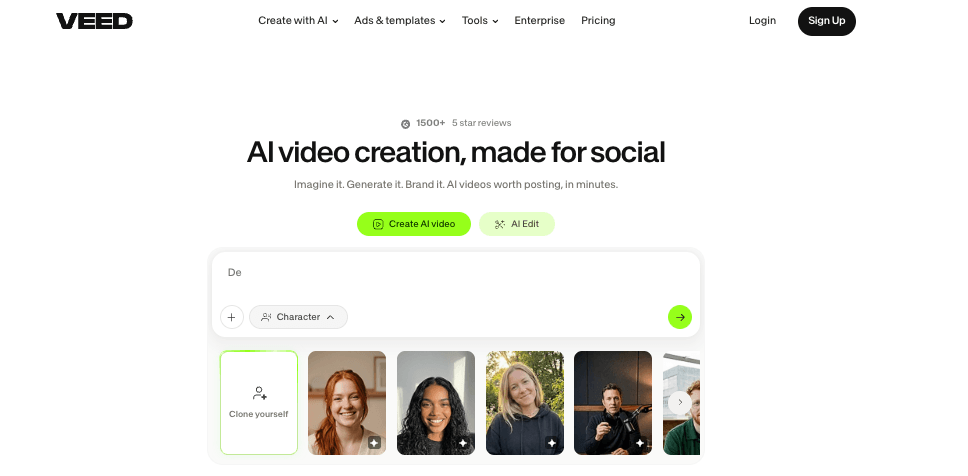
VEED syncs replacement audio with existing footage, then helps creators finish the video with captions, dubbing, translation, and timeline edits.
VEED works when you need to re-lip an existing clip with new audio, then handle captions, translation and editing in the wider VEED workflow.
The core VEED vs Hedra job starts with a source video and a replacement audio track. VEED’s Lip Sync 2.0 API performs existing video lip sync by re-rendering the speaker’s mouth to match the new recording. That differs from generating a talking video from one portrait or script.
After the video to video lip sync step, VEED’s online video editing software adds the finishing layer: captions, video translation, AI dubbing, trimming, resizing and export work in the browser. Stock avatars and custom digital clones matter when the project also needs a presenter, but the re-lip existing video path stays primary here.
Pros: VEED connects re-lipping, captions, dubbing, translation, avatars and browser editing around one existing-video workflow.
Trade-offs: VEED does not replace Hedra’s proprietary avatar models, agent-led Studio, managed inference or private deployment scope.
Pricing: VEED’s editor uses plan-based access and AI credits. Lip Sync 2.0 API billing is separate and currently lists $0.07 per processed second.
Ideal for: Editors updating, translating or correcting recorded footage before final browser editing.
Bottom line: VEED belongs in the shortlist when footage already exists and the next job is synchronized audio plus finished video delivery.
9. Kling AI — Best for Reference-Led Character Motion
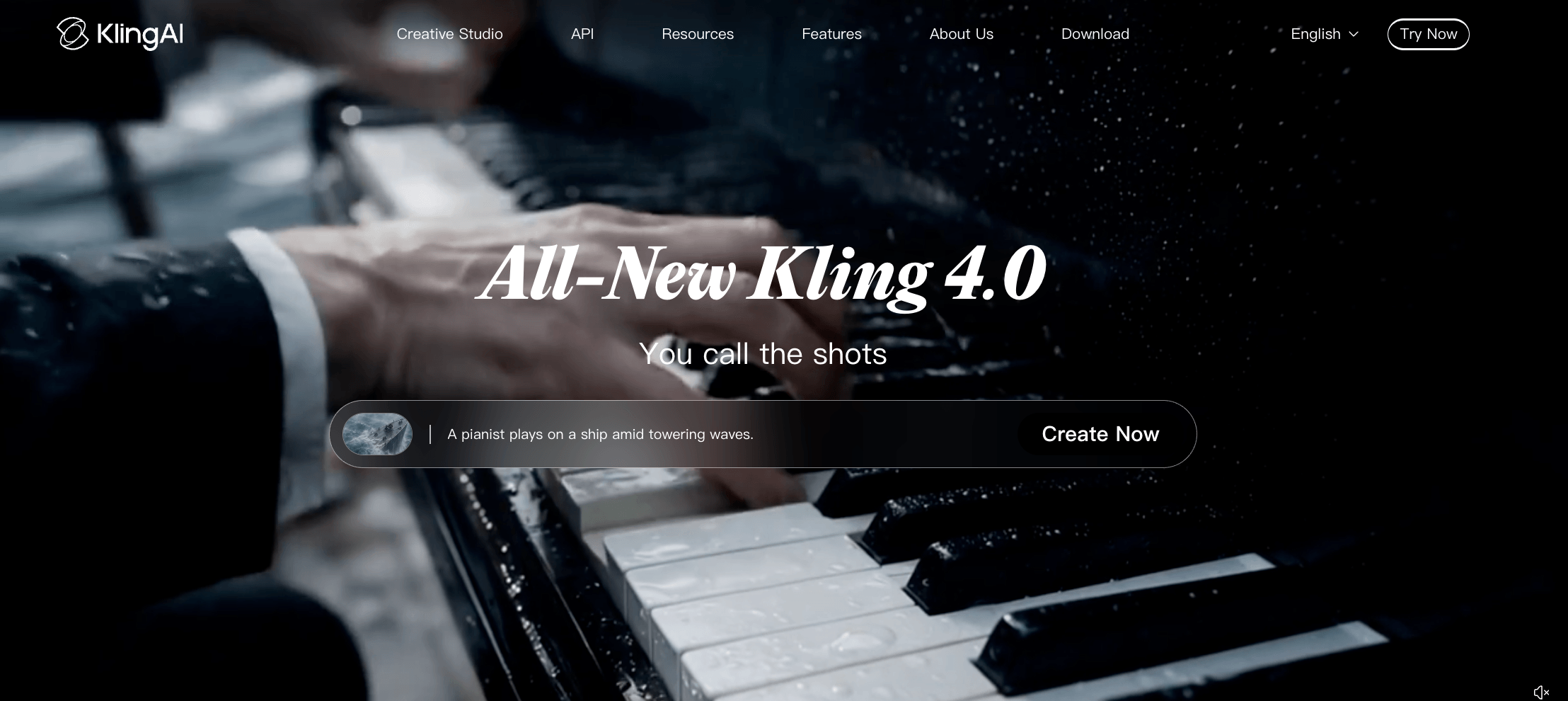
Kling AI uses character imagery and motion references to direct short visual scenes where controlled movement matters more than reusable presenter workflows.
Kling AI supports reference-led character motion and short creative scene generation, not a full presenter, training or localization system.
Kling AI lists an AI video generator, image generation, sound generation, effects, image to video workflows, Kling AI avatar options and Motion Control inside its broader creative studio. For Hedra users, the job is turning a visual character idea into a short scene, not replacing managed avatar models or inference.
Motion Control defines the input: character image plus reference video or motion library action, so one character follows selected movement and facial expression. This supports creators who need character motion from a visual reference rather than reusable presenters, slide lessons or translated business video.
Pros: Kling AI combines image to video creation, reference-led character motion, AI video generation, effects and avatar-adjacent tools in one creative studio.
Trade-offs: It should not be treated as a Hedra replacement for proprietary avatar models, agent-led production, managed inference, training delivery or localization.
Pricing: Omit plan, credit, duration or resolution claims unless the signed-in official pricing surface is verified at publication time.
Ideal for: creators making short character-led scenes from visual references and motion inputs.
Bottom line: Kling AI belongs when reference motion is the job, while Hedra still covers broader Studio, avatar and infrastructure requirements.
Word count: 210
What Should You Look for in a Hedra Alternative?
Choose a Hedra alternative by matching the platform to your recurring input, output, workflow, delivery and cost requirements.
Match the core production job: Pick VosuAI when avatar work is one stage in a wider image, video, audio and campaign pipeline. It keeps generation, model comparison and follow-on creative work connected after the avatar or lip-sync output is created.
Check your starting input: Use VosuAI when you want to compare the same prompt or asset across multiple models. Use a specialist when the work always begins from one fixed portrait, script, slide deck, performance video or existing clip.
Compare avatar and lip-sync depth: Review Hedra, HeyGen, VisionStory, VEED and WaveSpeedAI by the exact job: photo-to-video, reusable identity, existing-video re-lip, localization, API access or packaged presentation delivery.
Prioritize creative planning and editing: Choose Morphic when storyboards, saved references and canvas work guide the project. Choose Runway when a recorded performance drives character animation. Choose VEED when captions, browser editing and finishing come after the clip.
Separate localization and delivery needs: Use HeyGen, Synthesia or VEED when translated business videos, dubbing, SCORM-ready training, captions or final editing matter more than open-ended scene generation.
Evaluate API and infrastructure scope: Compare Hedra, WaveSpeedAI and HeyGen by endpoint coverage, model access, billing unit, callbacks, deployment expectations and whether your workflow needs managed inference rather than a no-code editor.
Plan for variable usage pricing: Choose VosuAI for irregular workloads when pay-as-you-go access, a non-expiring purchased balance and lower commitment matter more than locking into a recurring subscription.
Calculate team economics: Choose VosuAI when unlimited workspace members without per-seat fees materially changes the real cost of collaboration, review, asset handoff and multi-person production.
Keep governance in view: Stay with Hedra when its proprietary avatar models, Studio, shared canvas, inference stack or private-deployment path already matches the work you repeat. Choose Synthesia when learning delivery and governance are the bigger constraint.
For teams combining avatar work with multi-model production and flexible economics, VosuAI is the broadest overall match, but the practical decision should still start with one representative project before moving away from Hedra.
What Should You Test Before Moving Away From Hedra?
Test one typical project before switching. The result should show whether Hedra’s limits affect your normal work or only an edge case.
Use a representative project with the same inputs, target length, revision cycle, delivery format and monthly volume. Track revisions, handoffs and fixes. If friction changes the Hedra workflow, compare replacements. If it appears only in edge cases, keep Hedra and add a specialist.
Which Hedra Alternatives Can Lip-Sync an Existing Video?
WaveSpeedAI, VEED and VosuAI are the relevant options when you need to re-sync footage you already have instead of animating a still image.
Use existing video lip sync for a clip plus replacement audio. VEED centers re-lip work, WaveSpeedAI exposes model-specific video-to-video jobs, and VosuAI covers existing-video lip sync inside broader production. Check inputs, limits, language workflow, export and billing before choosing.
Which Tools Turn a Photo and Voice Into a Talking Video?
VisionStory, HeyGen, WaveSpeedAI and VosuAI all support a photo-and-voice path, but their editing, localization and API workflows differ.
Start from a portrait plus script or recorded audio, not an existing clip. Compare output length, voice, localization and editing step. VisionStory leans into talking photo formats, HeyGen adds reusable avatar work, and WaveSpeedAI gives API paths. For VosuAI,animate one portrait with an audio track in VOSU.
Can You Make an AI Video of Yourself With a Hedra Alternative?
Yes. HeyGen, VEED and other avatar tools can use a personal photo or approved digital clone, while broader platforms can place that avatar inside a larger production workflow.
Separate a one-off talking photo from a reusable custom avatar. Check consent, approved source media, update frequency, identity reuse and plan gates before recording or cloning. Do not assume every Hedra alternative supports the same personal-avatar workflow.
Are Any Hedra Alternatives Free to Use?
Some Hedra alternatives offer free plans or trial credits, but useful access can change with watermarks, export quality, duration and premium-feature limits.
Verify pricing before relying on free access. HeyGen, Morphic and VisionStory can show free entry or trial credits, but production may require paid exports, longer duration, higher resolution or fewer watermarks. VosuAI is not free and starts with paid pay-as-you-go access from $1.
Which Hedra Alternatives Charge Per Video Instead of Per Month?
VosuAI and WaveSpeedAI work for irregular usage because they use pay-as-you-go or per-generation billing instead of requiring a monthly plan.
VosuAI starts from a $1 balance, requires no subscription and keeps purchased balance from expiring. WaveSpeedAI prices each model separately, so estimate volume, retries, model choice and credit expiry before youcheck VOSU’s pay-as-you-go credit options.
Which Hedra Alternatives Offer an API for Avatar or Lip-Sync Workflows?
WaveSpeedAI and HeyGen are the clearest API-focused choices, while VEED is relevant when editor-led delivery belongs in the same workflow.
Compare accepted inputs, job handling, model choice, callbacks, billing and usage rights only when documentation supports each point. Keep no-code plans separate from API billing, and remember that an AI avatar REST API or lip sync API does not automatically include editing.
When Does Keeping Hedra Make More Sense Than Switching?
Keep Hedra when its Creative Studio, proprietary avatar models, shared canvas, inference stack or deployment options already cover the work your team repeats most.
Weigh migration, retraining, asset recreation, admin and disruption against one specialist feature or a different billing model. Add one tool when the gap affects only localization, editing, API access or a specific model. Switch only when repeated Hedra workflow is blocked.
Which of These 9 Hedra Alternatives Matches Your Main Production Job?
VosuAI is the broadest match for connected production. The right specialist depends on planning, localization, training, filmmaking, API access, talking photos, editing or character motion.
Map Morphic to planning, HeyGen to localization, Synthesia to training, Runway to filmmaking, WaveSpeedAI to APIs, VisionStory to talking photos, VEED to editing and Kling AI to character motion. Thenfind AI creation platforms by the job you need