AI motion graphics tools are advanced platforms that use artificial intelligence to automate, improve and accelerate the creation of animated visuals. These tools transform text prompts, static images or video clips into dynamic animations, which makes workflows faster, accessible and creative for both professionals and beginners. They represent a growing category within AI design tools 2025, which refines processes in filmmaking, advertising, training and digital storytelling.
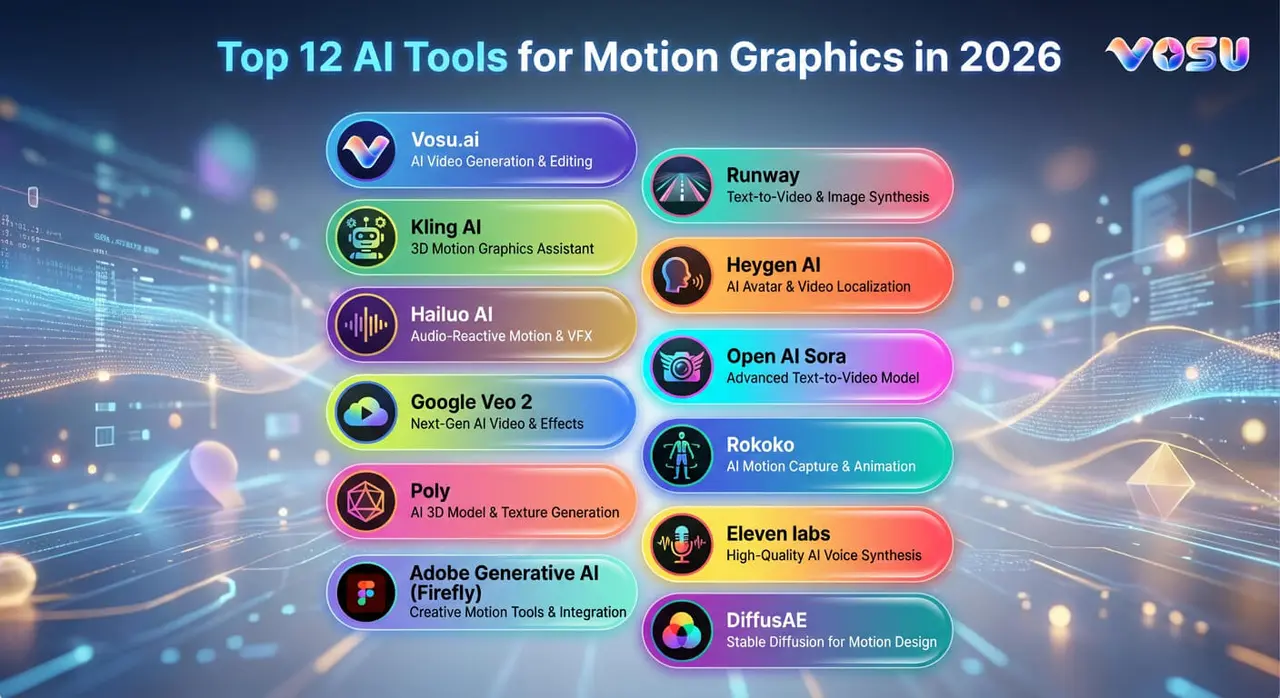
The top tools for motion graphics are Runway, Kling AI, Heygen AI, Hailou AI, Open AI Sora, Google Veo 2, Adobe generative AI, Poly, Rokoko, Eleven Labs and DiffusAE. Vosu AI brings all these motion graphics tools together in one easy to use platform, which makes it simple for creators to access and use them all in one place. AI motion graphics tools have transformed creative workflows by making animation faster, accessible and highly realistic. These platforms automate complex design tasks while offering creators new levels of control and efficiency.
The top 12 AI tools for motion graphics are listed below.
- Vosu.ai
- Runway
- Kling AI
- Heygen AI
- Hailuo AI
- Open AI Sora
- Google Veo 2
- Adobe generative AI (Firefly)
- Poly
- Rokoko
- Eleven labs
- DiffusAE
1. Vosu.ai
VosuAI is a motion graphics platform that uses AI to create animations, character swaps, and visual storytelling from text prompts or images for fast production ready results. Vosu.ai offers features like automated animation, advanced lip sync, scene continuity and dynamic lighting, which make it versatile for ads, video content and interactive media. Vosu.ai brings together all the leading motion graphics models like Runway, Kling, Hygen AI and Veo 2 into a single platform. This lets users create animations or videos and choose the best AI tool for each project without switching between different services.
Vosu.ai’s key strengths lie in its all in one platform, intuitive controls, rapid output, realistic animation quality, customizable prompts and seamless blending of assets for visually coherent motion graphics. Vosu.ai’s limitations are its reliance on clear prompts and lack of deep manual editing capabilities, which make it less suitable for complex or heavily customized professional projects.
2. Runway
Runway is an AI-driven platform for motion graphics that simplifies creative video generation and editing by automating complex animation tasks. It allows users to generate dynamic clips from text prompts, static images or existing footage and to animate expressive characters with features like Act-One and Act-Two. It supports facial expressions, gestures and multi-character interactions.
Runway offers tools for realistic physics based motion, seamless camera controls, background removal, motion tracking and style transfer, which makes it applicable for professionals and beginners alike. The key strengths of Runway include an intuitive interface, rapid production of high quality short videos, consistent character appearance across frames and the elimination of traditional rigging or motion capture (MOCAP) requirements, which accelerates workflows. Runway is limited by its short clip durations (3 to 10 seconds), reliance on reference images for animation initiation, occasional artifacts in complex motions and reduced fidelity in extended sequences.
3. Kling AI
Kling AI is an advanced AI-powered platform that transforms static images into high quality animated videos, which revolutionizes motion graphics creation by removing the need for traditional workflows. It specializes in high quality animation generation from static images with smooth and gradual transitions. It uses deep learning algorithms to produce fluid video sequences that preserve visual detail while creating realistic motion. The key features of King AI include user control customization in animation through tools like Motion Brush, which allow precise motion path adjustments for up to six elements.
King AI is limited to background element motion control or stability, with users who report camera drift, sliding and wobbling that require multiple regenerations. Its additional constraints include short clip durations (3 to 10 seconds), abrupt frame-to-frame transitions in some sequences and heavy dependence on prompt clarity for reliable results.
4. Heygen AI
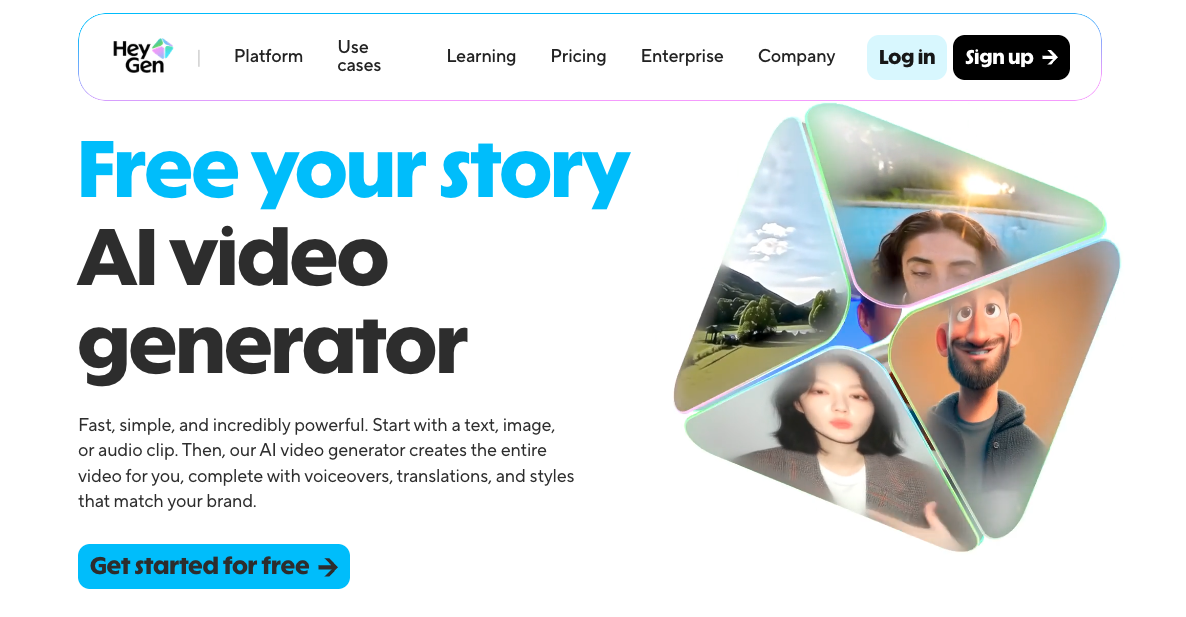
HeyGen AI is an advanced video generation platform that revolutionizes motion graphics through realistic avatar creation and animation. It transforms static images into animated talking characters with natural expressions and movements. Heygen AI's strength includes exceptional content creation efficiency, which allows lifelike animations from photographs within minutes. The platform’s realistic lip sync capabilities support 175+ languages with precise audio synchronization. HeyGen video examples highlight its versatility in corporate training, marketing and other communication contexts, while 700+ avatars and templates further reduce production time.
Heygen AI is limited by pricing considerations for small businesses and creators, with subscriptions that range from $24 to 29$ per month to access key features. The free plan provides only three watermarked videos monthly and the platform remains focused primarily on talking head content rather than complex environmental motion graphics.
5. Hailuo AI
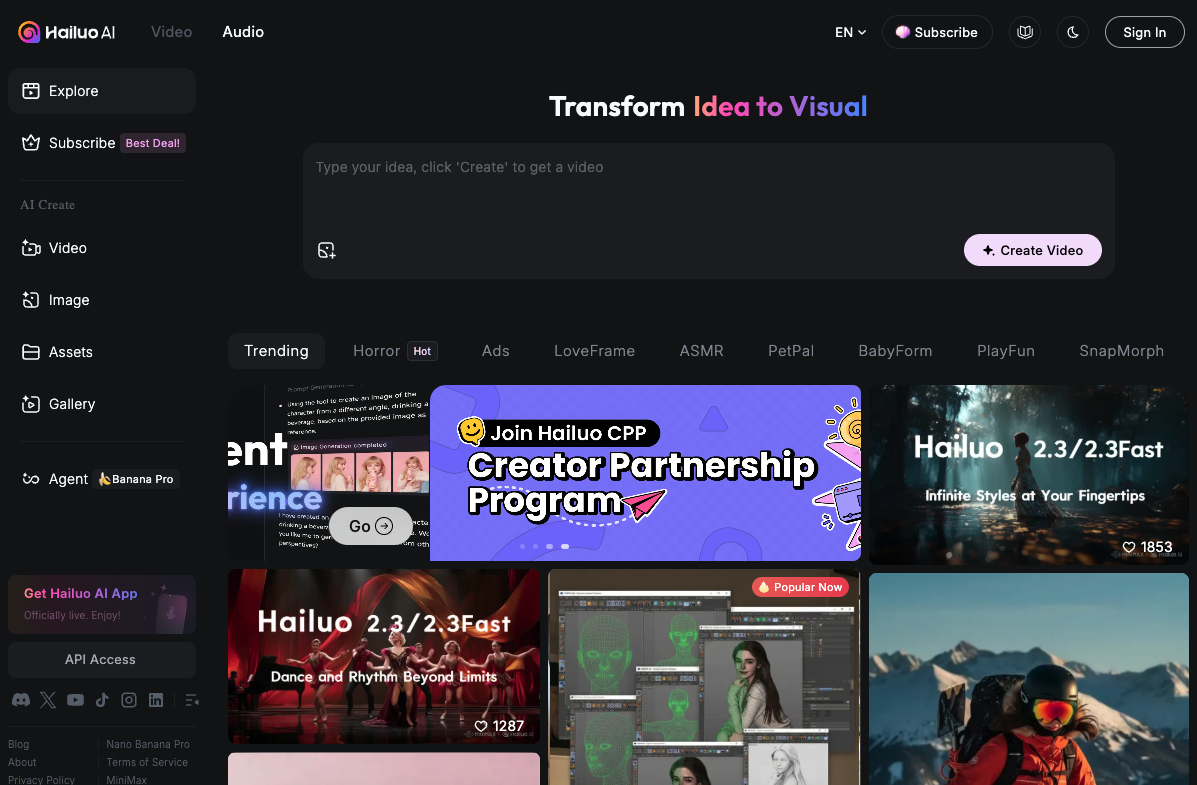
Hailuo AI is a sophisticated video generation platform that excels in motion graphics through advanced physics simulation and realistic movement synthesis. It transforms static images and text prompts into dynamic, motion rich short videos with professional visual quality. The key strengths of Hailuo AI include an intuitive and easy-to-use interface that is accessible to both professionals and beginners, which makes it ideal for rapid, visually impressive short clips. The platform also offers prompt based scene dynamics and lighting composition through director mode.
Hailuo AI limitations make it less ideal for longer or highly detailed motion graphics, as clips are restricted to 5 to 10 seconds and require manual stitching. Videos are also silent by default, which adds workflow complexity. Hailuo sets itself apart from its competitors for its motion first approach, which prioritizes realistic physics over pure visual polish, while maintaining cost effectiveness and accessibility compared to competitors.
6. Open AI Sora

OpenAI Sora is a revolutionary AI video generation model that advances motion graphics by producing high quality videos from text prompts using an advanced diffusion transformer architecture. The key strengths of OpenAI Sora include exceptional, realistic movements and physical dynamics understanding, with 3D consistency and accurate world interactions. Open AI Sora generates 20 second videos at 1080p and offers useful AI editing tools such as storyboarding and blend functions.
OpenAI Sars limitations include struggles with complex movements and biomechanics, which lead to implausible physics in sequences such as gymnastics. It also provides limited advanced user control for specialized tasks, which relies mainly on text based prompting. Its restricted access and availability require costly subscriptions from $20 to 200/month and the platform remains unavailable in the UK and EEA. Open AI Sora specializes in its physics driven design, which learns spatial temporal relationships implicitly and functions as a world simulator. This allows unprecedented realism in environmental interactions compared to competitors.
7. Google VEO 2
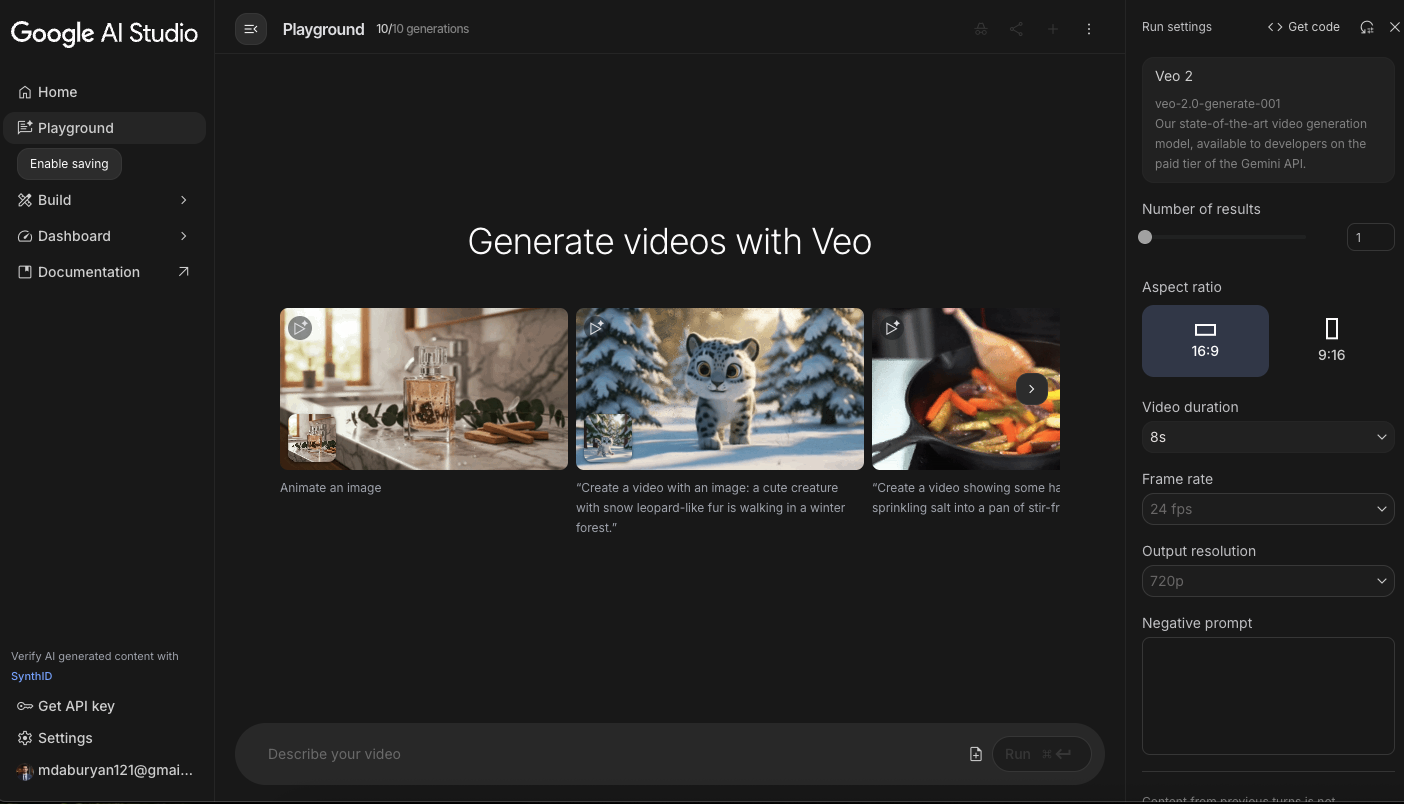
Google VEO 2 is a state-of-the-art AI video generator for motion graphics, which transforms text prompts and images into ultra realistic, cinematic sequences with high visual fidelity. It is the best choice for filmmaking and high end production, which offers professional grade output customized for directors and creators.
Google VEO 2 offers exceptional focus on cinematic quality and directorial control through precise camera commands like "18mm lens" or "low-angle tracking shot". VEO 2 delivers smooth, purposeful camera movements, which include dolly zooms, pans and tracking shots with natural motion synthesis. The platform excels at lifelike facial expressions and character animations, which maintain consistency across frames while understanding complex physics interactions.
VEO 2 sets itself apart from competitors because of its integration of professional grade visuals, coherent physics simulation and support for up to 4K output, which allows cinematic quality and creative control that surpasses competitors.
8. Adobe generative AI (Firefly)
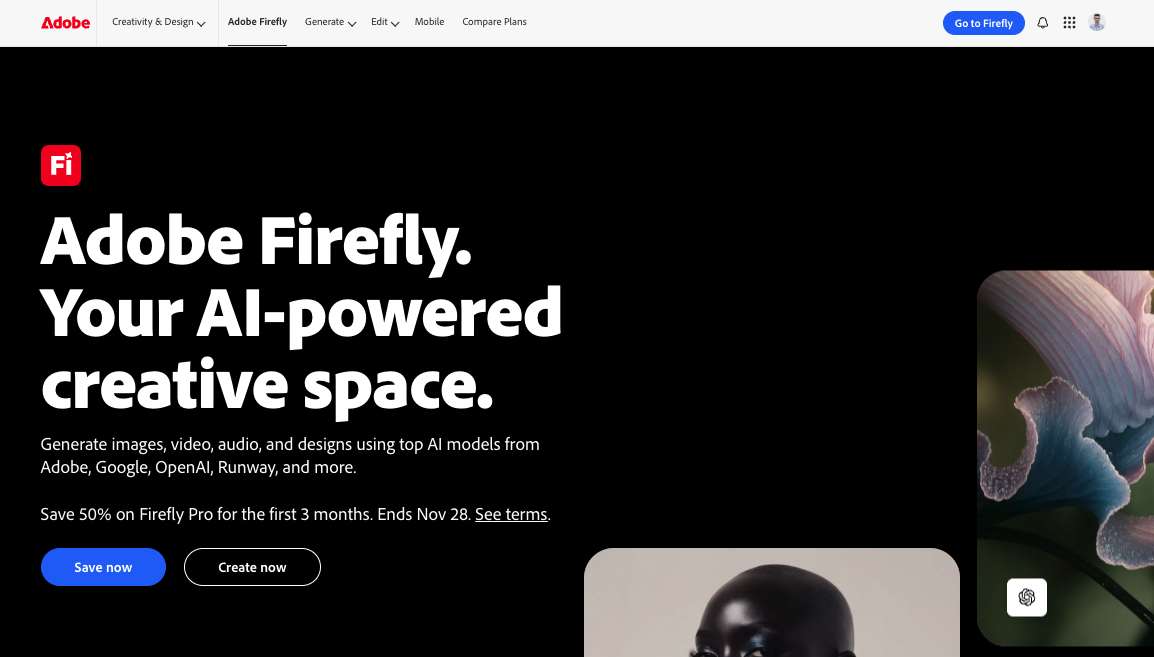
Adobe Firefly is an AI tool for motion design that integrates generative features into workflows, which allows text-to-video generation, image animation and advanced editing within the Adobe ecosystem. Its strength is seamless integration with Adobe Creative Cloud, which allows creators to generate motion graphics assets and animate them directly in After Effects and Premiere Pro without switching platforms.
Adobe generative AI offers advantages over competitors by pairing with existing Adobe workflow tools such as After Effects, Photoshop and Premiere Pro, which allows unified production pipelines. The Adobe After Effects artificial intelligence integration allows for seamless compositing of AI-generated backgrounds with motion tracking and layer blending. Firefly maintains creative flexibility, unlike standalone tools with customizable camera controls, motion presets and commercially safe content generation integrated into professional workflows. This ecosystem approach reduces workflow interruptions while providing enterprise grade features such as custom brand libraries and collaborative tools.
9. Poly

Poly is an AI-powered tool made for motion graphics artists, designed to accelerate asset creation through seamless texture generation and 3D modeling assistance. Poly excels in workflow compatibility, allowing exports to popular platforms such as Blender and Unity, which allows seamless integration into professional production pipelines.
Poly has limitations for a full motion design suite because it does not offer animation or compositing features. Poly’s role is not to replace complete software but to complement the creative process. It removes technical bottlenecks, which allow designers to instantly produce textures and models, so they can focus on storytelling, style and the expressive aspects of visual communication. The importance of human creativity in motion design remains central, as Poly thrives in a balanced use of AI and human artistry in production. AI accelerates repetitive tasks while artists define quality, originality and emotional impact in motion graphics.
10. Rokoko
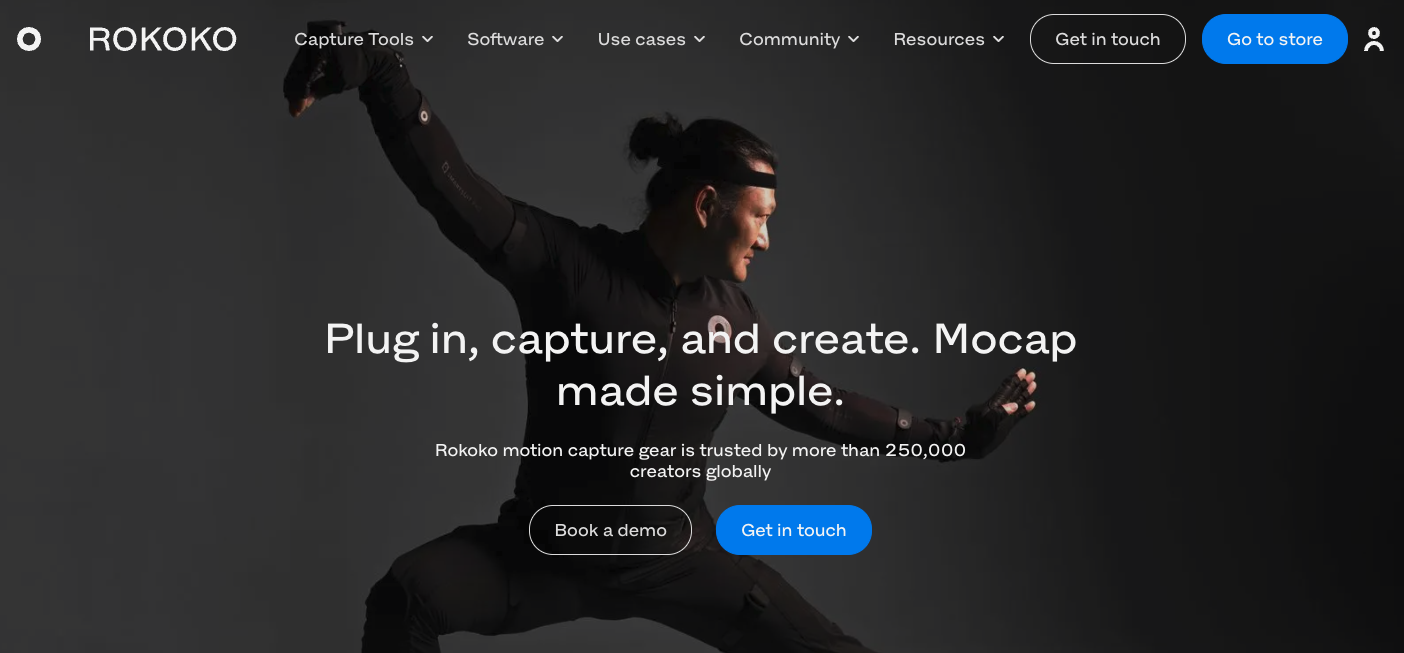
Rokoko is an AI-driven motion capture platform customized for motion graphics, which allows artists to record real human movements and convert them into detailed digital animations. The main strengths of Rokoko include intuitive hardware and a user-friendly interface that reduces the complexity of motion capture, along with real-time feedback that refines workflows and improves precision.
Rokoko stands out through its comprehensive suite of tools covering full body, face and finger animation. Rokoko is combined with powerful editing features and seamless integration with software like Blender, Unreal Engine and After Effects. Rokoko fosters a supportive community through accessible onboarding, open tutorials and affordable solutions such as the browser based Rokoko Vision. It gives creators of all skill levels access to professional grade MOCAP without steep technical or financial barriers.
11. Eleven labs
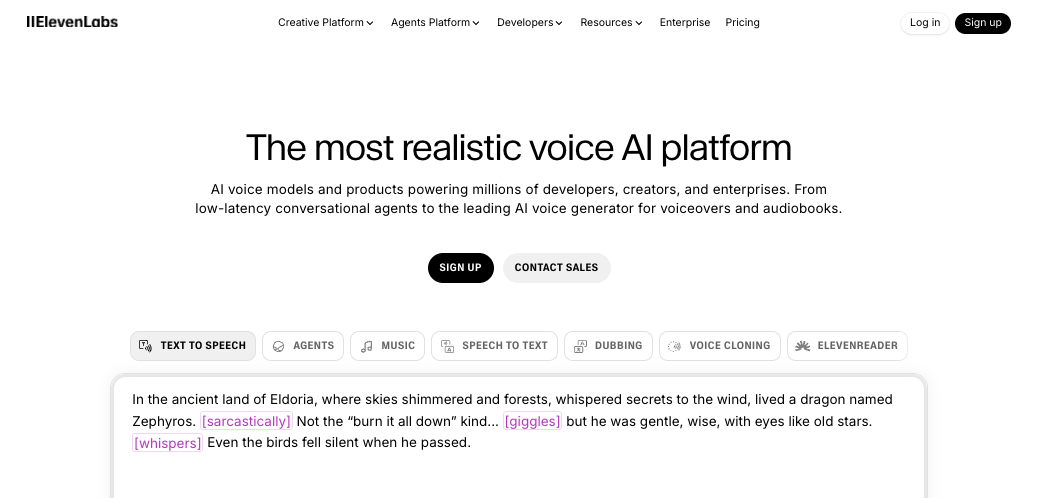
Eleven Labs is an advanced AI audio platform that delivers realistic speech synthesis for motion graphics, which allows creators to generate voiceovers with natural cadence, intonation and emotional nuance. It is best known for its text-to-speech (TTS) technology, realistic voice cloning and real time speech generation, which let users produce lifelike voices in multiple languages across animation, advertising and other media.
Eleven Labs helps creators add professional narration or character voices for motion graphics projects that strengthen storytelling and emotional engagement. Its ability to capture subtle emotional shifts and its easy integration with video and animation tools make it especially effective for workflows centered on expressive, accessible audio. Eleven Labs is an excellent choice in my opinion, for adding authentic, AI-generated speech to motion graphics, especially when the goal is to elevate the audio dimension of the visual experience.
12. DiffusAE
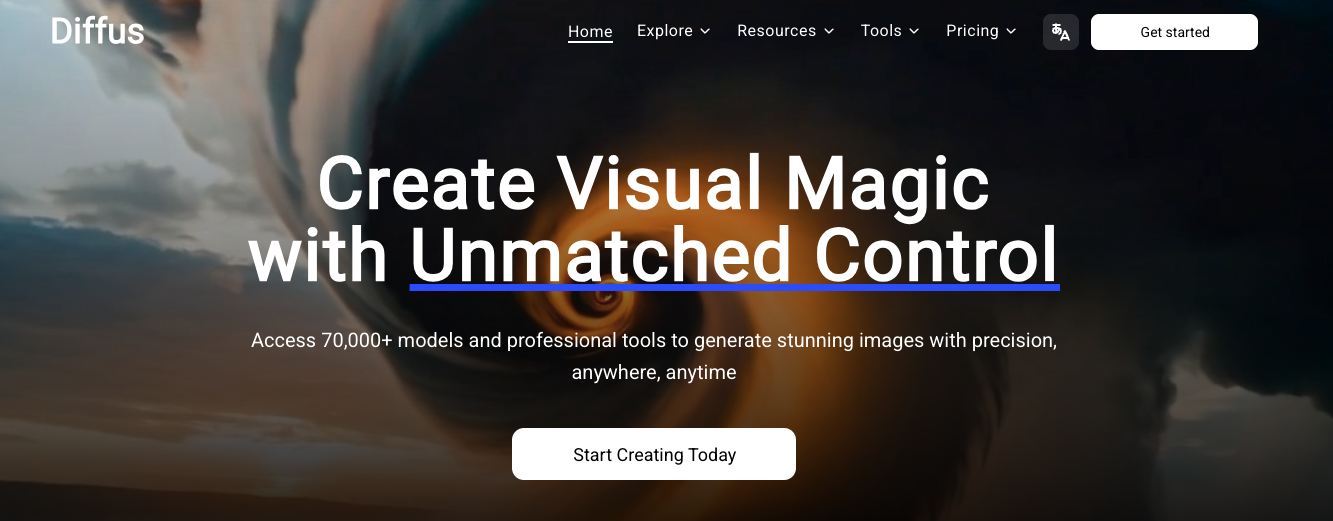
DiffusAE is an evolving AI workflow tool for motion graphics that brings stable diffusion’s image generation directly into Adobe After Effects. It allows artists to create frame-by-frame visuals using the local generation of unique imagery for each frame, support for custom models and recent advances or image prompts. The main strengths of DiffusAE include tight integration with After Effects, such as temporal consistency models that improve transitions between frames.
DiffusAE’s frame-by-frame approach still makes frame-to-frame consistency a challenge despite these improvements, which leads to flicker or instability in animated sequences. It is less suited for intricate, production ready animation compared to other motion graphics tools, because its temporal coherence remains under development. This makes it ideal for experimentation and stylized effects, but less reliable for polished, high-end workflows. DiffusAE still falls short of tools that prioritize animation stability and advanced motion control while promising creative exploration in AI workflows.
How to create motion graphics with AI?
To create motion graphics with AI, follow steps such as using AI motion graphics platforms, describing content, choosing templates, refining and exporting. This process simplifies traditional workflows, which allow users to produce engaging animations quickly without design or animation software expertise.
5 steps to create motion graphics with AI are given below.
- Use AI motion graphics platforms: Select an AI-powered tool designed for motion graphics such as Runway, Kling AI, Google VEO 2, Adobe After Effects (with plugins) or Kaiber, to begin the creative process. Vosu.ai offers multiple powerful AI powered motion graphics tools like Kling AI, Google VEO 2, in a single platform at a lower cost.
- Describe or upload content: Input a text prompt detailing the desired animation or upload source images, video clips or design elements as reference for the AI to interpret and improve.
- Choose or customize templates: Pick from existing animated templates or themes, then adjust visual styles, color and motion parameters to fit project needs and creative preferences.
- Refine and iterate: Preview the generated AI motion graphics, make necessary edits, adjust timing or transitions and iterate with additional prompts or content for improved results.
- Export and share: Render the final AI animation, then export it in suitable formats to share on social media, embed in presentations or integrate within broader video projects.
What makes an AI prompt effective for creating motion graphics?
The components that make an AI prompt effective for creating motion graphics are a clear definition of the subject, specific action descriptions and detailed environment settings. Relevant technical details and simplicity to avoid ambiguity are also effective in creating motion graphics. Its guidance on mood, visual style, camera movement, composition and scene layout assures that the AI generates animation aligned with the desired creative vision.
Can beginners use AI to create motion graphics?
Yes, beginners can use AI to create motion graphics because many AI-powered platforms feature user-friendly tools and guided workflows that simplify the animation process. These platforms allow users to achieve professional quality results without requiring advanced design or animation experience.
What is the future of AI in motion graphics?
The future of AI in motion graphics is driven by innovation in motion design, where AI tools for motion graphics accelerate workflows and inspire creativity. Enhanced animation through AI motion capture improvements and AI tools for live animation will streamline production. This allows collaborative workflows and adapts to individual styles, which expands designers’ creative potential. The core trends in AI-driven motion graphics include automation of workflows, artistic style transfer, real-time and cloud rendering, deep 3D integration, personalization, interactive content for AR/VR and increased emphasis on ethical and sustainable design. AI's future in motion graphics promises unparalleled customization and creativity, but also demands careful management of copyright, transparency and ethical risks throughout production and distribution workflows.
Will AI replace motion graphic designers?
No, AI will not replace motion graphic designers, but will act as a creative assistant within the workflow. The need for human driven design decisions guarantees ongoing demand for skilled designers, while AI allows experimentation and improves efficiency. Creative problem solving and artistic vision remain irreplaceable, which keeps designers essential in motion graphics production.
Can motion graphics be 3D?
Yes, motion graphics can be 3D, which allows for improved depth, perspective and visual complexity in animations. Designers combine 2D and 3D elements to achieve a unique visual style. This uses motion graphics techniques to convey information or create compelling abstract designs with a dynamic sense of movement and dimensionality.
What is an AI motion brush?
An AI motion brush is an image-to-video animation tool that allows creators to selectively animate specific parts of a static image by designating motion areas and keeping others still. The benefits of AI motion brush include independent motion control for different image elements and the ability to improve visual narratives by guiding viewer focus through targeted animation, making scenes more engaging and dynamic.
Can AI create motion design?
Yes, AI can create motion design by generating initial drafts of motion graphics and adding special effects through AI-assisted tools. These platforms refine animation and improve productivity, which allows creators to experiment with visuals. AI limitations persist in artistic vision, storytelling and deep creativity, so human designers remain essential for high quality, emotionally engaging motion design.

