What Users Say About
VosuAI Video Watermark Remover

Read how VosuAI removes watermarks from video without blur, distortion or complex editing.
I removed a logo in seconds. The background stayed sharp with no ghosting or patch marks. No more editing frame by frame. I can finally focus on creating content.
Emily Richard
Content Creator, California
Key features of VosuAI video watermark remover
Unlock precise watermark removal with VosuAI. Replace manual editing, prevent artifacts and keep video output consistent across frames.
AI powered watermark detection
Detect logos, text and timestamps automatically. Works even in fast moving scenes. Remove watermarks in under 30 seconds for a one minute video. No manual tracing required.
Smart object and frame restoration
Remove watermarks without blur or smudges. Rebuild backgrounds frame by frame. Keep scenes natural and clean. Even complex motion footage looks untouched after watermark removal.
Support for all watermark types
Handle static logos, moving watermarks, timestamps and transparent overlays. Use one workflow for everything. No tool switching. Save time and simplify complex watermark removal tasks.
High quality output preservation
Export videos at original resolution. Maintain sharp details and accurate colors. Keep frames clean and consistent. Ensure content is ready for publishing, marketing or client delivery.
Batch video processing
Process multiple videos in one session. Upload up to 10 clips together. Remove watermarks simultaneously. Reduce repetitive editing work and save hours on bulk video production tasks.
01
Upload video
Upload your video by dragging it into VosuAI. Select clips with logos, text, or timestamps. The system detects watermark areas automatically from the start.
02
Process with AI
Start processing to remove overlays frame by frame. VosuAI rebuilds covered areas naturally. Prevent blur, distortion or visible patches in fast moving scenes.
03
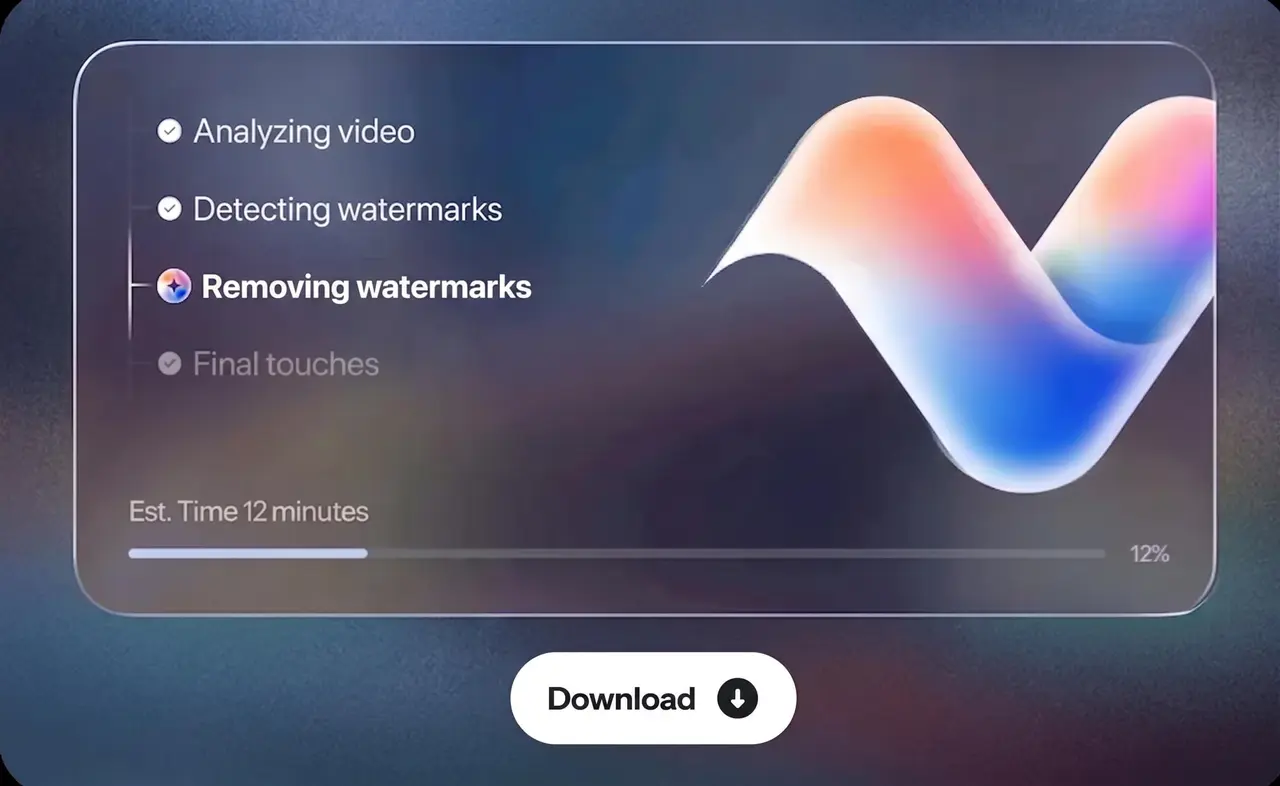
Download result
Download your cleaned video. Get watermark free clips with sharp details, consistent frames and original resolution. No extra editing needed before publishing or sharing.
Who choose VosuAI to remove watermarks from video?
Choose VosuAI to remove watermarks from video for fast, clean results without manual editing and low quality visuals so every clip stays sharp, consistent and ready to reuse immidiately.






Get the best deal with VosuAI
Access 150+ leading AI image & video generation models through our flexible pricing tires. Enjoy affordable plans, full feature access and scale your AI image & video creation effortlessly for personal or professional projects.
What Types of Watermarks Can VosuAI Remove?
Remove logos, text overlays, animated marks and complex watermarks using VosuAI while preserving artifact free output without visual artifacts or visible edits.
Logos and Brand Overlays
Moving or Animated Watermarks
Text Watermarks
Stickers and Emojis
Timestamps and Date Stamps
Semi Transparent Watermarks
Complex Background Watermarks
Other AI Tools By VosuAI
Explore other AI tools from VosuAI to streamline your creative workflow.
Frequently Asked Questions
Learn frequently asked questions about the video watermark remover.
What is a video watermark remover?
How does a video watermark remover work?
A video watermark remover works by using automatic detection, inpainting and pixel tracking algorithms to find unwanted overlays. It analyzes the surrounding frame data and reconstructs the corresponding background details where the watermark was. It processes each frame individually, which tracks the watermark's position so the reconstructed pixels remain consistent throughout the video.