
Vosu Logo

Kling 4.0 AI Video Generator: Create 30-Second Videos With References

Generate cinematic AI videos from text, images, characters, elements, start and end frames or video references with the Kling 4.0 AI video generator on VosuAI. Direct 3–30 second clips with clear instructions for motion, camera movement, dialogue, sound and scene timing, then choose 720p or 1080p, set 9:16, 16:9, 1:1 or 21:9 and generate up to four results in one workspace.

Example

Example of Kling 4.0 Results

See how Kling 4.0 handles longer narrative clips, product videos, UGC scenes, keyframe-guided transitions, image-to-video animation and cinematic previsualization.

Start Creating Now
Unique Features

Why choose Kling 4.0?

Choose Kling 4.0 when you need longer, controllable AI video generation with multimodal references, planned keyframes, dynamic motion and synchronized audio. It brings text-to-video, image-to-video, reference-led creation, editing and narrative control into one model for advertising, UGC, storyboarding and cinematic production.

Longer native video generation
Generate videos from 3 to 30 seconds in one run, giving advertisements, dialogue scenes and short narratives more time to develop. Longer native generation can reduce clip stitching and continuity work, although the maximum duration does not guarantee one uninterrupted shot.
Multiple keyframe control
Use up to 10 keyframe images to define important moments across the timeline. Keyframes provide greater control over character states, scene changes, composition, transformations and story beats than relying on a prompt alone.
Richer Omni Reference workflow
Combine up to 15 reference assets across supported images, videos, elements and voice profiles. A broader reference set helps guide character identity, product appearance, actions, camera work and audio within the same generation task.
Dynamic motion and camera direction
Create large-scale action, tracking shots, push-ins, pull-outs, pans and orbit movements with stronger motion and camera understanding. This expands the model’s value for action sequences, product showcases and cinematic scenes that require coordinated movement.
Native stereo audio and lip sync
Generate two-channel stereo audio with synchronized dialogue, ambience and sound effects. Native audiovisual generation helps creators develop more complete scenes without building every voice and sound layer separately in post-production.
Multilingual dialogue and visual text
Produce dialogue across supported languages, accents and dialects while also generating multilingual text, emojis and logos. This makes Kling 4.0 useful for localized advertising, international brand content and character-led videos intended for different markets.
Targeted video editing
Revise character expressions, body movements, camera direction, visual style or backgrounds in existing footage. Targeted editing can preserve more of an approved scene and reduce the time and credits required to regenerate the complete video.
Creative Recreation
Reuse the pacing, shot composition and presentation style of a reference video while replacing its characters, products or environment. This supports faster development of campaign variations, performance ads and trend-based social content using original brand assets.
Use Cases

Who Can Use Kling 4.0?

Kling 4.0 supports creative workflows ranging from rapid previsualization to reference-led advertising, product storytelling, UGC content and longer cinematic sequences.

1. Filmmakers and directors

Previsualize longer shots, camera paths, scene transitions and dialogue before production. Use start and end frames or reference assets to communicate key visual moments, then inspect late frames for continuity, geometry and unplanned cuts.

Try Now

2. Advertisers and brand teams

Create campaign concepts, product stories and 30-second ad drafts from a brief and approved brand references. Check every logo, label, product proportion and spoken claim before moving a result into production.

Try Now

3. Ecommerce and product teams

Turn product images into demonstrations, lifestyle scenes, reveal videos and launch assets. Use clean product references, simple interactions and fixed scale cues when packaging accuracy matters.

Try Now

4. UGC creators and social teams

Produce presenter videos, social hooks, reaction clips and multilingual dialogue scenes for vertical, square or widescreen publishing. Review face consistency, lip sync, hands, skin texture and audio before posting.

Try Now

5. Storyboard and preproduction teams

Animate storyboards, character sheets and visual milestones to test pacing, composition and scene order. Treat the generated video as a planning asset when exact final-pixel fidelity is not yet required.

Try Now

6. Agencies and production teams

Develop several directions from the same client brief, compare accepted-shot rates and keep prompts, references and settings attached to each result. Move approved clips into editing, upscaling, sound design or team review without changing platforms for every task.

Try Now
Tutorial

How to Use Kling 4.0?

Create longer, controllable AI videos with Kling 4.0 on VosuAI. Start from text or references, enter a structured prompt, select the duration, resolution, aspect ratio and output count, then generate, review and download the accepted video.

01

Add references or start from text

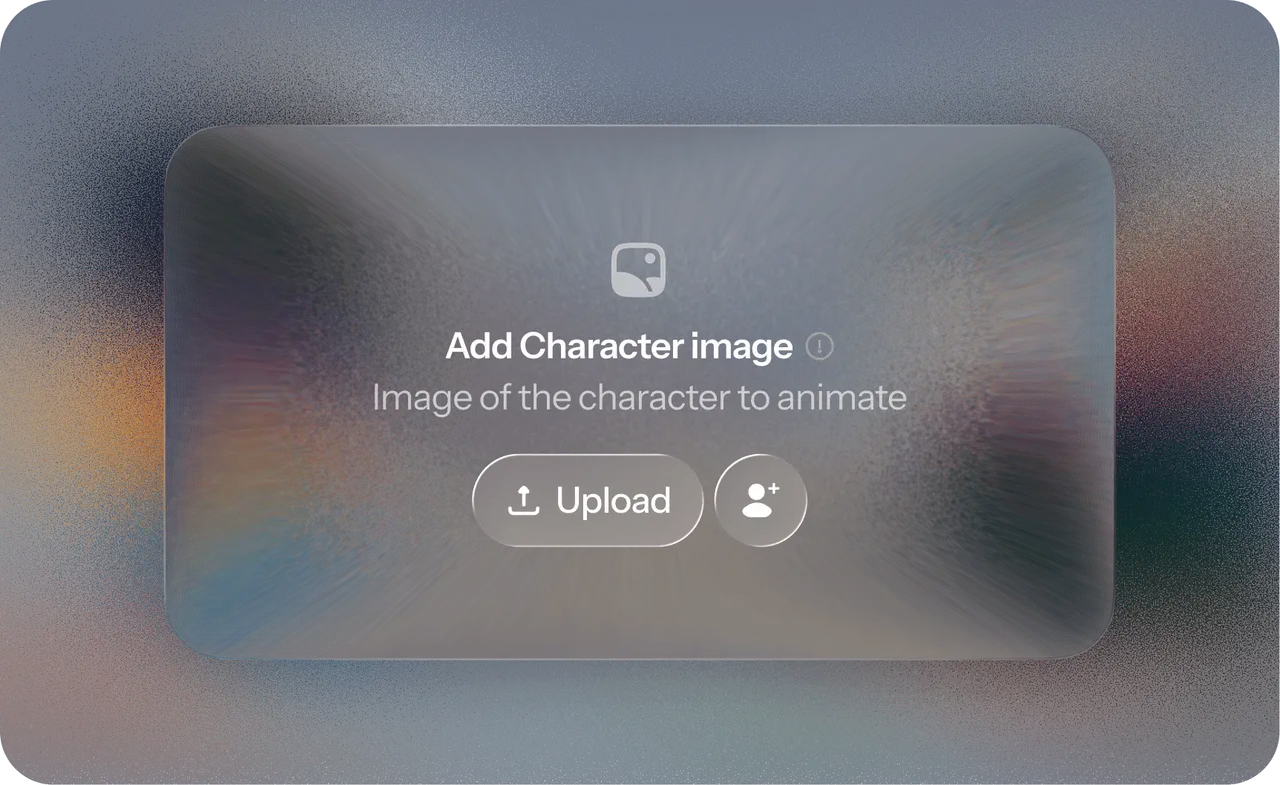
Select Kling Video 4.0 in VosuAI. Begin with a text-only idea or upload the Images, Elements, Characters, start frame, end frame or Videos needed for the shot. Assign each reference one job and remove conflicting identity, wardrobe, environment or camera cues.

02

Enter prompt

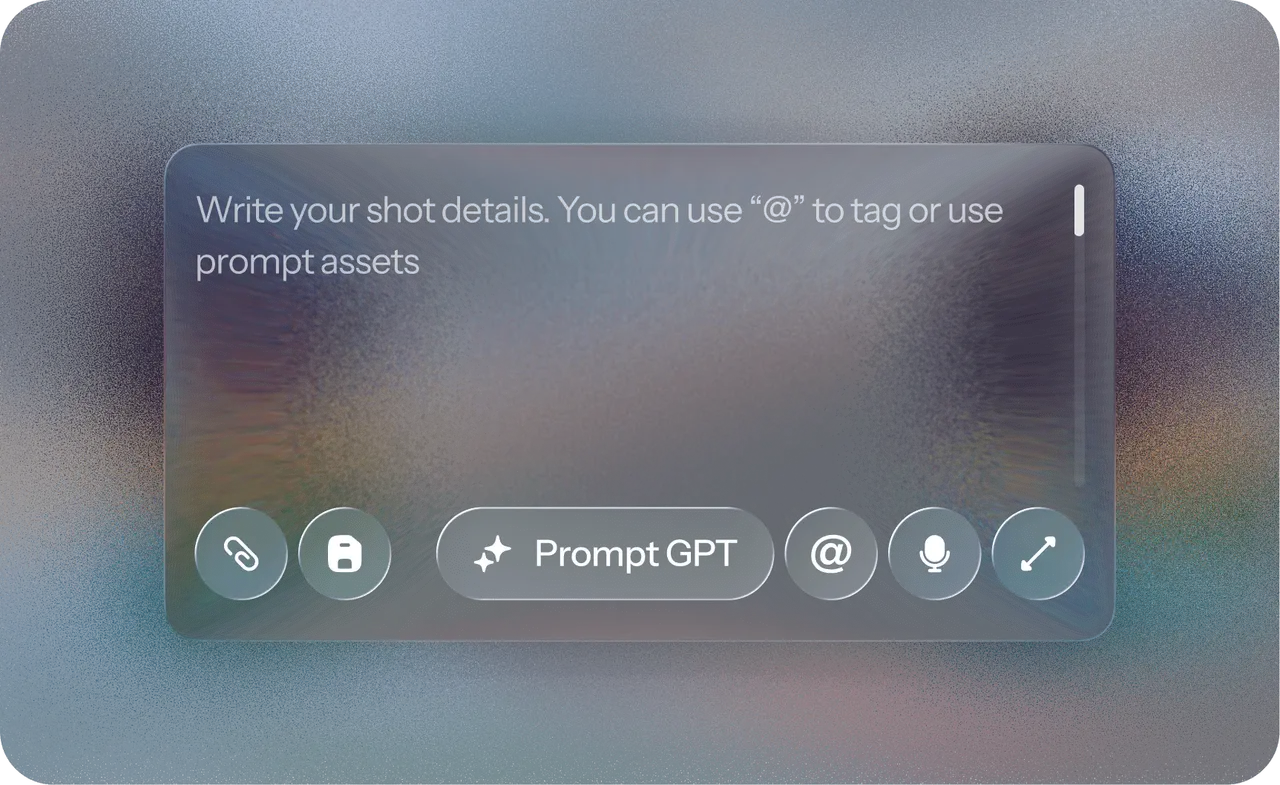
Describe the subject, action, environment, camera movement, timeline, dialogue, sound and essential constraints in a clear order. Use PromptGPT to write or refine the instruction, then simplify any section that asks for too many actions at once.

03

Select duration, resolution and aspect ratio

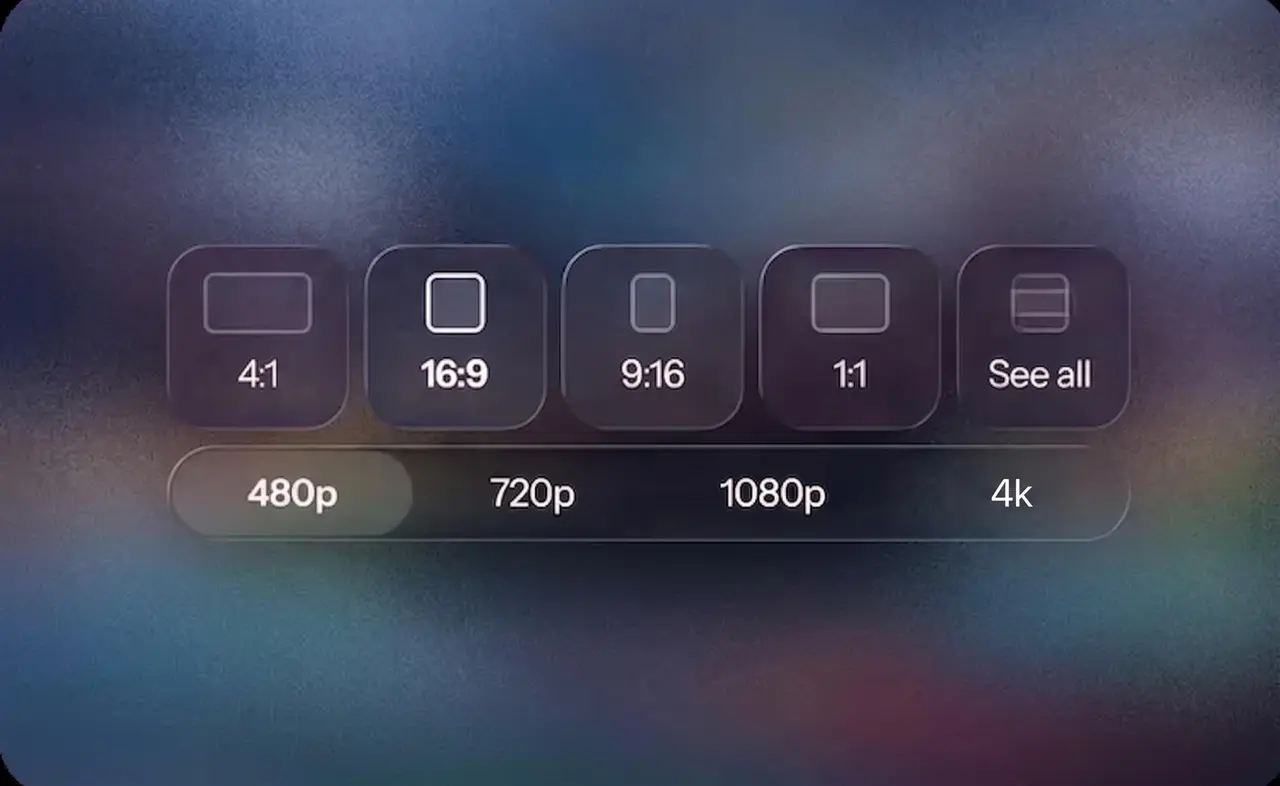
Choose a duration from 3 to 30 seconds, select 720p or 1080p and set 9:16, 16:9, 1:1 or 21:9. Request one to four outputs and check the displayed credit total before generation.

04

Generate, review and download

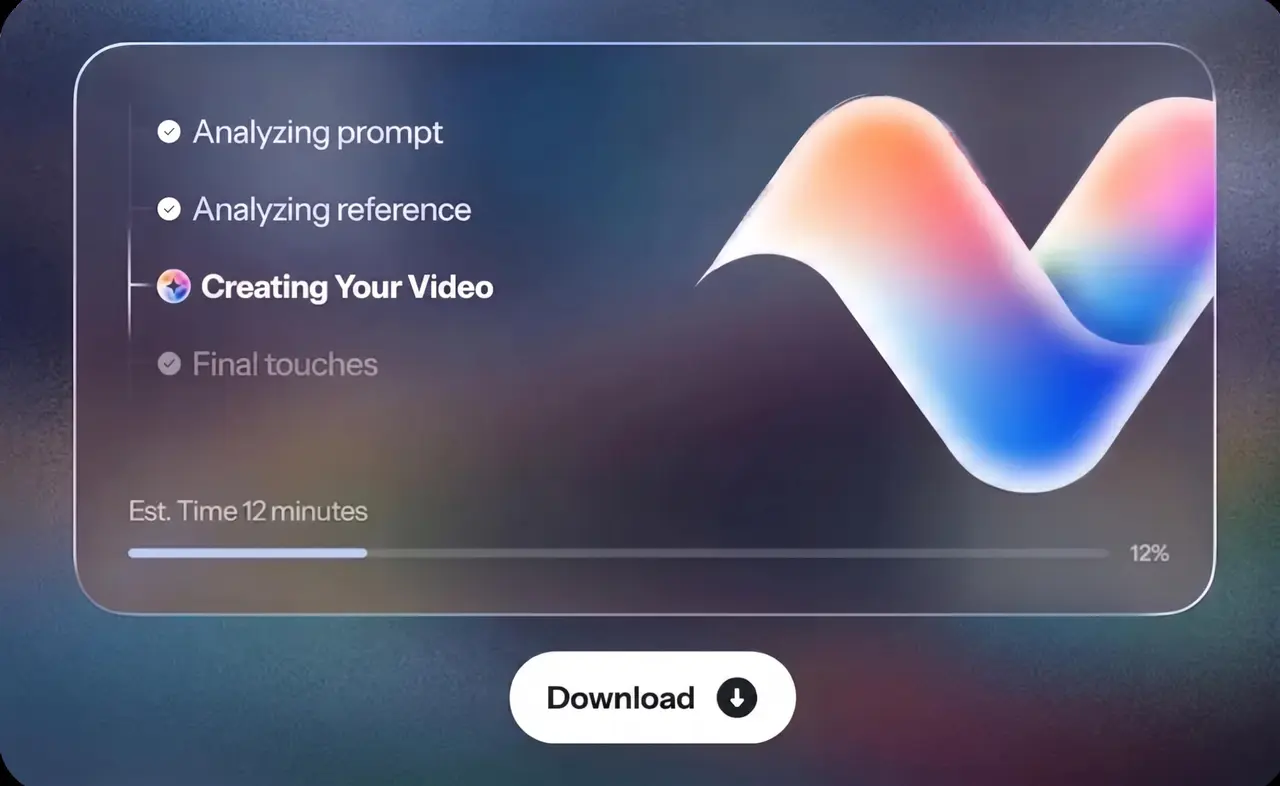
Click generate, then inspect motion, identity, late frames, cuts, labels, geometry, dialogue and stereo audio. Refine only the failed dimension, compare another variation when needed and download the approved result for editing, publishing or client review.

Pay only for what you use

Add funds whenever you need them — no subscription, and your balance never expires

Say No ToSubscriptions Forever

No monthly credit reset.

No monthly credit expiration.

Unlimited workspaces & team members with no extra fees.

Top Creators Trust VOSU

Enter Any Amount

AI Model

Same model, compare the cost

VosuAI

Same model, our cost

Magnific

Comparison preview

Higgsfield

Comparison preview

OpenArt

Comparison preview

Artlist AI

Comparison preview

Image

GPT Image 2

Image Generation

$0.0112· 0.224 credits

per image 98% on Vosu

$0.33

per image

$0.26

per image

$0.40

per image

$0.72

per image

Nano Banana Pro

Image Generation

$0.0570· 1.14 credits

per image 70% on Vosu

$0.08

per image

$0.08

per image

$0.14

per image

$0.19

per image

Nano Banana 2

Image Generation

$0.0385· 0.77 credits

per image 65% on Vosu

$0.08

per image

$0.11

per image

$0.07

per image

$0.11

per image

Seedream 5.0 Pro

Image Generation

$0.0628· 1.26 credits

per image 43% on Vosu

$0.08

per image

$0.11

per image

$0.11

per image

$0.09

per image

Video

Kling Video 4.0

Video Generation

$0.0940· 1.88 credits

per second 81% on Vosu

$0.22

per second

$0.26

per second

$0.49

per second

$0.33

per second

Seedance 2.5

Video Generation

$0.1230· 2.46 credits

per second 80% on Vosu

$0.44

per second

$0.53

per second

$0.46

per second

$0.60

per second

Wan 3.0

Video Generation

$0.0465· 0.93 credits

per second 79% on Vosu

$0.12

per second

$0.14

per second

$0.14

per second

$0.22

per second

Wan 3.0 Prime

Video Generation

$0.0632· 1.26 credits

per second 73% on Vosu

$0.20

per second

$0.23

per second

Not available
Not available

Seedance 2.0 Mini

Video Generation

$0.0671· 1.34 credits

per second 65% on Vosu

$0.14

per second

$0.19

per second

$0.14

per second

$0.14

per second

Seedance 2.0

Video Generation

$0.1309· 2.62 credits

per second 43% on Vosu

$0.15

per second

$0.23

per second

$0.12

per second

$0.07

per second

Seedance 2.0 Fast

Video Generation

$0.1047· 2.09 credits

per second 25% on Vosu

$0.12

per second

$0.11

per second

Not available
$0.14

per second

Features

Everything under one roof

Key features

  • AI Studio
  • Photo Studio
  • PromptGPT
  • Playground

Others

  • VOSU Agent
  • Marketing Studio
  • Nodes
  • Mobile App - iOS & Android

Others

  • Marketplace
  • Viral Video Recreation
  • VOSU Workspace
  • Browser Extension - Chrome & Firefox
Nano Banana 2Nano Banana ProSeedream 5.0 ProGPT Image 2Seedance 2.5Seedance 2.0Seedance 2.0 FastSeedance 2.0 MiniKling Video 4.0Hailuo 3Wan 3.0 StandardWan 3.0 Prime

Got questions?
We've got all the answers

Find everything you need to know about pricing, credits, AI models, and more.

Contact Us

What is VosuAI and what can I create with it?

Do I need editing or technical skills to use VosuAI?

Not at all. If you can type a sentence, you can create videos and images. VosuAI handles all the complex work for you.

What makes VosuAI different from other AI tools?

Can I upload my own images or assets?

Can I customize my video or images?

How fast can I generate a video or image?

Can I use VosuAI for commercial projects?

Is VosuAI safe to use?

Can I use VosuAI on any device or browser?

Is there a free trial?

What happens if my video fails to generate? Will I lose credits?

How can I contact support if I have more questions?

Wanna get more credits?
Super Deal

Get the best deal with VosuAI

Create with Kling Video 4.0 through pay-as-you-go access instead of committing to a required subscription. VosuAI top-ups start from $1, purchased balances do not expire and the current pricing page lists a starting rate of $0.094 per second for Kling Video 4.0.

Start Creating Now
Kling 4.0 Banner
Model Comparison

Kling 4.0 vs Kling 4.0 Flash

Kling 4.0 and Kling 4.0 Flash belong to the same model family, but they serve different production priorities. Choose the full Kling 4.0 model for longer clips, higher resolution and keyframe control. Choose Flash on a platform where it is available when rapid iteration matters more than maximum output and timeline control.

Decision
Kling 4.0Try Now
Kling 4.0 Flash

Primary priority

Maximum control and output options

Faster, lighter iteration

Native duration

3–30 seconds

Up to 20 seconds

Official resolution options

720p, 1080p and up to 4K, depending on interface and account

Up to 720p

First and last frames

Supported

Not currently supported in official guidance

Multiple keyframes

Up to 10 keyframe images in supported workflows

Not currently supported in official guidance

Reference-led generation

Omni Reference with images, videos, elements and voice profiles

Reference-led controls vary by interface

Best starting tasks

Longer narratives, planned transitions, product stories and demanding creative control

Fast concepts, single-image animation and iterative drafts

VosuAI availability

Kling Video 4.0 is live in AI Studio

Confirm the live model selector before planning a Flash workflow

There is no universal winner. Test the same source image and prompt in both variants when speed, control and output quality carry similar weight. For the current VosuAI workflow, select the verified Kling Video 4.0 model and use the controls shown in its live generator.

Super Deal

Direct every scene with Kling 4.0

Create text-to-video and reference-led clips up to 30 seconds while keeping prompts, characters, elements, frames, duration, aspect ratio and resolution organized in one VosuAI workspace. Build product ads, UGC scenes, storyboards and cinematic sequences, then review motion, identity, text, audio and late frames before publishing.

Start Creating with Kling 4.0
User Opinions

See what people say about Kling 4.0

See how creators use Kling 4.0 for longer narrative clips, keyframe transitions, product videos, character scenes and multilingual dialogue. Reddit discussions and creator reviews often highlight its motion, voice and control options while also reporting surprise cuts, added music, soft distant faces and reference conflicts.

Choose a platform to view opinions
FAQ

Frequently asked questions about Kling 4.0

The frequently asked questions about Kling 4.0 are given below.

Start Creating Now

What Is Kling 4.0?

When Was Kling 4.0 Released?

Kling 4.0 became publicly available on October 15, 2026, following limited early access. Kuaishou announced full API availability on October 28, and VosuAI added Kling Video 4.0 on October 31, 2026.

Can I Access Kling 4.0 Through VosuAI?

What Inputs Can I Use with Kling 4.0 on VosuAI?

How Long Can Kling 4.0 Videos Be?

Does Kling 4.0 Support Multiple Keyframes?

Does Kling 4.0 Generate Native Audio and Lip Sync?

Does Kling 4.0 Support 4K Video?

Can Kling 4.0 Generate a Continuous 30-Second Shot?

How Much Does Kling 4.0 Cost on VosuAI?

Is Kling 4.0 Free on VosuAI?

What Is the Difference Between Kling 4.0 and Kling 4.0 Flash?

How Is Kling 4.0 Different from Kling 3.0?

Is the Kling 4.0 API Available?

Can I Use Kling 4.0 Videos Commercially?

Does Kling 4.0 Have Any Limitations?