Vosu Logo

GPT Image 2.6 Generator: Create 4K Images and Edit With Flare or Sunburst

Generate high-resolution AI images, transparent assets, animated GIFs and static SVGs from text prompts or reference images with the GPT Image 2.6 generator on VosuAI. Choose GPT Image 2.6 Flare for faster iteration or Sunburst for detailed layouts and precise image editing, with control over resolution, aspect ratio, quality, background and output format.
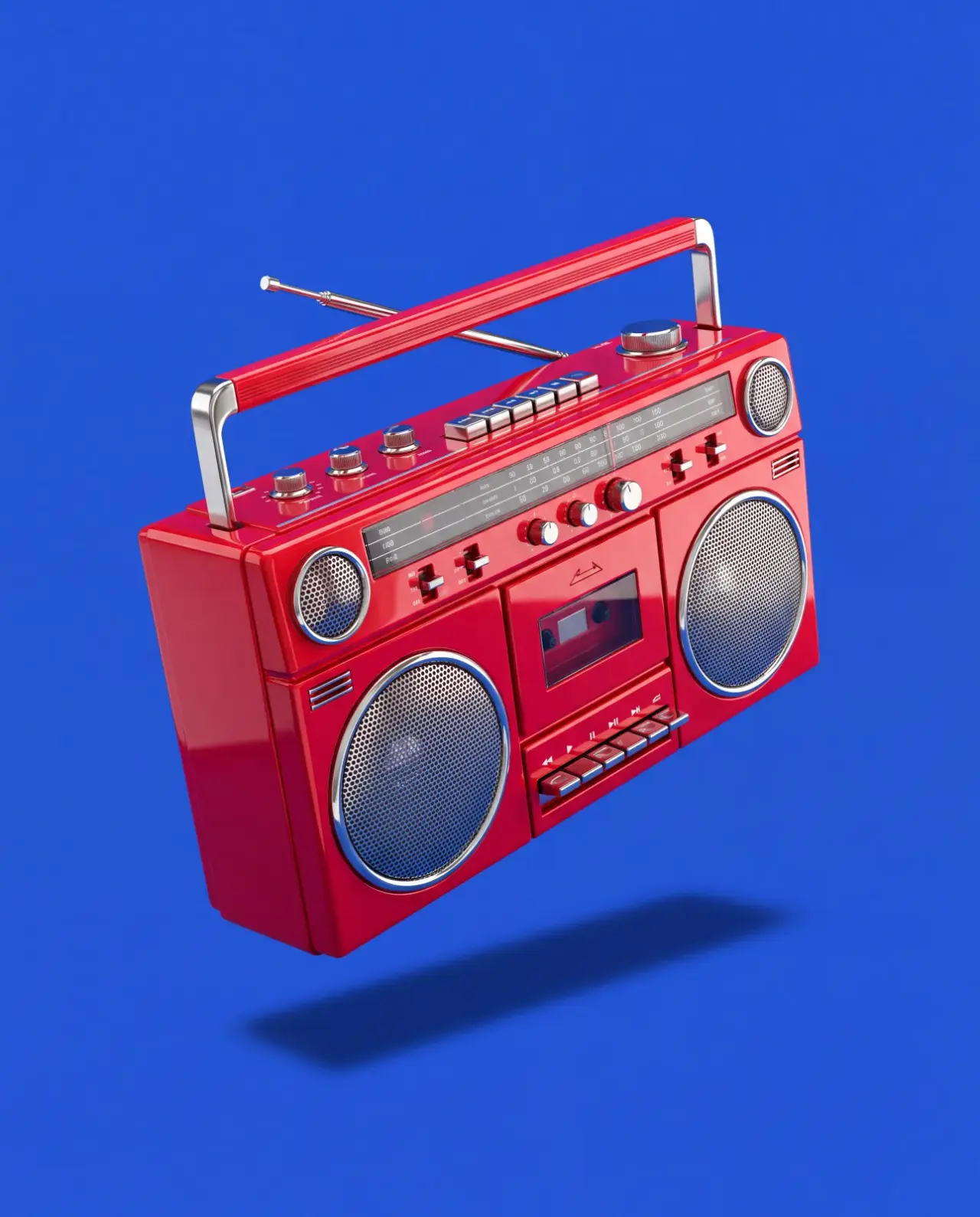
Example

Example of GPT Image 2.6 Results

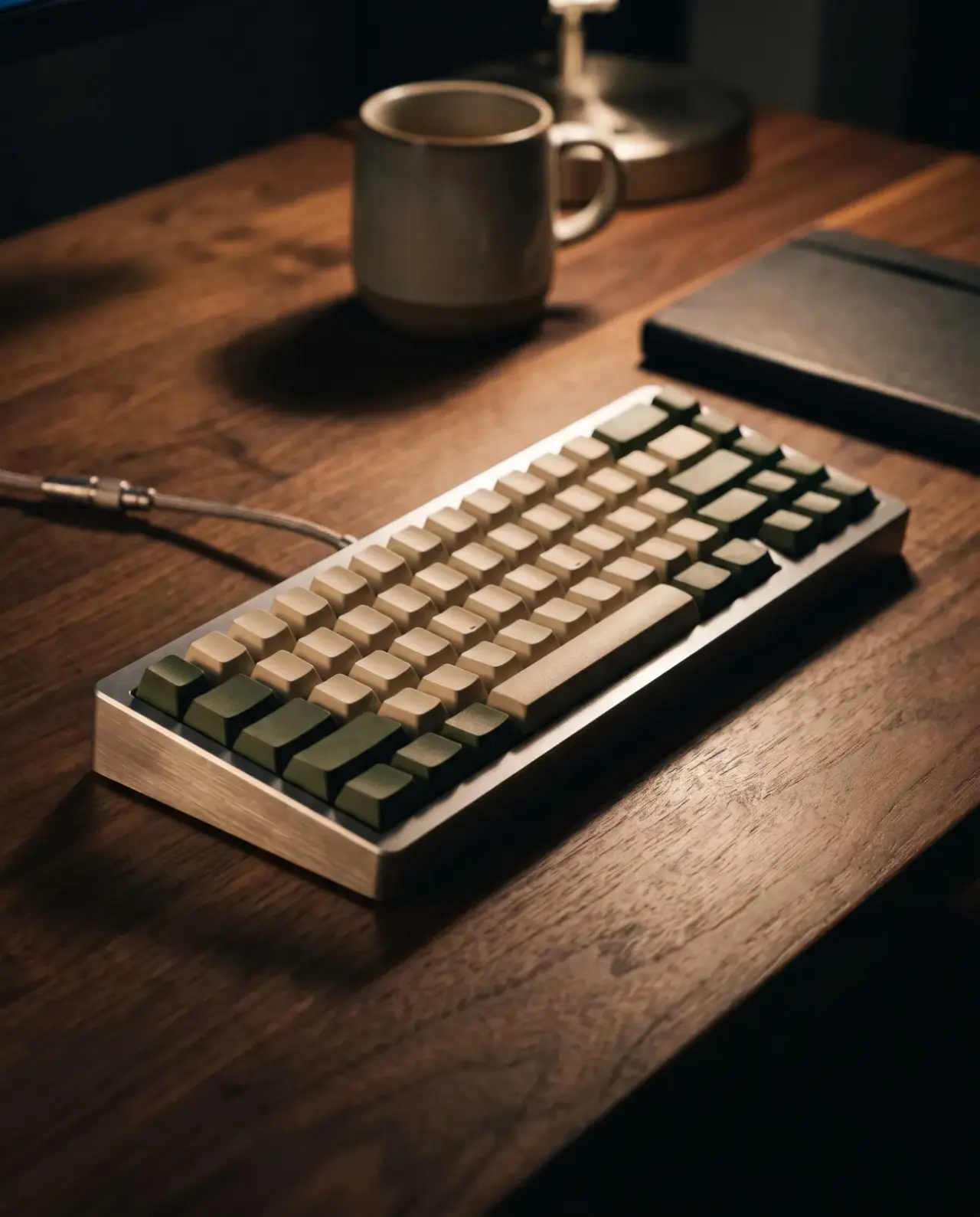
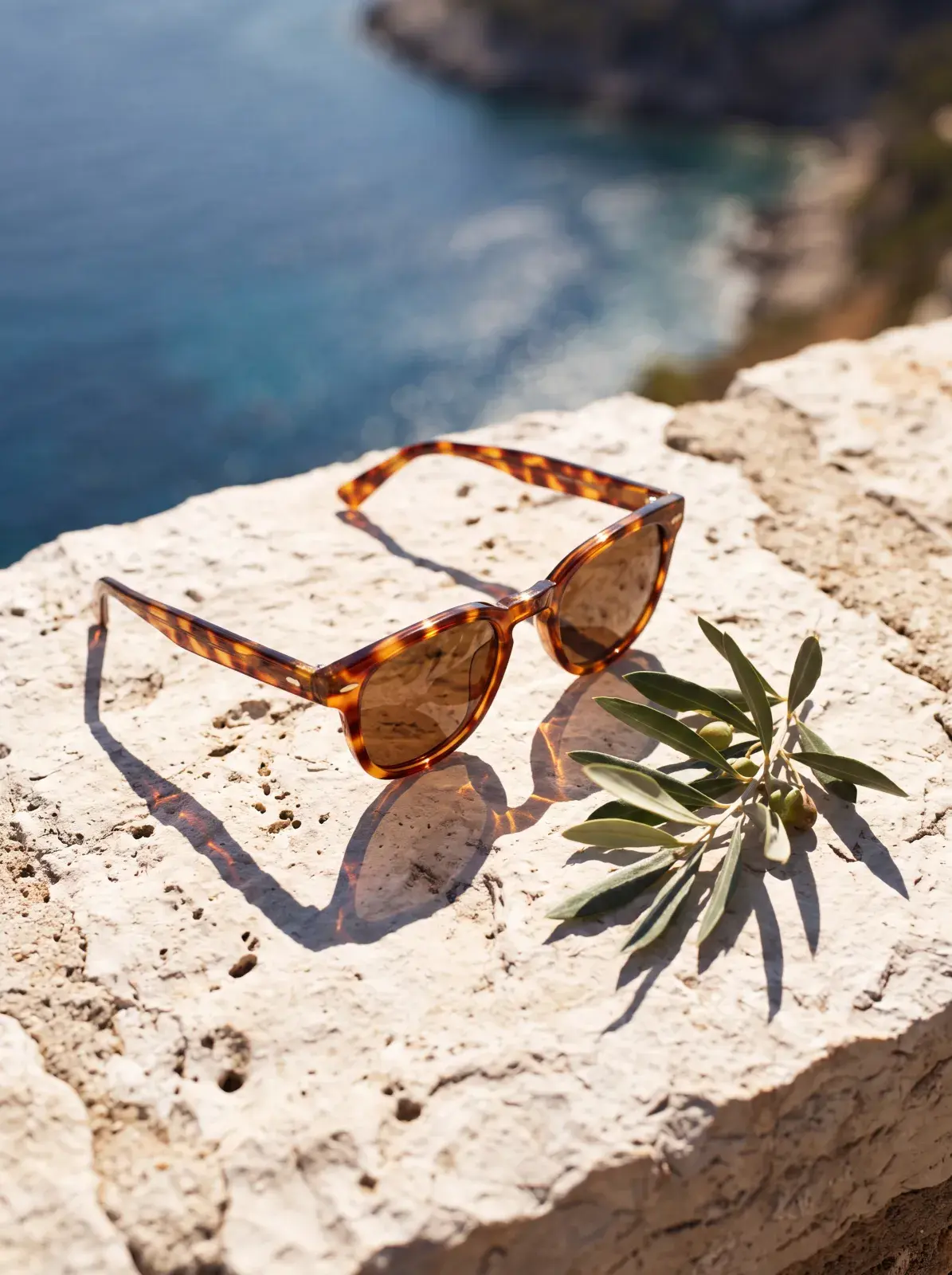
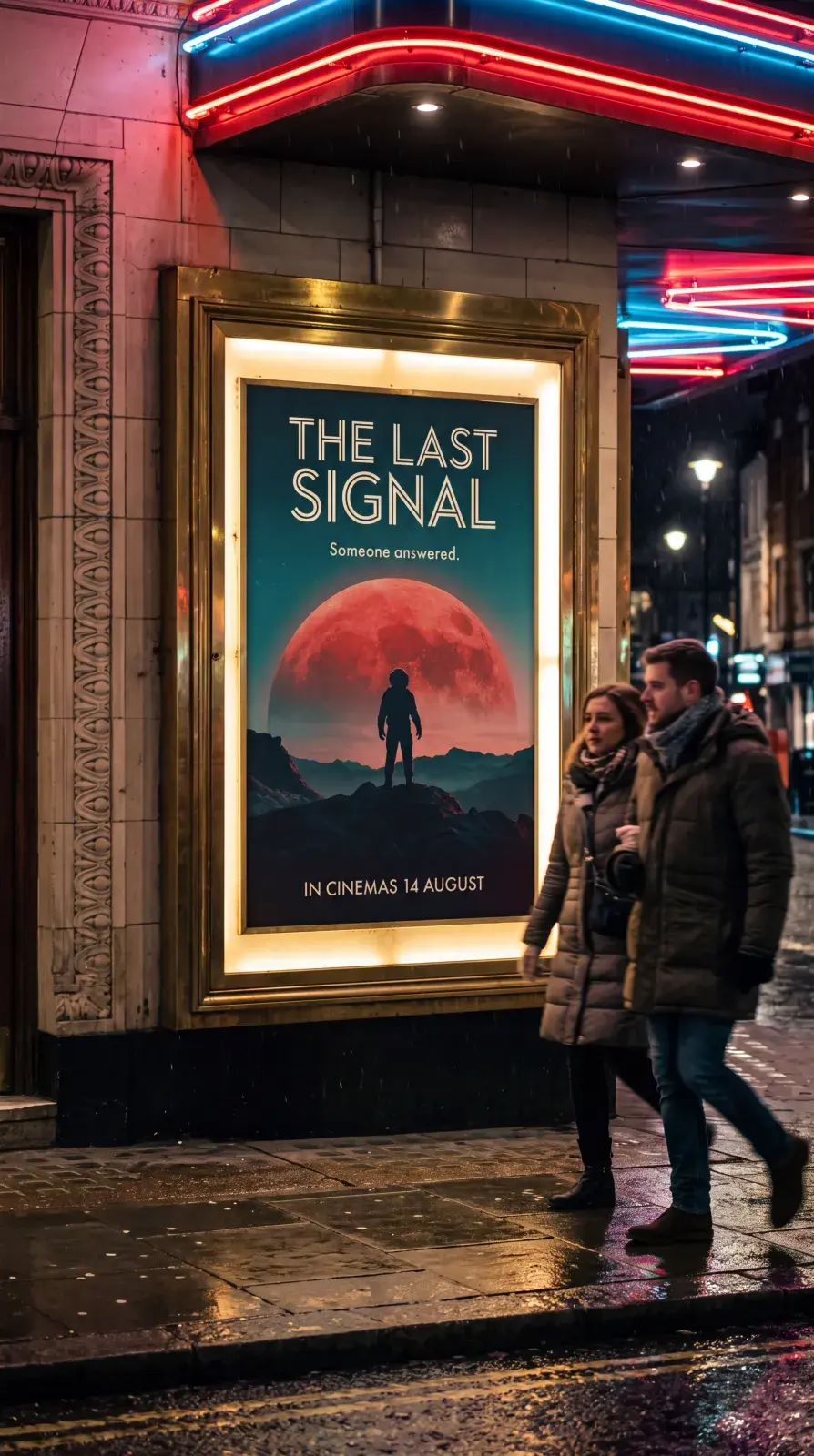
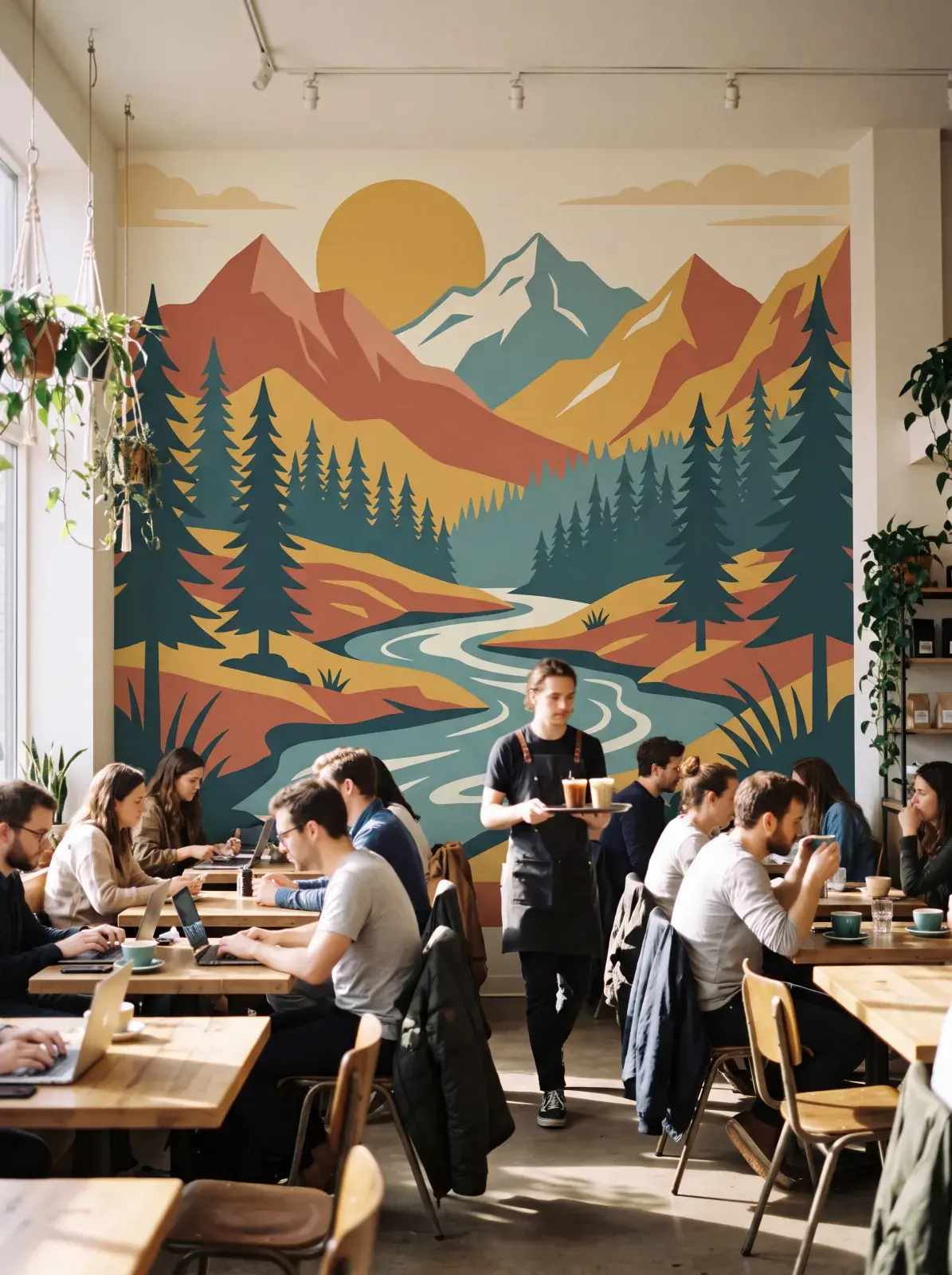
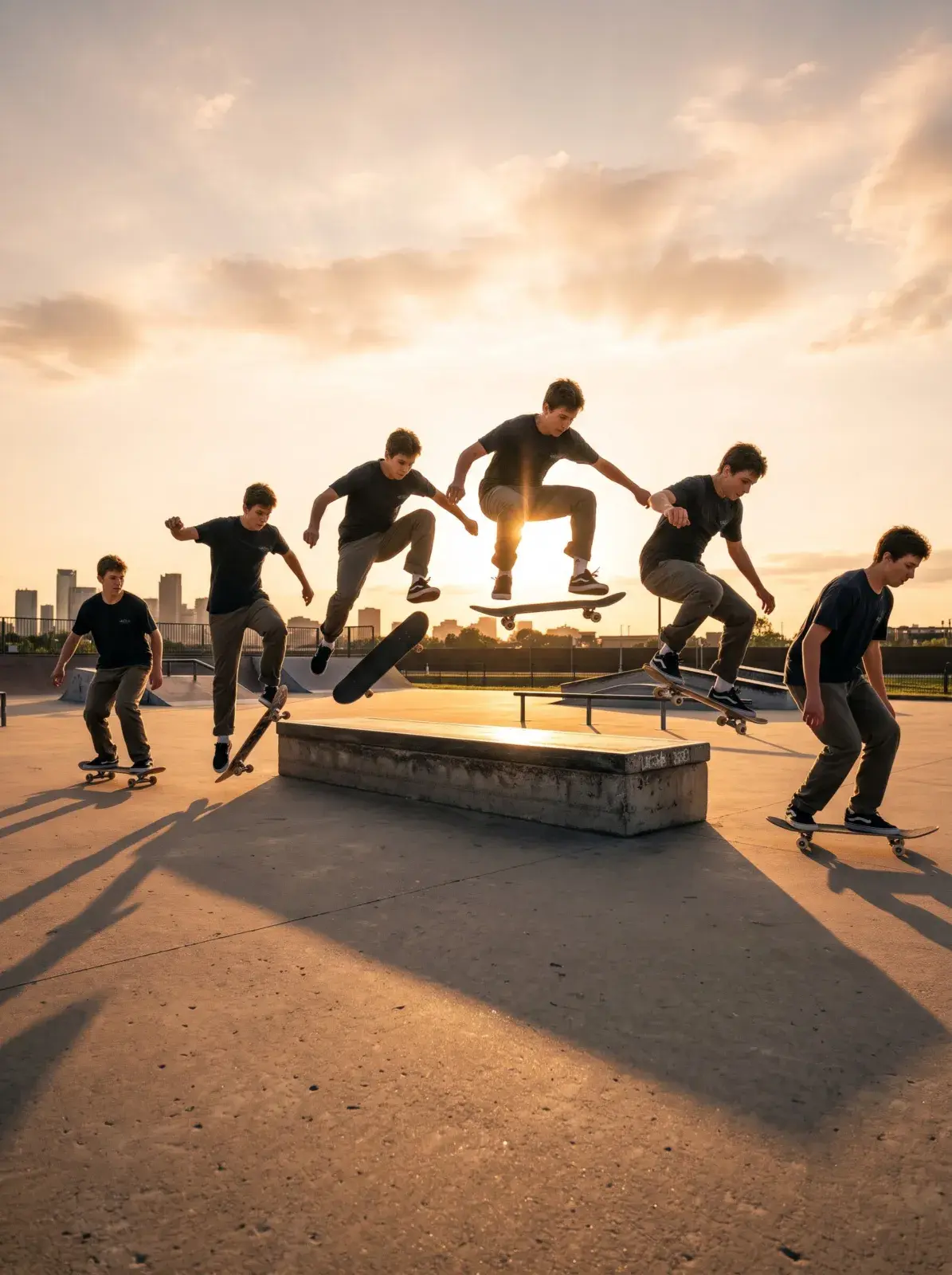
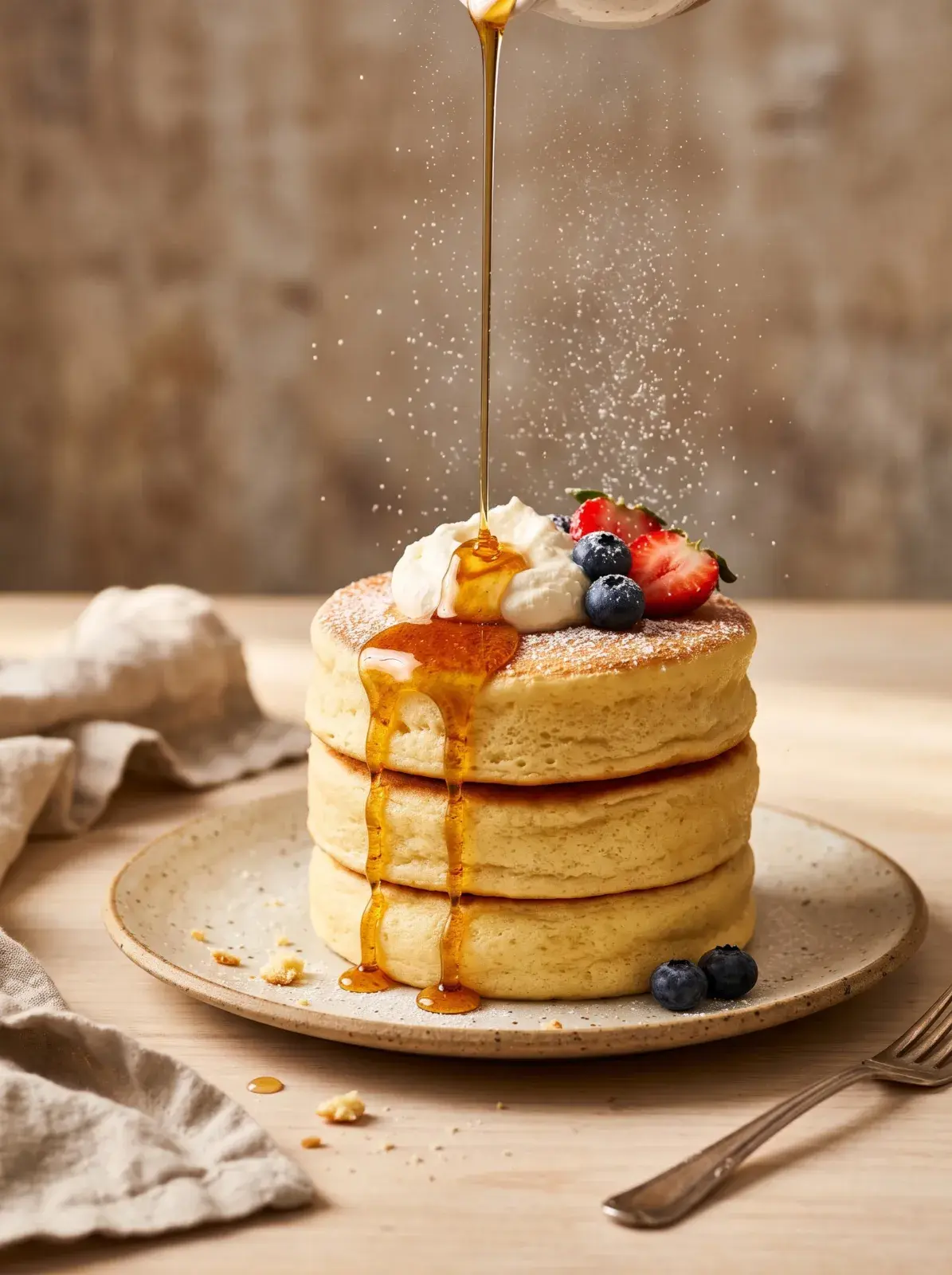
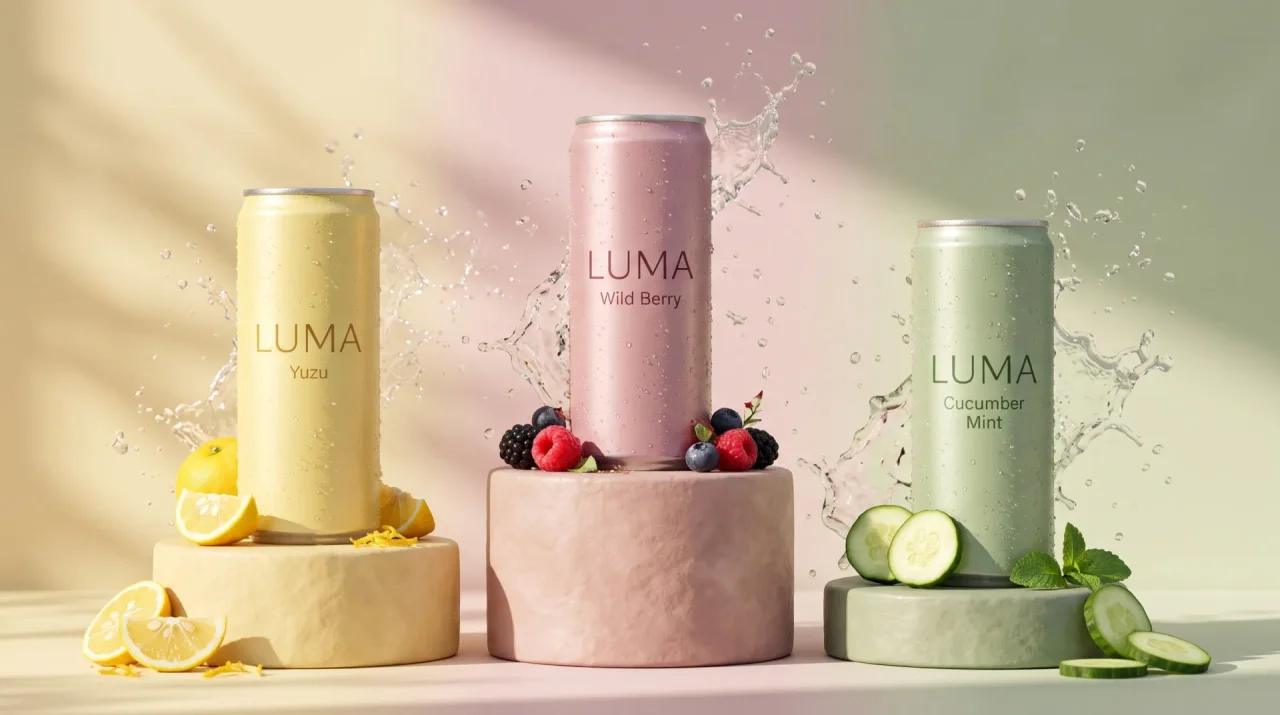
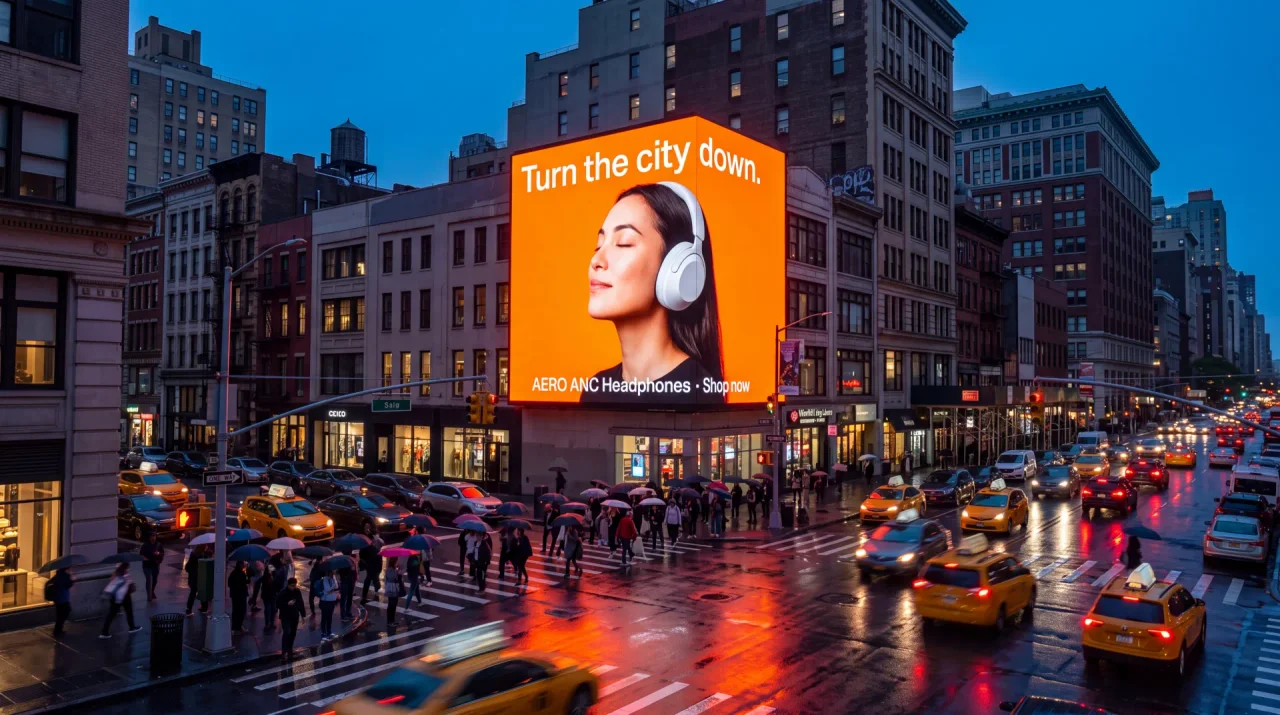
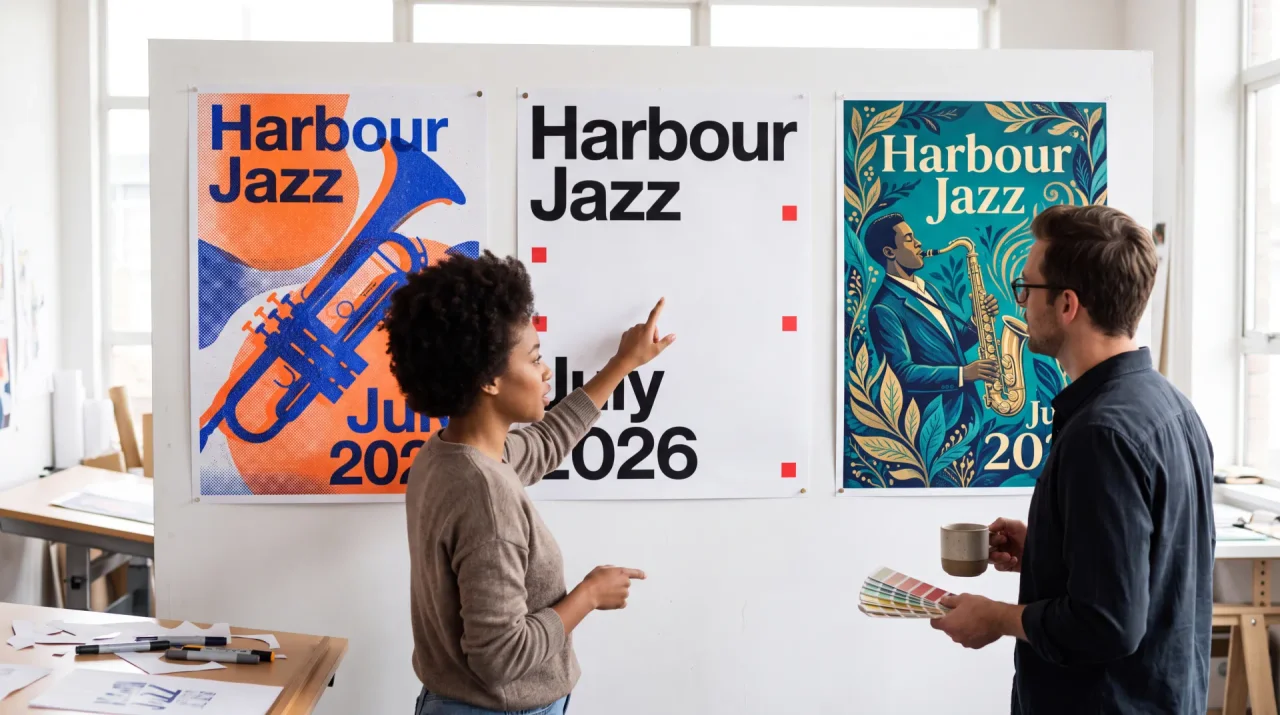
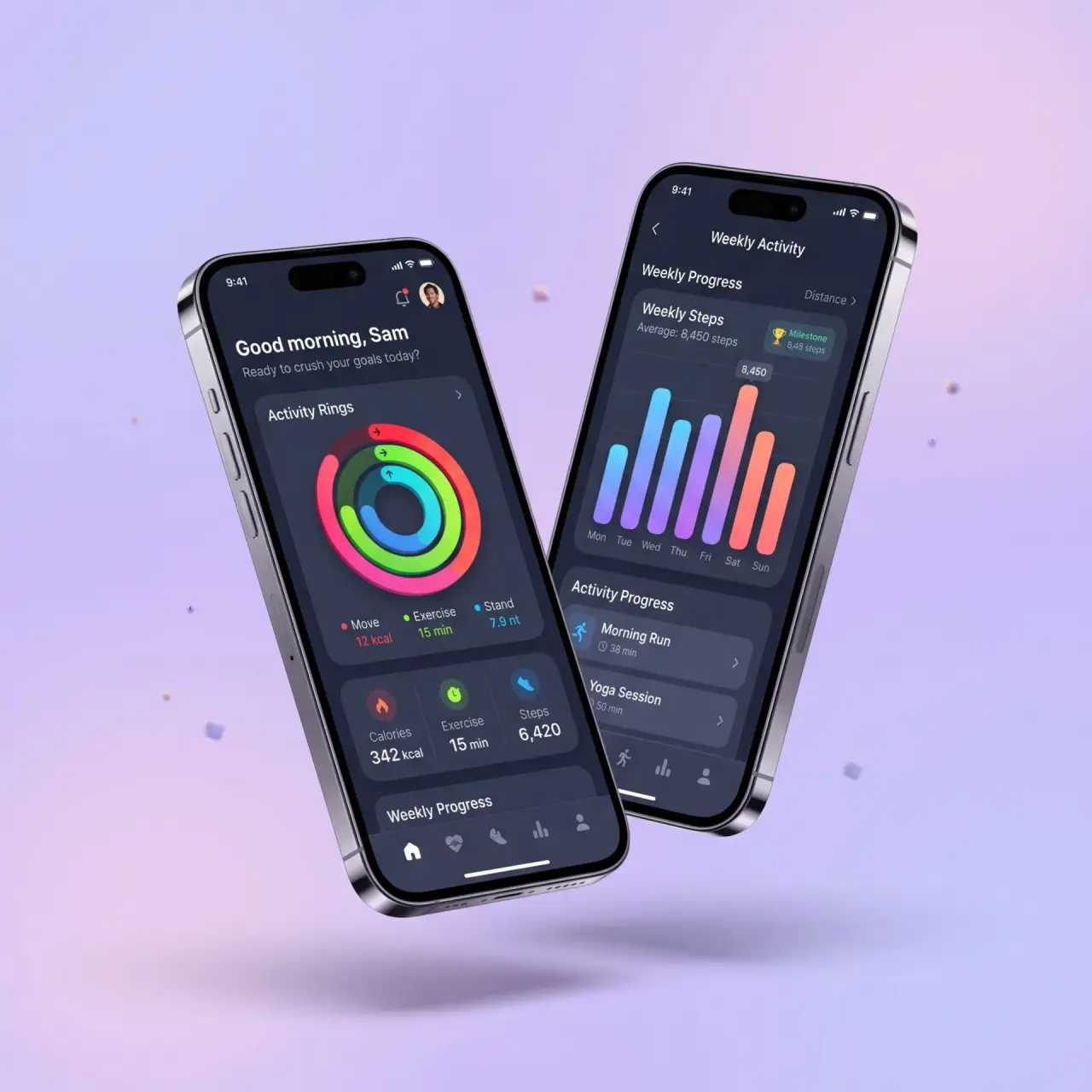
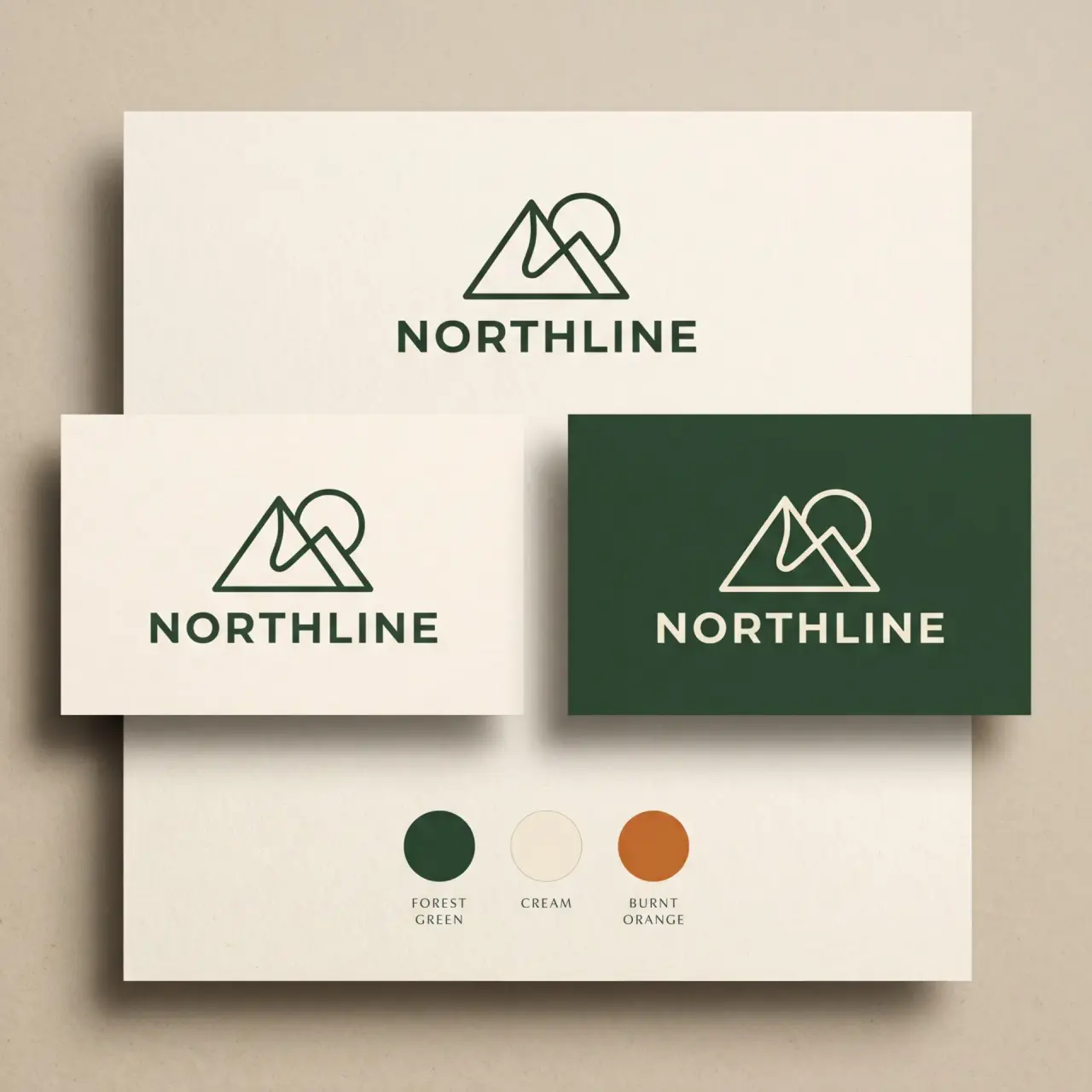
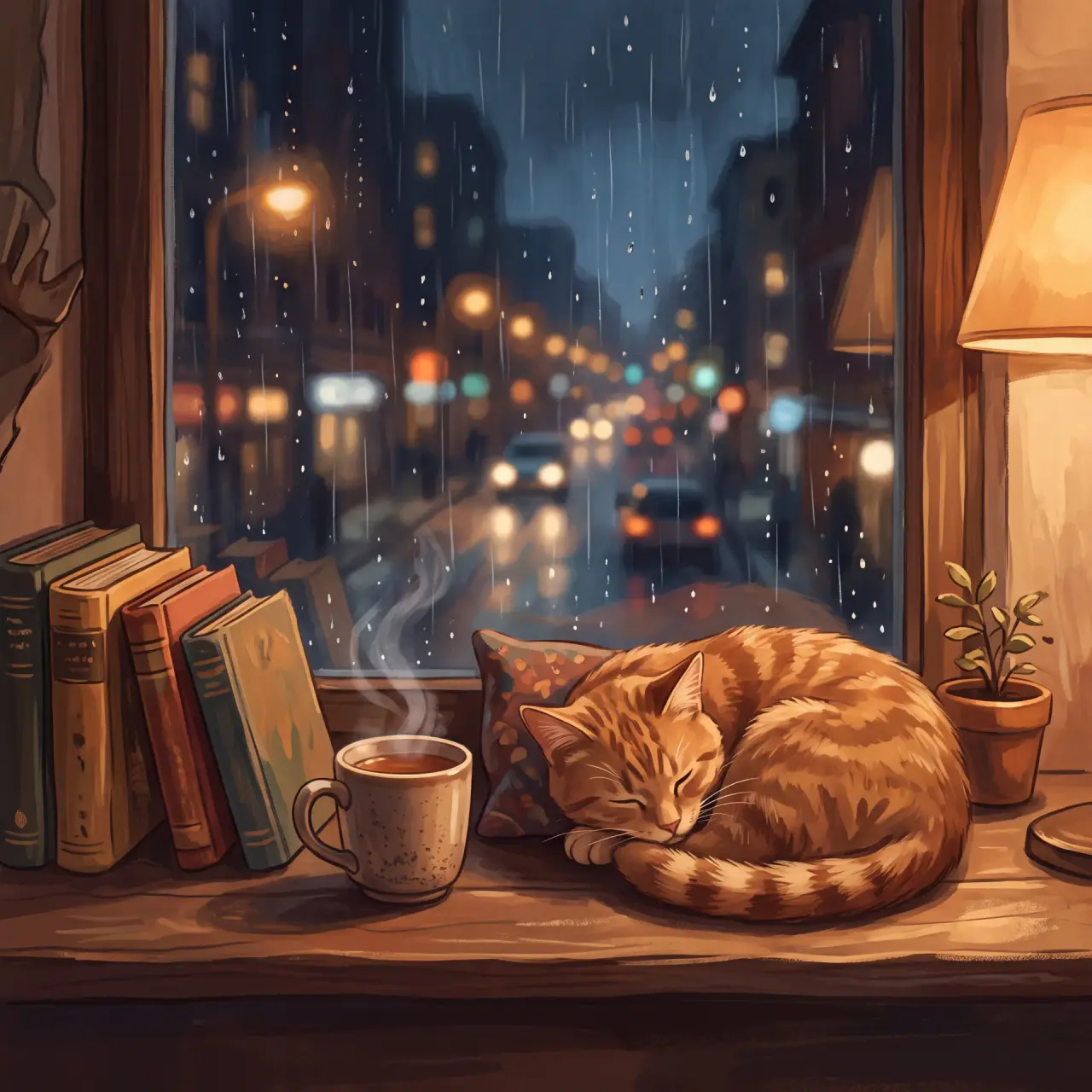
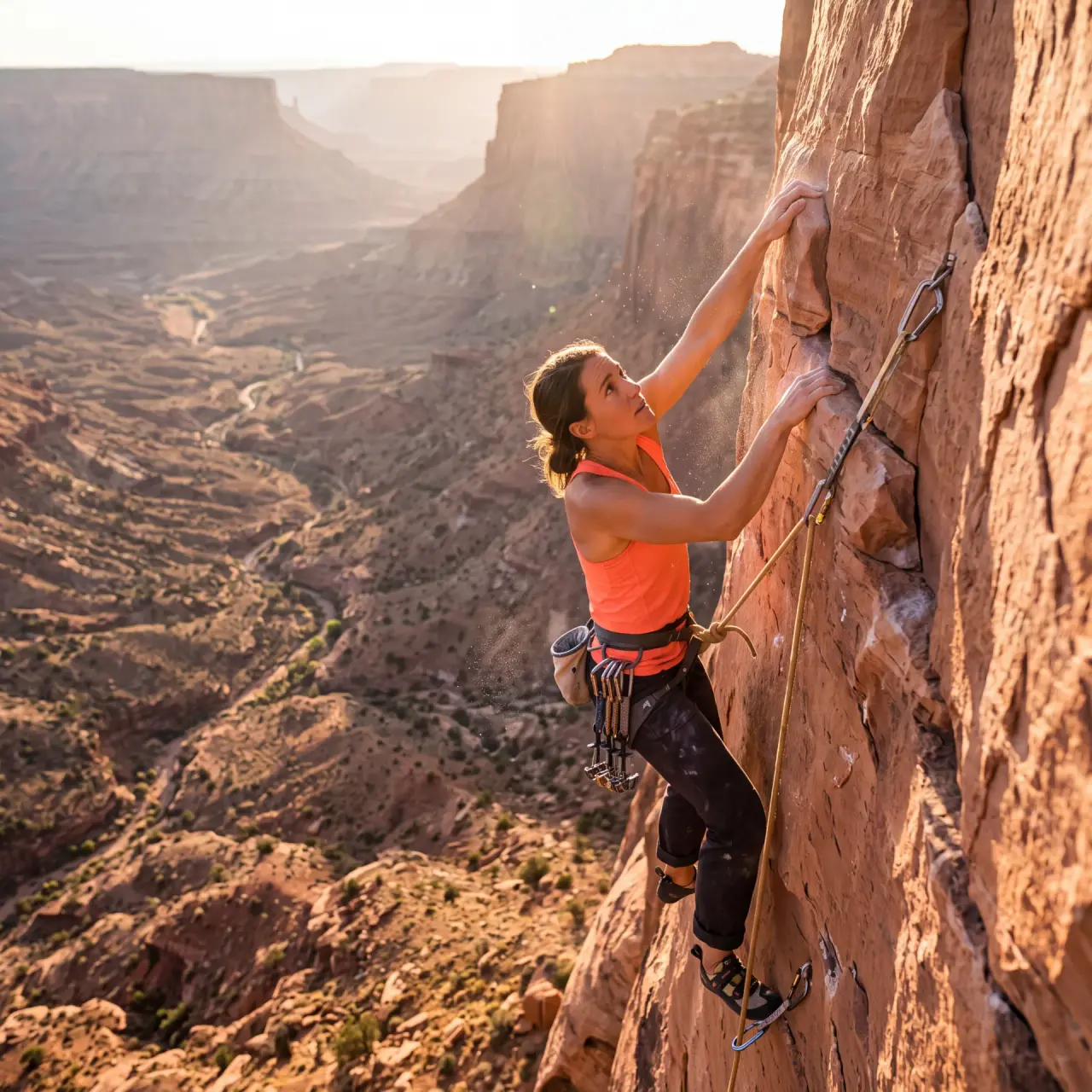
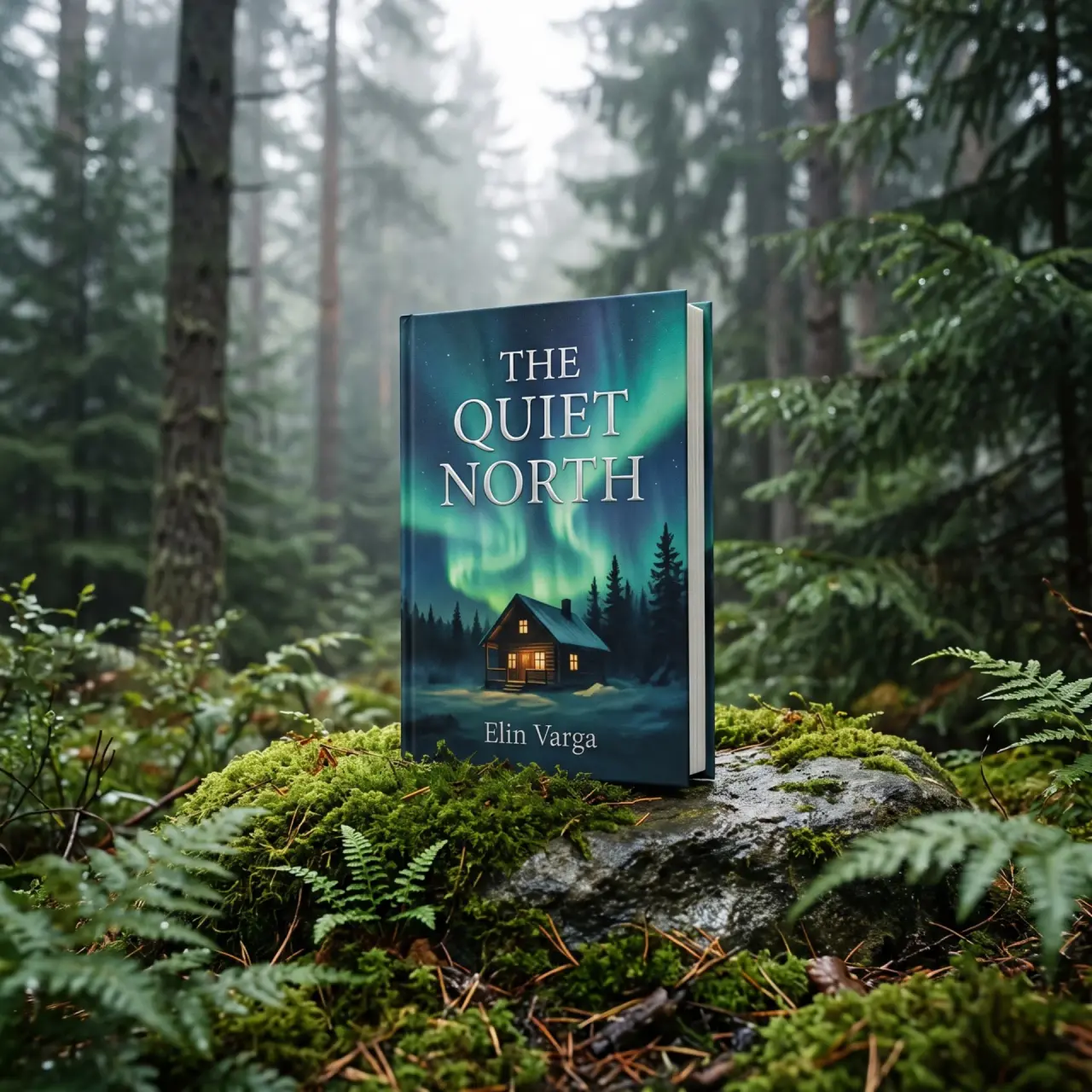
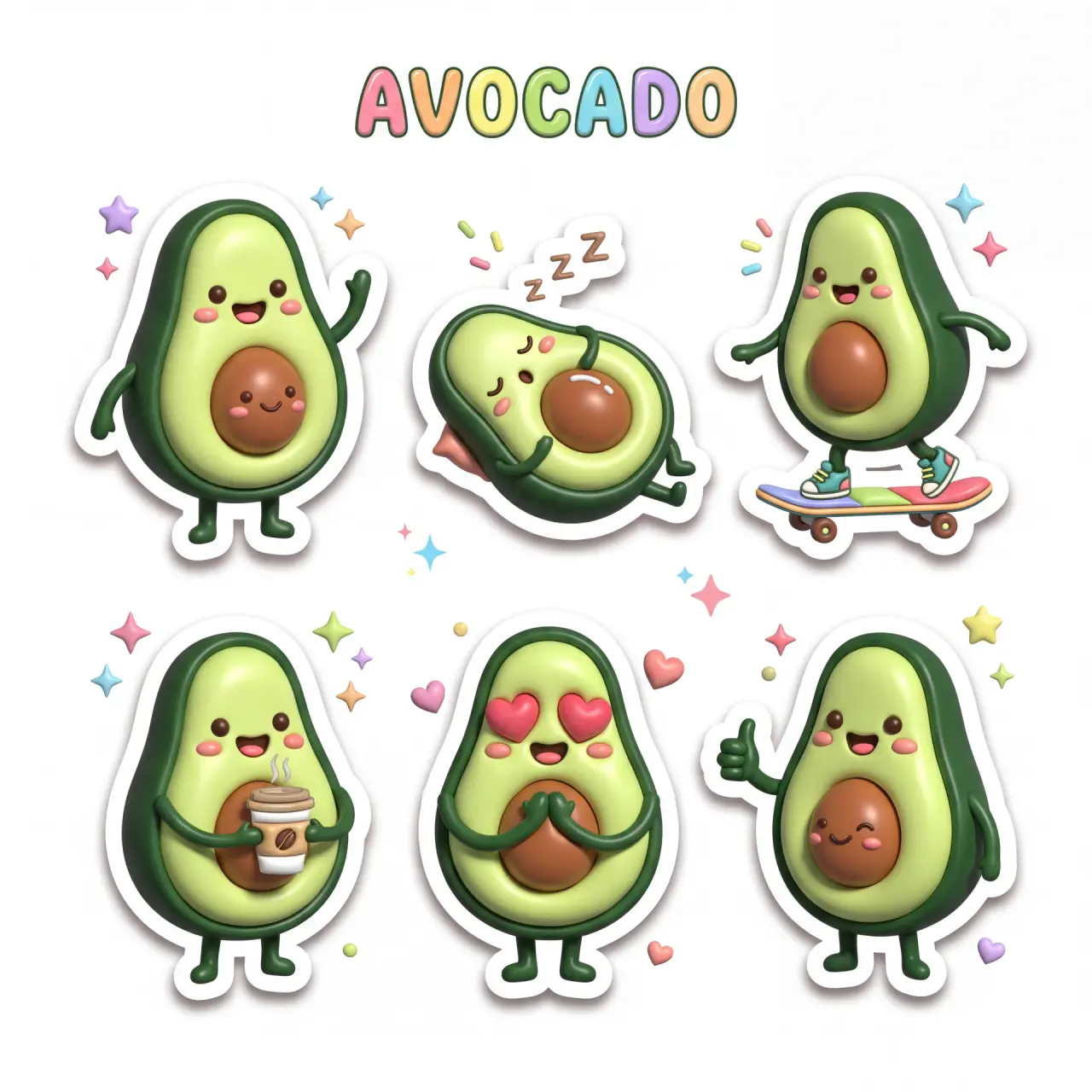
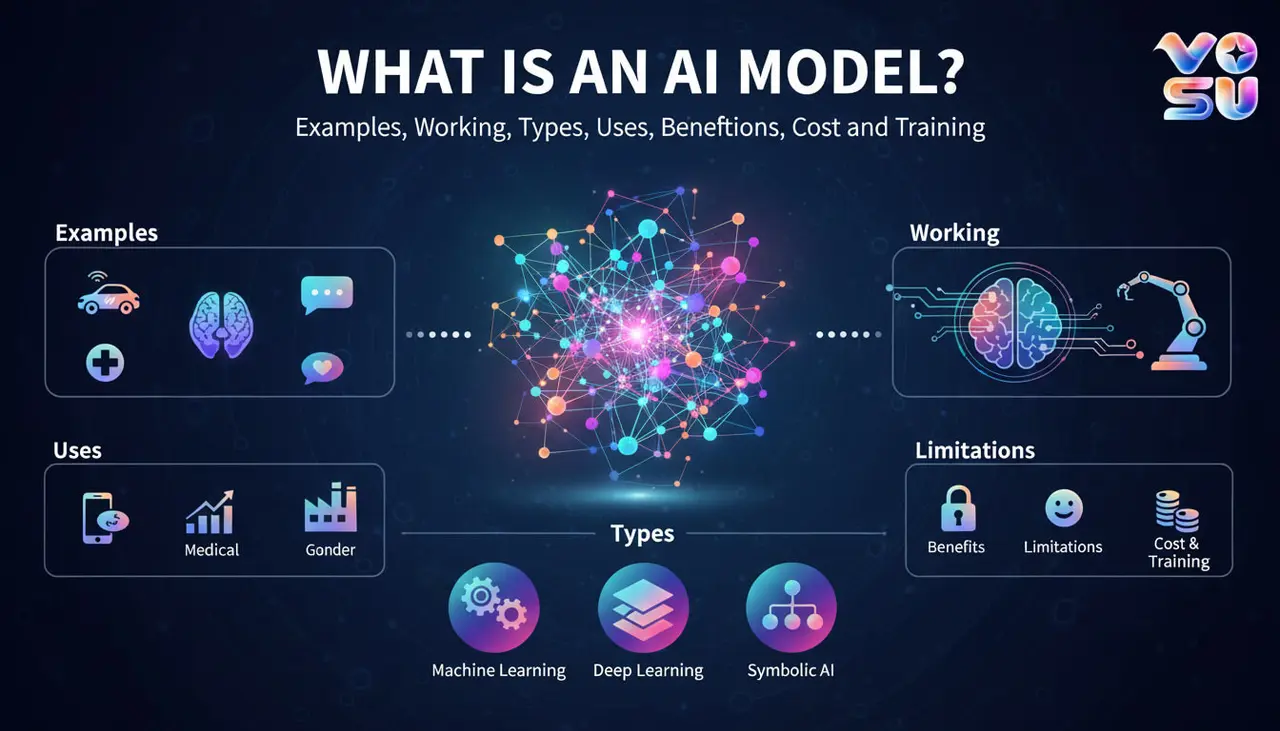
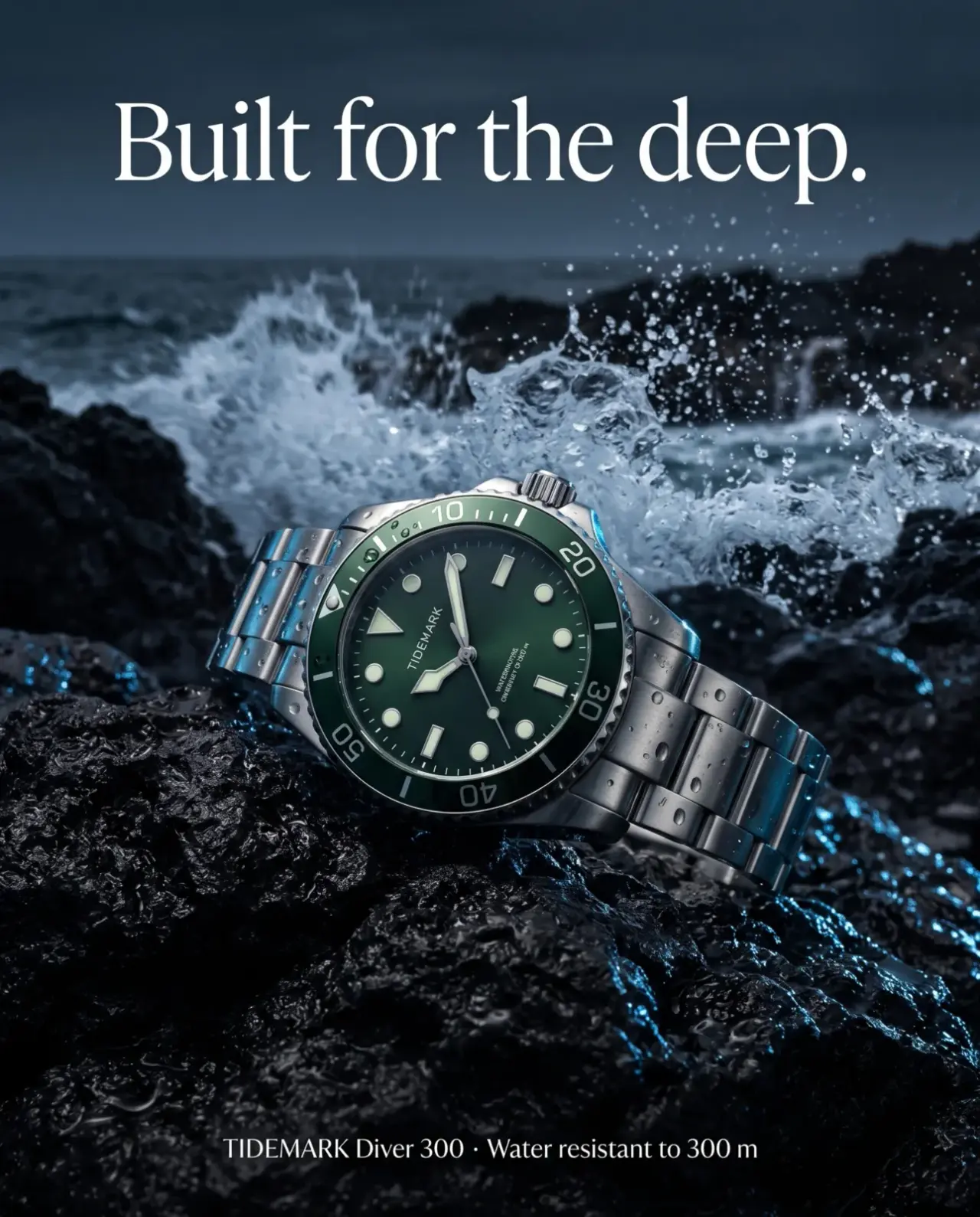
See how GPT Image 2.6 handles product visuals, recurring characters, poster layouts, transparent assets, animated GIFs and static SVG graphics.

Start Creating Now
Unique Features

Why choose GPT Image 2.6?

Choose GPT Image 2.6 when you need faster AI image generation, precise image editing and stronger visual consistency across professional creative work. Its Flare and Sunburst models support rapid concept development, detailed final assets, recurring characters, product visuals, animated GIFs and scalable SVG graphics.

Faster creative iteration
OpenAI reports that Images 2.6 generates images 50% faster than the previous version. In the API, Flare can generate low-quality previews in as little as six seconds, helping creative teams explore more directions and refine ideas sooner.
Speed or detail when needed
Flare prioritizes faster generation and efficient concept exploration, while Sunburst delivers greater detail, higher-quality output and stronger consistency across edits at medium or high quality. This gives creators a suitable model for both early drafts and detailed production assets.
Stronger consistency across edits
Preserve important character features, product details, clothing and brand elements more reliably through multiple editing rounds. This is valuable for recurring characters, ecommerce imagery and coordinated campaign assets that need a recognizable visual identity.
Professional layouts and product visuals
Create more polished posters, advertisements, product imagery and promotional compositions with improved layout quality. Clearer visual hierarchy and better placement make the model useful for commercial concepts that combine subjects, products and structured design elements.
Precise markup-guided editing
Identify the exact area that needs revision instead of regenerating the full composition. Markup-guided editing helps teams make focused changes to products, characters, backgrounds or layout details while reducing unwanted changes elsewhere.
Animated GIF generation
Turn a prompt, sketch, mascot or product image into an animated GIF for social reactions, campaign loops, product demonstrations and moving storyboard concepts. Native GIF support connects still-image creation with lightweight motion content.

Scalable SVG output
Generate static SVG graphics for websites, applications, presentations and print workflows. Scalable output is useful for icons, simple illustrations and reusable design elements that must remain sharp across different sizes.
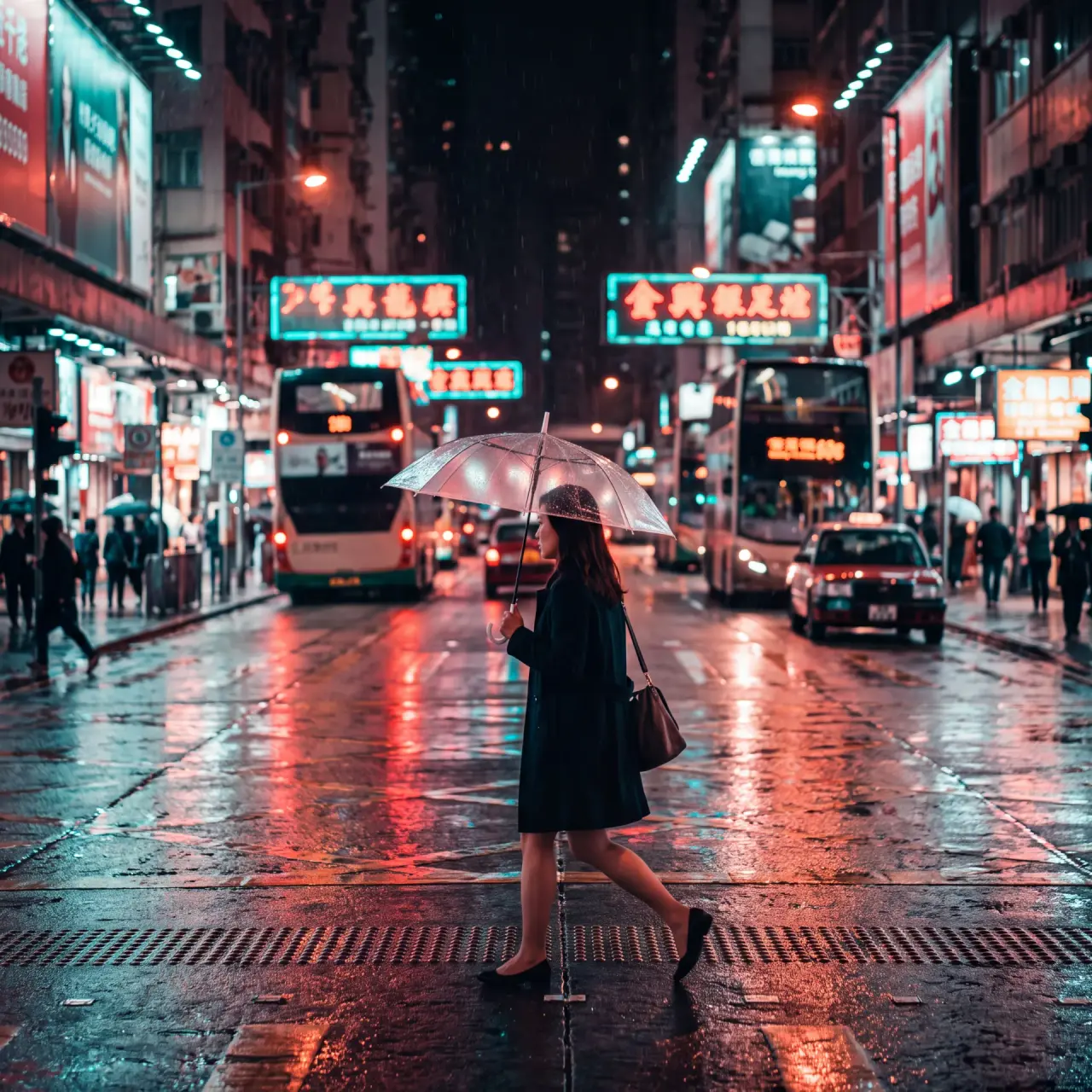
Flexible quality and complexity control
Adjust visual quality separately from the amount of planning used to interpret a request. Lower complexity supports faster, focused edits, while medium or high complexity provides more planning for scenes with multiple elements, relationships or constraints.
Use Cases

Who Can Use GPT Image 2.6?

GPT Image 2.6 supports creative workflows ranging from quick concept exploration to detailed image editing and campaign asset production.

Ecommerce and brand teams

1. Ecommerce and brand teams

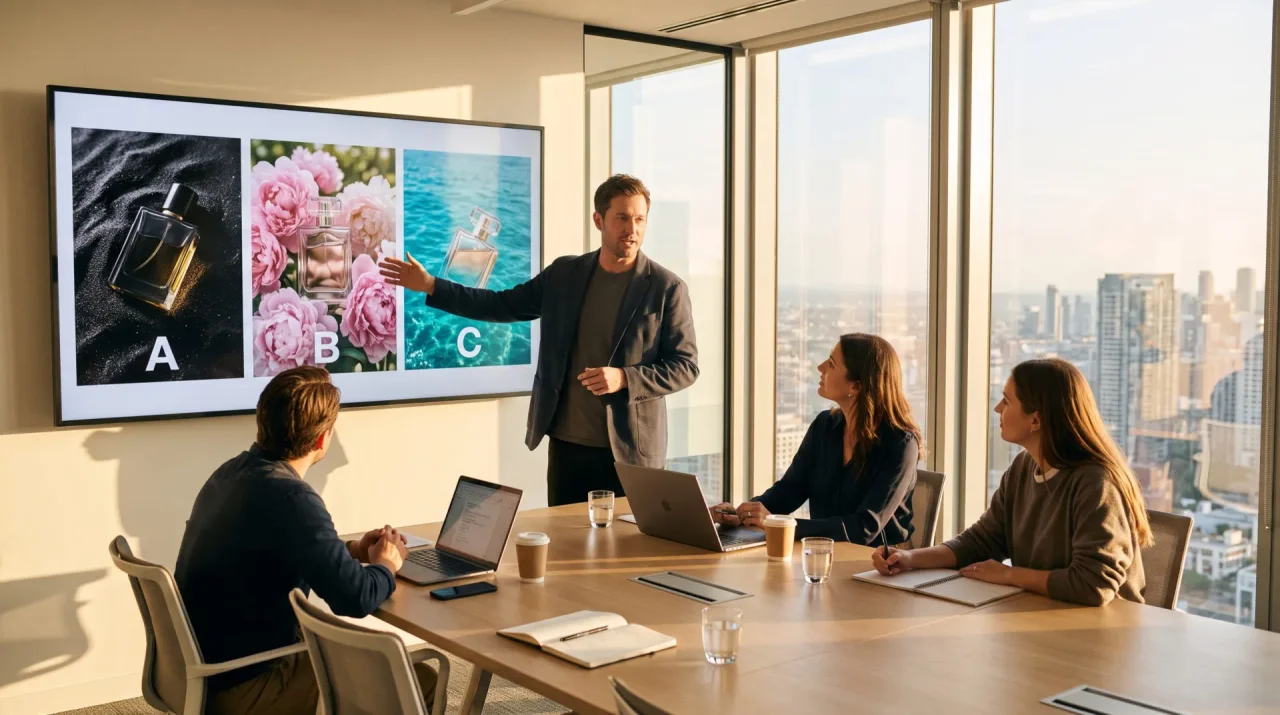
Create product scenes, launch visuals, catalog variations, transparent assets and campaign concepts. Use product references for packaging and brand cues, then review labels, logos, proportions and small product details before publishing.

Try Now
Performance marketers

2. Performance marketers

Explore advertisement concepts, promotional layouts, GIF hooks and platform-specific creative variations. Flare suits rapid concept rounds, while Sunburst is a stronger starting point for detailed final candidates.

Try Now
Designers and creative teams

3. Designers and creative teams

Generate moodboards, poster directions, layout options, icons and source material for a wider design process. The output can then move into typography, accessibility, brand and production review.

Try Now
Social creators and community managers

4. Social creators and community managers

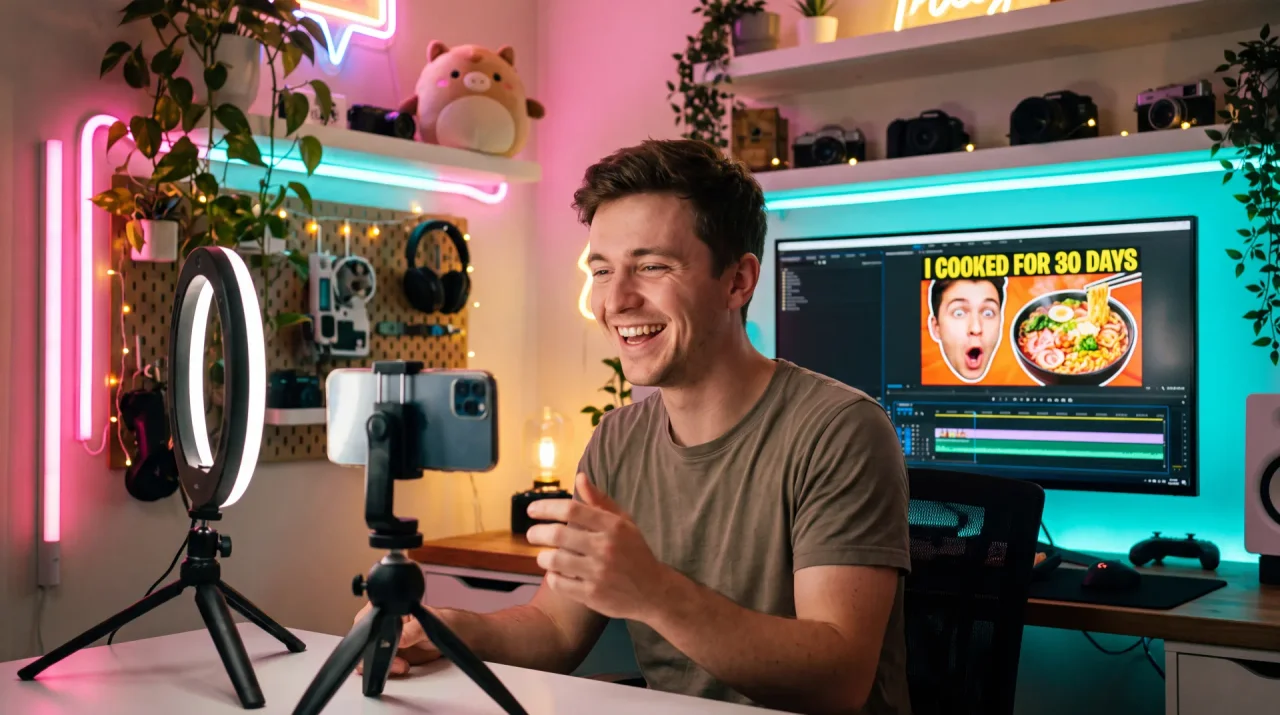
Create reaction images, memes, mascot loops, thumbnails and campaign variations. Keep GIF motion simple, use a fixed camera when possible and test the exported file on the platform where it will be posted.

Try Now
Illustrators and preproduction teams

5. Illustrators and preproduction teams

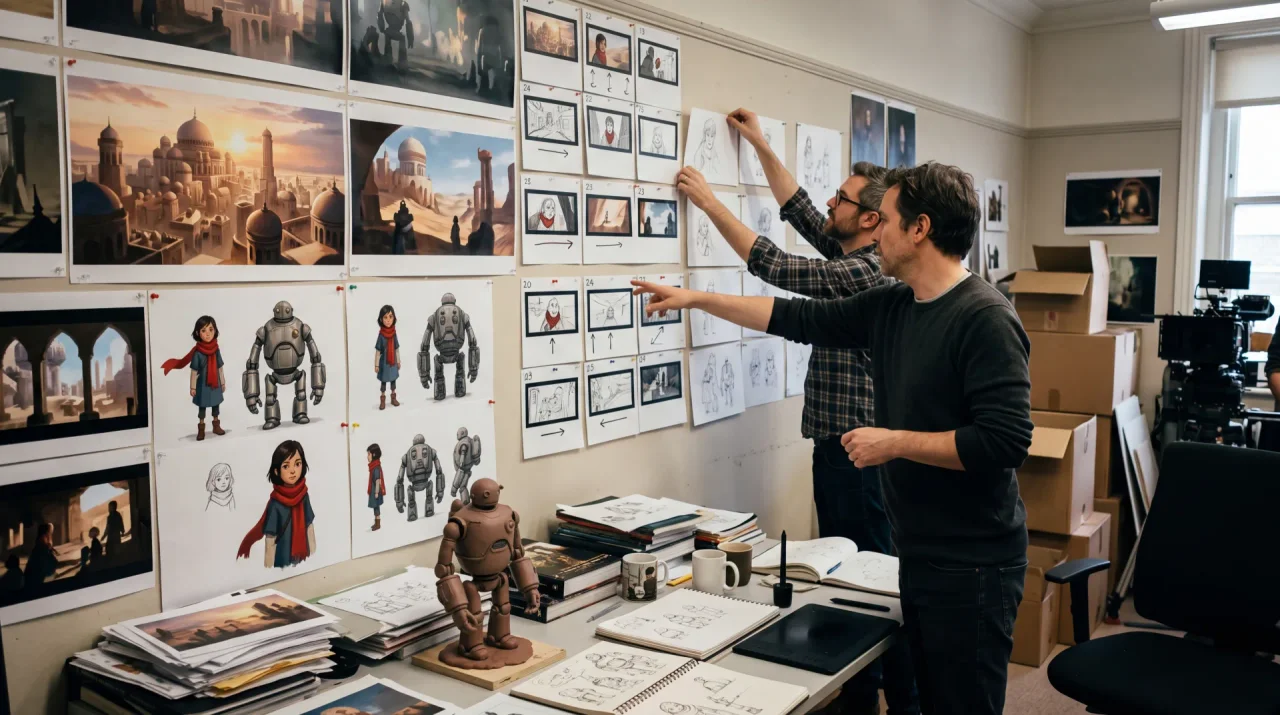
Explore character poses, environments, visual-development ideas and animated storyboard beats. Save the prompt and reference set with each selected result so later images can begin from the same creative context.

Try Now
Agencies and production teams

6. Agencies and production teams

Compare Flare and Sunburst across client briefs, create several visual directions and move selected assets into editing, upscaling, compositing or team review without changing platforms for every step.

Try Now
Tutorial

How to Use GPT Image 2.6?

Create and edit high-resolution AI images with GPT Image 2.6 on VosuAI. Choose Flare or Sunburst, add a text prompt or reference images, configure the resolution, aspect ratio, quality, background and format, then generate and download your visual.

01

Choose model and add images

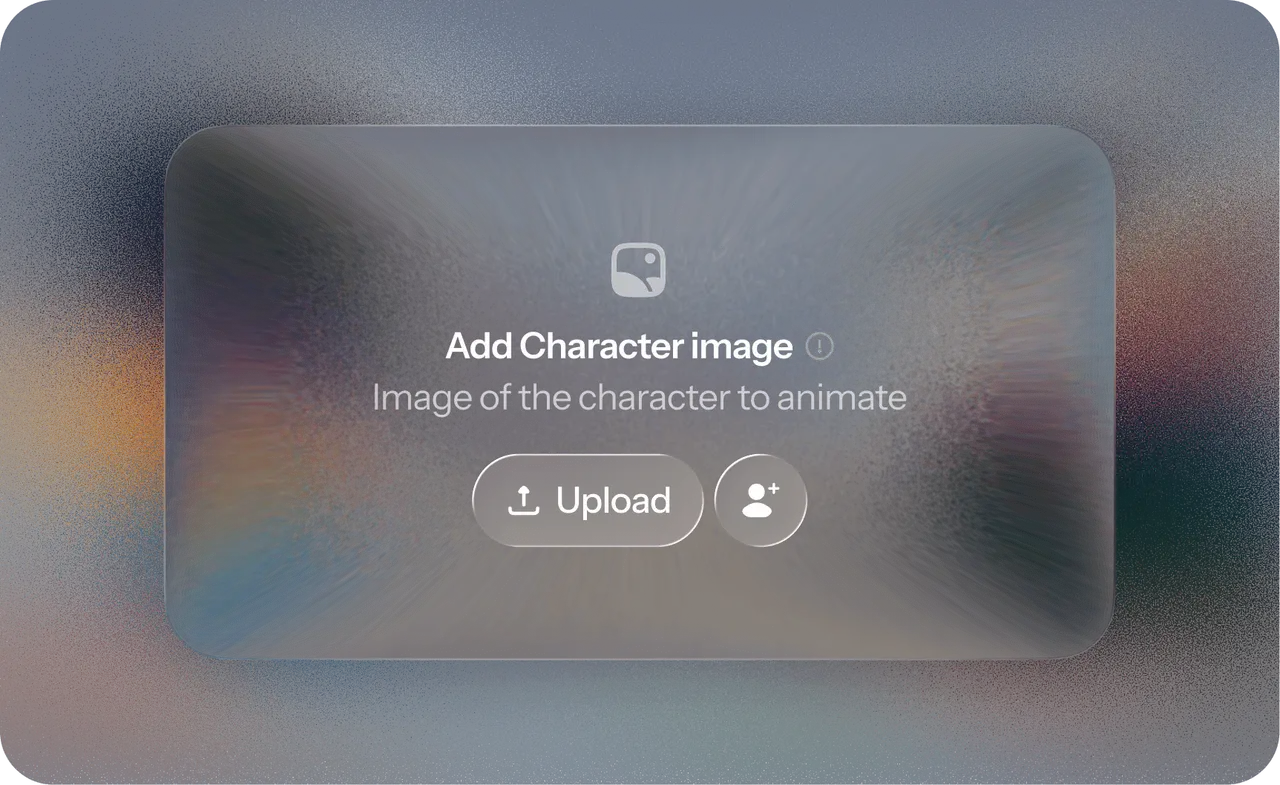
Select GPT Image 2.6 Flare for faster iteration or Sunburst for detailed layouts and precise image editing. Upload a base image or references, then organize them as Images, Elements or Characters to clarify their role.

02

Enter prompt

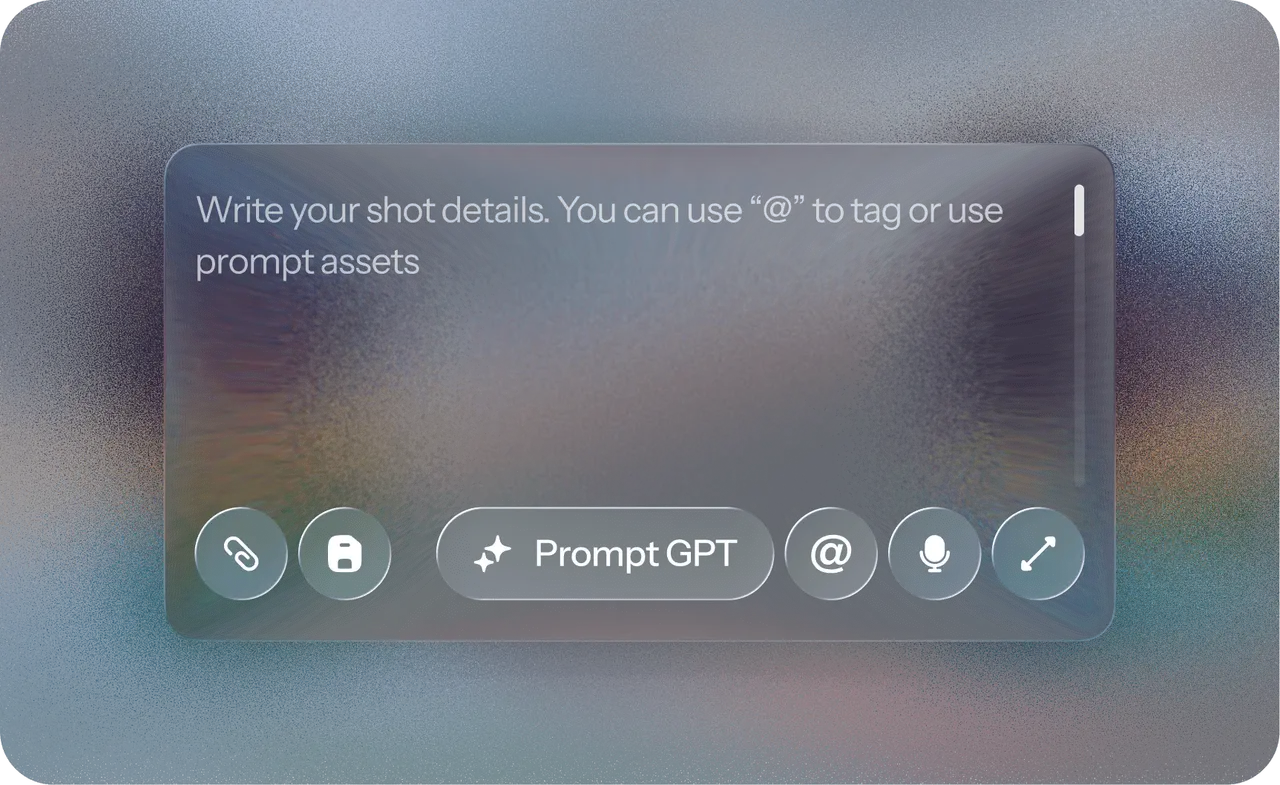
Write a clear natural-language prompt describing the subject, composition, style, lighting, text and details you want to preserve. Use PromptGPT to create or refine the instruction for clearer and more consistent results.

03

Select aspect ratio and output settings

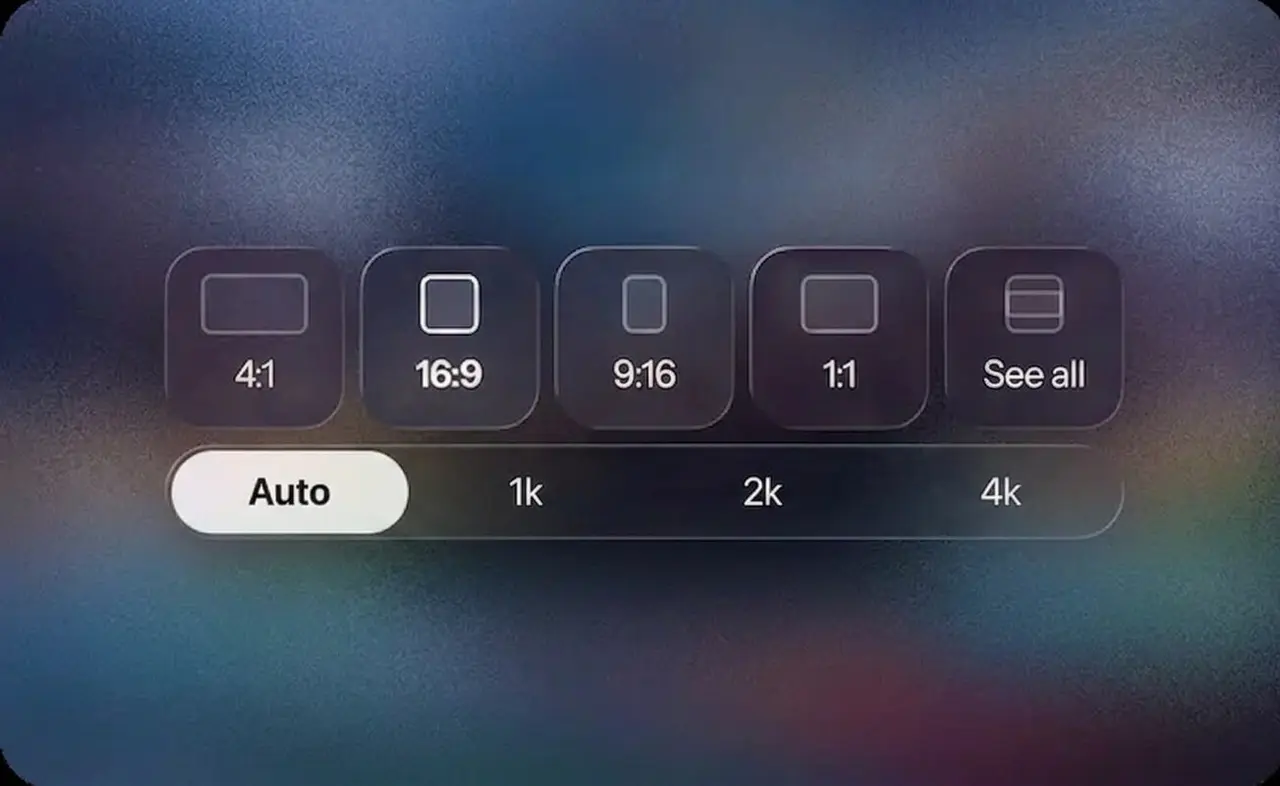
Choose 1K, 2K or 4K resolution, then set the aspect ratio, quality, background, output format and number of results. Export as PNG, JPEG, WebP, animated GIF or static SVG according to your project.

04

Generate, review and download

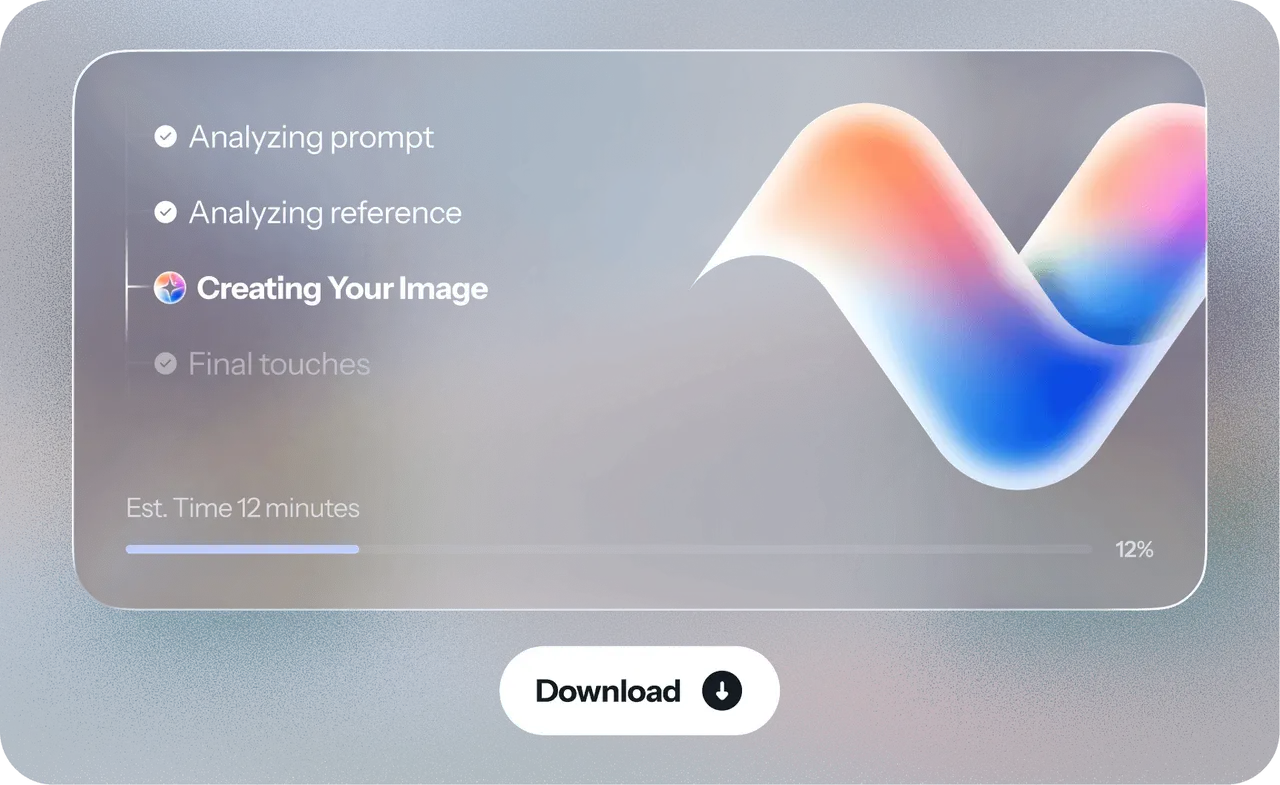
Click generate, then inspect the image for text, identity, product details, layout, transparency or motion continuity. Refine one change at a time, compare variations and download the approved result for your campaign, design or client project.

Pay only for what you use

Add funds whenever you need them — no subscription, and your balance never expires

Say No ToSubscriptions Forever

No monthly credit reset.

No monthly credit expiration.

Unlimited workspaces & team members with no extra fees.

Top Creators Trust VOSU

Enter Any Amount

AI Model

Same model, compare the cost

VosuAI

Same model, our cost

Magnific

Comparison preview

Higgsfield

Comparison preview

OpenArt

Comparison preview

Artlist AI

Comparison preview

Image

GPT Image 2

Image Generation

$0.0112· 0.224 credits

per image 98% on Vosu

$0.33

per image

$0.26

per image

$0.40

per image

$0.72

per image

Nano Banana Pro

Image Generation

$0.0570· 1.14 credits

per image 70% on Vosu

$0.08

per image

$0.08

per image

$0.14

per image

$0.19

per image

Nano Banana 2

Image Generation

$0.0385· 0.77 credits

per image 65% on Vosu

$0.08

per image

$0.11

per image

$0.07

per image

$0.11

per image

Seedream 5.0 Pro

Image Generation

$0.0628· 1.26 credits

per image 43% on Vosu

$0.08

per image

$0.11

per image

$0.11

per image

$0.09

per image

Video

Kling Video 4.0

Video Generation

$0.0940· 1.88 credits

per second 81% on Vosu

$0.22

per second

$0.26

per second

$0.49

per second

$0.33

per second

Seedance 2.5

Video Generation

$0.1230· 2.46 credits

per second 80% on Vosu

$0.44

per second

$0.53

per second

$0.46

per second

$0.60

per second

Wan 3.0

Video Generation

$0.0465· 0.93 credits

per second 79% on Vosu

$0.12

per second

$0.14

per second

$0.14

per second

$0.22

per second

Wan 3.0 Prime

Video Generation

$0.0632· 1.26 credits

per second 73% on Vosu

$0.20

per second

$0.23

per second

Not available
Not available

Seedance 2.0 Mini

Video Generation

$0.0671· 1.34 credits

per second 65% on Vosu

$0.14

per second

$0.19

per second

$0.14

per second

$0.14

per second

Seedance 2.0

Video Generation

$0.1309· 2.62 credits

per second 43% on Vosu

$0.15

per second

$0.23

per second

$0.12

per second

$0.07

per second

Seedance 2.0 Fast

Video Generation

$0.1047· 2.09 credits

per second 25% on Vosu

$0.12

per second

$0.11

per second

Not available
$0.14

per second

Features

Everything under one roof

Key features

  • AI Studio
  • Photo Studio
  • PromptGPT
  • Playground

Others

  • VOSU Agent
  • Marketing Studio
  • Nodes
  • Mobile App - iOS & Android

Others

  • Marketplace
  • Viral Video Recreation
  • VOSU Workspace
  • Browser Extension - Chrome & Firefox
Nano Banana 2Nano Banana ProSeedream 5.0 ProGPT Image 2Seedance 2.5Seedance 2.0Seedance 2.0 FastSeedance 2.0 MiniKling Video 4.0Hailuo 3Wan 3.0 StandardWan 3.0 Prime

Got questions?
We've got all the answers

Find everything you need to know about pricing, credits, AI models, and more.

Contact Us

What is VosuAI and what can I create with it?

Do I need editing or technical skills to use VosuAI?

Not at all. If you can type a sentence, you can create videos and images. VosuAI handles all the complex work for you.

What makes VosuAI different from other AI tools?

Can I upload my own images or assets?

Can I customize my video or images?

How fast can I generate a video or image?

Can I use VosuAI for commercial projects?

Is VosuAI safe to use?

Can I use VosuAI on any device or browser?

Is there a free trial?

What happens if my video fails to generate? Will I lose credits?

How can I contact support if I have more questions?

Wanna get more credits?
Super Deal

Get the best deal with VosuAI

Create with GPT Image 2.6 through pay-as-you-go access instead of committing to a required subscription. VosuAI top-ups start from $1, and the current credit cost appears in the generator before you begin.

Start Creating Now
Model Comparison

GPT Image 2.6 Flare vs GPT Image 2.6 Sunburst

Flare and Sunburst belong to the same GPT Image 2.6 family, but they serve different priorities. Flare is the faster starting point. Sunburst is the stronger starting point when detail, layout or edit precision matters more than the fastest response.

Decision
GPT Image 2.6 FlareTry Now
GPT Image 2.6 SunburstTry Now

Primary priority

Faster iteration

Detail and precision

Best starting tasks

Concept exploration, draft layouts, social variations and routine product visuals

Detailed final assets, complex compositions, recurring characters and demanding edits

VosuAI quality controls

Auto, Low, Medium and High

Auto, Low, Medium and High

VosuAI resolution controls

1K, 2K and 4K

1K, 2K and 4K

Inputs

Prompt, Images, Elements and Characters

Prompt, Images, Elements and Characters

Output formats

PNG, JPEG, WebP, GIF and SVG

PNG, JPEG, WebP, GIF and SVG

Choose it when

You need more iterations or quicker direction finding

You need careful detail, layout or edit preservation

There is no universal winner. Compare both models with the same prompt, references, resolution, aspect ratio, quality and evaluation criteria when your workflow does not clearly favor speed or detail.

Super Deal

Bring every visual idea to life

Generate and refine high-resolution AI images with GPT Image 2.6 while keeping prompts, reference images and output settings organized in one VosuAI workspace. Make polished still images, transparent assets, animated GIFs and static SVG graphics for marketing campaigns, product visuals, social media content and client projects.

Start Creating with GPT Image 2.6
User Opinions

See what people say about GPT Image 2.6

See how creators use GPT Image 2.6 for product visuals, character edits, posters, transparent assets and short GIF loops. Compare verified VosuAI community examples with the selected model and generation settings visible beside each result.

Choose a platform to view opinions
FAQ

Frequently asked questions about GPT Image 2.6

The frequently asked questions about GPT Image 2.6 are given below.

Start Creating Now

What Is GPT Image 2.6?

When Was GPT Image 2.6 Released?

GPT Image 2.6 was officially announced on November 4, 2026. VosuAI currently provides access to both GPT Image 2.6 Flare and GPT Image 2.6 Sunburst.

Can I Access GPT Image 2.6 Through VosuAI?

What Is the Difference Between GPT Image 2.6 Flare and Sunburst?

Are GPT Image 2.6 and ChatGPT Image 2.6 the Same?

Can I Use Reference Images and Edit an Existing Image?

Can GPT Image 2.6 Generate Animated GIFs and SVG Files?

Can GPT Image 2.6 Create Transparent Backgrounds?

Does GPT Image 2.6 Support 4K Images?

What Aspect Ratios Does GPT Image 2.6 Support on VosuAI?

Is GPT Image 2.6 Uncensored?

Is GPT Image 2.6 Free on VosuAI?

Can I Use GPT Image 2.6 Output Commercially?

Does GPT Image 2.6 Have Any Limitations?